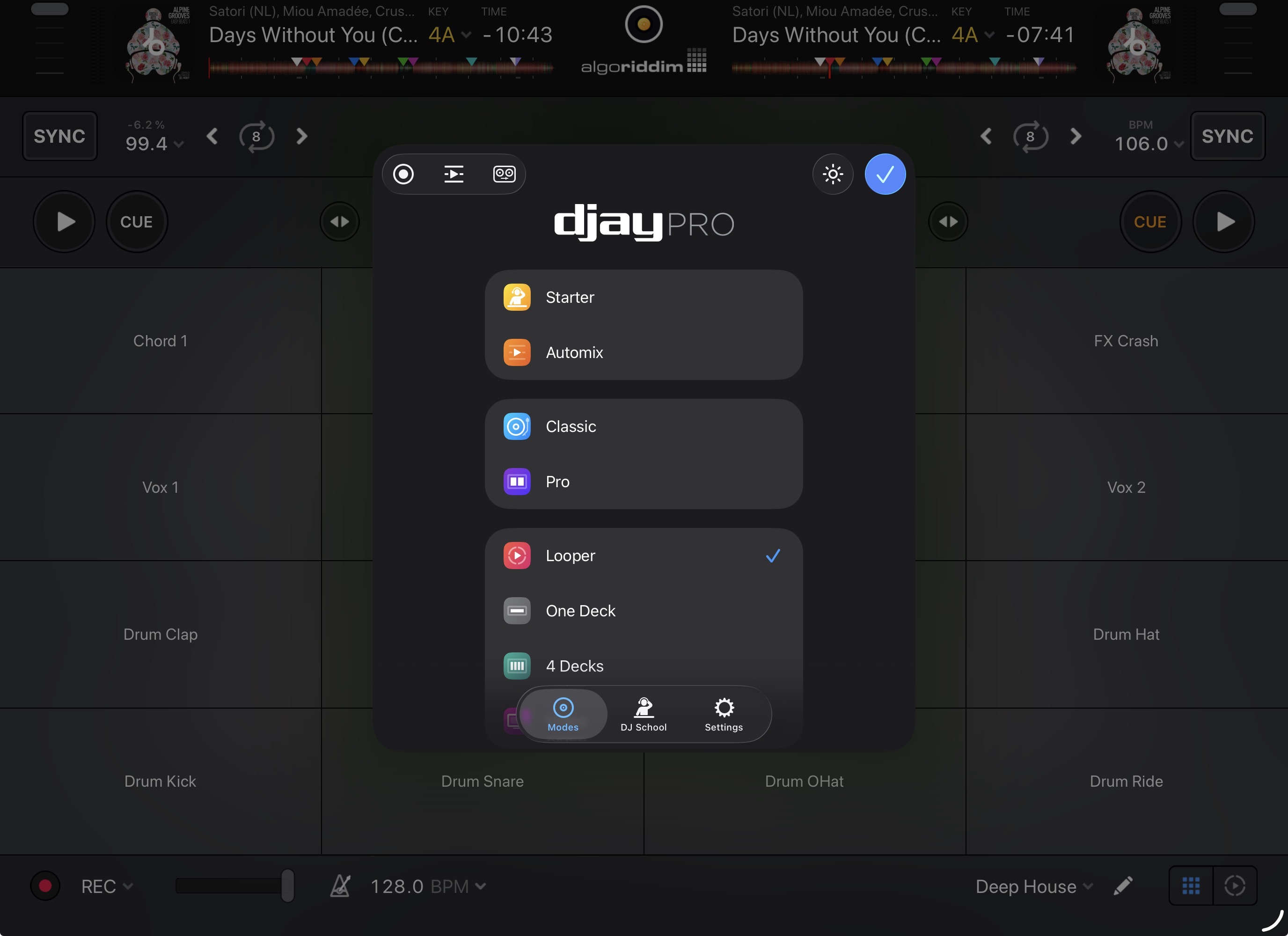
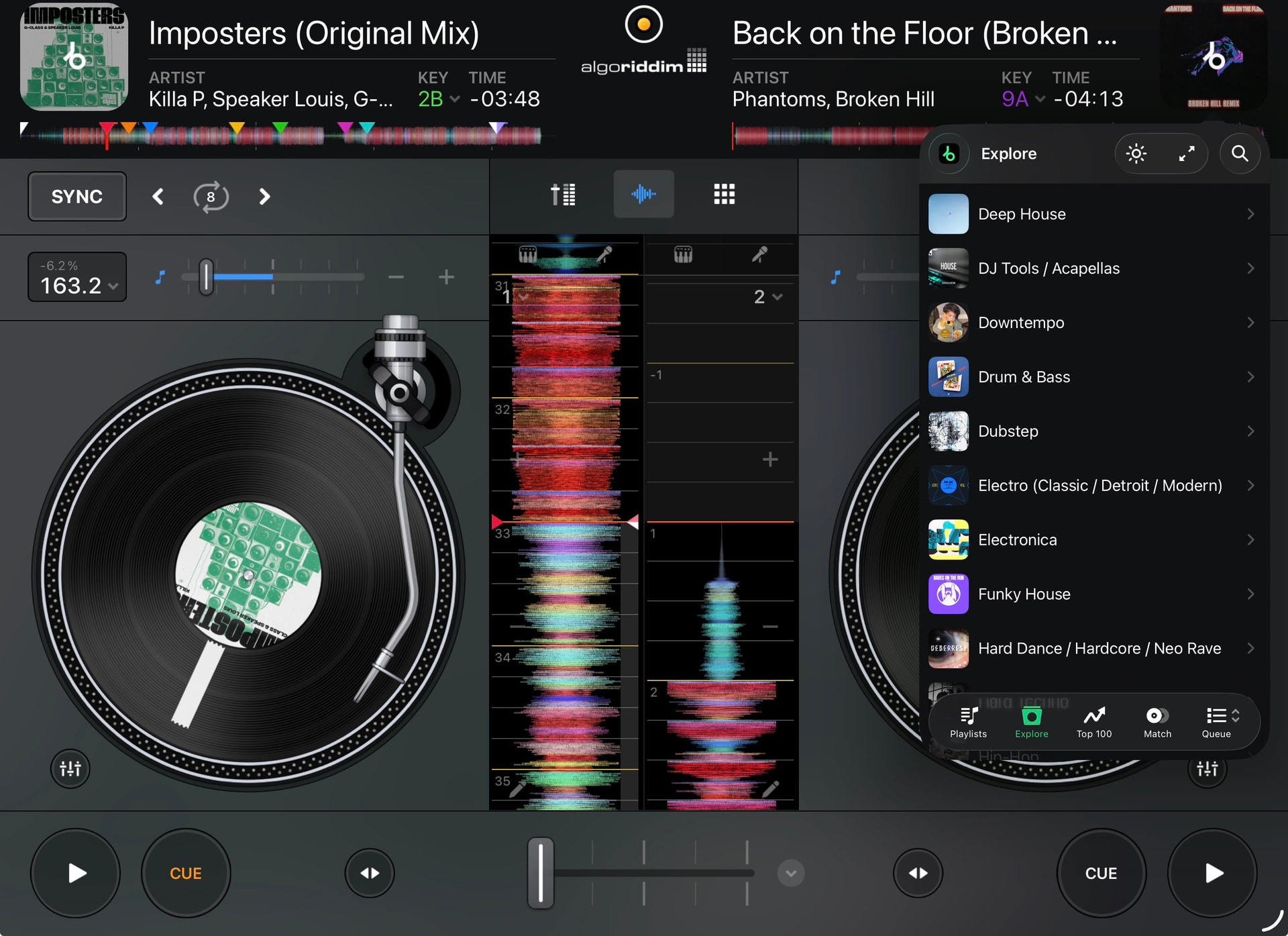
When I select a track, the catalogue fills the whole screen and I can’t work out how to get back to a split catalogue. Can anyone help, it’s super annoying not being able to see the side that’s playing when I select the next track. For some reason it defaults to split on modes other than classic and pro
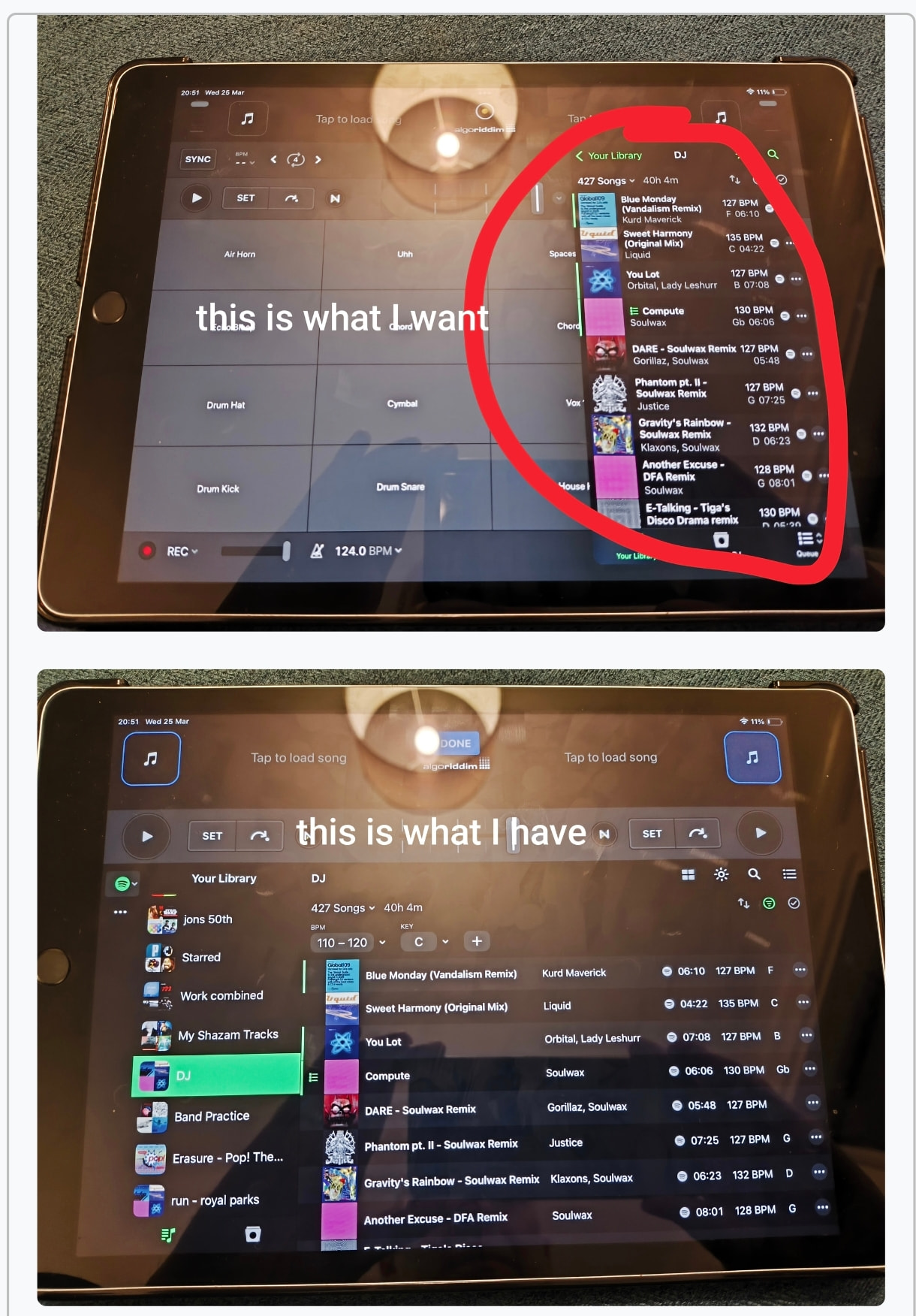
Hi @Noblauch, welcome to the Community! First you need to select the Looper Mode, Classic Mode or 4 Decks Mode. The Side Panel Library is not available in Pro Mode or Hardware Mode.