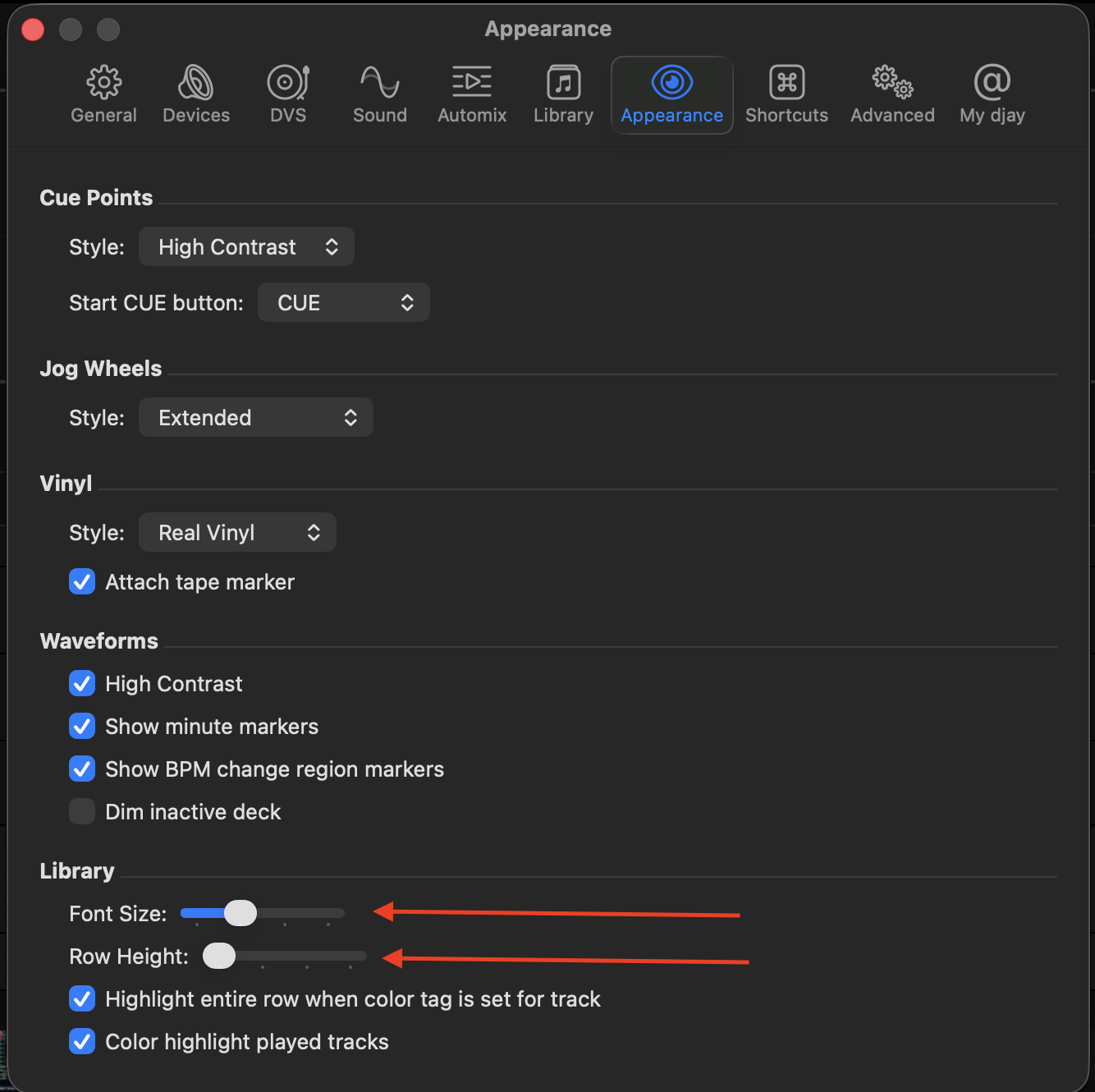
After a few suggestions getting merged in older threads, I tried hard to find this before posting, but I can’t find anything for it – apologies if this isn’t new!!
My Situation: Given how much screen real estate can get used up when I’ve got a bunch of UI module turned on, I often run out of space to effectively use the library without toggling expanded mode. Even then, I often find that the rows in library could be more condensed.
One Quick Thought: I saw other threads about having library management in a separate window/on a second display. I’d love that and upvoted for that. However, I have a different approach to work towards eliminating this problem.
My Idea: I would love either a “compact” view toggle that condenses rows at a set amount, or, preferably, a text size +/- feature to customize the library to fit my available space better. Maybe a toggle could be to remove album artwork and that be the thing that reduces row size? I know I can remove album art now, but row height doesn’t change and they don’t take up much horizontal space, so there’s no real incentive there. I’d like the resizing to also apply to the search panel as well as the sidebar (history, match, cue, etc.)
Don’t get me wrong, I love the aesthetic of the library, with album art and padding and rounded edges on highlighted rows and such, but those UI elements and fine touches do take up space and I’d just love the option to choose.