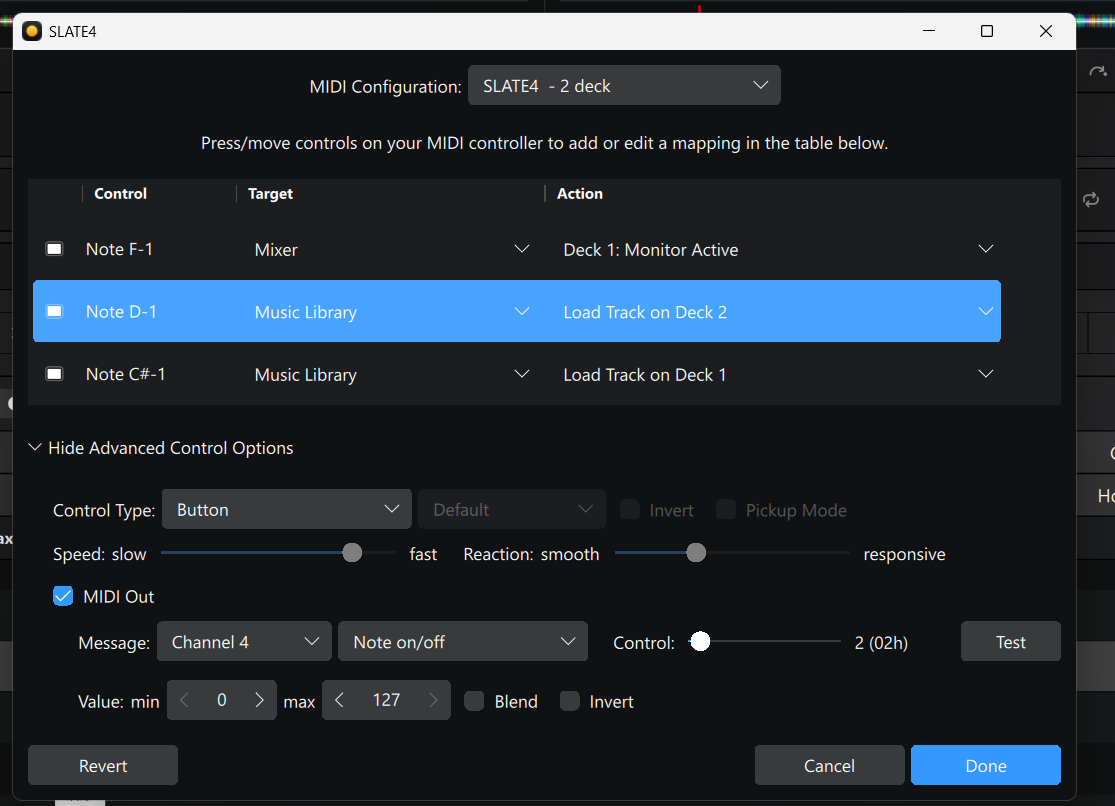
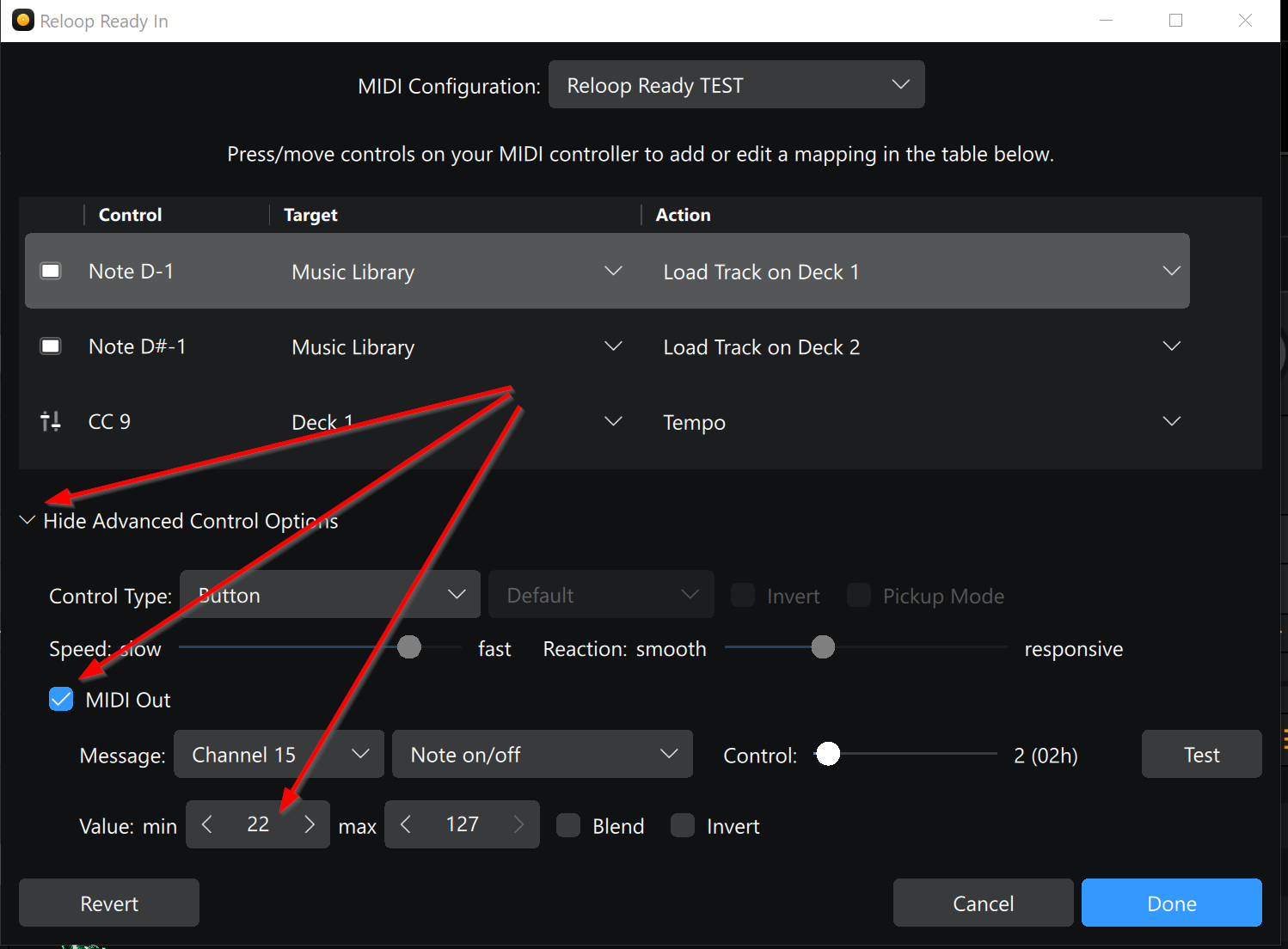
I am programming djay Pro for my Gemini Slate 4 controller. Right now I can load a track to deck one using the Load 1 button, but I can’t get the button to stay lit permanently to indicate that a track is loaded.
In the midi command list it looks like this:
"<dict>"
    "<key>"keyPath"</key>"
    "<string>"musicLibrary.load2"</string>"
    "<key>"midiChannel"</key>"
    "<integer>"3"</integer>"
    "<key>"midiData"</key>"
    "<integer>"2"</integer>"
    "<key>"midiMessageType"</key>"
    "<integer>"1"</integer>"
    "<key>"output"</key>"
    "<dict>"
    "</dict>"
"</dict>"
Can anybody help?