Imac 24 inch 2021
Tahoe 26.3.1
djay Pro 5.6.4
Reloop elite Just updated last week
Hi.
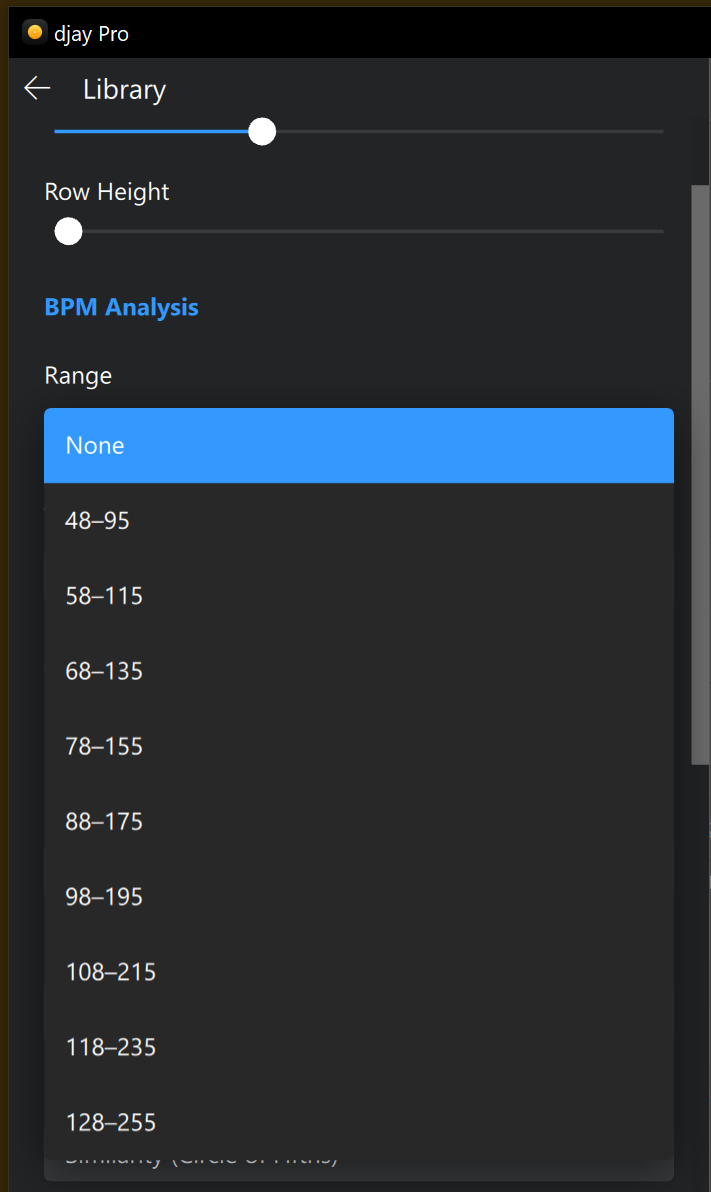
I started having issues recently where tracks that I was dropping in were either playing at half or double speed.
Pulling my hair out trying to figure this out, so I’ve come here for help.
I use Spotify for my library and have noticed that the BPM shown on djay is half the speed shown on spotify.
So I’ve been going through my tracks one by one changing the BPM (or trying to) to the correct amount as I’ve read that because the BPM value is half, the AI has issues and will either double the value or halve it when playing.
I select the track and load it to the deck, hit play, go the the top right where the BPM is displayed, click on that, edit BPM and change the value to the correct value and hit enter (as that seems to do something?) the “Apply” button does’nt activate unless I tap for BPM. I also have selected straight, Total guess if that’s right or not.
So I’ve gone through the playlist and changed a few tracks and noticed that some of the tracks I’ve already changed have reverted back to the half value. 
Is there a way that I can Sync the values on spotify to djay? Am I missing something simple?
Is there a way I can select a batch of tracks at say 65 and double them in one go?
Any help would be greatly appreciated.
Thanks
Dray
A) SUMMARY OF ISSUE:
B) DETAILED STEPS TO REPRODUCE:
C) EXPECTED RESULTS:
D) ACTUAL RESULTS: