NOTE: Please use the search function above before posting to avoid creating duplicate topics.
- Please also consider sharing a short video or screenshots to help clarify your suggestion
YOUR SUGGESTION:
-
-
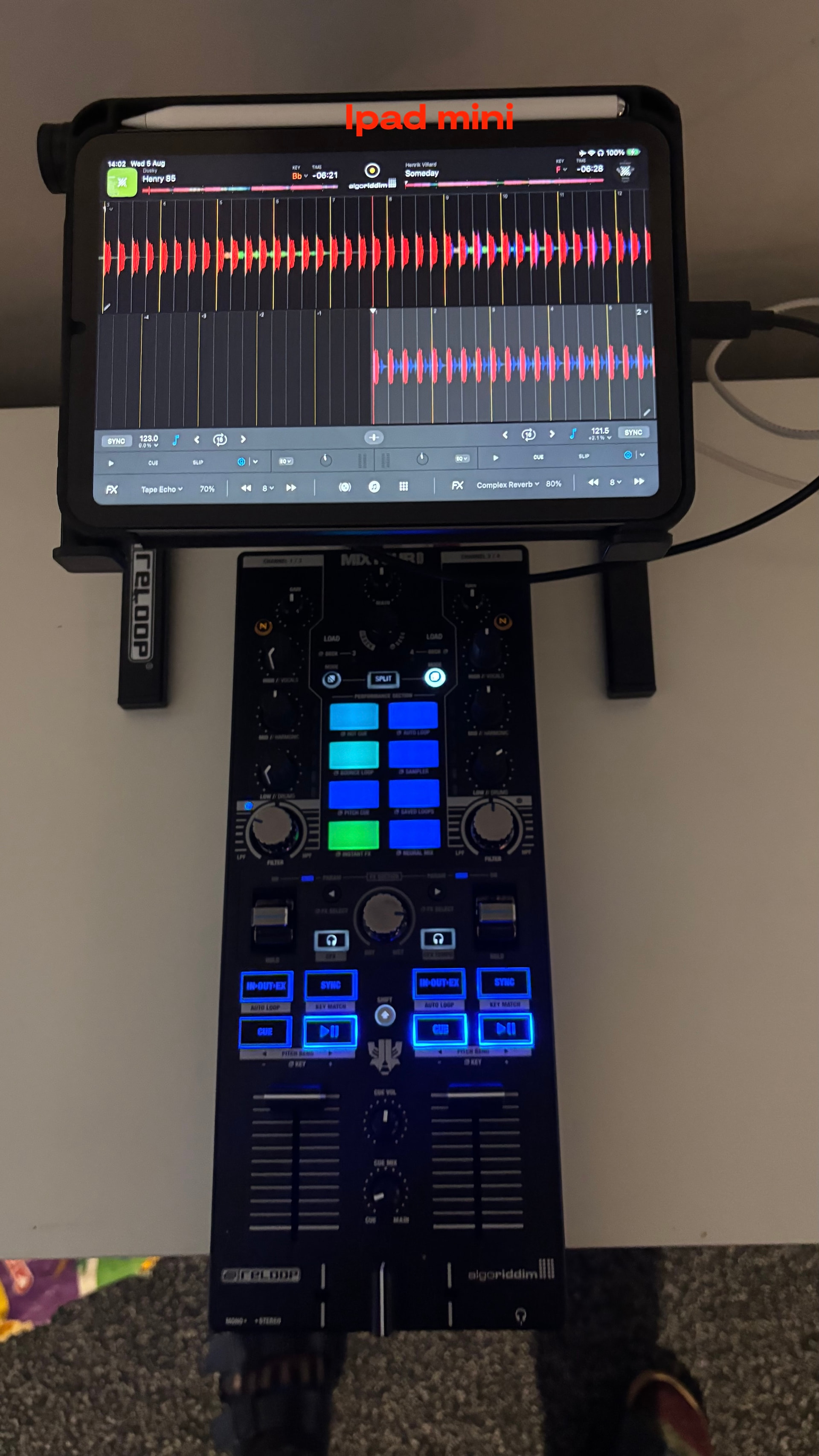
Bigger buttons on ipad mini when in Hardware mode, both landscape and portrait, the waveforms could be reduce quite a bit. Thanks
-
In the 12.9” there alot bigger, Im aware different aspect ration and screen.
-
Would make hand use on the ipad mini much better with the hardware.
Thanks
In hardware view, they probably assume that you will do everything on your hardware. When you have a controller with a small number of buttons, you will probably miss a lot of buttons that you then would like to use from the touch interface of the ipad. Then a new view ‘Mixed‘ is maybe better. For people with like a flx-10 they could use the external mode. For smaller controllers you could use the ‘mixed‘ view.
The ‘mixed view‘ then could have larger buttons for the items, not found on smaller controllers, like pads, loop and effect buttons.
1 Like
Thanks for this @EwoutdeBoer.
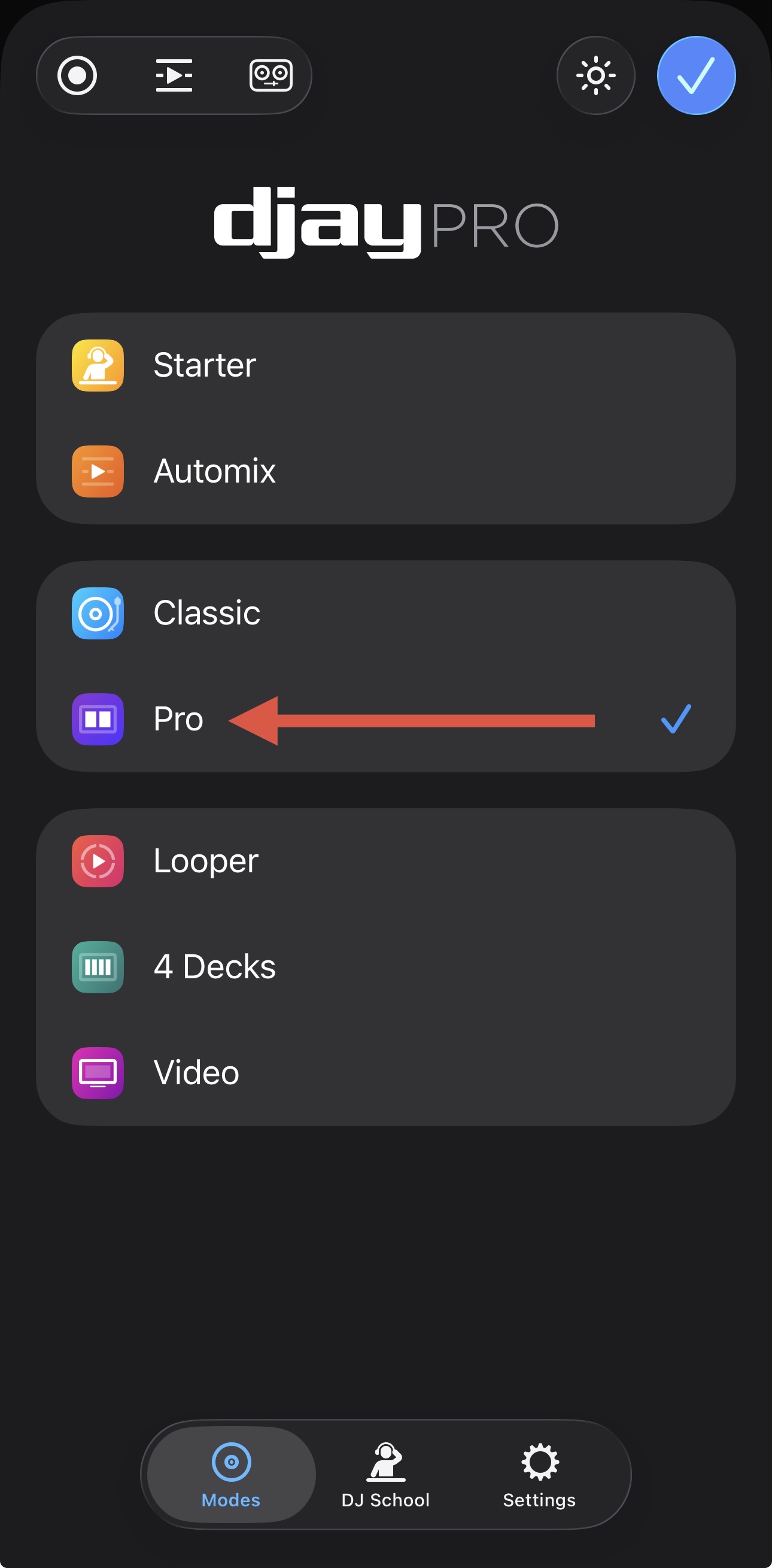
@pHinioUS you may want to use Pro Mode instead of Hardware Mode.
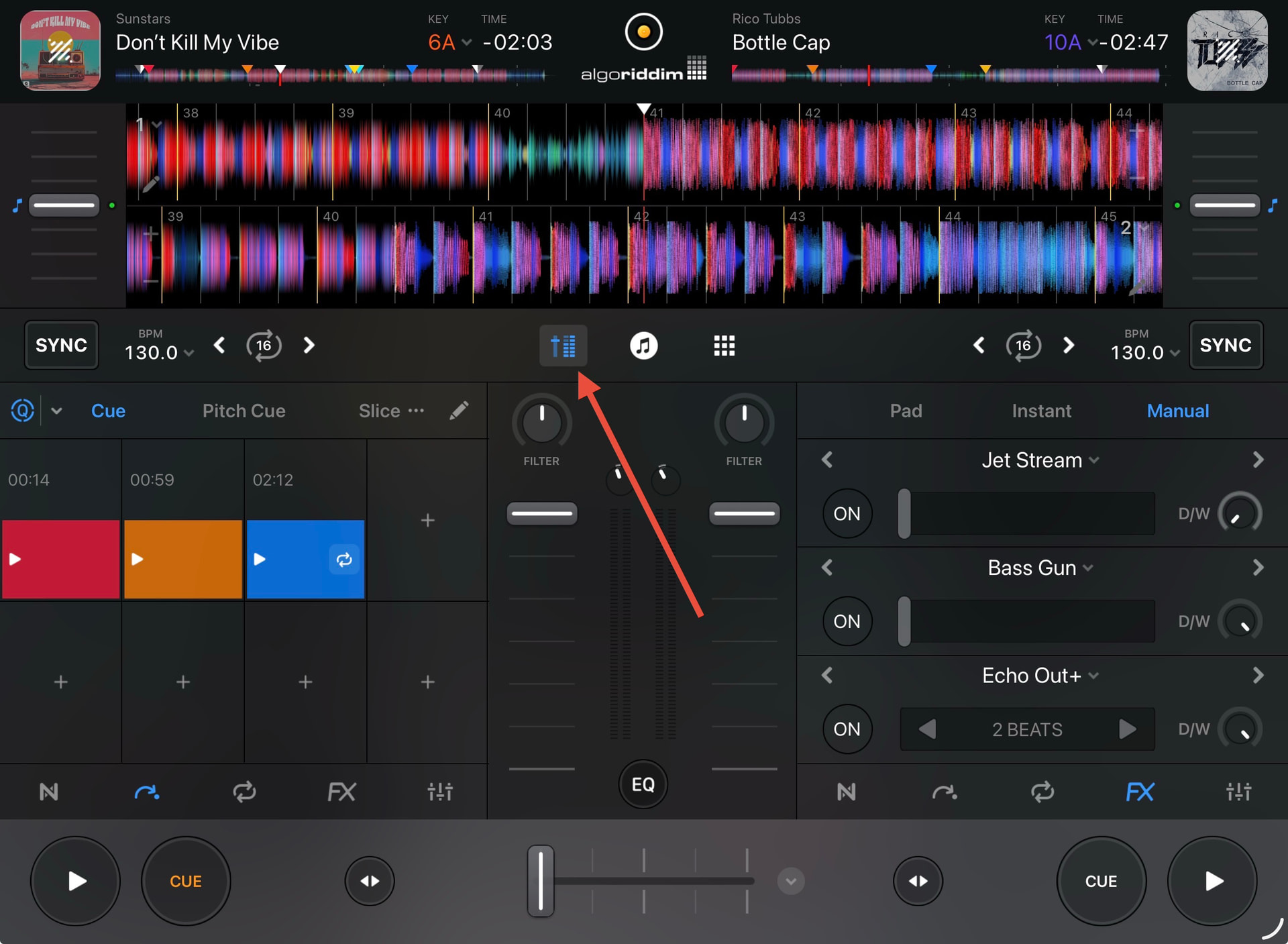
Thanks I did try the pro mode, still alot of screen realestate to wave form and lower priority to buttons.
Currently testing the Classic mode, haven’t touch that interface since version one or two, very long time ago, was a reminisce when I discovered this app on iPad and couldn’t believe its functionality back then!! Well done to the team on continually developing this app.
Wondering if they could still be an in between hardware and pro/classic, or if even specific to iPad mini??
You’re welcome @pHinioUS. Maybe Pro Mode with the Mixer Section enabled.
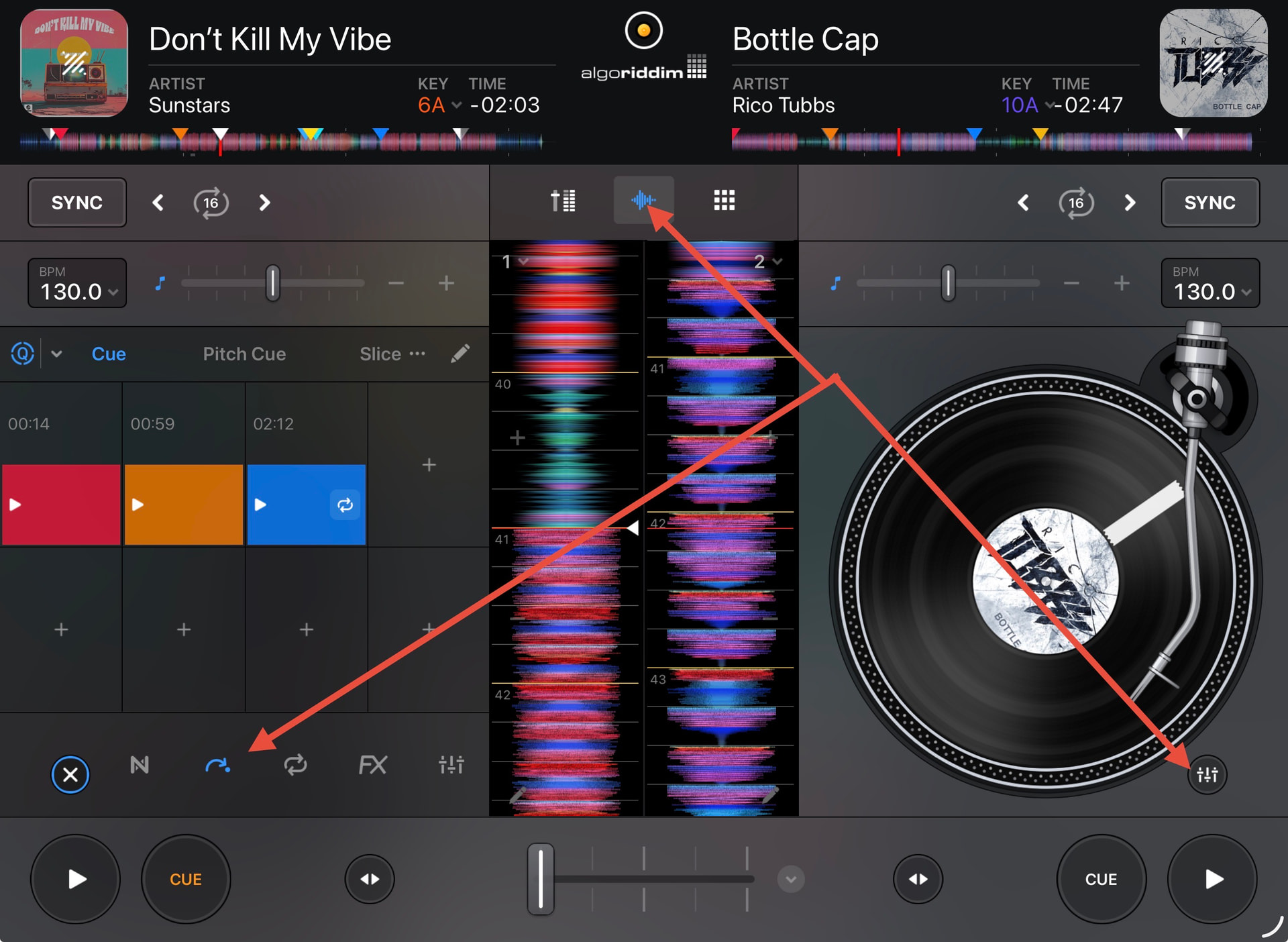
Or Classic Mode with the Waveforms and Mixer Section enabled.
1 Like
Did gig last night in classic mode with mixer enable and work great!
Pro mode places the pitch fader on side, which isn’t needed.
I’ll do corona gigs with it but fine tune work flow.
2 Likes
Good to hear! Thanks for the follow up @pHinioUS