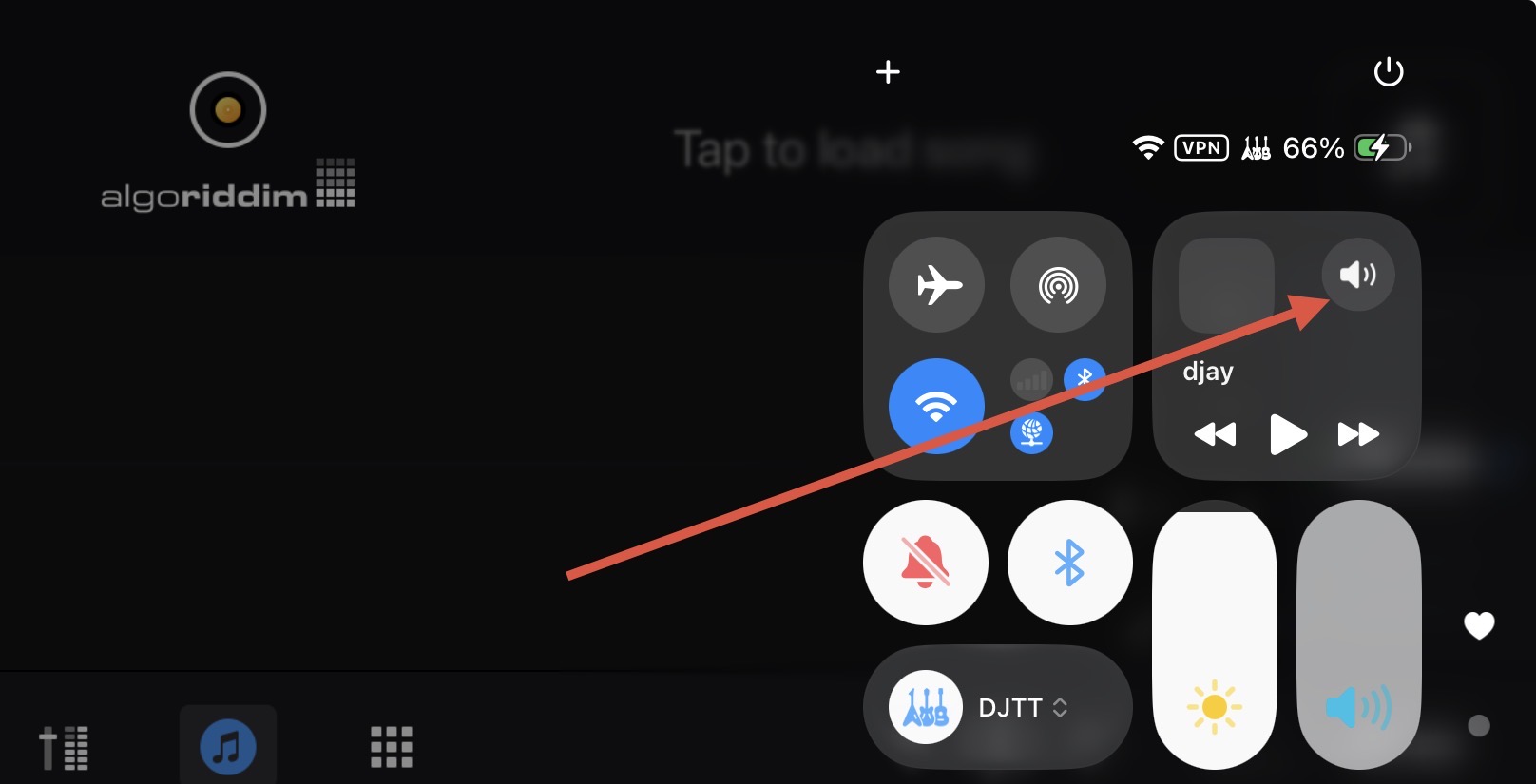
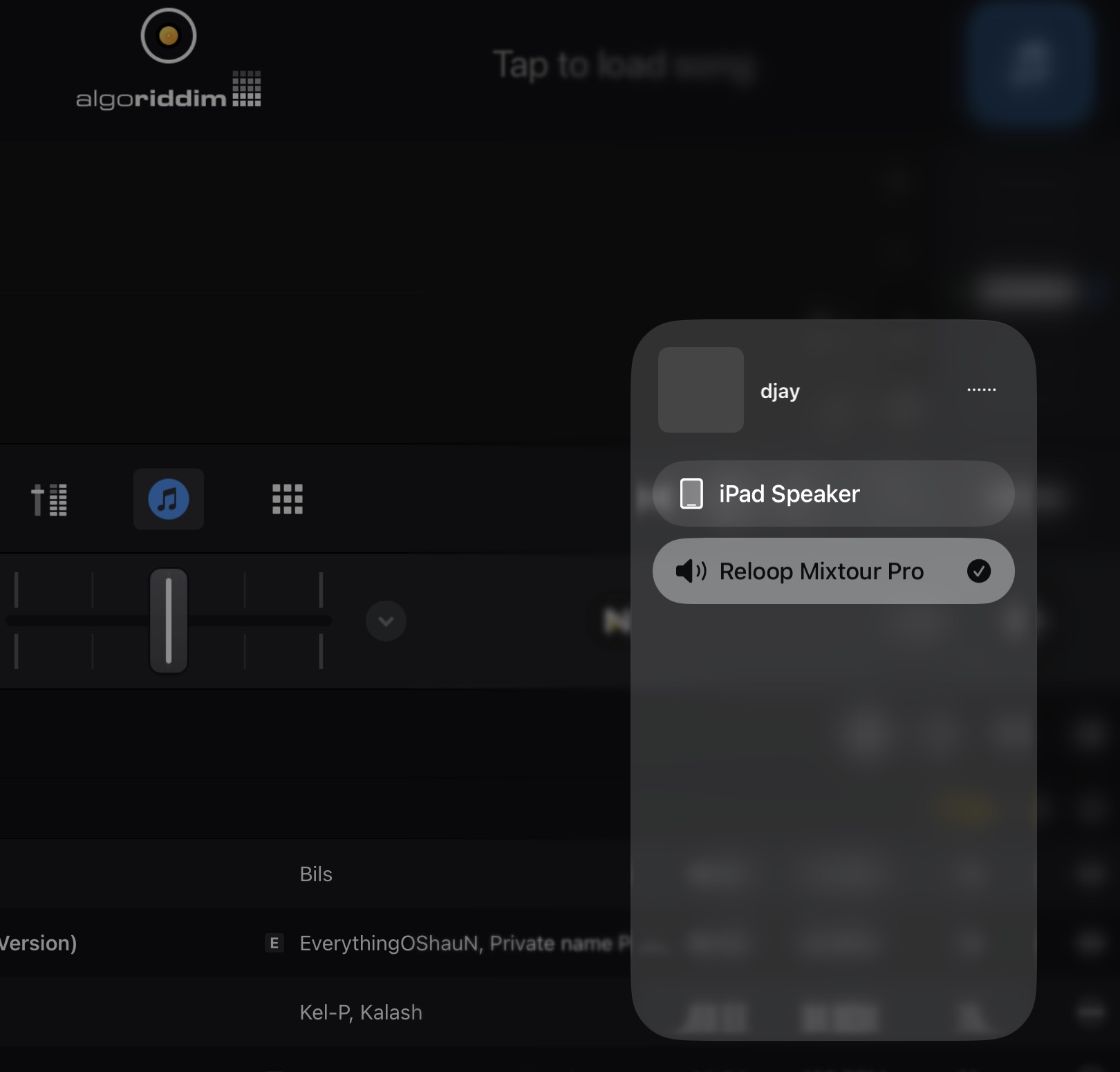
NOTE: Please use the search function above before posting to avoid creating duplicate topics.
- Device model (e.g. 2020 iPad Air 4th Gen): iPad Pro M1
- Version of operating system (e.g. macOS 14.4.1): iPadOS 26.5
- Version of djay (e.g. 5.1.2): 5.6.5
- Hardware/controllers used (e.g. Reloop Mixon 8 Pro): Mixars Quattro
- Hardware firmware version (e.g. 1.0.1):
- Please consider sharing a short video or screenshots to help clarify your issue
A) SUMMARY OF ISSUE:
-
Recently set up Quattro with DJay Pro on iPad and everything worked fine with the following setup:
- Quattro in Serato mode, USB1 on channels 1 and 2
- Powered USB-C dock connecting iPad to Quattro using USB-A cable
- DJay set to external mixer mode, channel 1 = Quattro 1-2, channel 2 = Quattro 3-4
-
Everything worked fine until I disconnected to use the iPad for other things then reconnected a couple of days later. With exactly the same setup, DJay appears to be playing tracks but no audio from either channel.
-
Restarting iPad, reconnecting hardware, re-opening DJay still gives the same issue.
-
I have previously encountered the same problem and the only fix seemed to uninstall and re-install DJay which I shouldn’t have to do every time.
B) DETAILED STEPS TO REPRODUCE:
-
Disconnect iPad from Quattro
-
Restart iPad
-
Reconnect iPad to Quattro
-
Re-open DJay
C) EXPECTED RESULTS:
- Mixer channels 1 and 2 to play audio from DJay channels 1 and 2
D) ACTUAL RESULTS:
- No sound from either channel