NOTE: Please use the search function above before posting to avoid creating duplicate topics.
iPad Pro 13”
FLX10
A) SUMMARY OF ISSUE:
in the past, I’ve been hugely impressed by this software’s ability to beat grid almost any track with large tempo changes. But yesterday I was very disappointed. I downloaded about six hours worth of music, analyze them, and then went to play a gig and so many of the old disco tracks. The beat grids weren’t where they should be on. The big grids would be out for example by a 16th note. I don’t know what you guys have changed, but it’s definitely not improved to be beat grinding.
Hi @Nubium, like PK said, please share more details, a short video and upload some of the actual song files that you are having issues with via DM. Thanks!
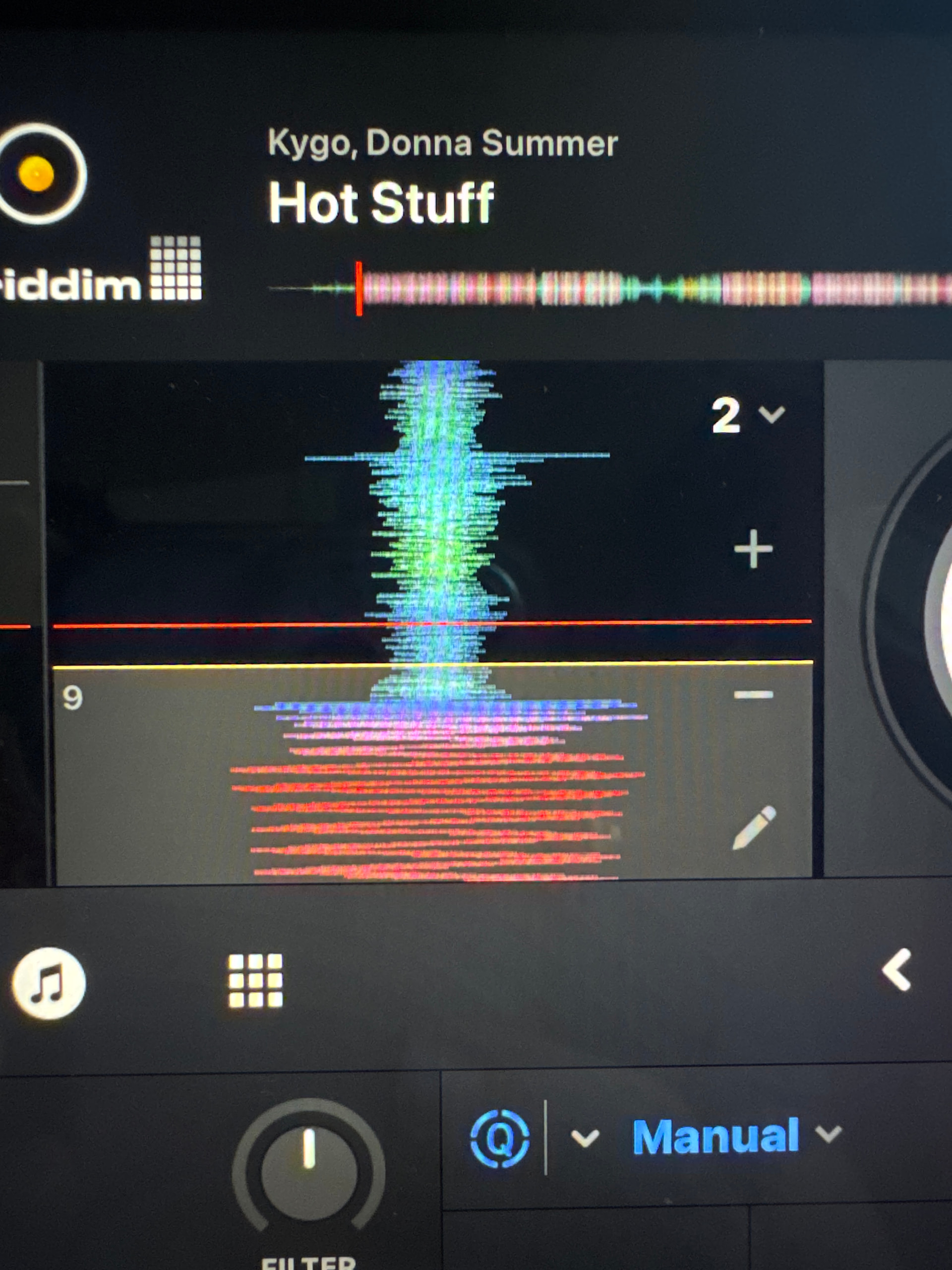
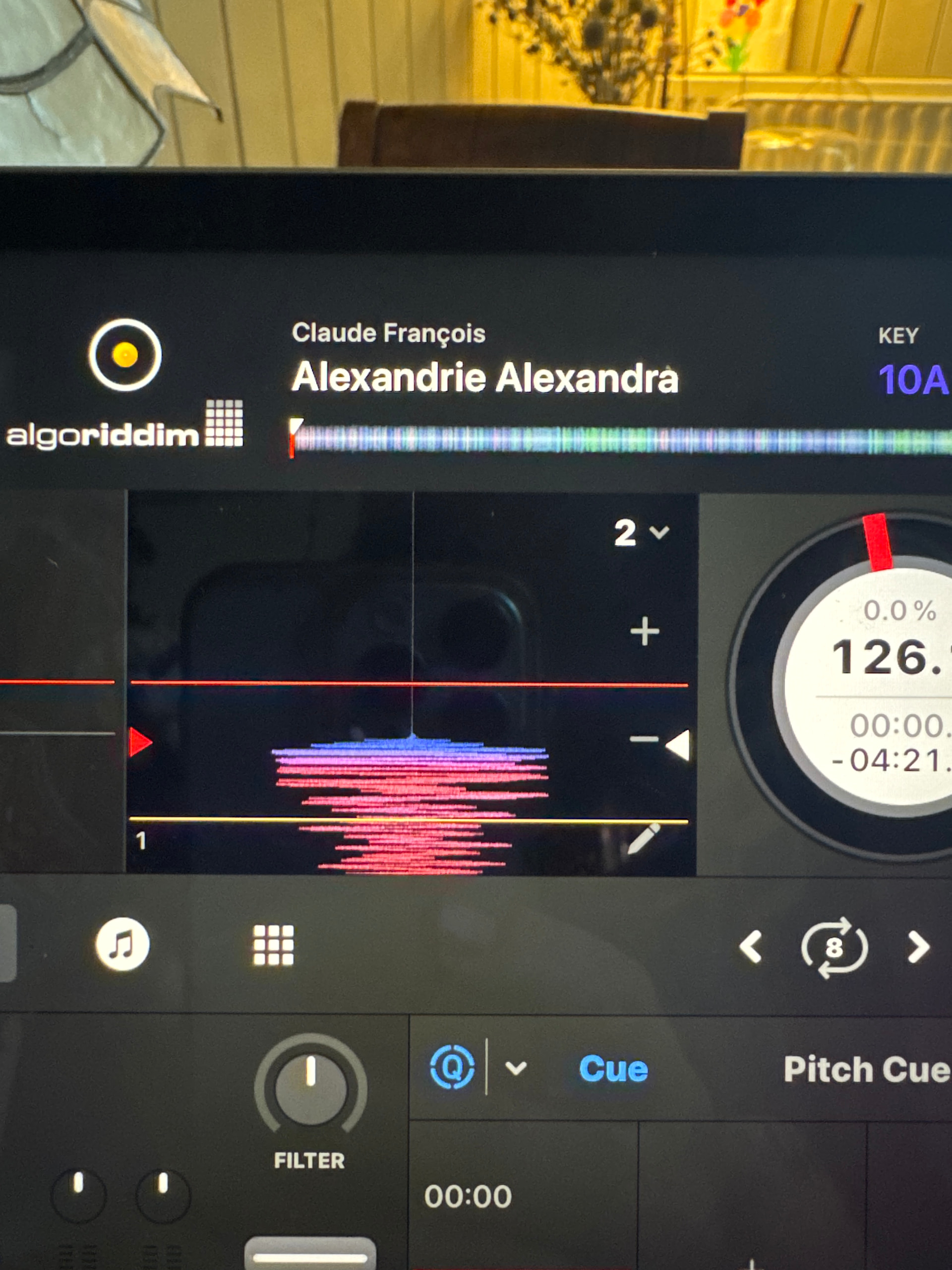
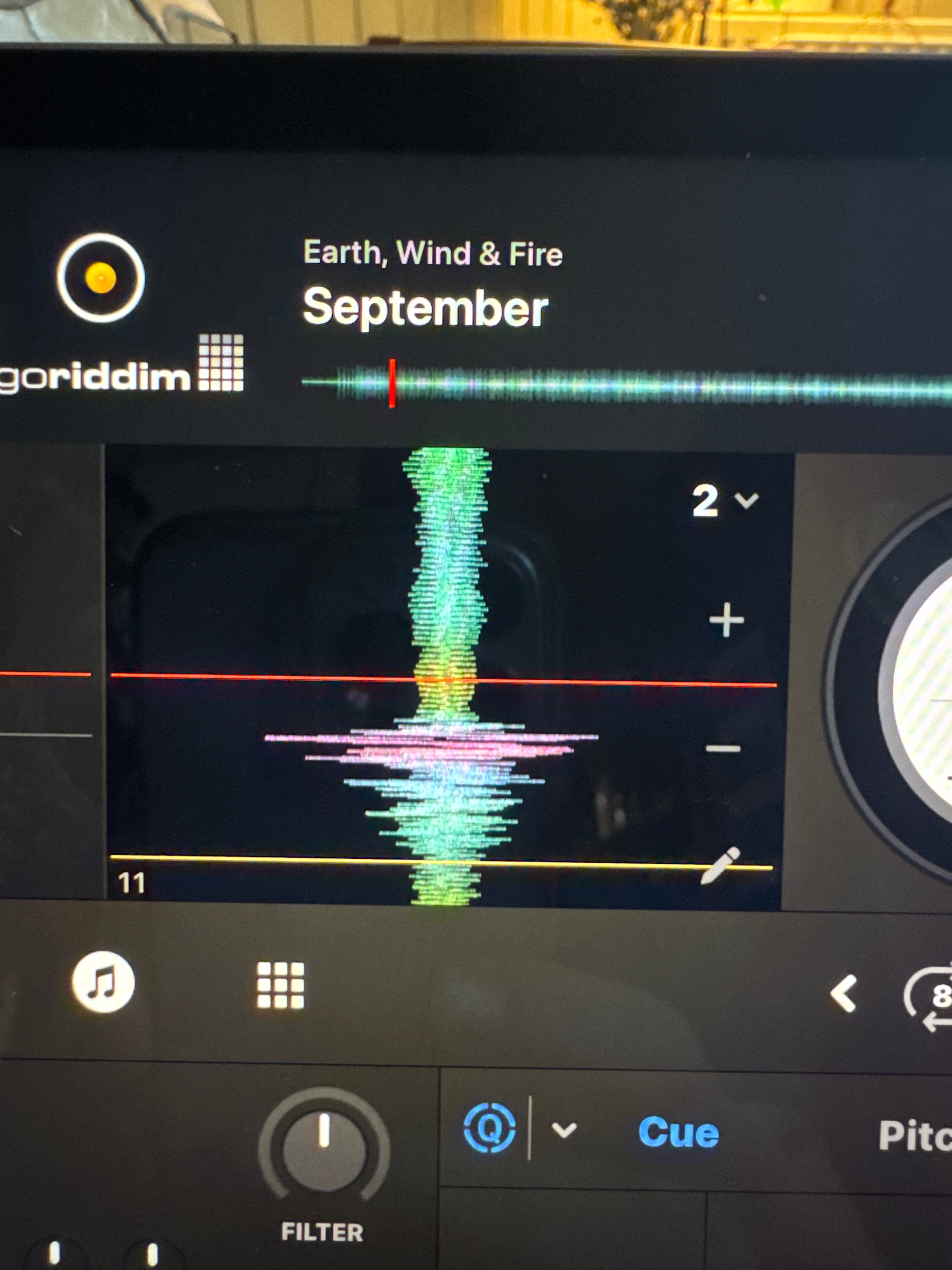
Ios 26.3 . This first photo shows how far the beat grid is off and I was not able to use the set down Beat option. I had to manually little by little move the big grid to the correct place..
Really you just need to state the artist/title/version, not the actual files (wouldn’t be possible if you’re streaming them anyway) or a little player.
Hi again @Nubium, did you have the songs in your library previously, but via a different source? For example, you originally added them via a streaming service like Tidal, then replaced them with MP3s that you purchased and downloaded?
That is a very interesting point. A lot of these songs I already had in my library however, I did a friend’s party and they gave me six hours worth of music and they gave me the MP3 files. I put them onto my laptop, knowing I would delete them all later and then put them onto my iPad and analyze everything. I did this because I couldn’t be bothered seeing what I already had in my library.
This is most likely the cause of the issue you are experiencing. Please note that due to different encodings and potentially quality levels, that some offset like you are noticing is possible when changing the source of the same song. So in your case you first used them via streaming then added them as MP3s. djay will in most cases try to carry over your Hot Cues, Saved Loops and beatgrids if the song name, artist and length are the same. However, small beatgrid offsets can occur due to the encoding differences. To test, you can try playing the original streaming versions of these songs to see if the grids are correct.. This can also happen if you change the streaming quality settings.
You could try moving your djayMediaLibrary database to a backup location then deleting it in the default location. This will, however, remove all of your Hot Cues, saved Loops and other track metadata.
I guess when I download a batch of tracks that I know I will delete in their temporary. I could just batch rename them with something like a 1 after the artist name. Would that do it? Do you know of any applications that would do something like that??
Yeah that might work @Nubium. I recommend you change the song title and artist name. I’m sure there are tools that will allow you to batch rename files.