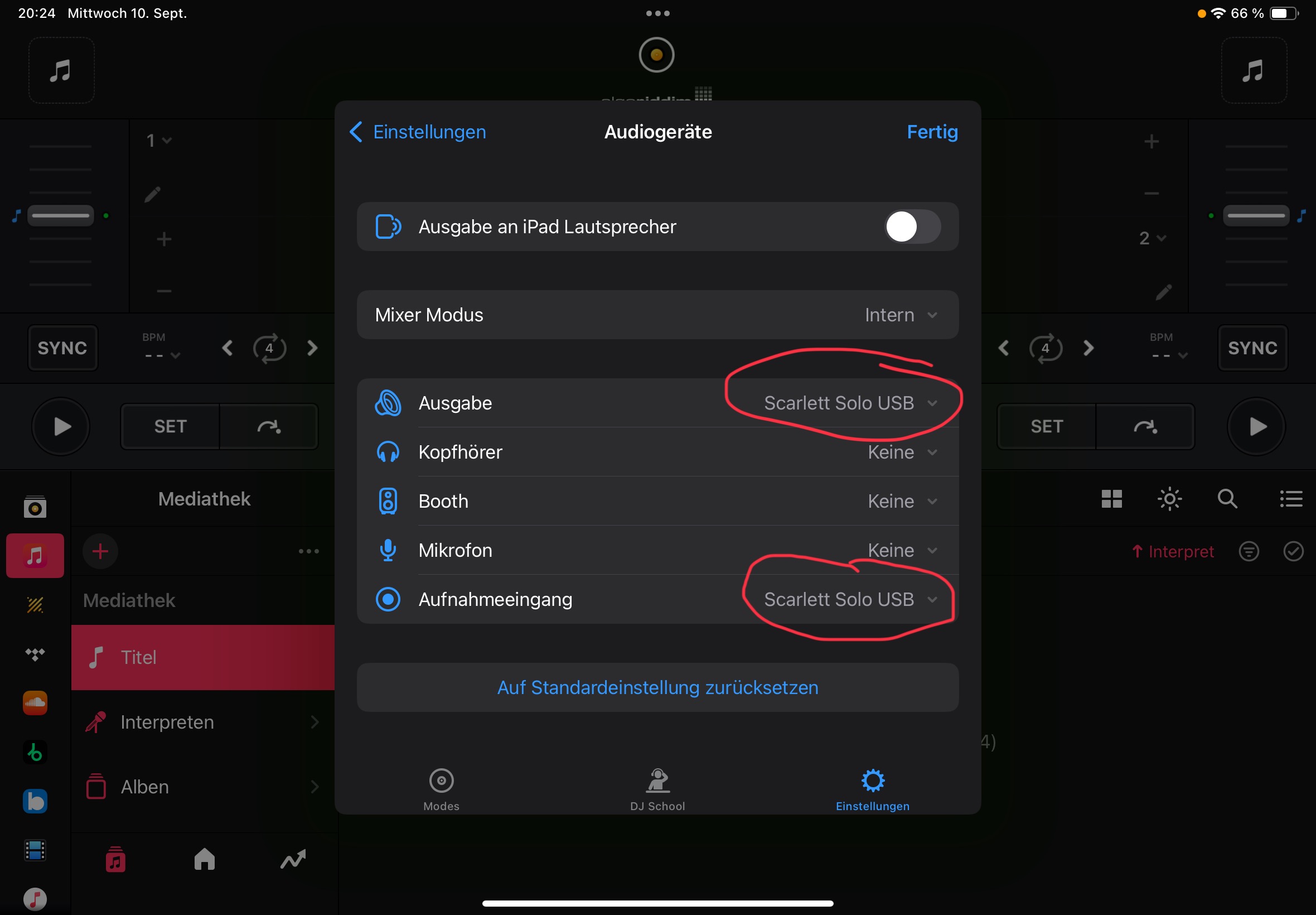
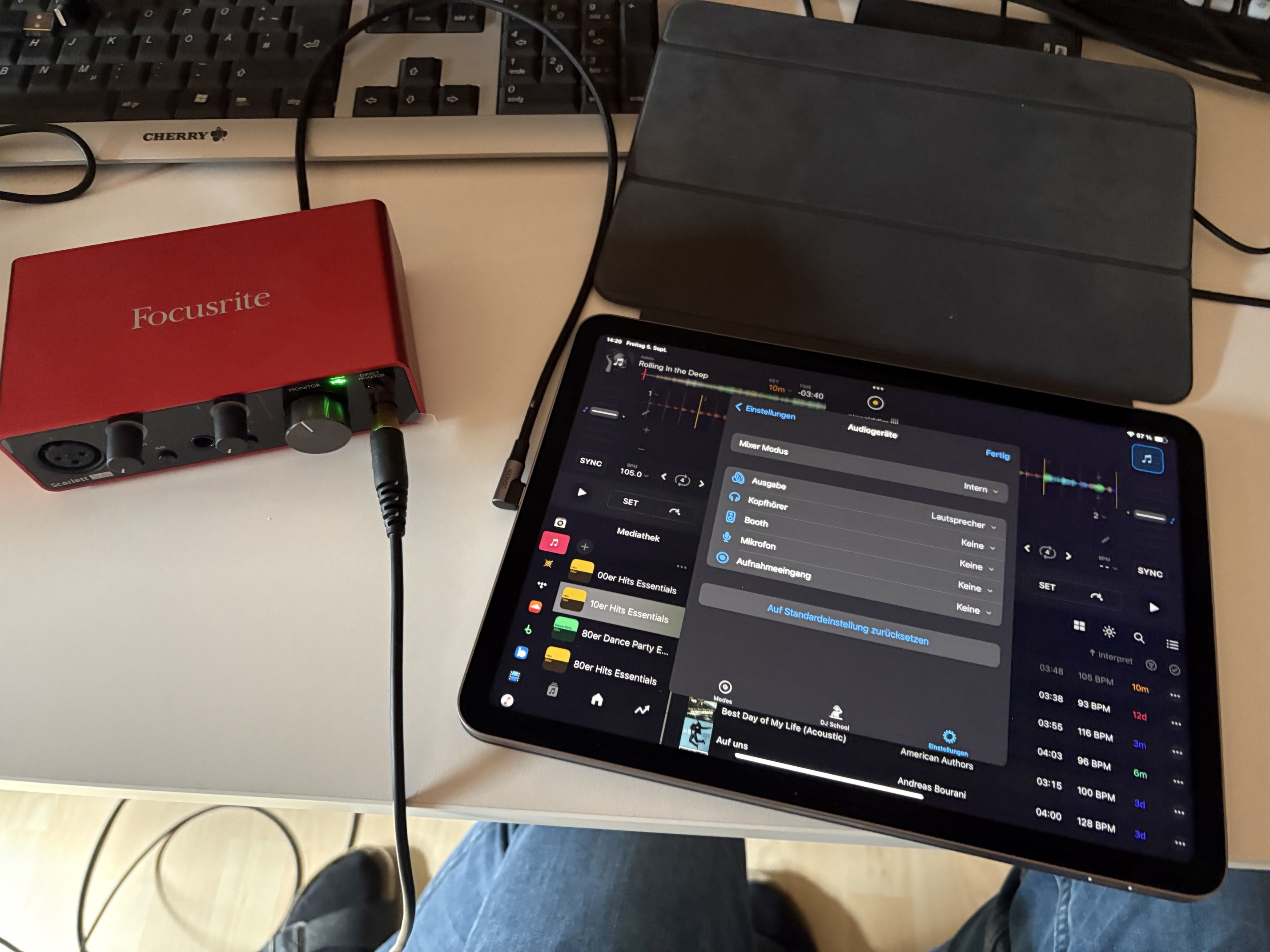
“Hi. I’ve connected a Focusrite Scarlett Solo to my iPad. The interface is recognized and selected in Settings > Audio. Other apps like Audiobus receive the signal perfectly, but in djay Pro the ‘LINE’ option doesn’t appear on the decks. I’ve reinstalled the app, restarted the iPad and verified all connections. The hardware works. Is this a known bug? I urgently need a solution, please.”
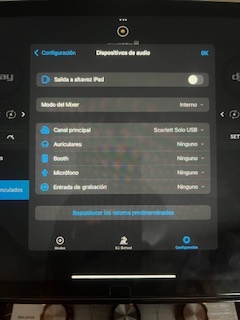
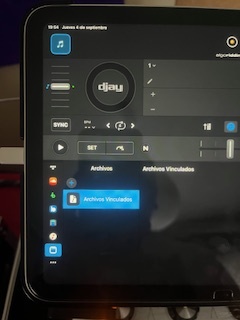
Hi, I just tested that.
It works fine for me.
But you only have one stereo connection on the Solo. You can’t use that for pre-listening.
1 Like
Thank you for your help!
juan.
Hi @MrPsychoDance ,
I have an iPad Air M2 with iOS 18.6.2
Djay Pro 5.4.2
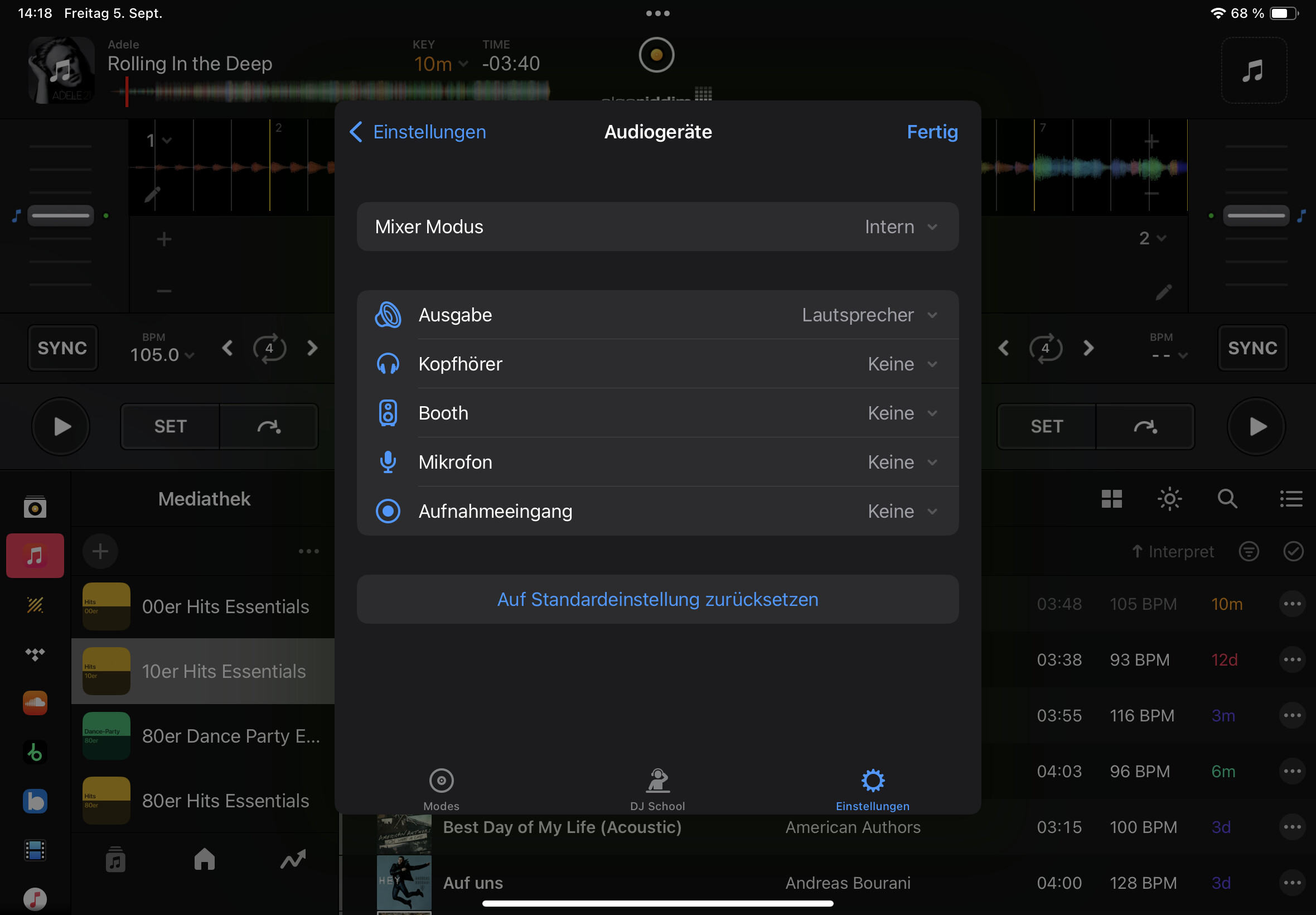
I already posted a screenshot of the audio settings. The only output listed is called “Lautsprecher” (speaker) in German.
Here is another screenshot showing how the audio interface is recognized by the iPad:
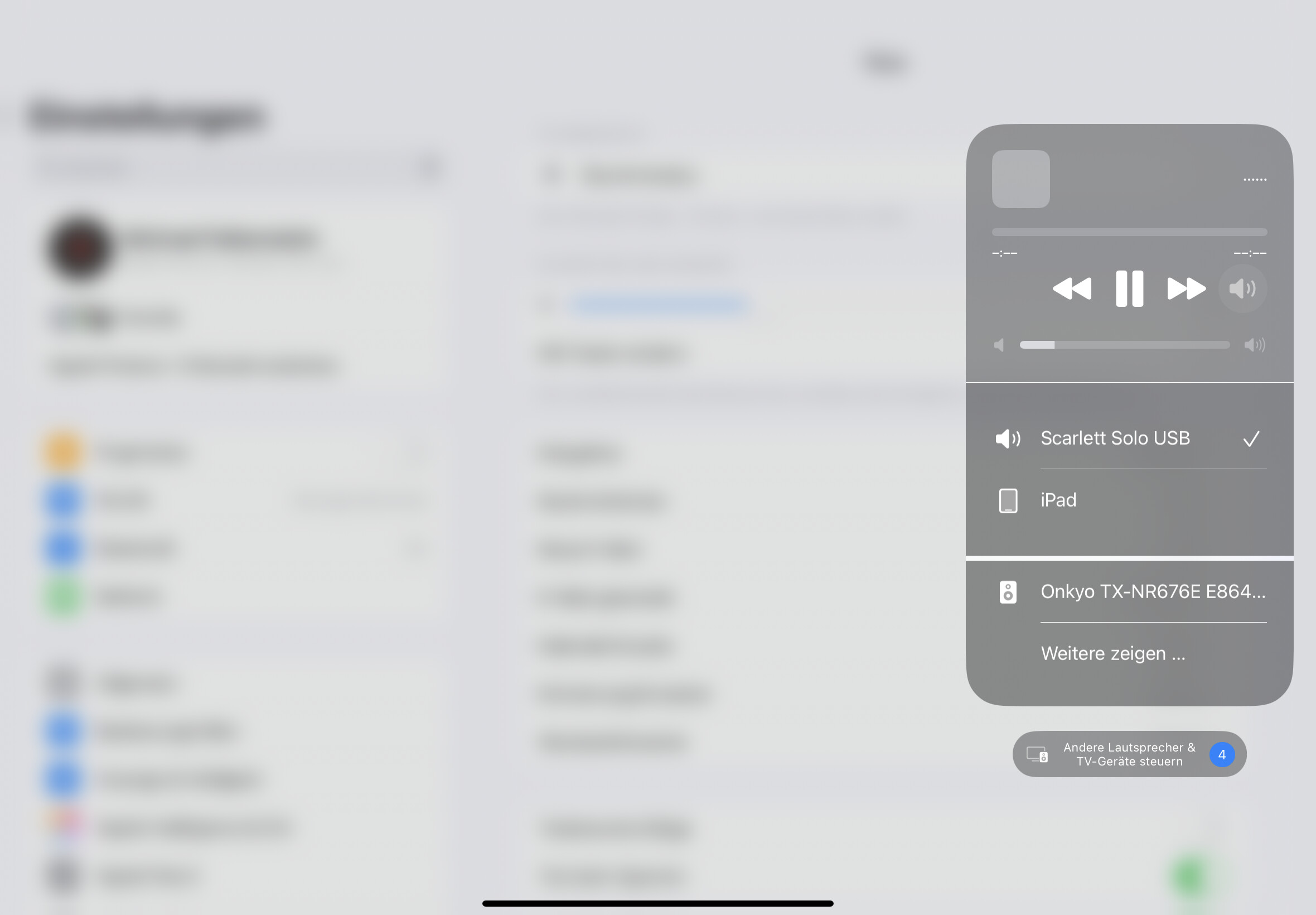
I hope that helps
1 Like
Hi @MichaFalki, I saw your reply in the other thread. I have the same problem. Could you please check if your audio interface appears in iPad Settings > Sound? This will help us know if the problem is djay Pro or the system. @David @Sebastian
Hi @MrPsychoDance ,
I already posted all the information for you.
And I can’t find any audio settings on my iPad.
Why are you starting a new thread? That doesn’t make any sense.
Hi @Michael,
Thank you so much! This is extremely helpful. Your screenshot proves it should work.
You’re right, I haven’t been able to reply since this post and thought it would be better to create another one. Sorry for the inconvenience.
To help me diagnose my specific issue, could you please confirm a few details about your setup?
- Focusrite Model: Is it the 2nd or 3rd Generation Scarlett 2i2?
- Connection: Are you using a direct USB-C to USB-C cable ?
- iPadOS Sound Settings: In your iPad Settings > Sound, is the Scarlett selected as both Input and Output device?
- djay Settings: After selecting “Scarlett 2i2 USB” in djay, does the “LINE” option immediately appear in your deck sources?
Your answers might reveal the key difference that makes it work for you but not for me (I have a Scarlett Solo 3rd Gen).
Thanks in advance!
juan