


- Asus TUF F15 – Intel i5
- 16 Gb RAM
- 1 Tb SSD
- Day Pro 5.6.1
- Windows 10 Pro 64 bit
- Pioneer DDJ-SB2
Hello everyone, although I’ve been using Djay Pro at home for over a year, this past Saturday was the first time I dared to do a live gig using this software.
It was playing music at a birthday party, about 6 hours of music.
Overall it went pretty well, but I ran into a couple of issues that I’d like to point out in case the technical team can do something about them:
-
At the beginning, during the meal, I played a background MP3 that lasts several hours — music I regularly use at some weddings.
To keep the laptop from getting dusty, I closed the lid (the laptop is set up to work with the lid closed). When, after a little over an hour, I opened the lid again to change the music, I noticed the cursor was offset relative to the image. In other words, if I wanted to select a track in the library, I had to click on the one below it — there was a mismatch between the visual cursor position and what the program interpreted as the cursor’s real position. This only happened in Djay, not in the rest of Windows. Since it was very awkward, I had to close the program and launch it again. That fixed the problem. -
During the DJ set (about 4 hours of music), some tracks wouldn’t play. That is: while deck 1 was playing, I would load another track on deck 2 and start it to preview it in the headphones, but there was no signal on the VU meter and no sound. These tracks worked perfectly at home, and after the gig (back at home) they worked correctly again, but during the gig I couldn’t play them. It happened with several tracks I had already tested thoroughly.
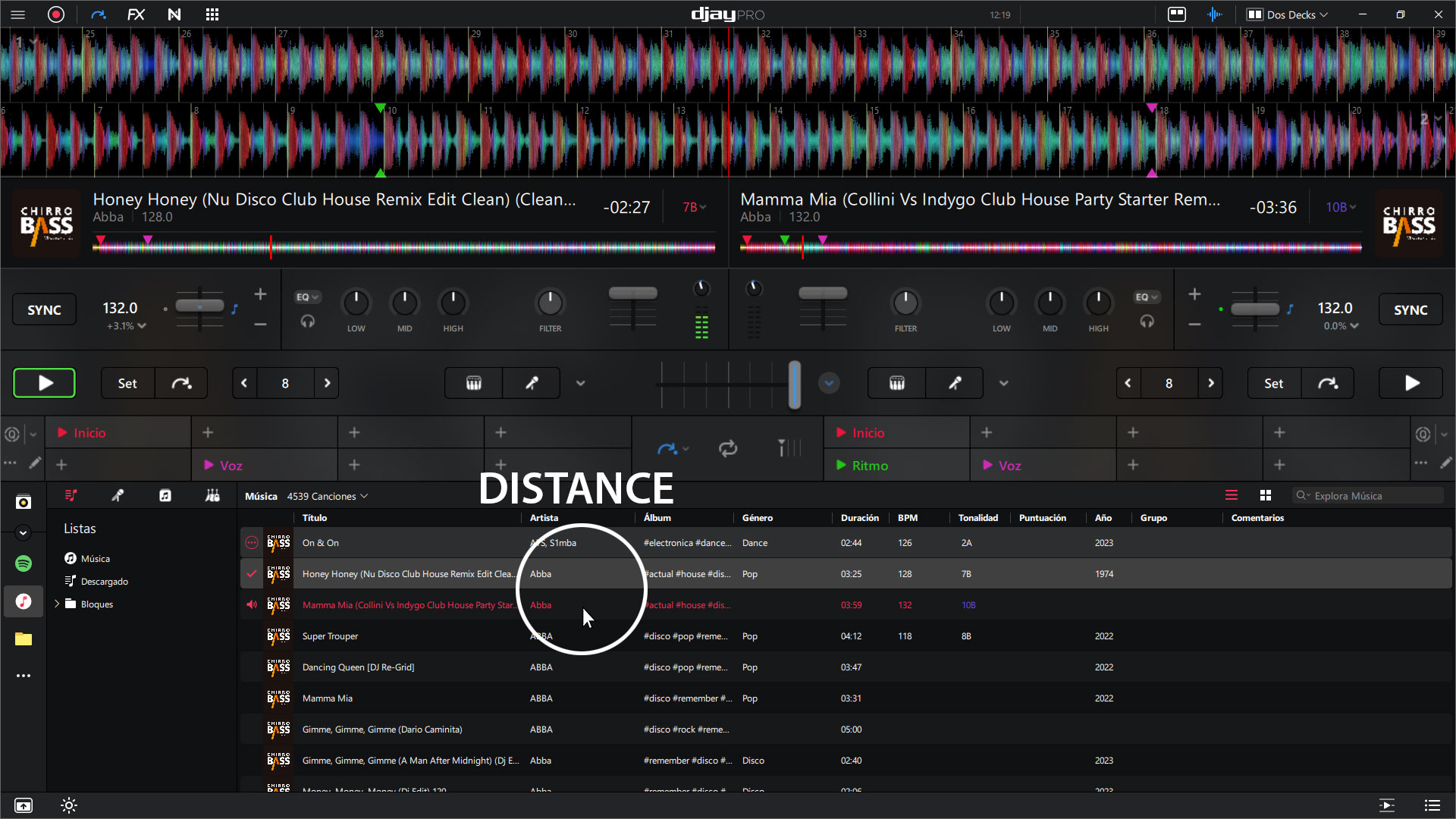
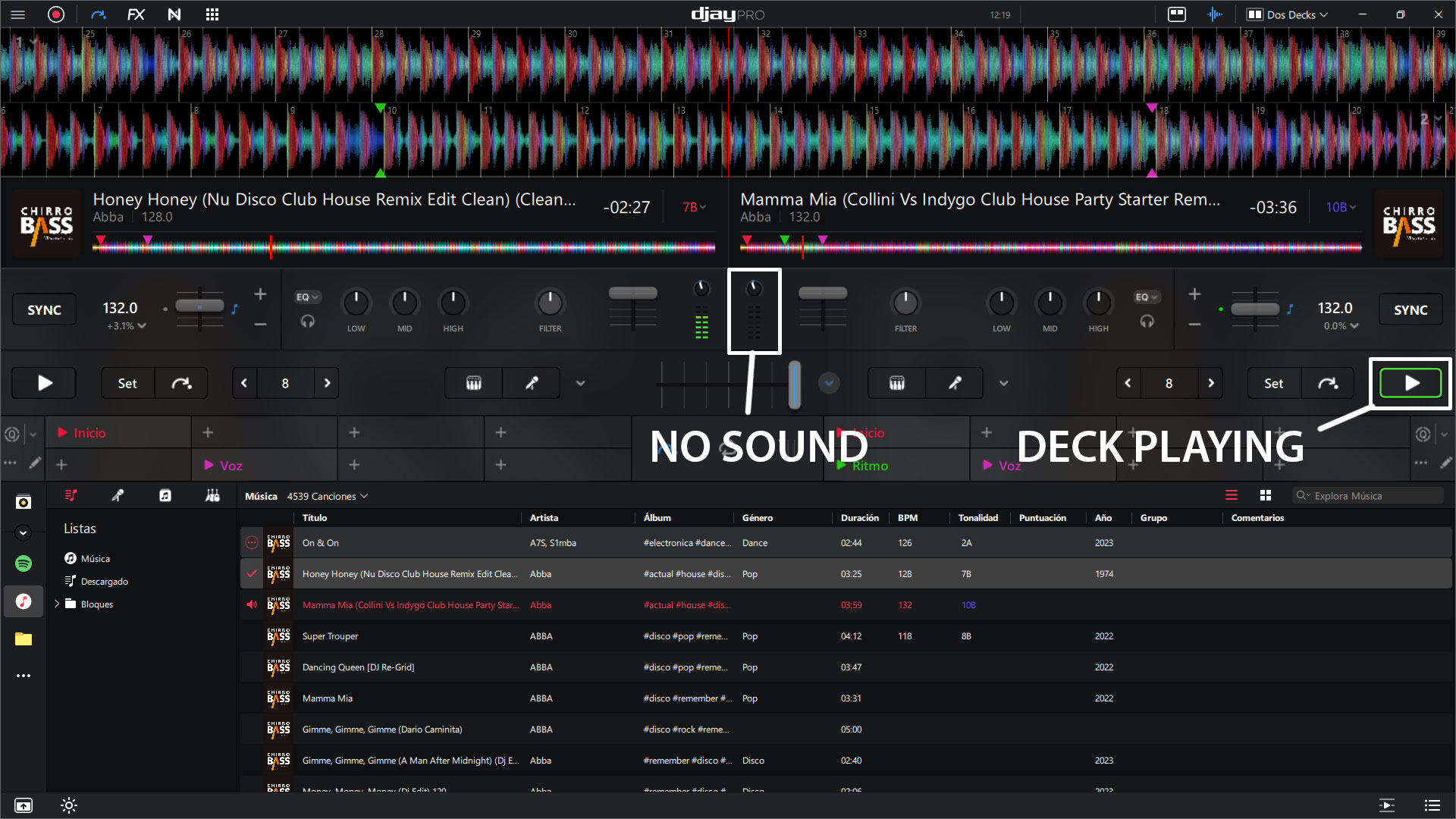
Since I couldn’t take a screenshot at the moments this happened (I couldn’t think about that while playing live), I recreated the situation in Photoshop. The images are not real — they’re only meant to serve as examples.


