I’m in the process of switching to DJay Pro from being a devote Rekordbox user for many years. One of the features I’m really missing and am struggling to make work in DJay Pros implementation is the Related Tracks feature. I use this heavily in Rekordbox because it’s so easy to use. It’s a single button on the players that will toggle the related flag.
The implementation in DJay Pro is a lot more convoluted with the Releated list being buried within the information tab for the current track. It makes no sense to me why this is here anyway. Surely there’s room to squeeze in one more button to display the related list alongside the queue, history etc.
Additionally to this, the only way to mark related tracks is via drag and drop from the library, with no drag and drop ability from the decks currently loaded. There’s been many a time I’ve navigated away from the tracks currently playing and wanted to set them to related. Then having to search the library for the track to drag and drop from the list.
So, to summarise, my suggestion;
1: Make setting related tracks easier (via a single button, preferably midi/keyboard mappable)
2: Promote the Related list to the main side toolbar for easier access.
I mean, apart from this I’m absolutely loving DJay Pro. I was getting a little bored of DJing but spending time using stems and the awesome effects has got me buzzing for it again.
Would love to select ‘my own’ related tracks as well, Rekordbox has this feature. You know, when 2 tracks fit together like a glove, you can link them and then they show up as related tracks.
Thanks for clarifying that for @Kikeon. Just goes to show how buried it is when people don’t even realise it’s there. Fingers crossed it gets some attention from the devs to make it easier to use.
I think everyone who would appreciate a better, more user-friendly, and more accessible related tracks feature should make sure to upvote this request using the Vote box at the top left. This way, Algoriddim can see there’s strong interest in this improvement.
- DISCLAIMER: i think “related” is a personal preference/taste and should not be confused with the “Matched Tracks” functionality
Hey guys wouldn’t it be nice to have a shortcut to relate 2 tracks while you’re mixing?
Say you’re jamming for the next gig, currently you have the open up the info panel, select the related tab and then drag a track into that tab.
Wouldn’t it be nice to be able to relate two tracks while you’re smiling?
This way you can capture the exiting moment that you realize, this is a kick*ss combo, these tracks belong together.
[Djay Pro 5.5 & macOS 26]
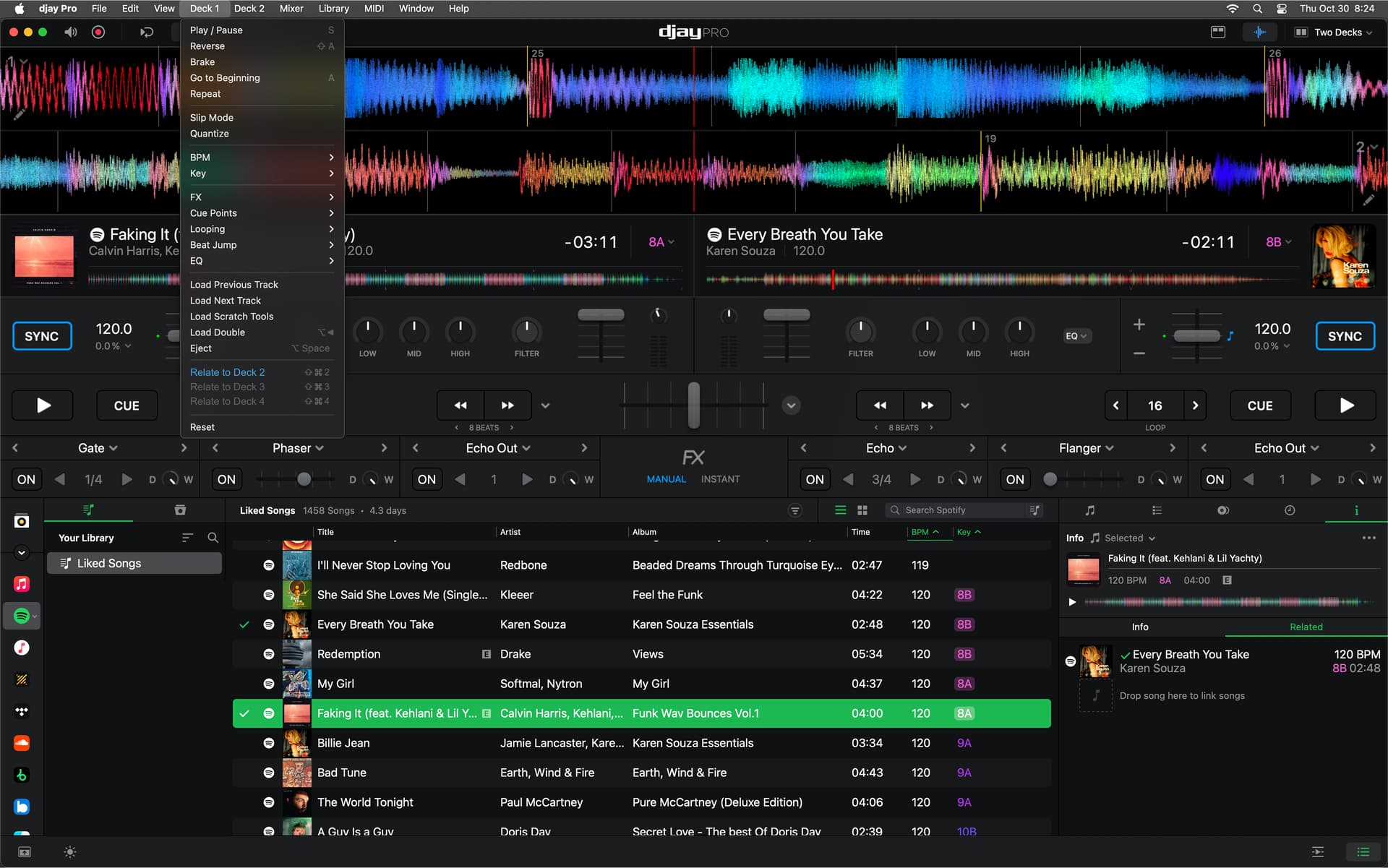
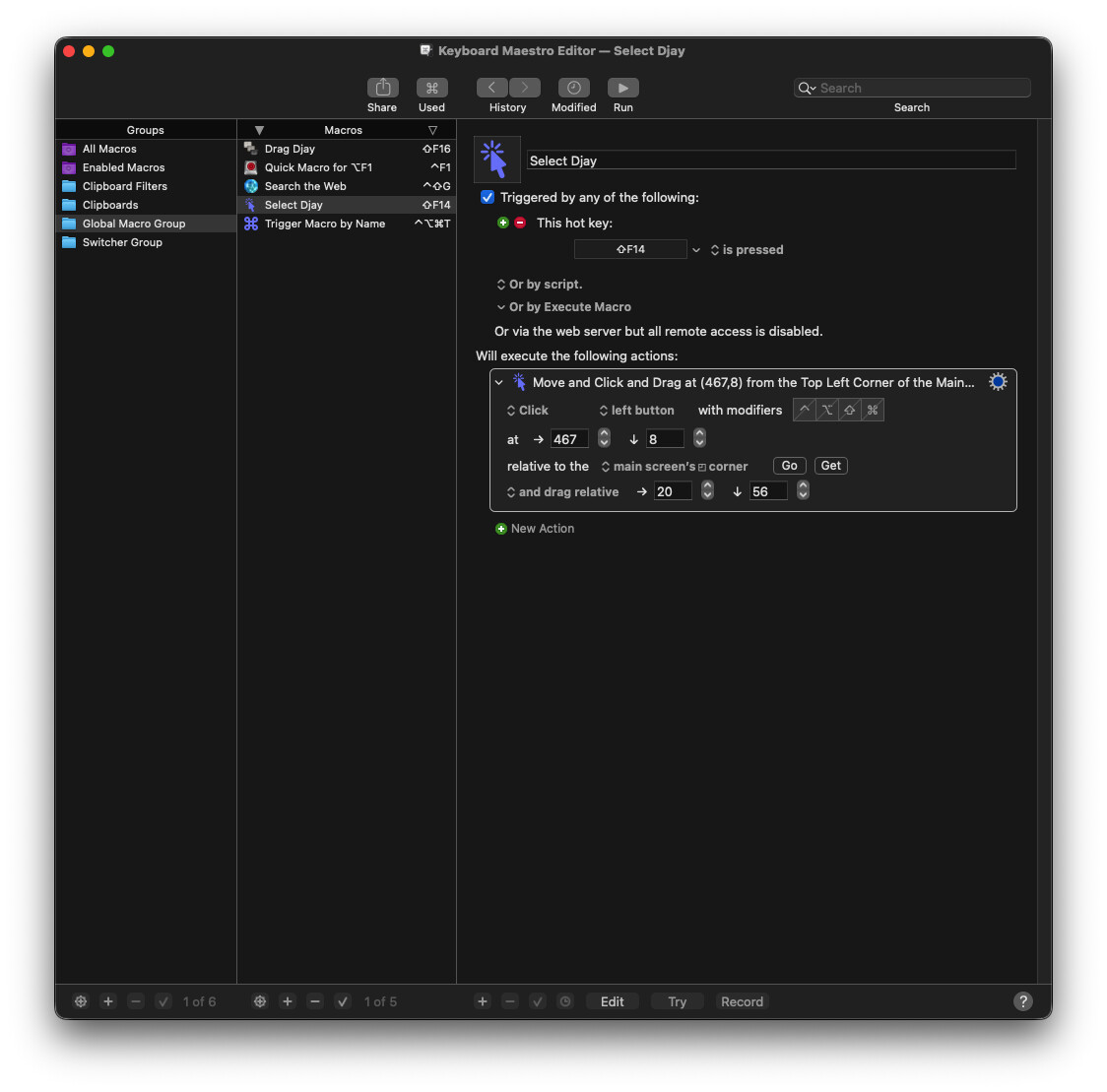
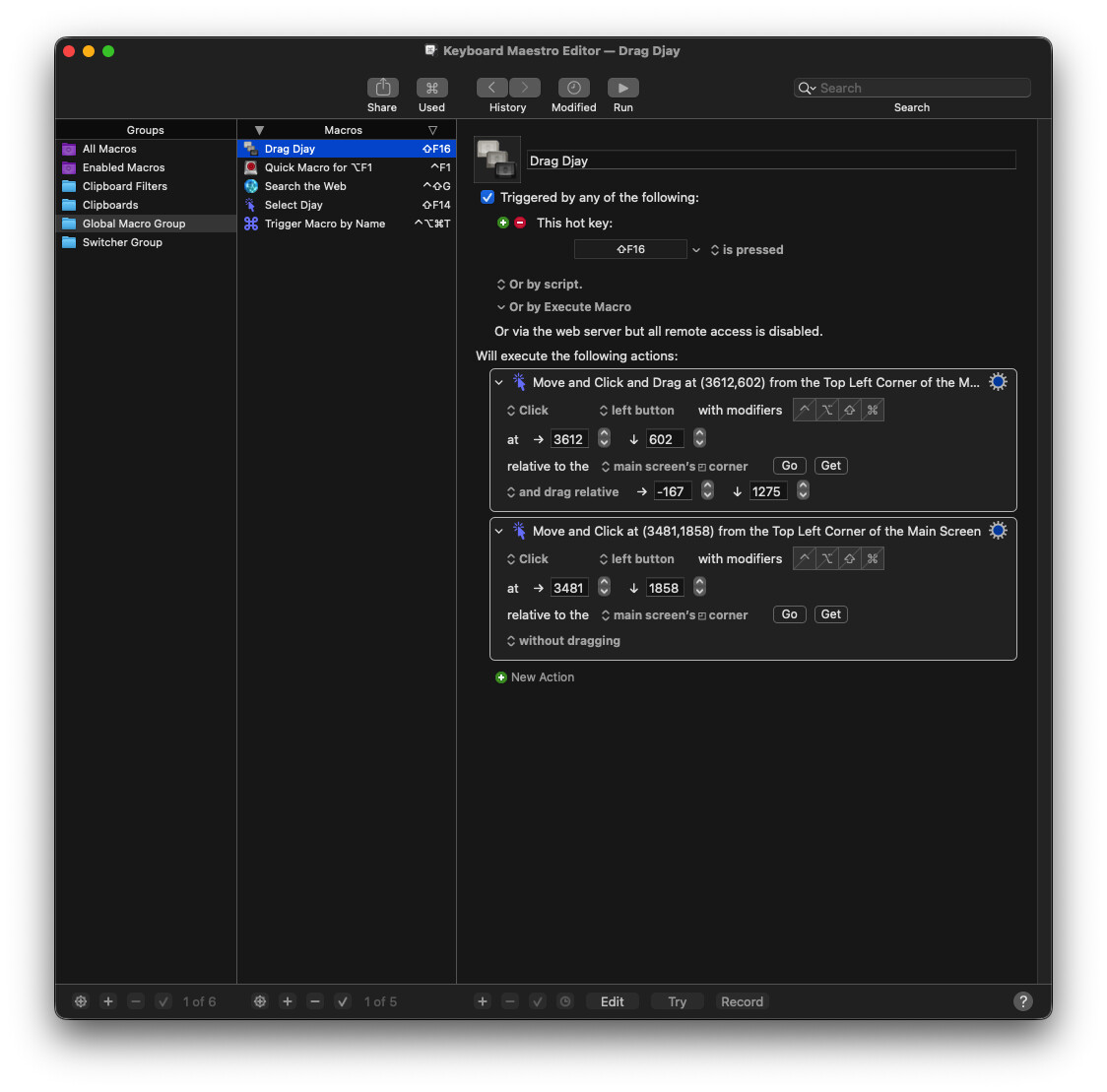
I am running a shortcut (in my case shift+F16) made with “Keyboard Maestro”.
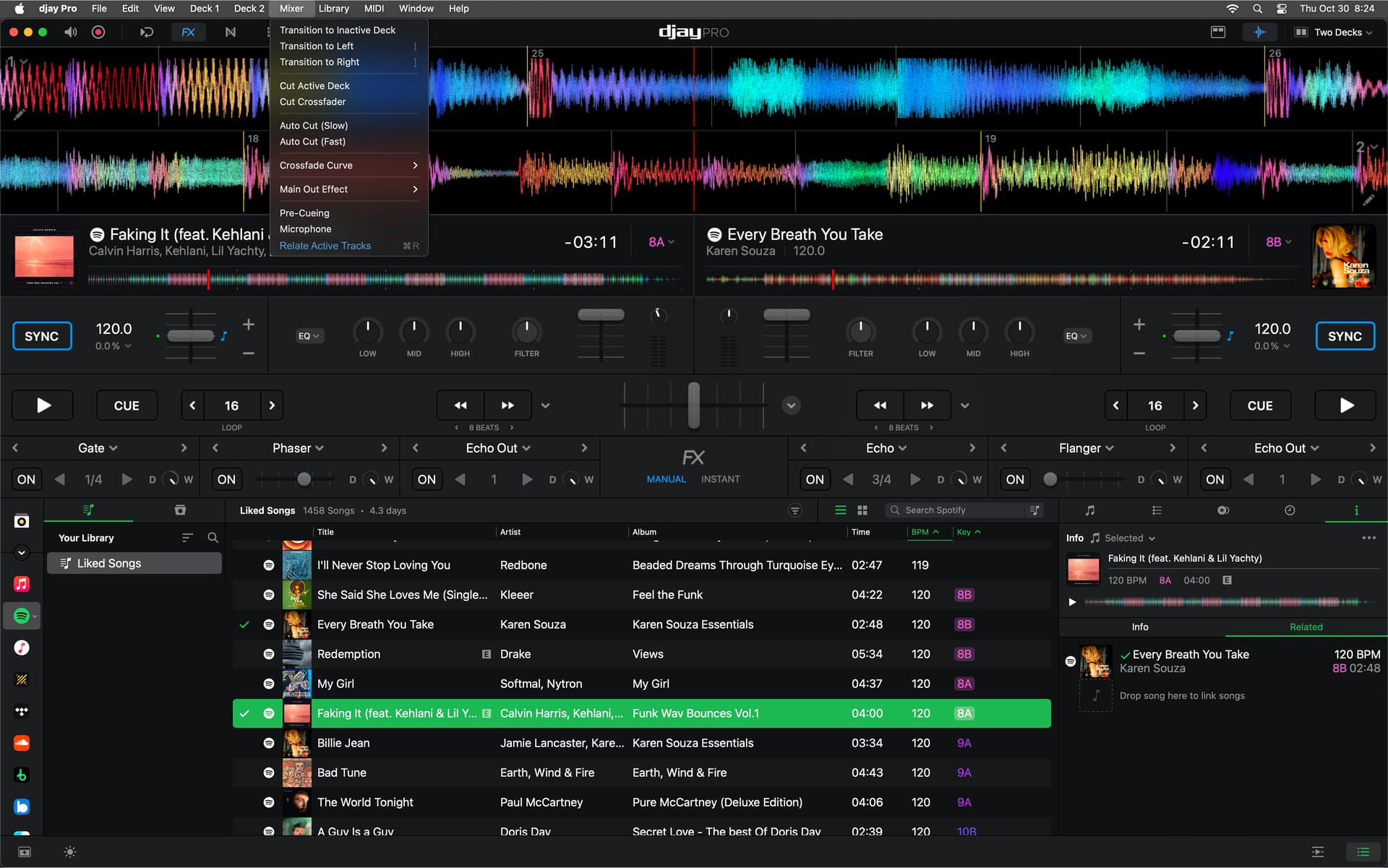
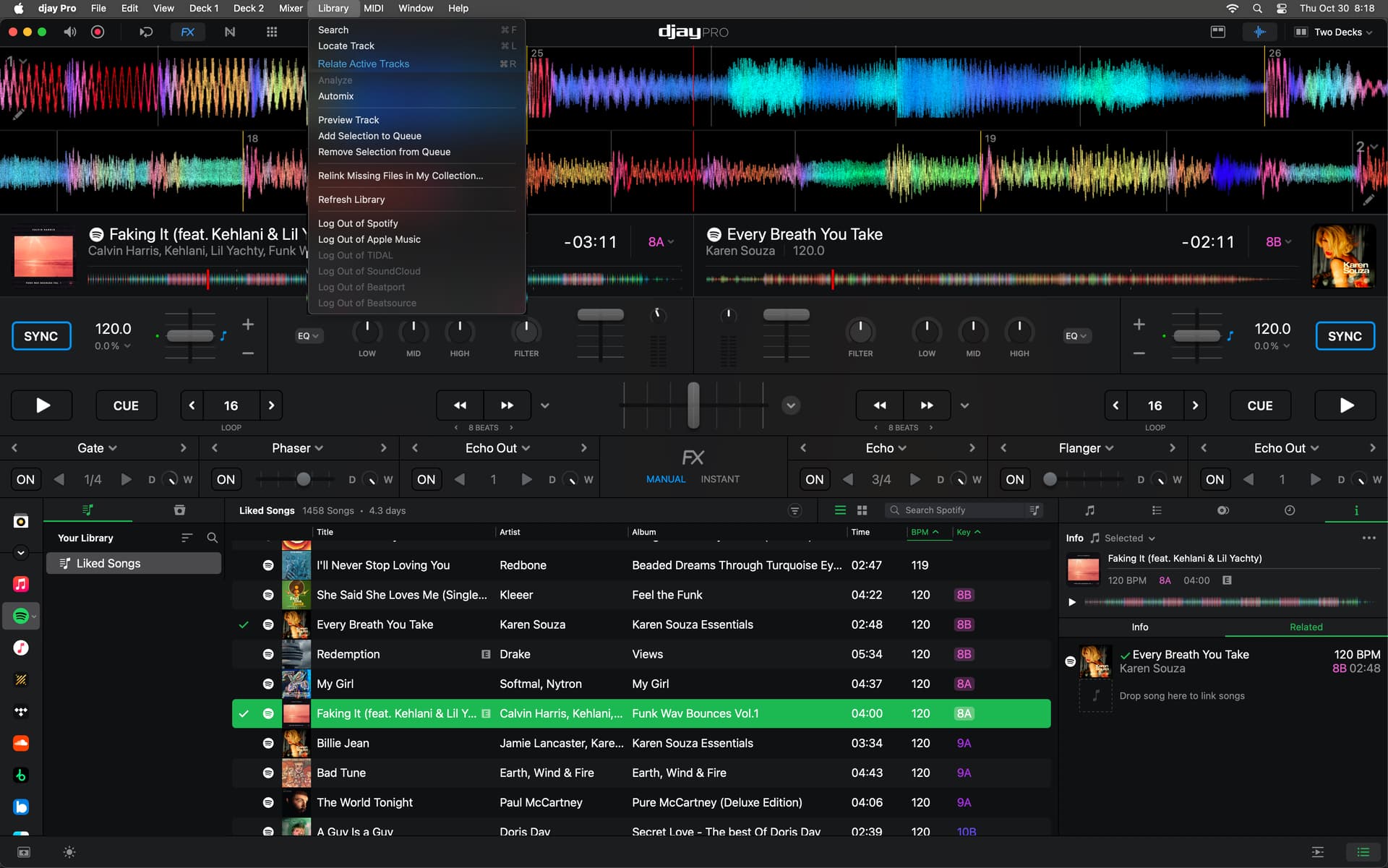
This app let’s you record any move you make and turn it into a macro. It works but i now discovered that Menu > Library > “Locate track” is going through the decks in a predetermined order of deck 1 > deck 2 > deck 3 > deck 4.
So my macro can not select the right track yet. I can drag a song onto the Related tab of the Info panel. I need locate track because the Info panel is only available through the library it seems.
So double clicking a song in the deck does not select it in the Info panel…
[ update ]
I now have a solution with a seperate macro (shift+F14) that only executes “Library > Locate Track”. That works, even when i start in another playlist; it jumps back to the right playlist and selects one of the two songs / decks. Running the same shortcut again gives me the other track.
Above i you see two tracks loaded.
i’m in a other playlist
i press Shift+F14 : takes me to one of the songs in the current decks
press Shift+14 again so it will select track in Deck 1
press Shift+16 = drag song in Deck 2 on to tab “Related”
This is just an experiment, to see if i could pull it off.
The not so good part about this way is that it is based on position, so whenever you have another layout or djay is in fullscreen or not, positions change and the dragging does not work. So as long as all things stay the same you’re good to go. Not an elegant solution.
I would like to suggest that Algoriddim makes a “Hell Yeah” button for this feature. Or perhaps an “Oww Yeah” button. I get so exited when i think of these things. I see myself doing a transition, the crowd screams and i go: “Ow yesss, i’m keeping that one in”CLICK !


 I get so exited when i think of these things. I see myself doing a transition,
  the crowd screams


