Greetings All
I cannot get the software to keep my bpm data intact across multiple devices (even using one library method). The software is accurate when analyzing, but doing lots of hip hop/r&b, many (not all) of the tempos are doubled. I’d rather them stay the way I programmed them. I found this to be where most metadata is stored within the files.
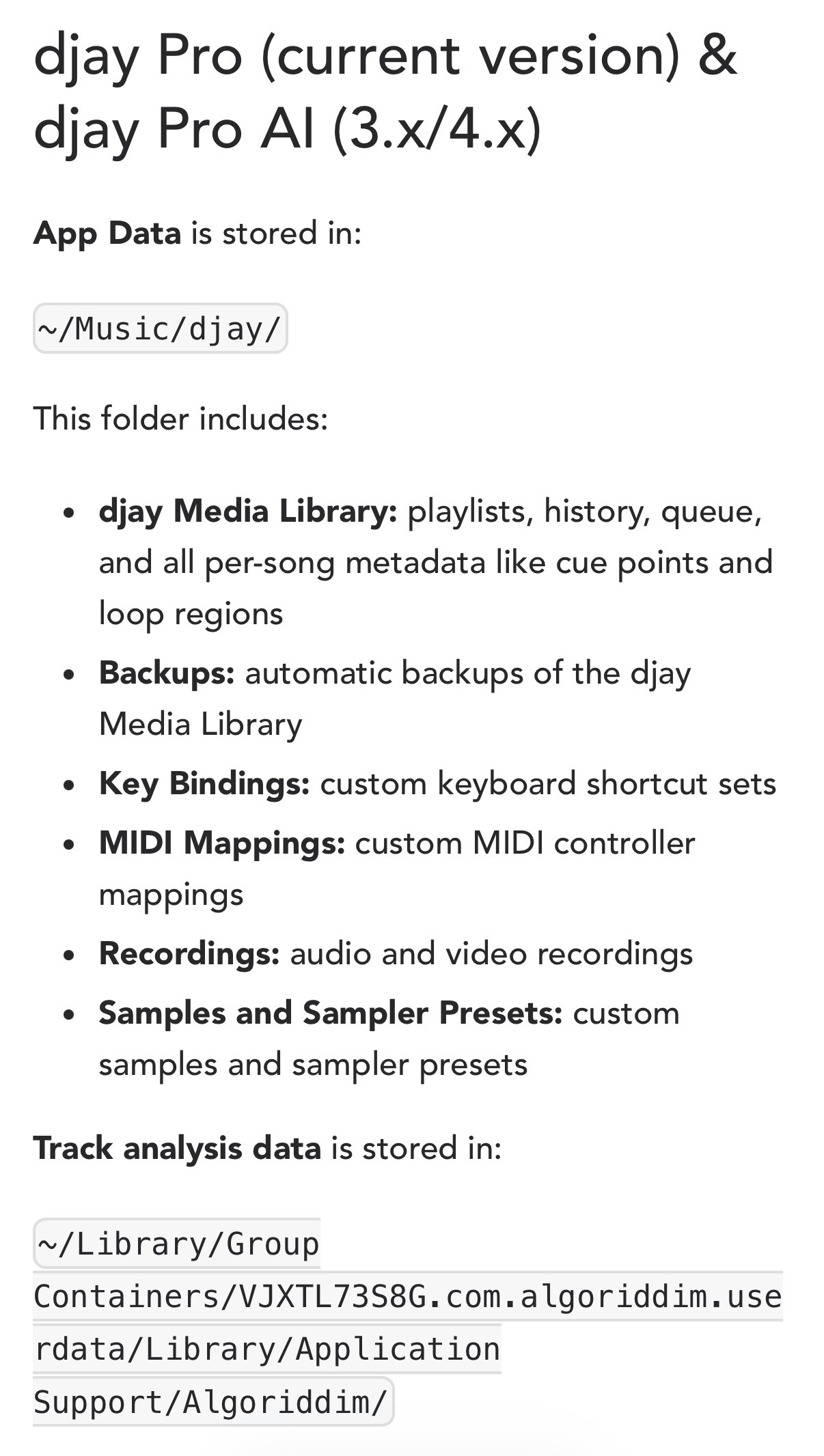
Question…is there a way to transfer this data to iOS or iPad os? If so, what folder would it go in?
Is there another workaround? Or any suggestions on I could organize my library so the 55bpm and the 110bpm files stay together?
In the meantime, I’ll try to create a playlist and drag the 110bpm files close to the 55bpm files and sort them by playlist order, not by bpm.
So, after some digging…I found Slak_Jaw explain some things about BPM Analysis Range (Settings>Library>BPM Analysis). I tried a couple different settings, and so far 68-135 is working for my playlist. Still have a few that won’t catch but that’s much better than doing each track individually. Now I will see if my beat grids are still in tact.
1 Like
Hi @DJ_A_Diffrance, sorry for the delay in responding to this one. I guess I missed this one yesterday and it got buried. Looks like you’ve sorted it out. Please note that the first time you load a song onto a deck on your new device, djay will analyze it and overwrite existing information like Key and BPM. However, we keep most of the user edits made to the Beatgrid and simply reapply them to the new grid; this includes anchors, shifts, and downbeat changes. I hope that helps!
1 Like
Thanks Slak_Jaw. I understand the workflow better now. Hope to see everything baked in someday, if that’s possible.
You’re welcome @DJ_A_Diffrance