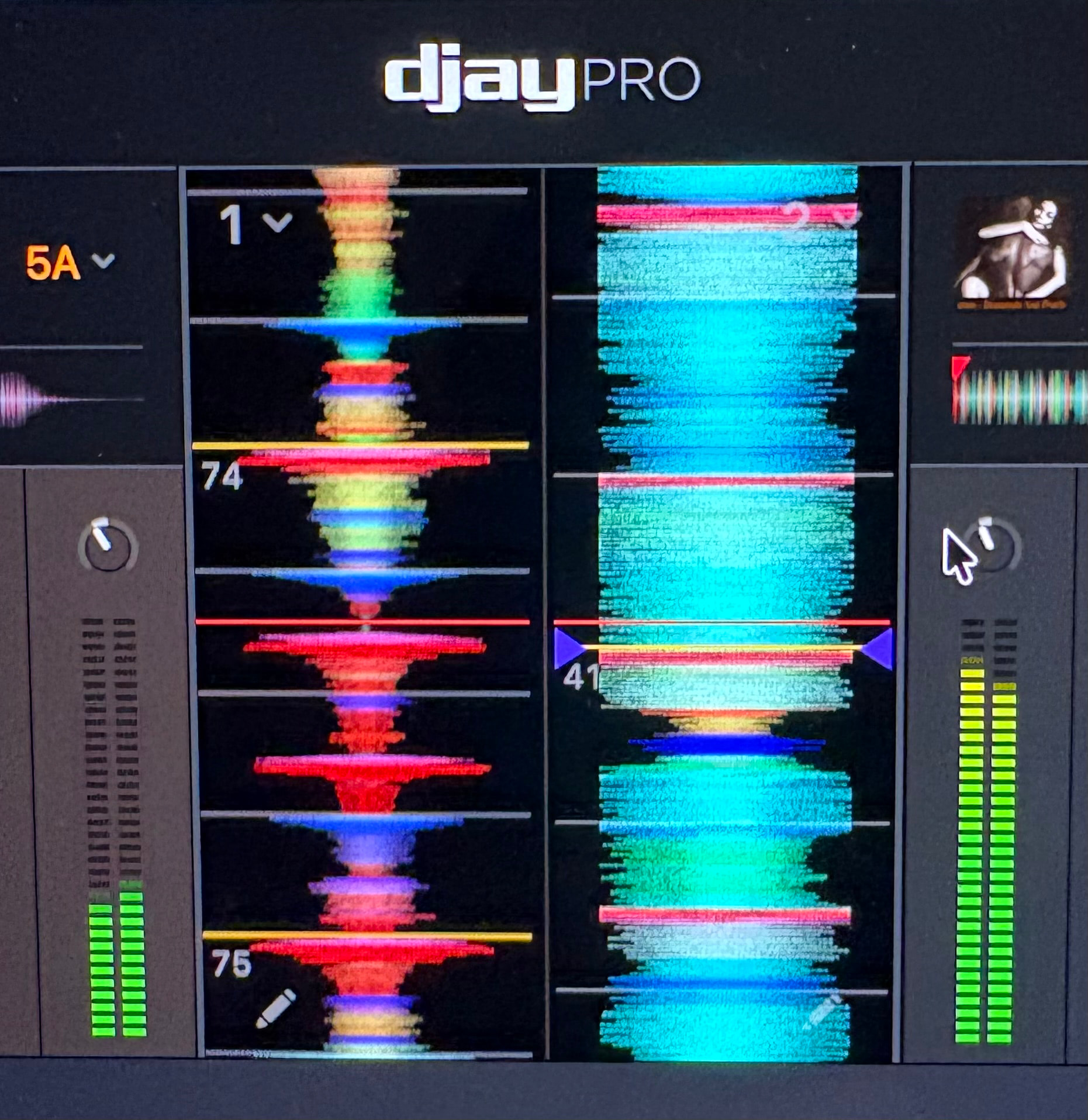
What exactly is this meter measuring and does it have anything to do with what’s being recorded? For instance, if the signal shows hot here in the software meter, but on my controller, I’ve compensated by taking the trim down a little bit and rolling off a little bass what actually gets recorded, what’s coming out of my controller (with my compensation) or this signal?
I’m confused as there’s no way I can control the trim, fader, and this additional volume control in the software?
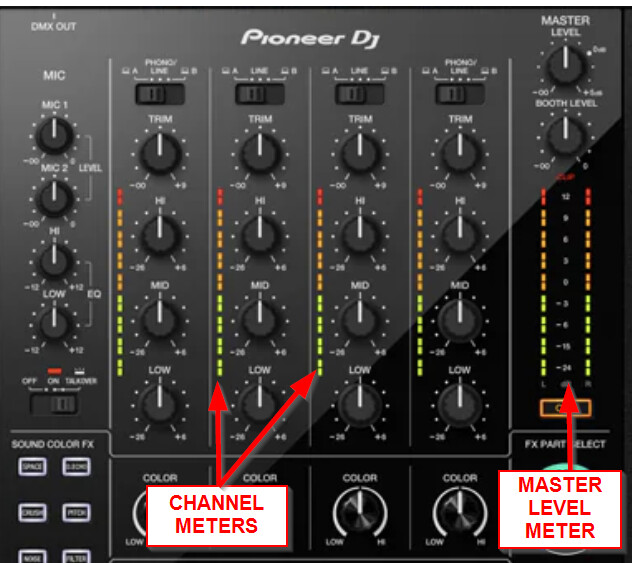
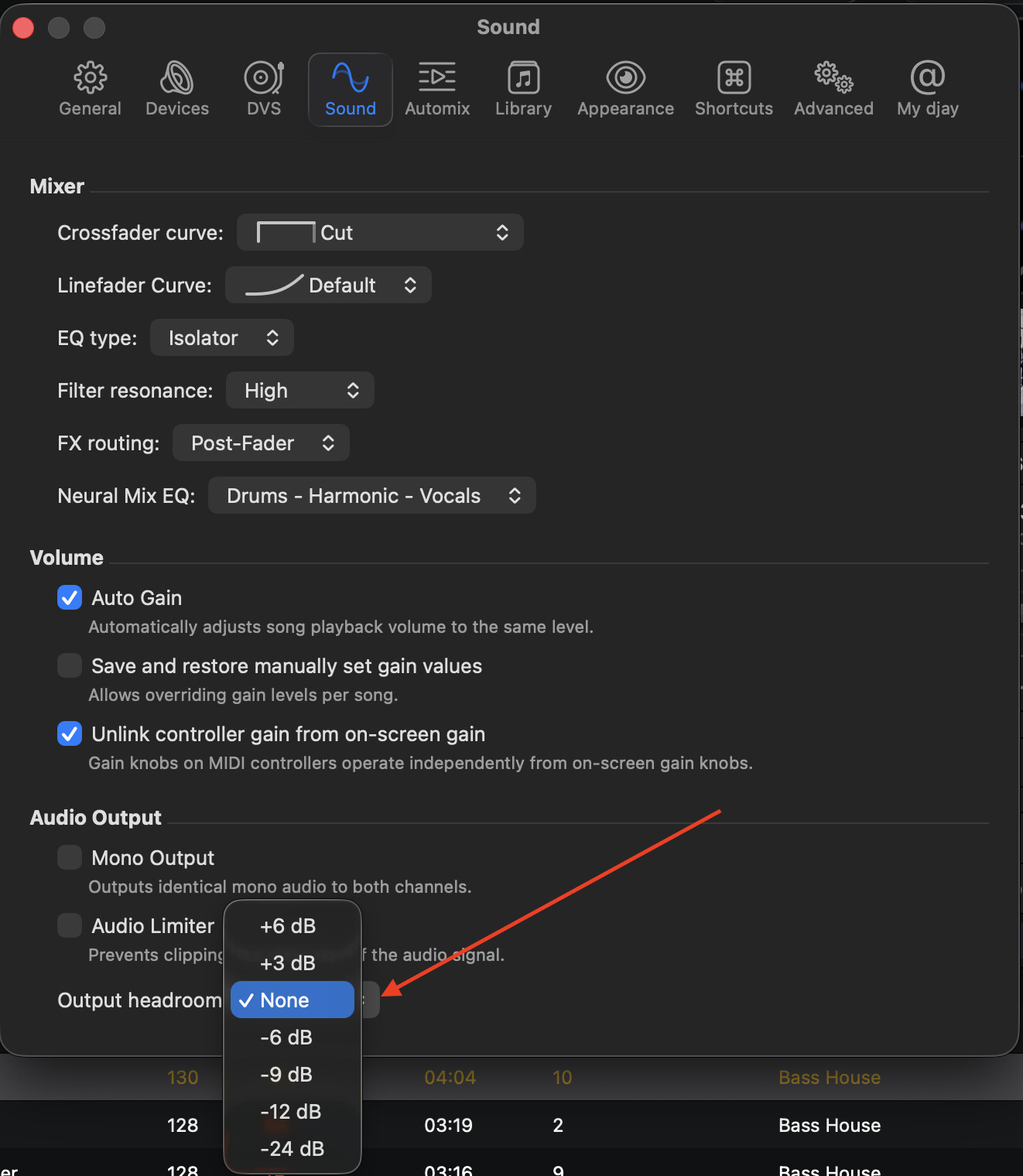
Hi @Reign712, these are the pre-fader Channel Meters. They are affected by the Gain Knob, EQs, FX and the Output headroom (in the djay Settings>Sound>Audio Output). The Channel Faders, Crossfader and Master Volume control do not affect these meters. These are not the master output levels, but they will affect the master level and your recording. Your controller may have a separate Master Level Meter on it.
In the djay Settings>Sound>Volume there is also a setting to Unlink controller gain from on-screen gain. With this enabled, moving the Gain Knob on your DJ controller, will not affect the onscreen gain knob. This will still affect the volume, but the onscreen knob will show the Autogain level. This allows you to use Autogain in djay, while also making manual tweaks to the gain without resulting in big jumps in volume.
Also, in the djay Settings>Sound>Audio Output, you can adjust the Output headroom. This will increase or decrease the volume output in djay and will be visible on the channel meters. I hope that helps!
Thanks for that great explanation. I think what’s throwing me off is yes, I can control the level displayed in djay using Trim on my FLX4 in Internal mode but with the Rane One MkII in External mode Trim does nothing to affect it whether Unlink controller gain from on-screen gain is checked on or off.
Therefore it’s throwing me off as to whats actually being recorded if my board shows levels as being fine but it shows moving into red in day and theres no way for me to control it from my board. I also don’t hear much difference on the Rane when Auto Gain is checked on or off either tbh but that could be something else. What gives?
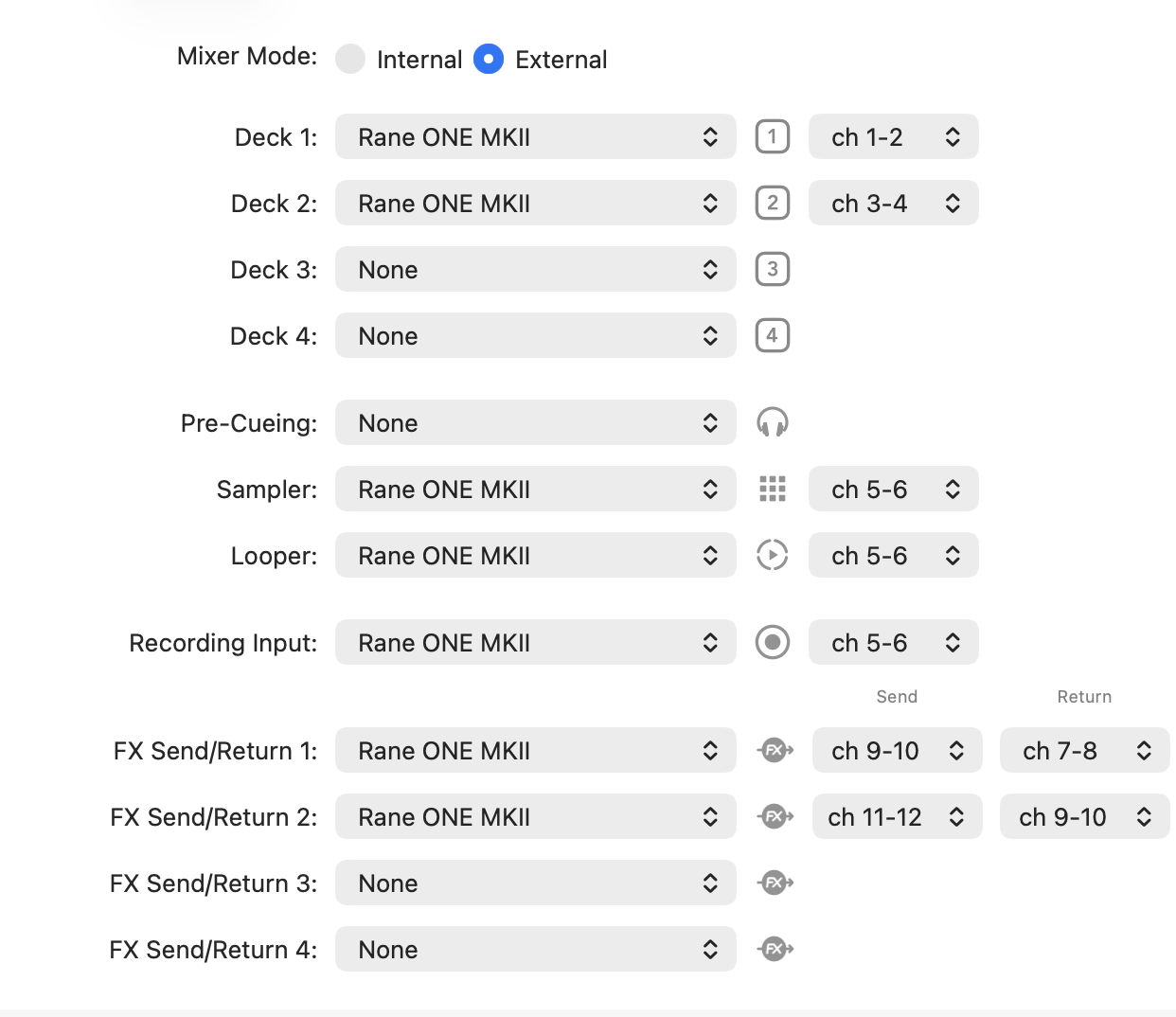
Here’s my device setup in case that helps. Thank you.
You’re welcome @Reign712. This is expected behaviour. The RANE One MKII is an external mixer mode ONLY device and must be used in this mode. External Mixer Mode devices handle the gain, EQing, channel volumes, etc. inside the physical hardware. They do not control the software mixing. When using the RANE One, you should watch the meters and gains on the physical hardware.
Phew, thanks a lot as this was really throwing me off for a minute as it did not make sense. And I take it checking “auto gain” also has no effect with the Rane?
Cool, your software team may want to consider making these features disabled in External mode or adding some type of messaging around it so folks know they don’t work/apply in external mode, would save you from answering the question again somewhere down the line. Thanks again.
I have a question about the channel metering and this seems a good place to ask.
I am wondering if it matters if the channel meters clip as long as you don’t clip the master output (and therefore your soundcard)? This would be in internal mixer mode. I ask, because I’m used to modern DAWs like Logic Pro where the internal mixer operates in 32 bit floating point and you can’t clip the individual channels - you just have to make sure you don’t clip the main output (and therefore your soundcard).
Thank you but my question is more specifically about the summing engine inside the internal mixer. Do you know if it is 32 bit floating point? His video does not answer that question and I suspect his tips are based on outdated analogue practices.
Modern digital summing engines have almost infinite headroom until the signal hits the converters. I’d like to know if the internal summing engine in Djay Pro works the same way?
BTW this was already true in Logic way back in 2009! So I’m wondering if, 17 years later, DJ software like DJay Pro has caught up with the whole 32 bit floating point summing and processing thing?
OK, I’ve done my own research on this and the answer is YES, DJay Pro actually operates at 64 bit float internally, so theoretically you can clip the individual channels massively and then bring the master down so the main output is below 0dBFS and you won’t have any distortion.
BUT
What I didn’t know is that the digital stream has to be squeezed back into 24 bit fixed point audio to go down the USB cable to your controller, so if you are hoping to bring it back down below 0dBFS using the master pot on your controller then you’re bang out of luck.