NOTE: Please use the search function above before posting to avoid creating duplicate topics.
- Device model (e.g. 2020 iPad Air 4th Gen):PC with AMD Ryzen 9 7940HX
- Version of operating system (e.g. macOS 14.4.1): Windows 11 Home, build 10.0.26200
- Version of djay (e.g. 5.1.2):5.6.4
- Hardware/controllers used (e.g. Reloop Mixon 8 Pro):DDJ FLX2 (for output comparison)
- Hardware firmware version (e.g. 1.0.1):
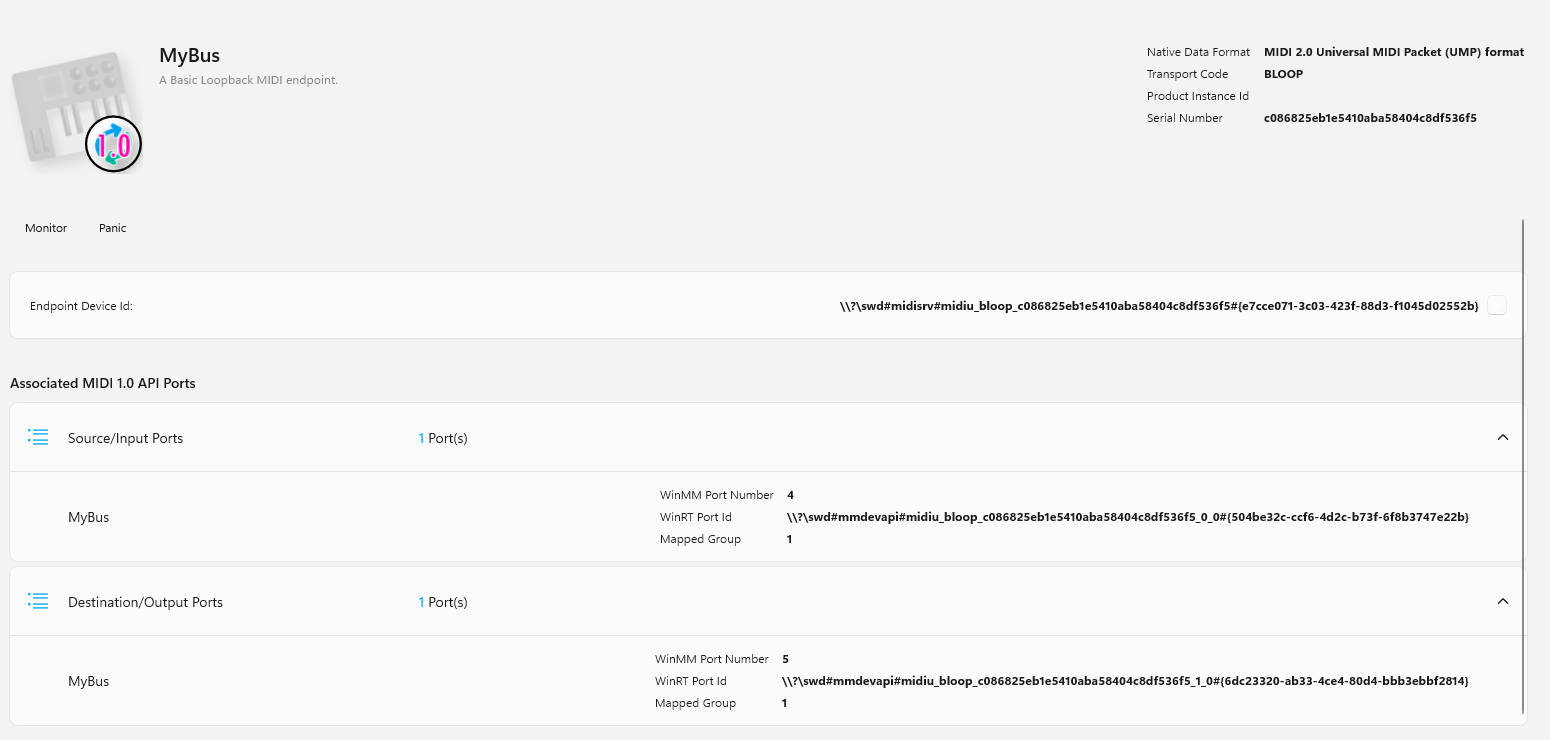
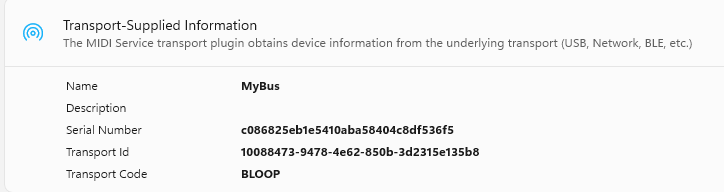
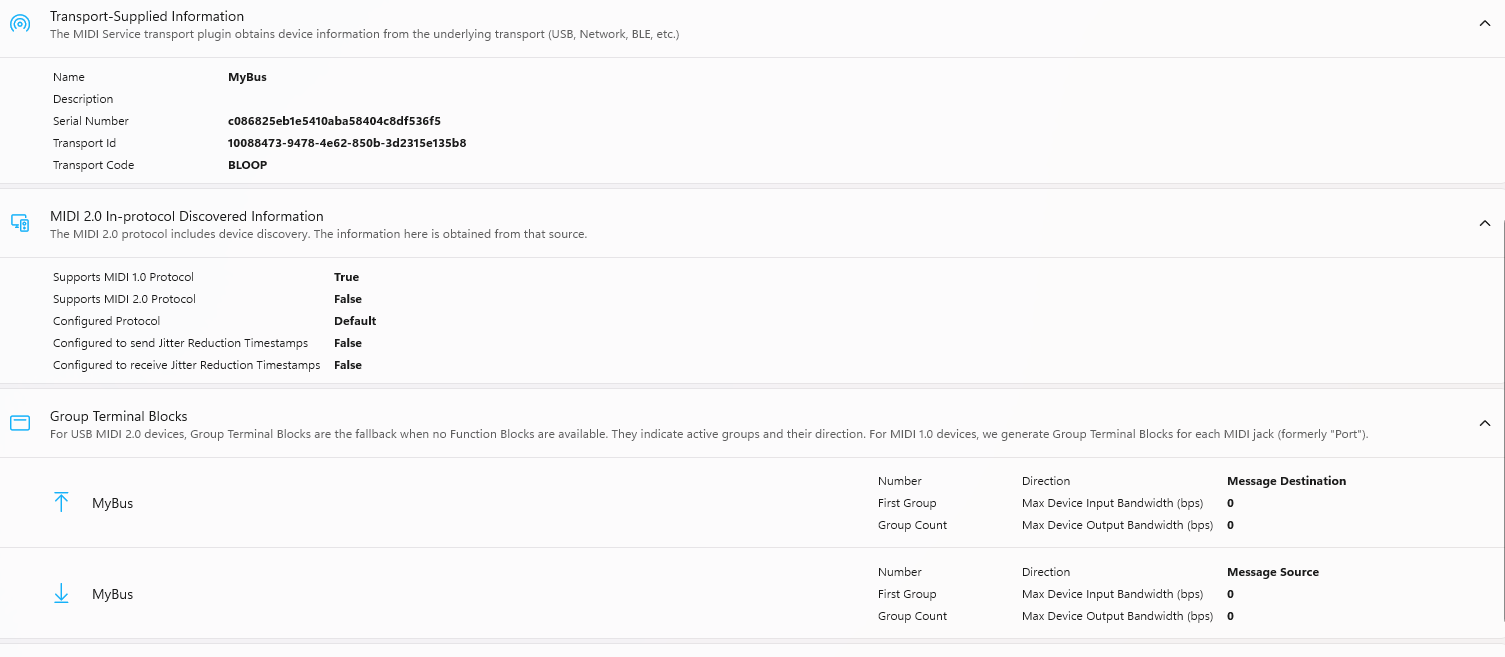
- MIDI transport: Windows MIDI Services (Microsoft’s new MIDI 2.0-capable stack), with a
virtual loopback endpoint named MyBus - Please consider sharing a short video or screenshots to help clarify your question
YOUR QUESTION:
-
I’m building a third-party virtual DJ Controller tool that drives djay Pro via MIDI and
need bidirectional communication. I’ve got input working but cannot get djay to emit any
MIDI on the bus, and I’d love some guidance on whether this is supported and, if so, how
to enable it.-
Background on the MIDI environment
I am using Microsoft’s new Windows MIDI Services (Windows MIDI and Musician Settings PREVIEW), which includes a built-in mechanism for creating virtual loopback endpoints. Our endpoint is called MyBus and is visible to all MIDI applications on the system. I monitor it using the Windows MIDI Settings app, which has a built-in terminal monitor that shows all live traffic on the bus.
-
What works: MIDI input into DJay
- djay Pro recognizes MyBus and lets me bind controls to it via a .djayMidiMapping
file. - When my app sends MIDI into MyBus (e.g., CC1 on Ch5 mapped to mixer.crossfade), djay reacts correctly — the crossfader moves in djay’s UI as expected.
- The Windows MIDI Settings monitor confirms the inbound traffic on the bus.
- djay Pro recognizes MyBus and lets me bind controls to it via a .djayMidiMapping
-
What doesn’t work: MIDI output from Djay
I cannot observe any MIDI output from djay on MyBus, in any scenario:
- Moving controls in djay’s UI produces no MIDI on the bus.
- Per-binding output = { midiChannel = N; } blocks in the mapping file appear to have no effect.
- Even with the outputs = ( … ) top-level array used in the bundled FLX2 mapping for
paths like turntable1.loadingSuccess, I see no traffic.
-
Cross-check with the FLX2
To rule out my virtual bus as the cause, I plugged in the DDJ-FLX2 (which has a bundled, AlphaTheta-class mapping with customClassName = AlphaThetaDDJFLX2 and many output = { …} blocks including controlType = “button-blinking”) and monitored its MIDI bus. Result:
- The controller emits MIDI into the bus correctly when I press buttons or move knobs
(i.e., djay receives MIDI from the controller). - djay does not emit any MIDI back onto the bus, even though the controller’s LEDs
clearly reflect djay’s state — the play button goes solid when playing and switches to a blinking state when paused. - I’m thinking DJay is communicating with the FLX2 via HID and that’s why I am not seeing any MIDI output even though the FLX2 mapping file includes output keys. Is that a safe assumption?
- The controller emits MIDI into the bus correctly when I press buttons or move knobs
-
Summary of my question:
Is there a way to get djay Pro to actually emit MIDI output onto a bus. specifically to a
generic virtual MIDI endpoint like MyBus, and if so how do I accomplish that?
super simple mapping file with just the crossfader mapped, input works, no observable output on the bus (my input and output channels are purposely different to control crosstalk):
<?xml version="1.0" encoding="UTF-8"?>

<!DOCTYPE plist PUBLIC "-//Apple//DTD PLIST 1.0//EN" "http://www.apple.com/DTDs/PropertyList-1.0.dtd">

<plist version="1.0">

<dict>

    <key>controls</key>

    <array>

    <dict>

        <key>keyPath</key>

        <string>mixer.crossfade</string>

        <key>midiChannel</key>

        <integer>4</integer>

        <key>midiData</key>

        <integer>1</integer>

        <key>midiMessageType</key>

        <integer>3</integer>

        <key>output</key>

        <dict>

        <key>midiChannel</key>

        <integer>12</integer>

        </dict>

    </dict>

    </array>

    <key>editor</key>

    <string>(null)-5.6.4</string>

    <key>endpointName</key>

    <string>MyBus</string>

    <key>schemeVersion</key>

    <integer>1</integer>

    <key>version</key>

    <integer>0</integer>

</dict>

</plist>
Thanks in advance to anyone who can offer insight