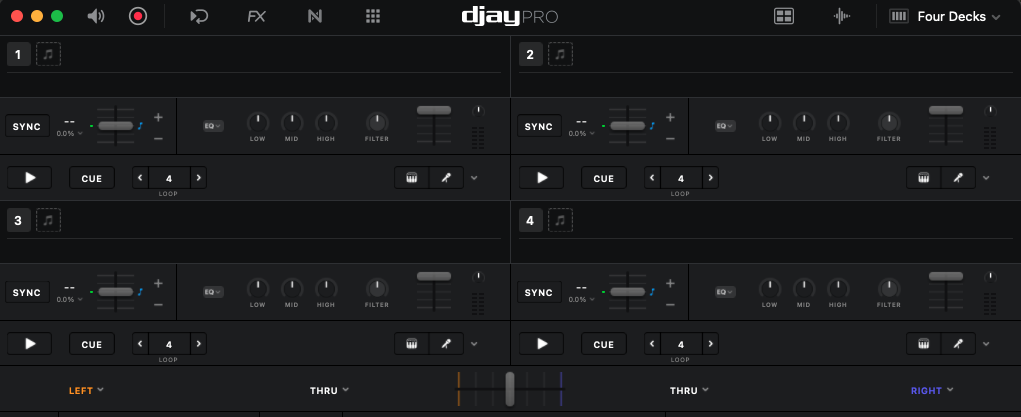
Good evening, I bought a Mixtour Pro and am trying to play with DJ Pro tonight.
I’d like to ask a couple of questions that I can’t seem to figure out:
Is it possible to disable the crossfader and not assign it any functions? I don’t use it, and in fact, it bothers me to risk touching and moving it, potentially affecting the volume.
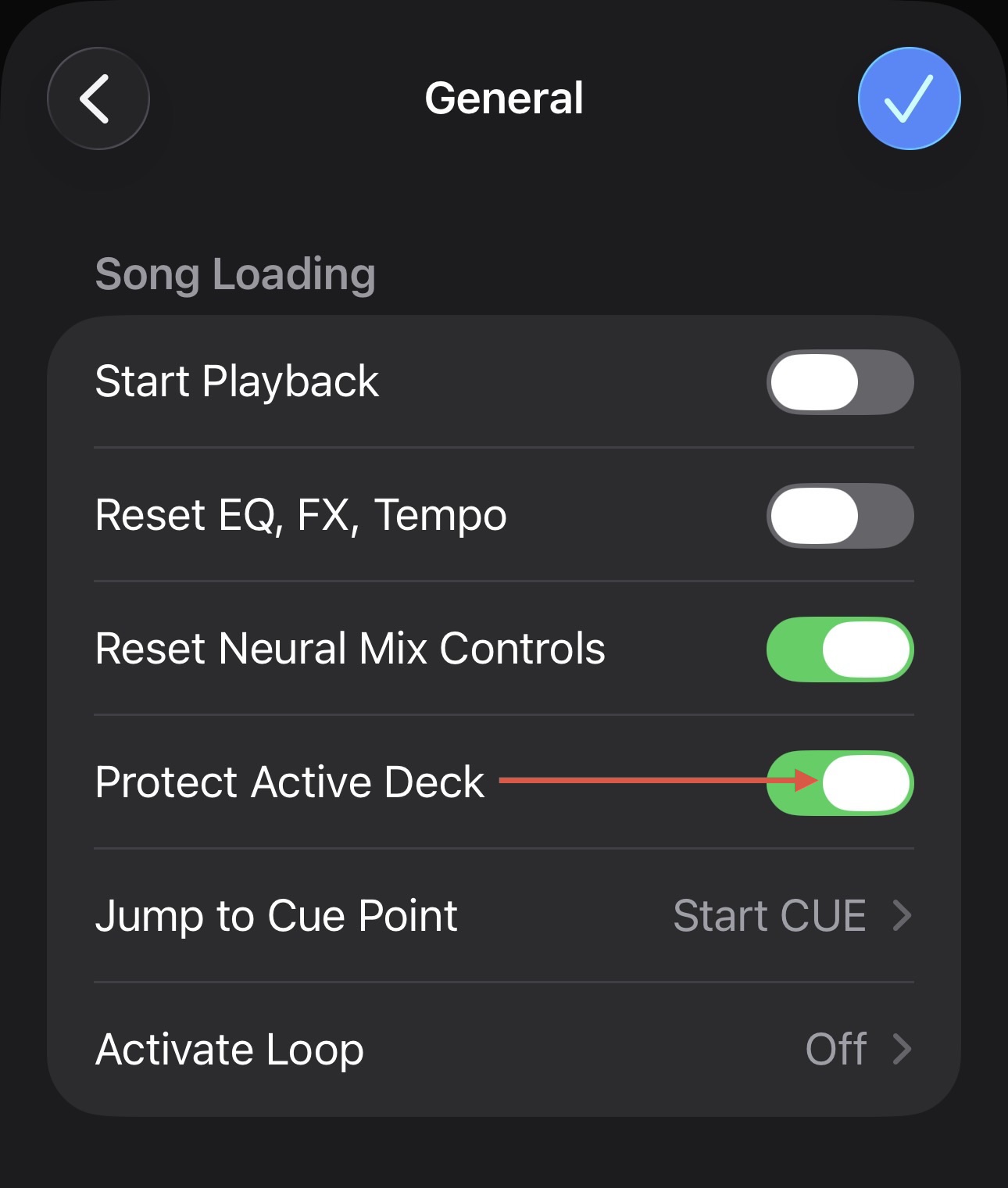
I activated the platter protection, but even though it’s on, when I load a track into deck A and start it, and then try to load a track into deck A, instead of telling me that the track is playing and needs to be stopped to load a new track, it stops playback and loads the track.
A very annoying thing.
When I load a track and start effect #1 (I can only turn that on), sometimes the effect is audible and sometimes it isn’t. Also, if I put a reverb out, for example, instead of stopping the track, it lowers the volume, but the track playing still plays in the background.
I’ll start by saying I’m only using headphones to test because I can’t get audio out of my MacBook… Can anyone help me?
I would like to add a video for the effect problem, but I don’t know how to upload it
If so, please note this only protects the Master Deck - the one that is playing through the master audio output. So if your channel fader is down or the Crossfader is on the opposite deck this will not prevent loading. If this is not the case, can you please capture and share a short video of the issue? Thanks.
Hello! It’s been a week since my last reply. I’m going to consider this topic completed for now so I can focus on others. However, please feel free to respond and we can definitely revisit this. Thanks!