When searching for a track with magnifier via text input, Djay only returns results if the entered words are matching 100% with the actual track name. There is no tolerance, which makes searching for tracks sometimes unnecessary cumbersome.
Examples: If you look for “Y.M.C.A.”, entering “ymca” does not deliver results unless you do not enter the dots.
If you enter “coracao”, Djay does not find “Coração” as it matches not 100% due to the accent.
If you enter “Nils van” you will not find “Niels van”:
And so on…
YOUR SUGGESTION:
Implement are more flexible search results function. A good example is the search function in Apple Music, which is way more flexible
The 2 words are very different! Why do u want them to be in the search result? I know it’s frustrating for me too when I am looking for “T.O.K” and accidentally enter “TOK”.
Solution: type the word “TOK” somewhere in the comments field of the track (in your case, if you like ymca alot, type the word “ymca” in comments on that track.
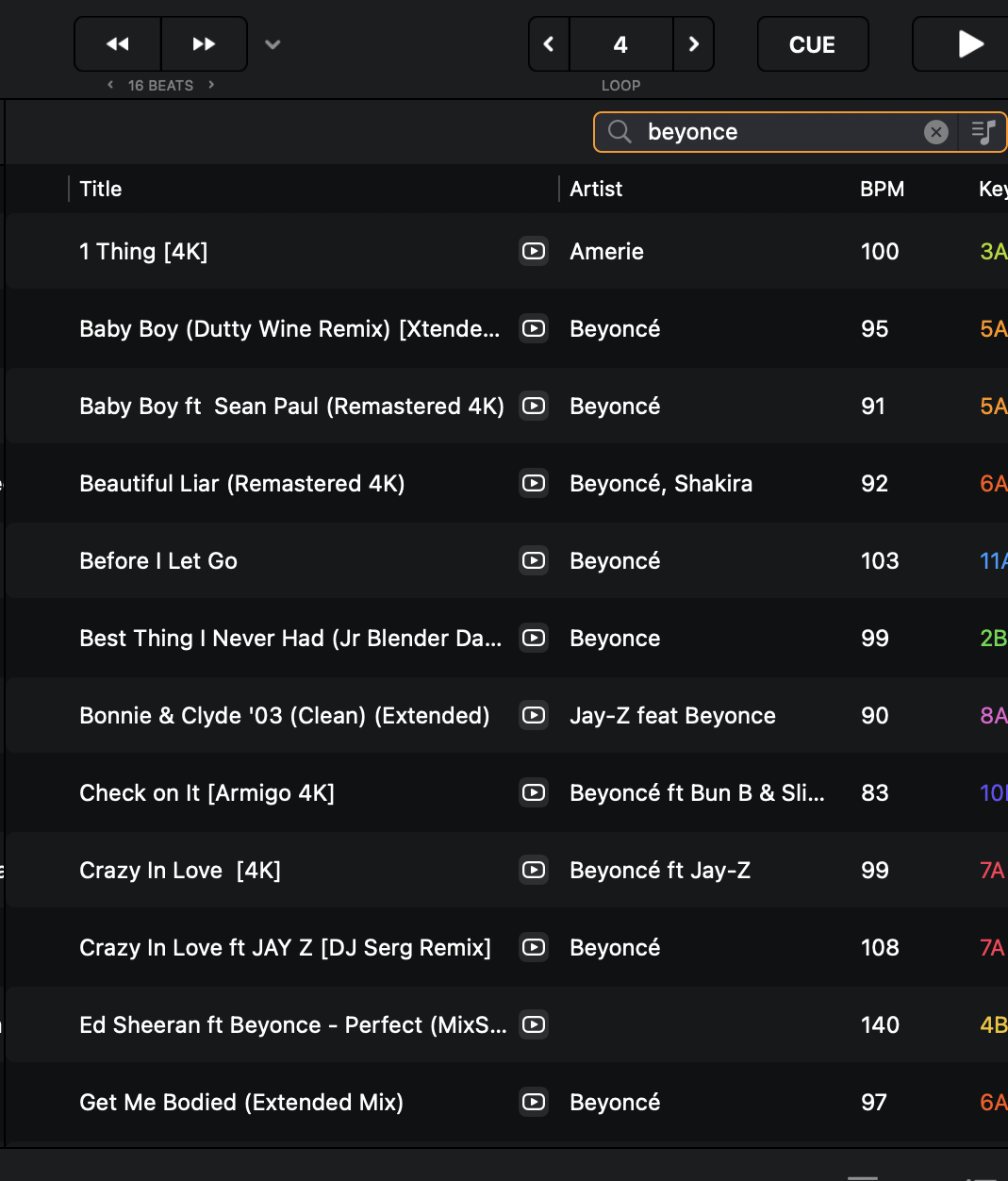
I can agree for these non-ASCII characters to be implemented. I always have problems with Beyoncé/Beyonce. Should they include “Ke$ha” Dollar “$ign” and too?
Yup. What’s similar between Nils and Niels? Pronounciation! Not the same word!
i think you do not understand. If I can’t remember if that track is by an “Niels” or by na “Nils” I do not want to think about it when I am searching during a gig. I do not know if you ever played live, but I can tell you I need the time to think about other things …. same is with Y.M.C.A or tracks like “Sign O’ the times” vs. “Sign o the times”… just uneasy searching in my opinion.
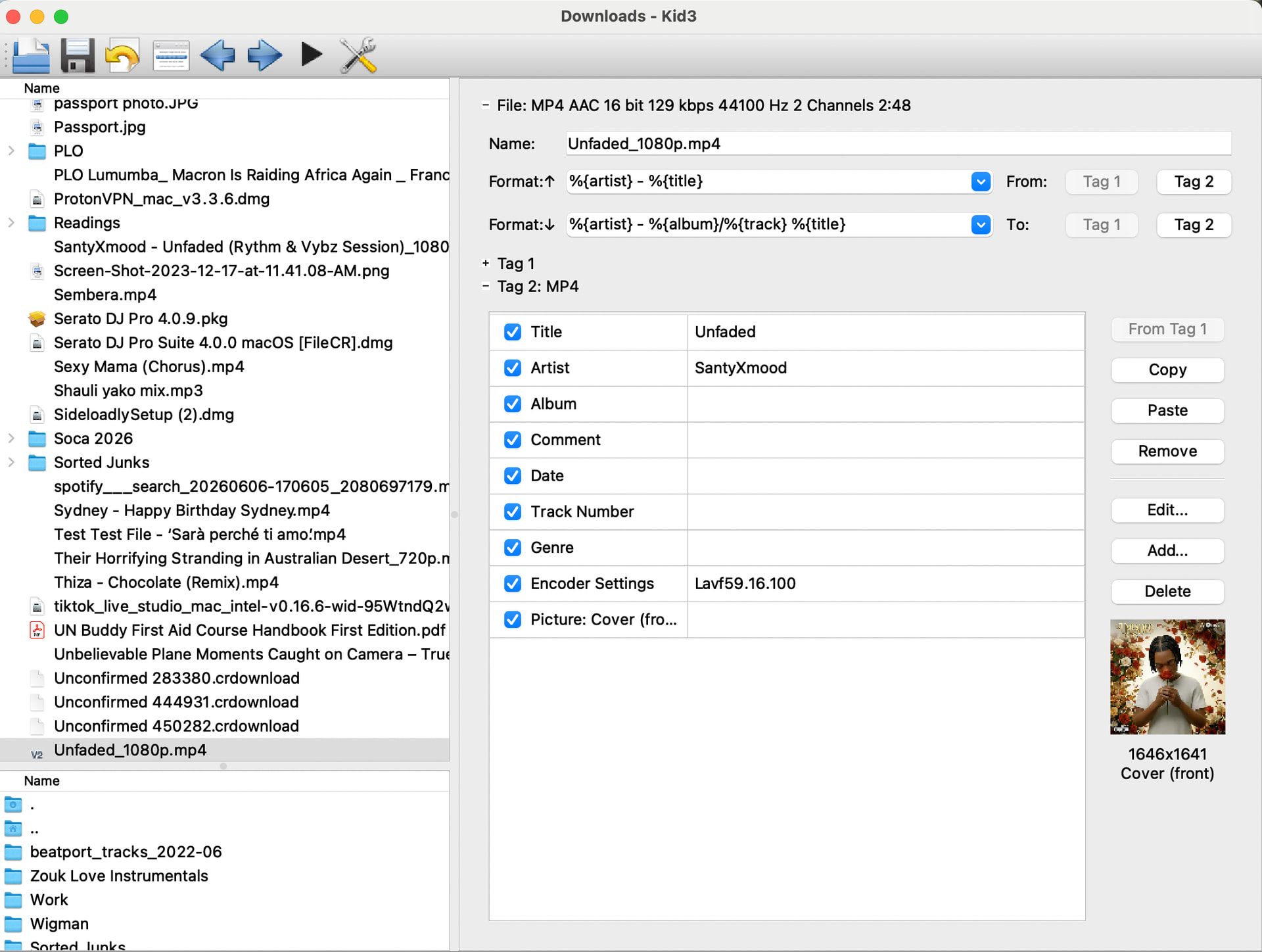
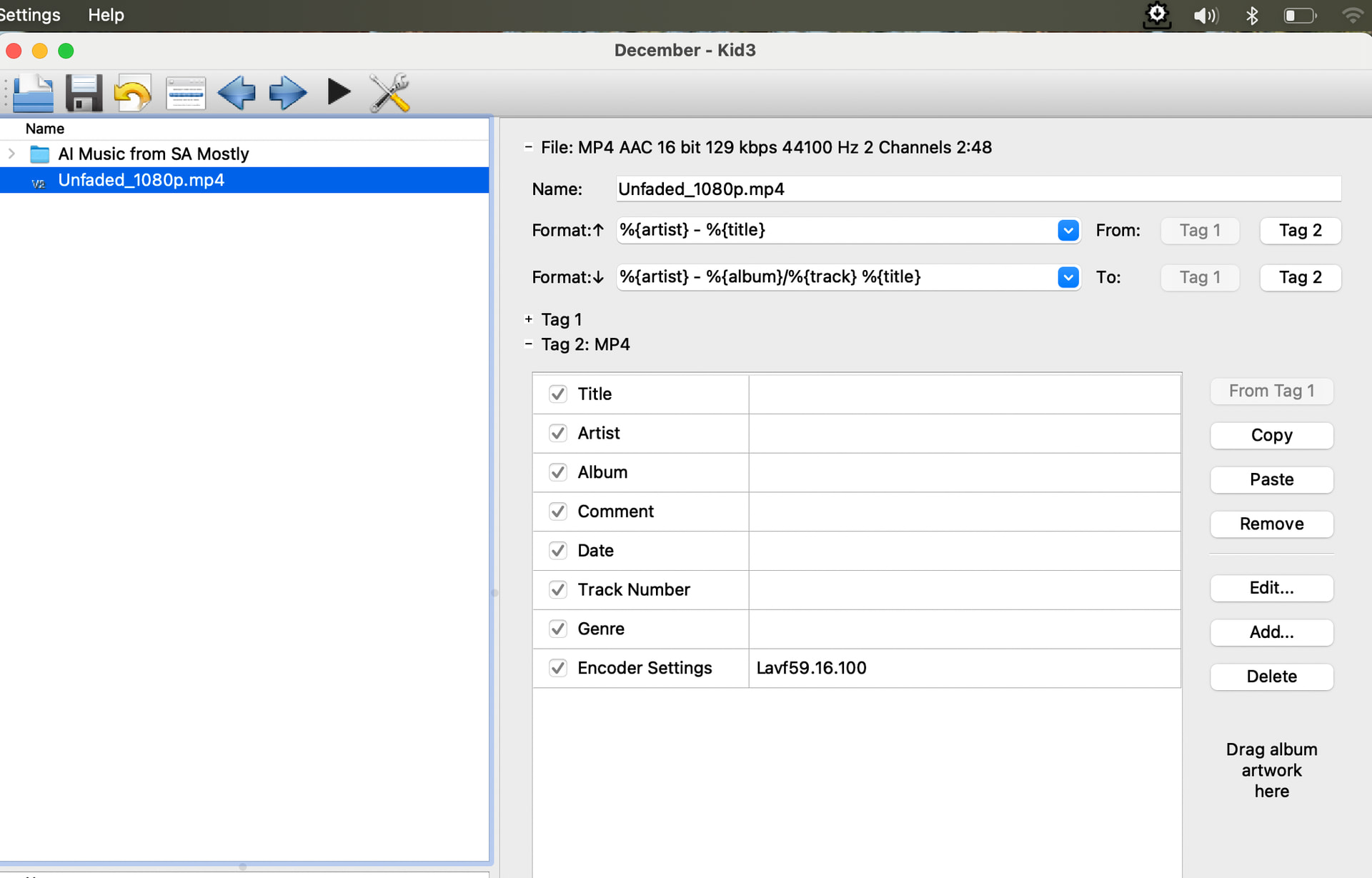
No matter how “clean” in terms of id3 tags of track look, i always make it a point to run EACH thru kid3 and take a direct look; sorting out those potentially troublesome names and adding my favorite search word in the comments field:
For example, every track with “Dat” i put “That” somewhere in comments.
For those that skipped my eyes, when i find them in djay i edit immediately. In most case they’re not that many in my library anyway
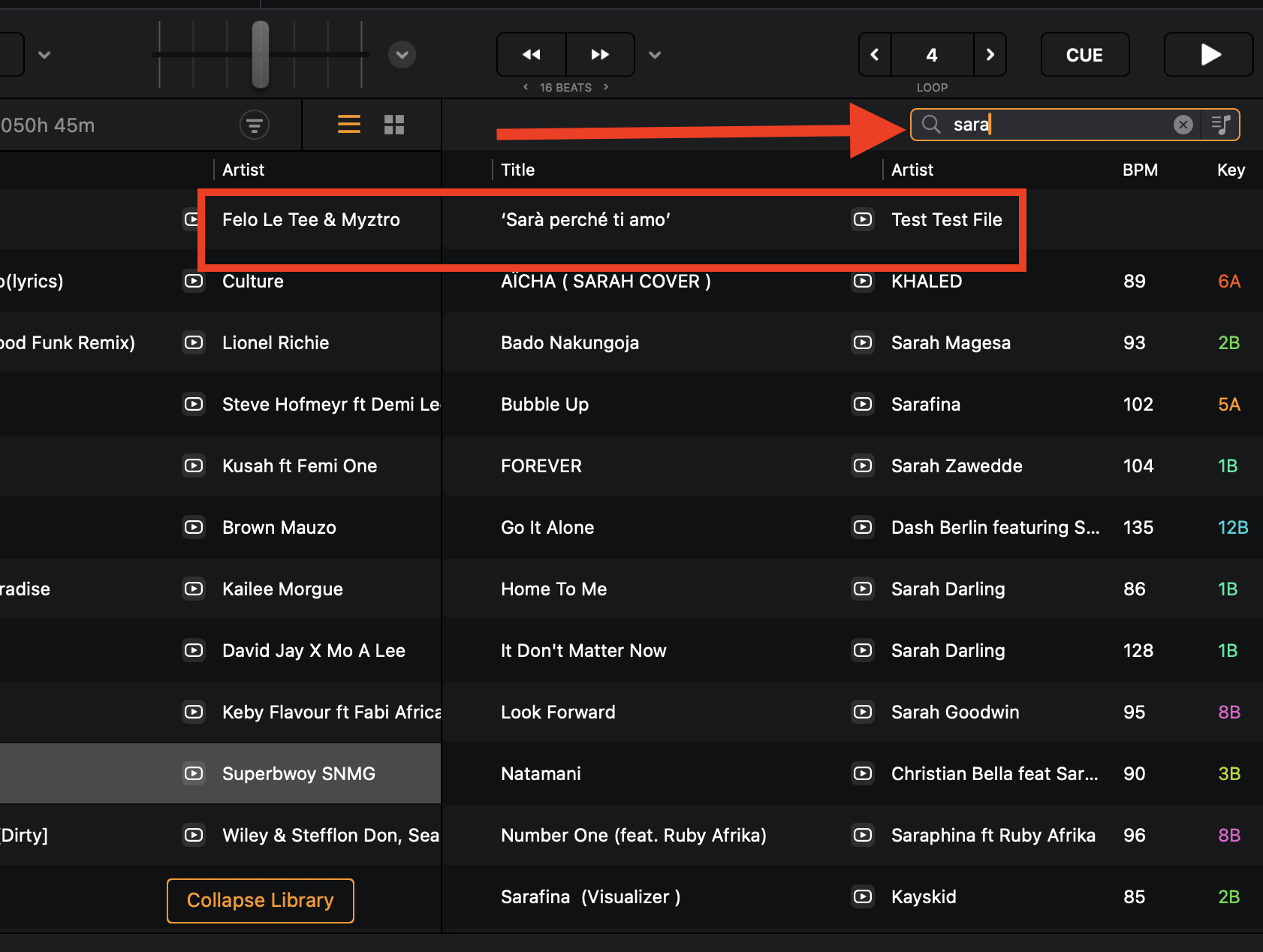
Would be really great if you would consider to provide a more flexible search …. last gig I wanted to play ‘Sarà perché ti amo’ but couldn’t find it before a long search as ‘Sara…’ did not come with any results as the ‘ ` ’ was missing. This problem is with all the track names containing apostrophes or other accents, dots and so on…
Yes, I know I could rename it but the the hot cues etc are lost.
a solution could be to add a new option in the settings menu ‘Ignore special characters during search’ then you could decide yourself how to search will respond. With the option enabled all .,?! Etc in the track name are ignored. Later more advanced replacements could be added like the ke$ha example
I also have been searching for ‘searching’ and wondered why I didn’t find the track I was looking for while the track had searchin’
Turbopussy, you are so lying!!!
Something else is wrong with your id3 tag for ‘Sarà perché ti amo’
In djay, non-ASCI characters such as èéêëěẽē are still recognised as e in search, that’s why searching for “Beyonce” still yields Beyoncé
I just created a test file with the exact name characters as you mentioned (Artist: Test Test File, Track: ‘Sarà perché ti amo’, Filename: Test Test File - ‘Sarà perché ti amo’)
When I type the word “sara” in search, I get the file first in the list!
Beware: In djay the filename is irrelevant and is NOT used in the search algorithm - only the ID3 metadata is used, so I suspect your file has a different id3 tag and does not contain the character/word “Sarà” sorry i need to correct myself here: filename in the absence of id3 tag, is searchable in djay, whereas when an id3 tag exists, it is NOT searchable*
Beyonce example
You don’t lose hotcues if you rename a track’s ID3 tag, but, yes you do lose, from My Collection, an entire track (with all its cues) if you rename the filename, unless you relink it again.
I think now I get your issue well. You are probably not familiar with ID3 tagging (track metadata). If that be the case, kindly allow me indulge you a bit.
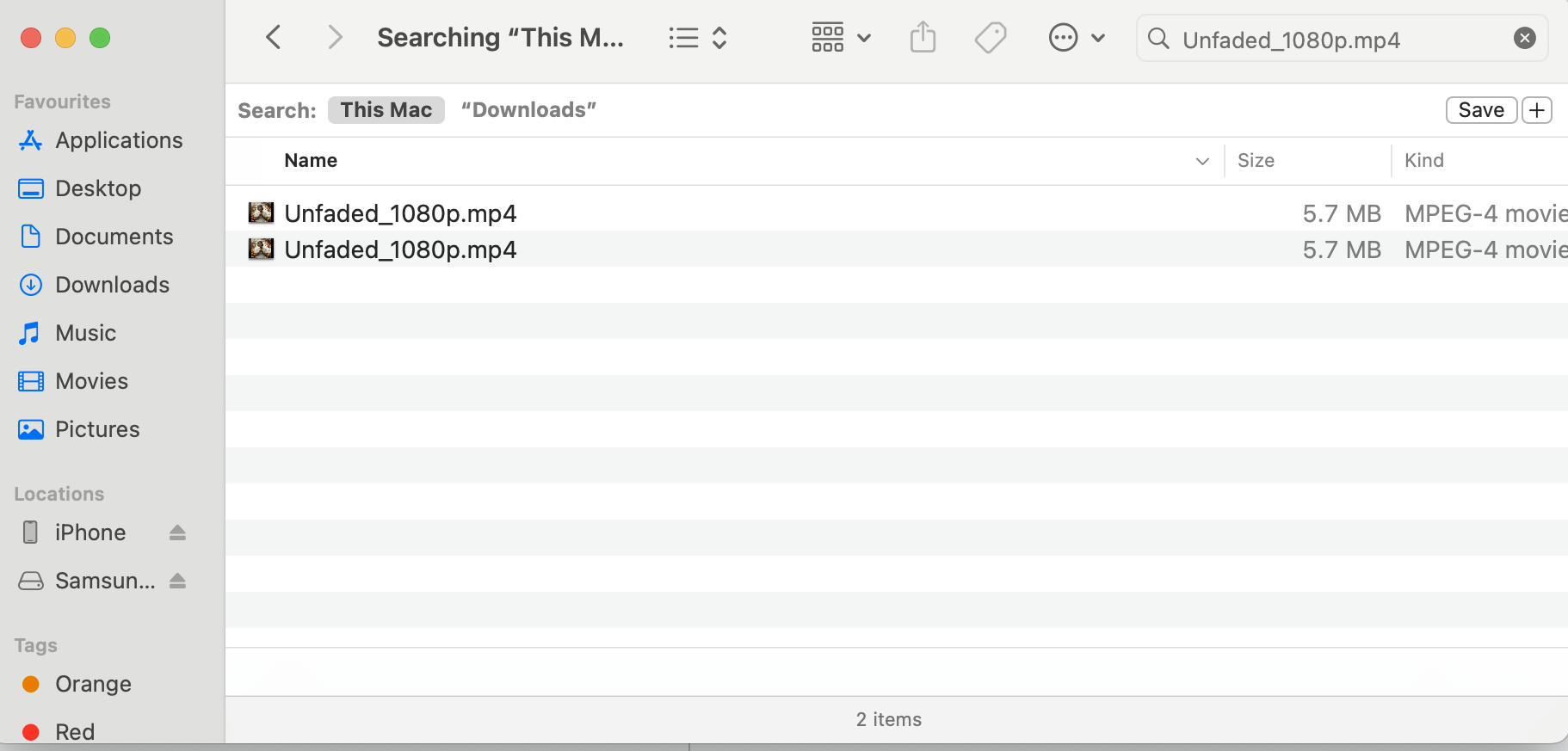
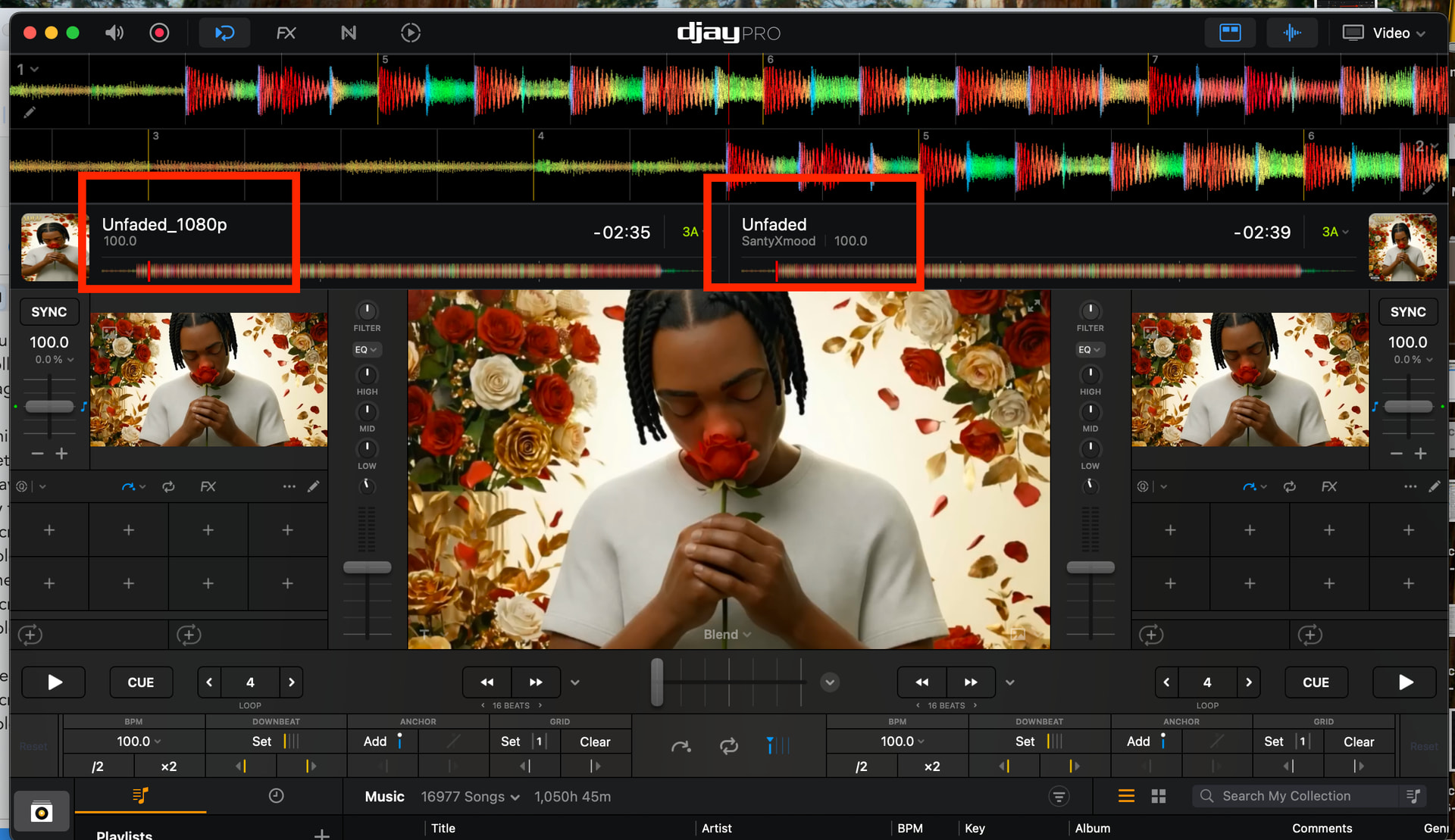
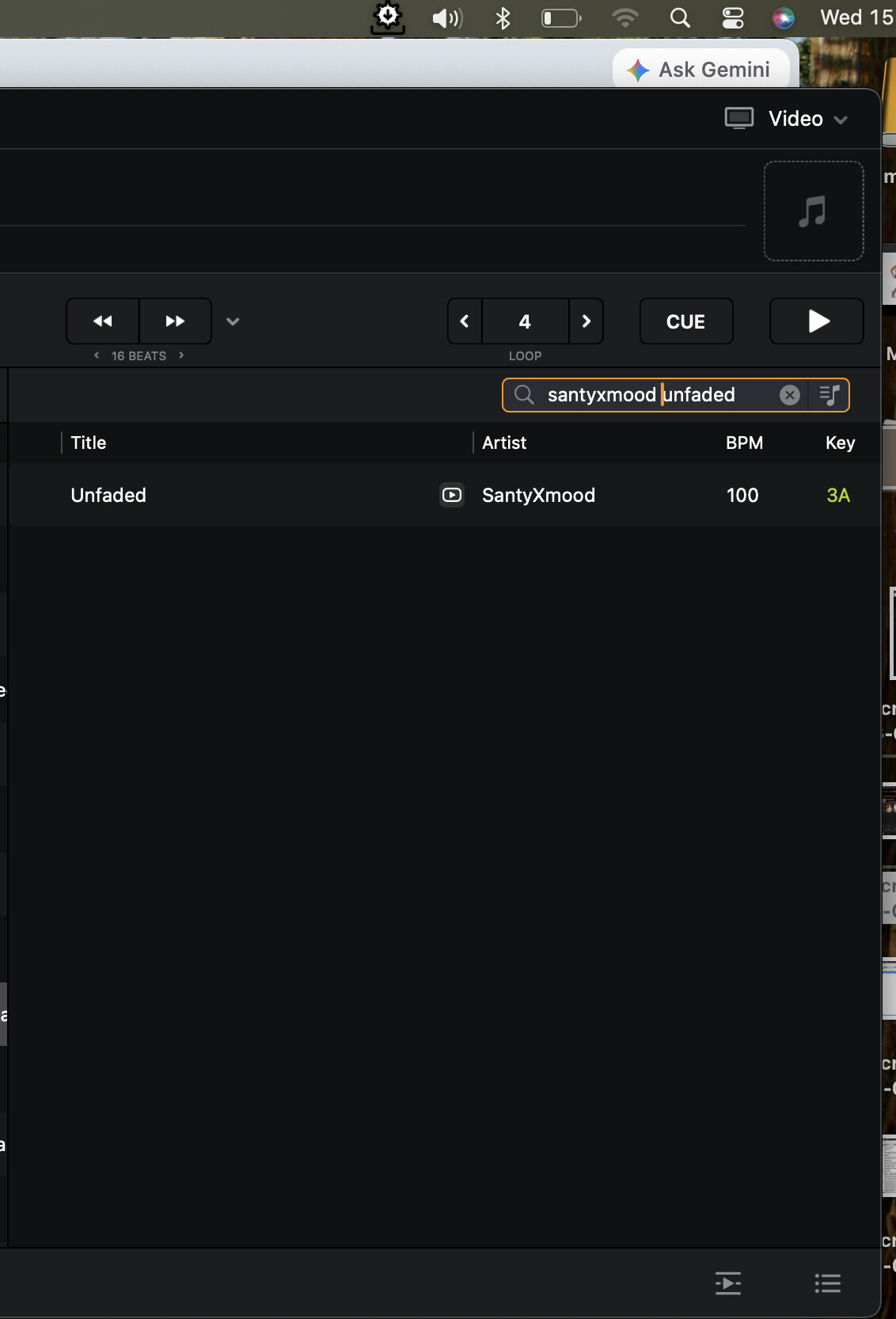
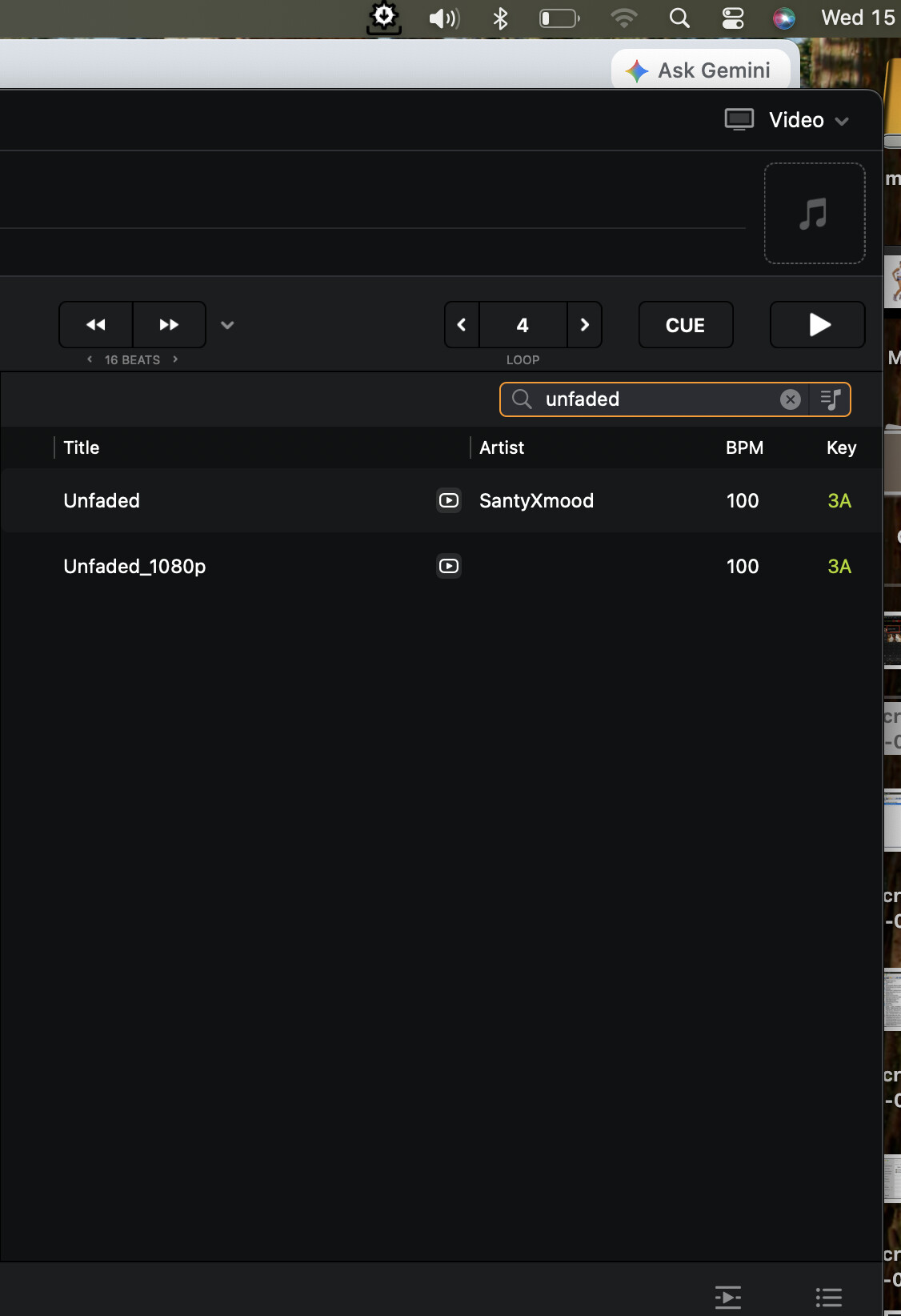
I have a video file named “Unfaded_1080p.mp4” (NB: That’s not how I normally name my tracks!) Actually I have 2 of them in different folders
Sorry, it’s your word against yourself. This is a forum for guidance - so if something is untrue, I state, with explanation. I took my time not in vain so I can help others not be misled.
Take it with a good heart - sorry if my choice of words rubbed you bad - English is my “other” langauge, not mother-tongue, but i think I made my point clear
ok, for clarification: Track names are found „flexible“ (independently from having accents, dots etc.) when searching in „My collection“. Except for apostrophes, so „Let’s go“ will not be found with „Lets go“ but only with „Let s go“.
. In contrast, on my IOS based devices tracks cannot be found in a flexible way when searching in „Local Files“ which I use a lot


 magnifier via text input, Djay only returns results if the entered words are matching 100% with the actual track name. There is no tolerance, which makes searching for tracks sometimes unnecessary cumbersome.