How to clean up greyed out tracks in Djay version 5.6.3 on MacBook Pro M1 pro with latest macOS Tahoe 26.3.1?
I’m close to switching from Rekordbox to Djay, but Djay’s Music Library confuses me.
All my music files are in one folder on the internal SSD of my MacBook Pro, so that’s no issue.
I’ve imported all my rekordbox playlists through Djay’s External Apps.
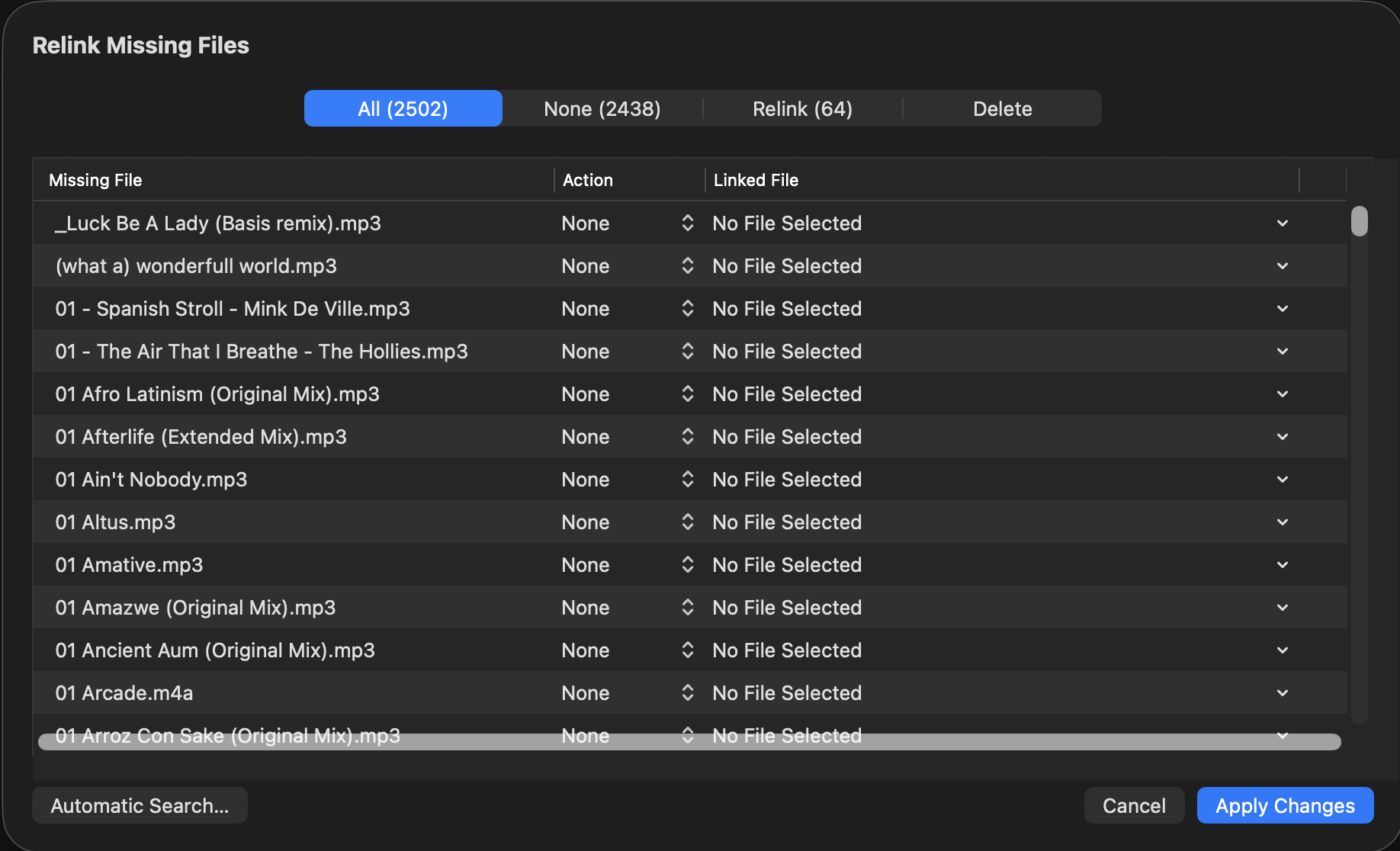
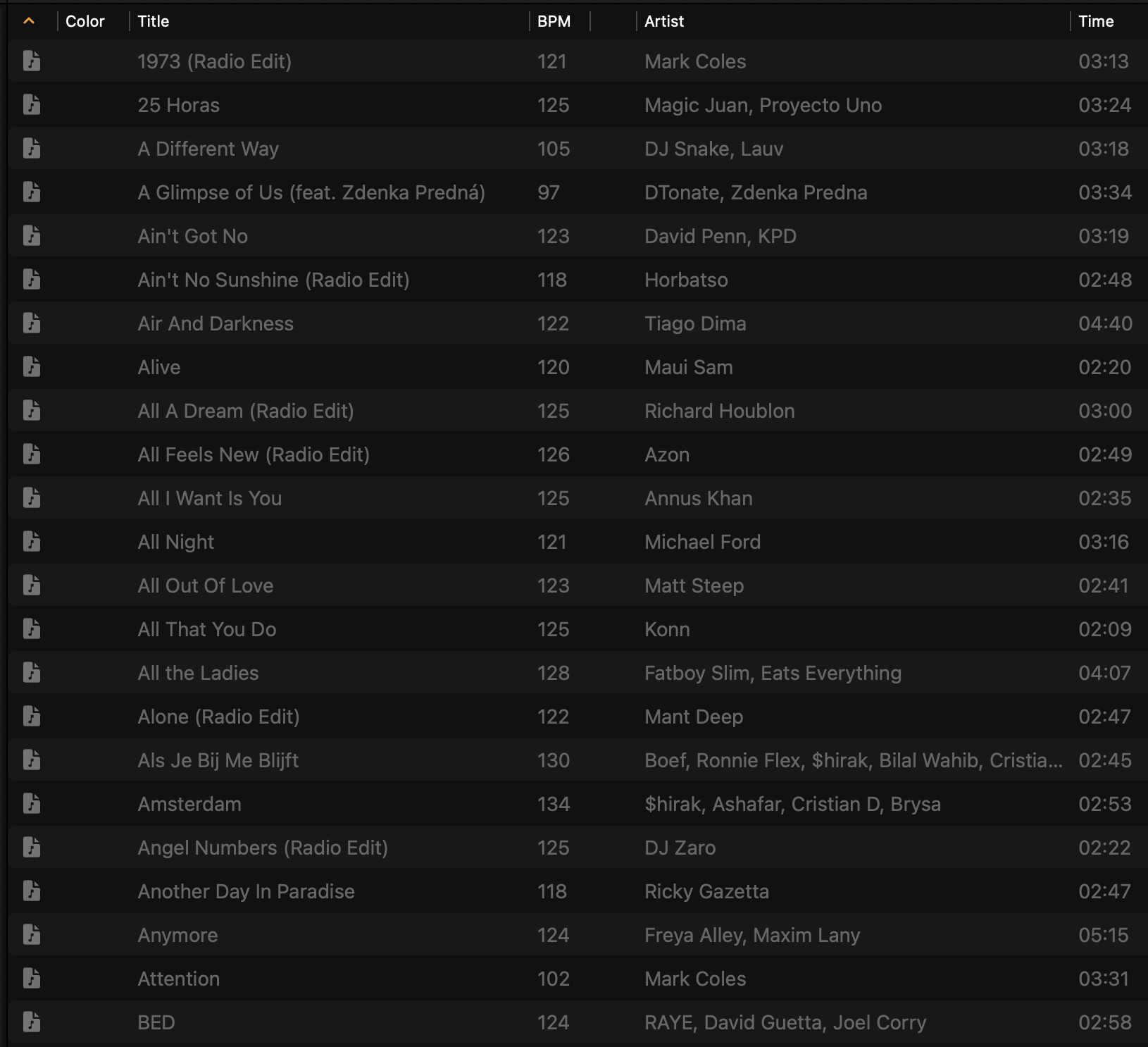
But now i noticed lot’s of greyed out files. Clicking on one greyed out track shows the ‘Relink Missing Files” window where i see “All (2502)”, i suppose this is the number of greyed out since i have a 10.000 working tracks of my own collection on my MBPro’s internal SSD in Rekordbox playlists.
Also i see ‘Relink (64). I don’t get it. I don’t want to relink any missing files, just get rid of all the greyed out files. How to do that?
I assume these 2.500 missing files in Djay’s music library are leftovers from TIDAL which are taken over in playlist from rekordbox.
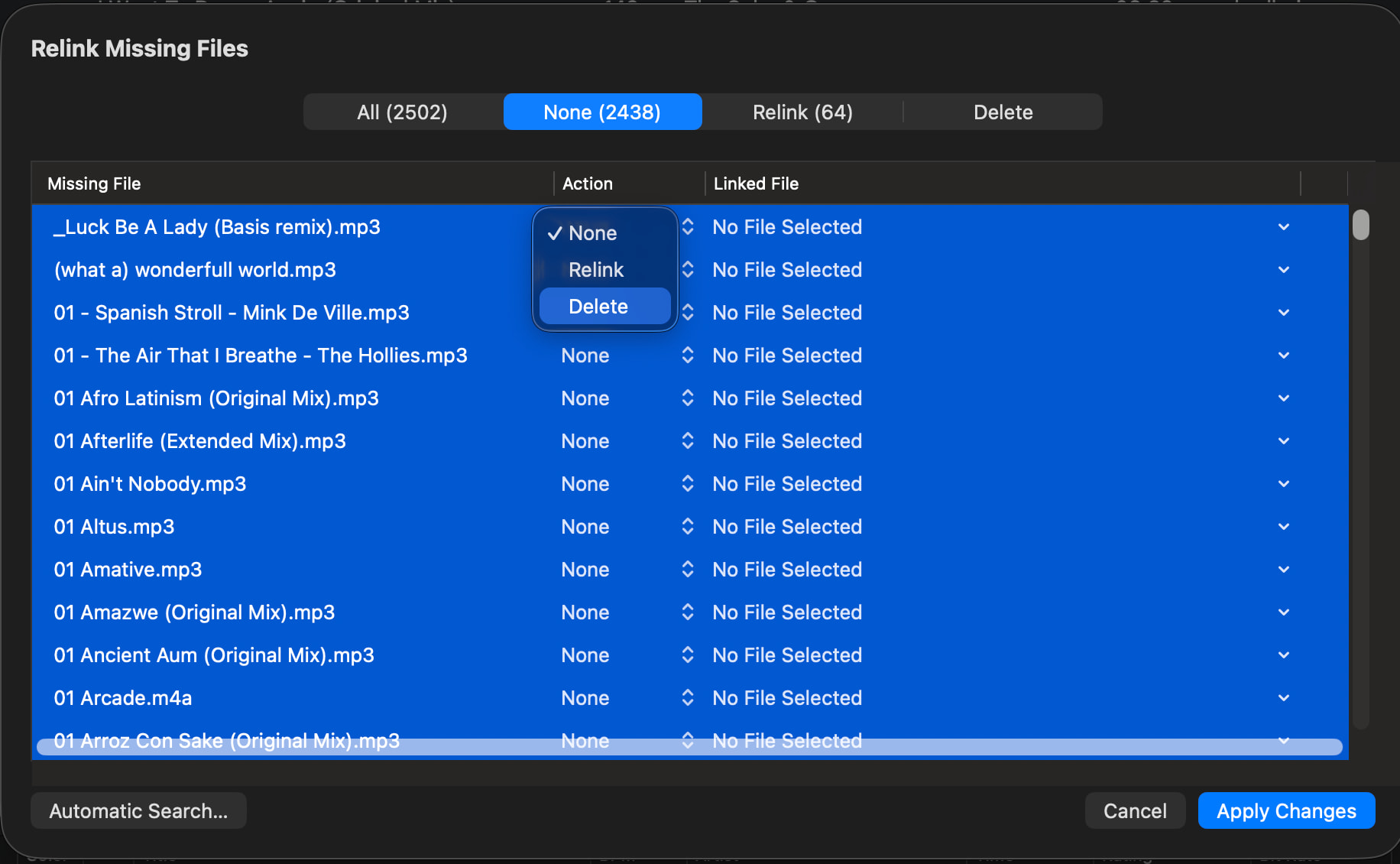
if you want to get rid of those grey out file, highlight all the track (CMD+A), under action where it says none, click on arrow , select delete , then apply changes …. FYI back up your djay media library.
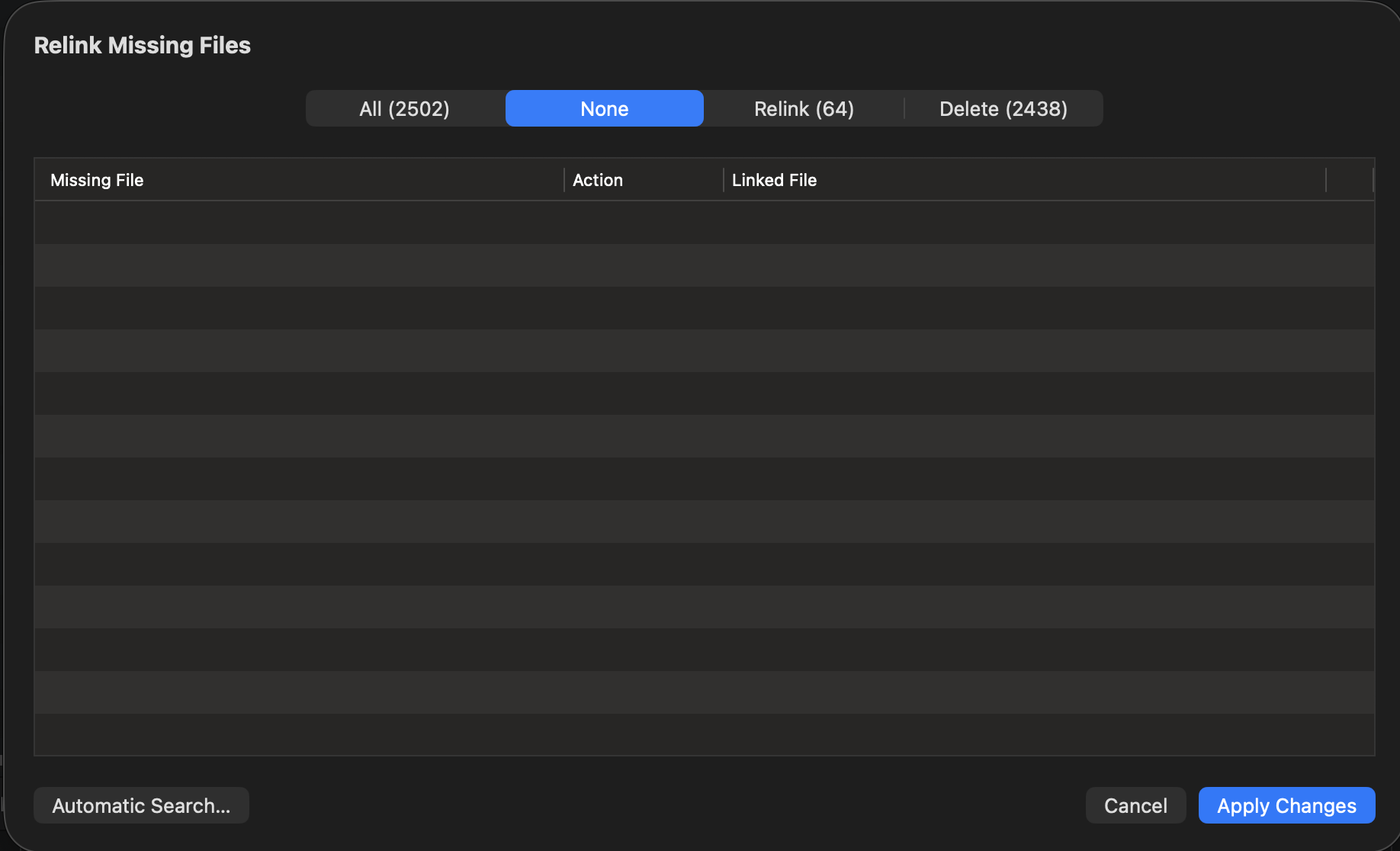
That’s the trick to batch delete them all: Relink missing files > SELECT ALL, DELETE ONE > hit ‘Apply changes’ and all of them are gone! (screenshots below).
I had them all highlighted before but couldn’t find out how to delete them all in batch.
PS: after a closer look, they were not leftovers from TIDAL, but mp3 and m4a leftovers from many earlier tryouts in Djay which i removed afterwards from my SSD i think.
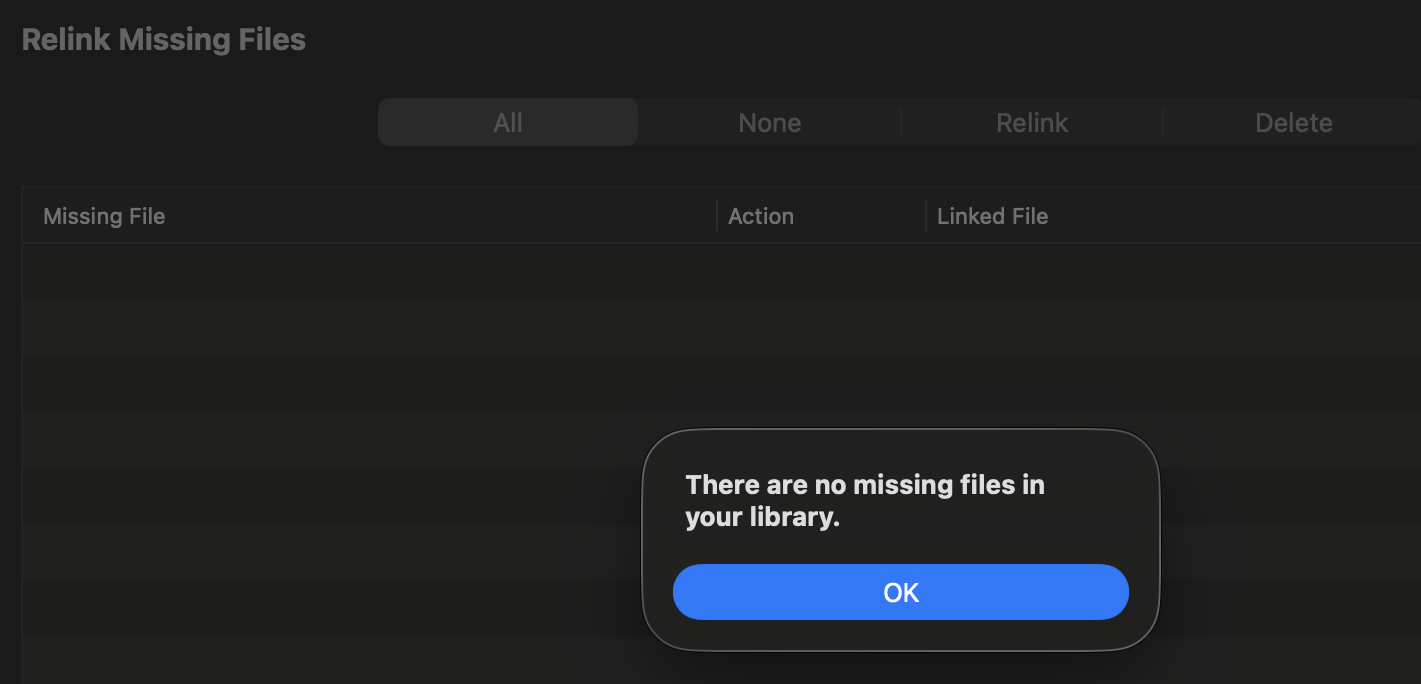
Anyway, there are no missing files anymore in mijn Music Library!
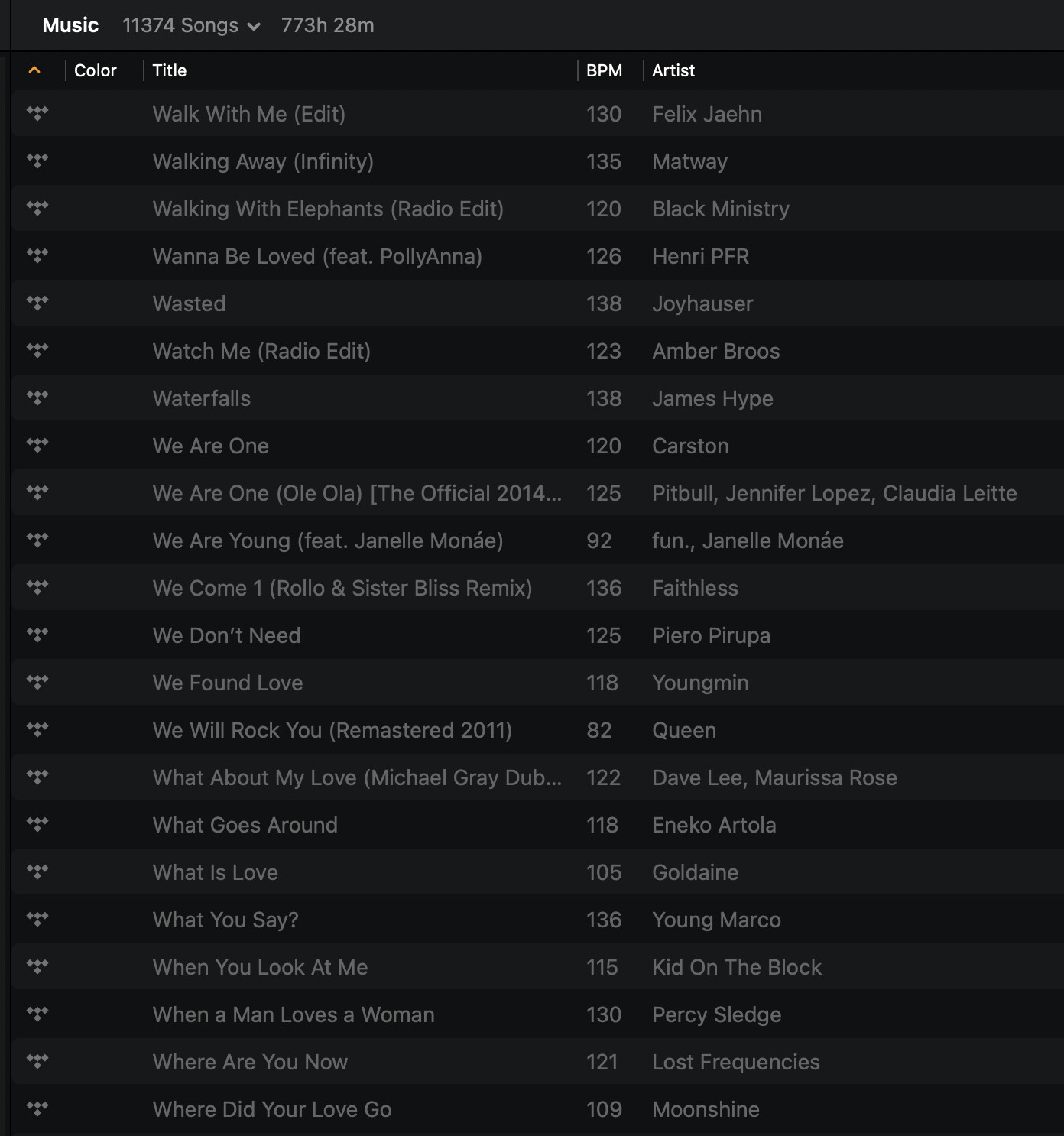
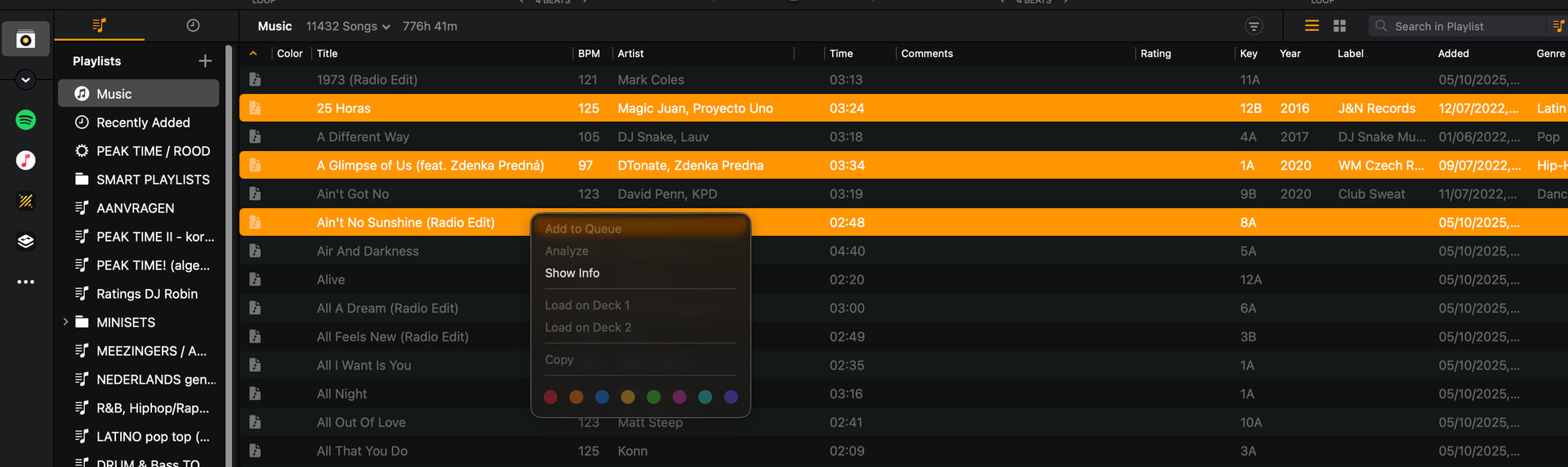
My confusion related to Djay’s Music Library isn’t over yet since I saw again some greyed out tracks although Djay say’s there are no missing files in my library. Figuring out how to sort them I activated ‘Source’ en vollà, hundreds more of them, see screenshot. How to deal with those?
The trick for deleting greyed out tracks is usingthe physical delete button.
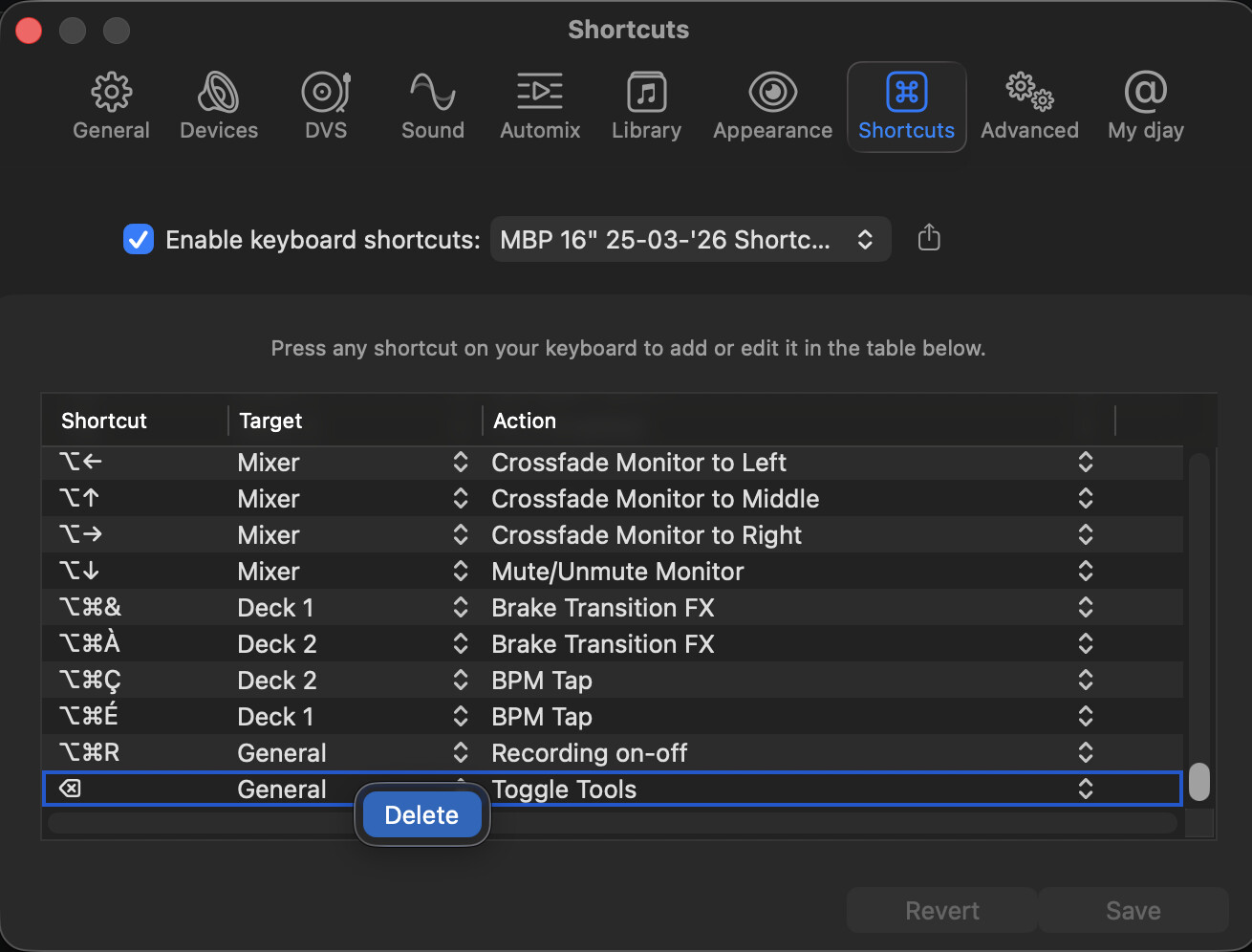
Didn’t work for me at first because i had used the physical delete button as a keyboard shortcut in Djay.
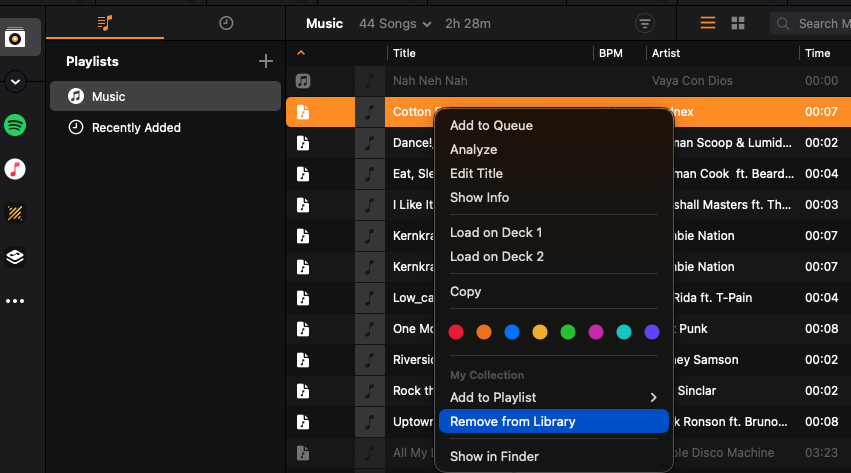
Once I deleted the keyboard shortcut (see screenshot) i could finally delete all the greyed out tracks (which are not deletable by right/click submenu since there is no ‘Remove from library’ for greyed out tracks in the submenu).
@Slak_Jaw: I’m on the edge of my chair in following Djay!
It’s solved, I tried it out immediately on my old mid 2012 Intel MacBook Pro with macOS Catalina I still own but don’t use anymore for my professional DJ job.
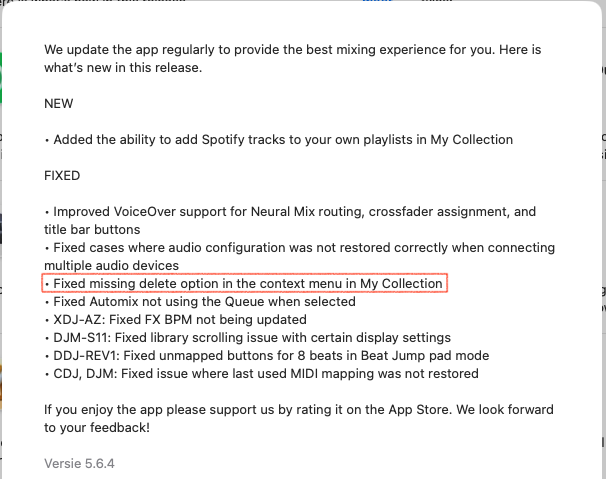
I’ve imported lots of mp3 files in Djay, then deleted them from the internal SSD. Imported TIDAL track from Rekordbox as well as a test. 5.6.4 solved it flawlessly.
Amazing the latest version of Djay still runs on this old machine.
For the delete option to appear in context menu, one has to be in My Collection master list (which is a pain in the a** scrolling down to the song from A-Z in a 18,000 track library as an example.
If in a playlist, the delete is missing
If in a search list, the delete is missing @Slak_Jaw can you push for a revision? We need it there! Makes no sense.
Hi @Armigo, can you please confirm your setup details (OS and djay version)? Can you please also share screenshots of this within the My Collection master list and within a playlist? Thanks!
My bad!
I didn’t realise time-machine had rolled me back to a previous version djay! I recently downgraded OS,
Sorry
Having quickly updated, the delete option is there in the playlist now.