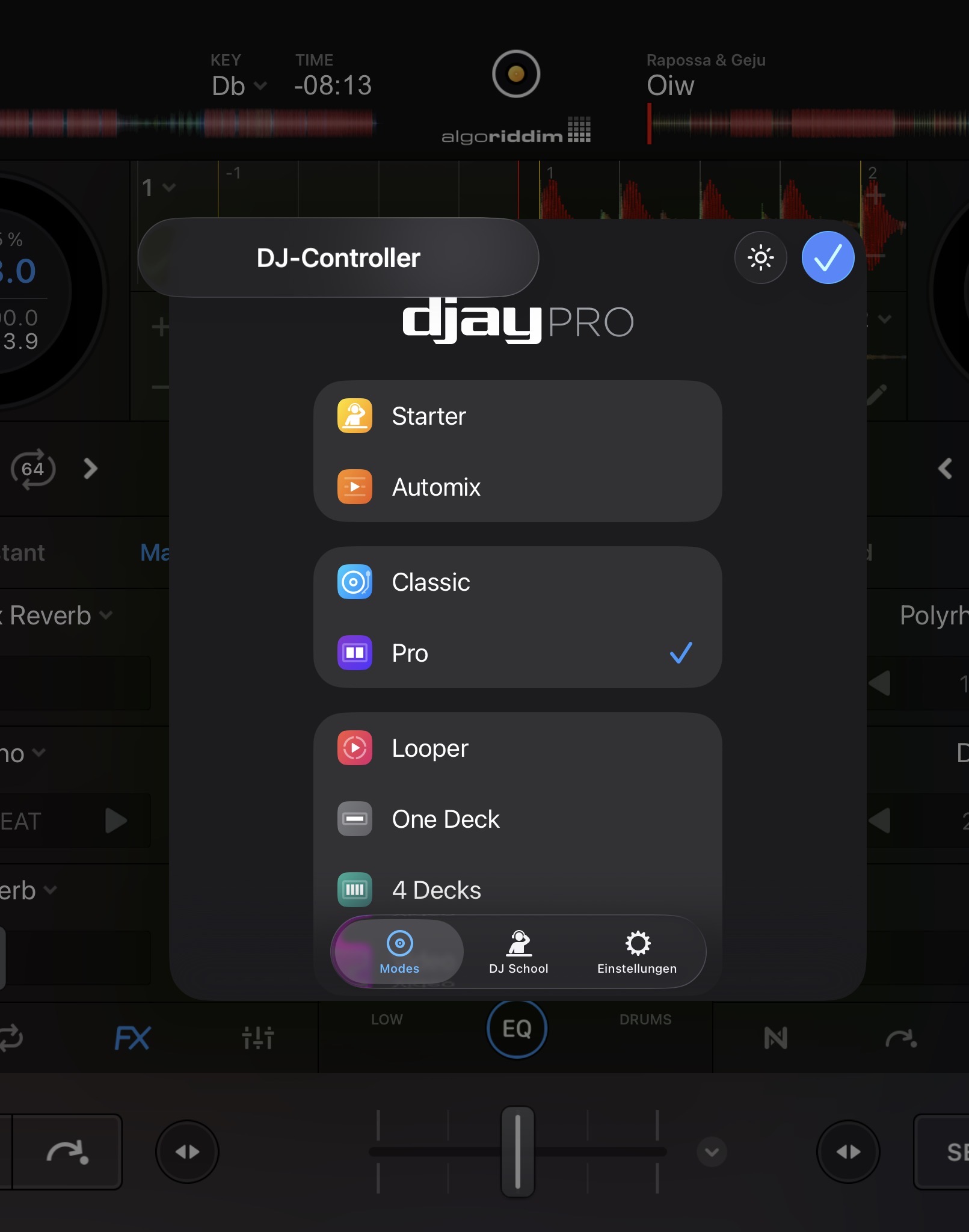
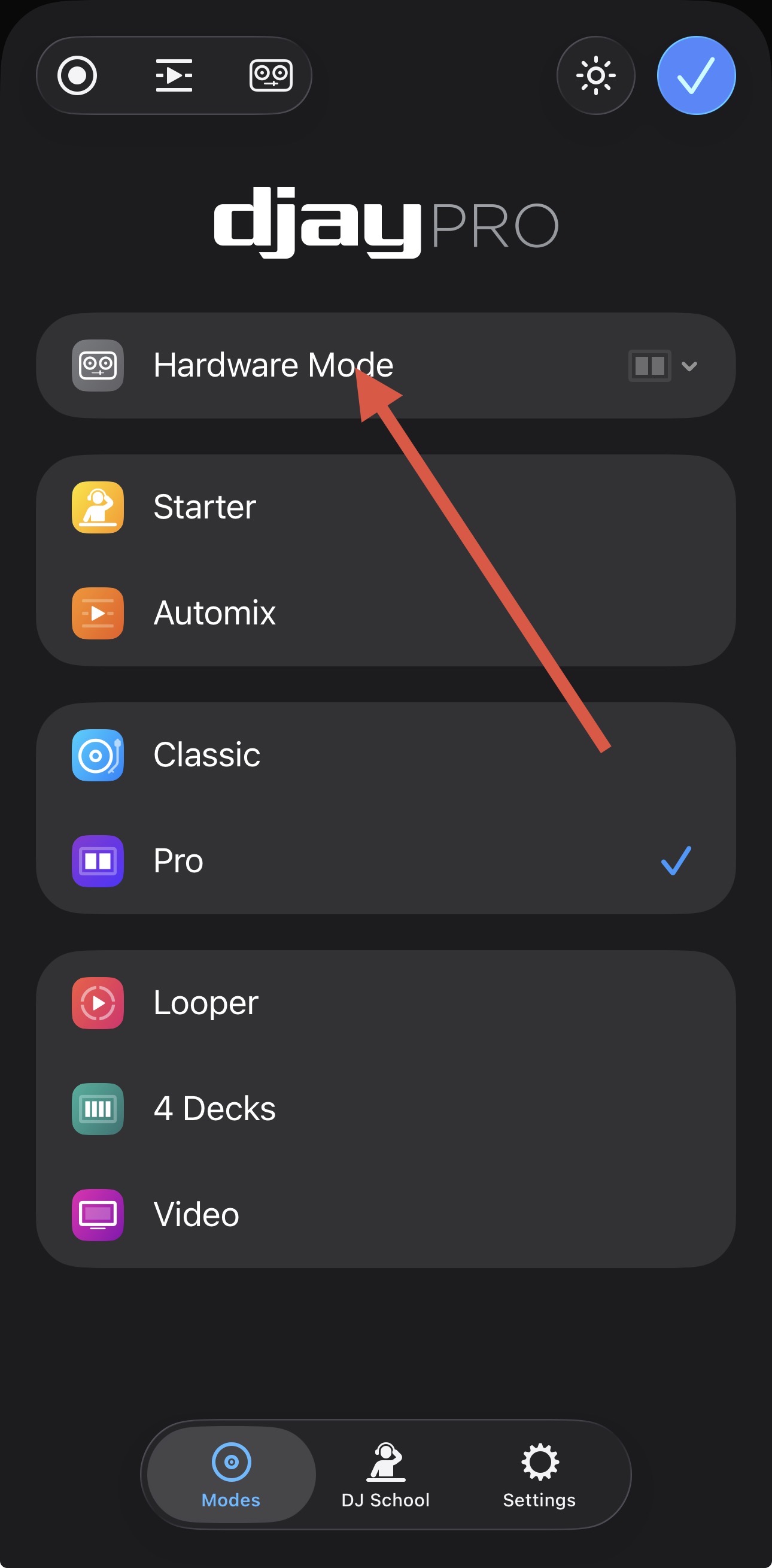
I am trying to switch to hardware mode on my iPad DJay installation. I think i found the new position of the button on top of the “Modes” PopUp Window, besides the icons for recording and automix.
When i tap on the icon, a button appears: “DJ Controller”. But then, nothing happens.
I have a subscription for Djay Pro. I tried to connect my soundcard (novation audiohub) as well and configured main and cue out, but that did not change anything.
I hope the hardware mode is not locked to known controllers - because there are more usecases when i want to switch to hardware mode. I dont use the crossfader to mix, and I plan to get intech grid modular midi controllers, and def would want the hardware mode.
Maybe we have a bug here?
I am happy about any suggestion!
TIA,
Philipp
Screenshot: No change when i press “DJ-Controller”
Same here with a DDJ REV5 and iPad Pro M4 (all software up to date).
I don’t know whether hardware mode is discontinued or if there is an issue (I am a subscribing customer).
You’re welcome @filzer. Please note that Hardware Mode is only available when you have a MIDI Controller connected. Please connect a controller and check again.
Hey @Slak_Jaw that’s my problem. I am using a midifighter twister as controller, that is recognized correctly as midi device.
But I cannot enter hardware mode. Nothing happens. I tried to connect the soundcard because I thought maybe I’ll need cue and master to be allowed into hardware mode but: no way.
EDIT: The problem is: there is no hardware mode button, even if i have a midi device (midi fighter twister) connected.
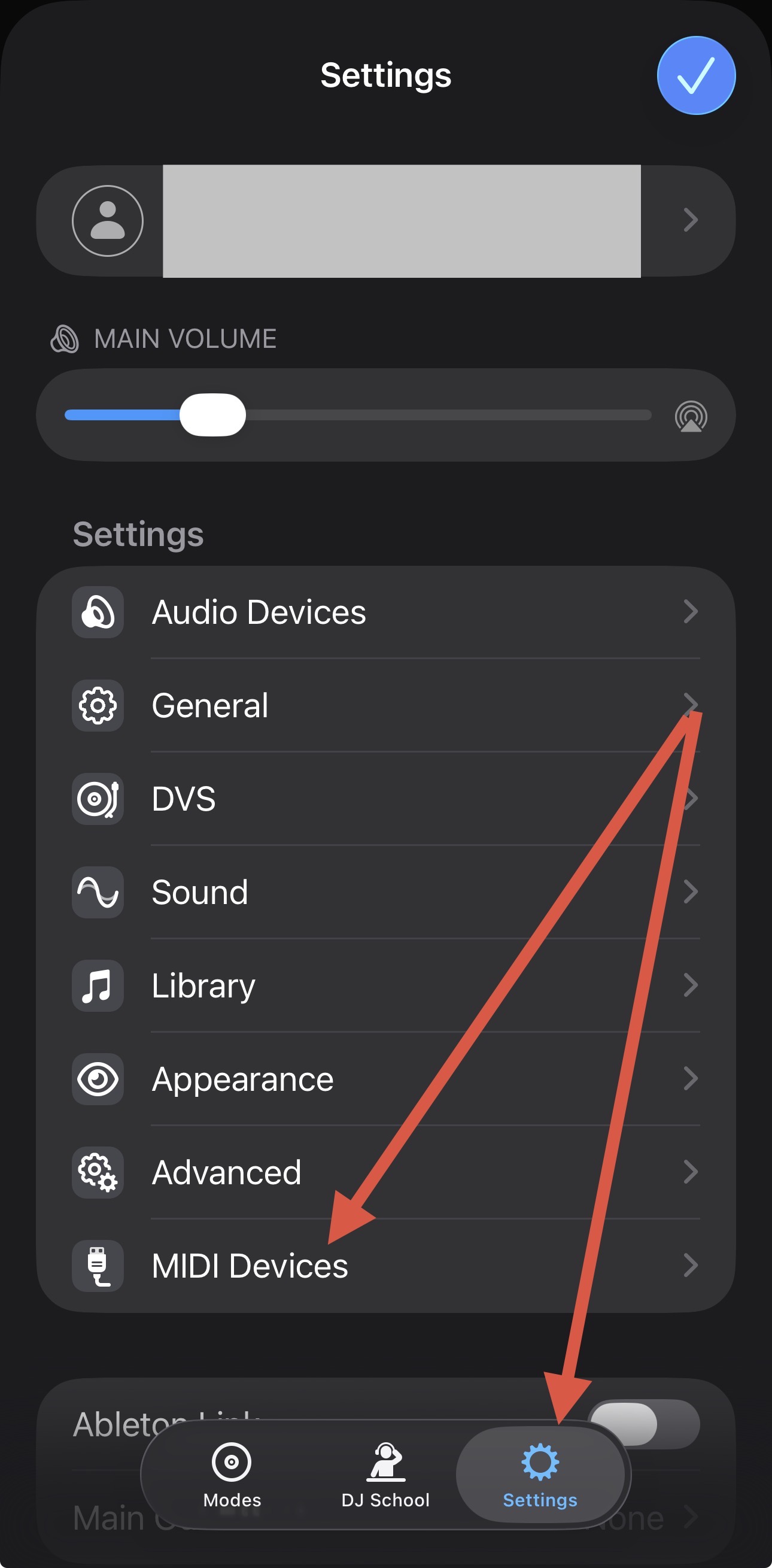
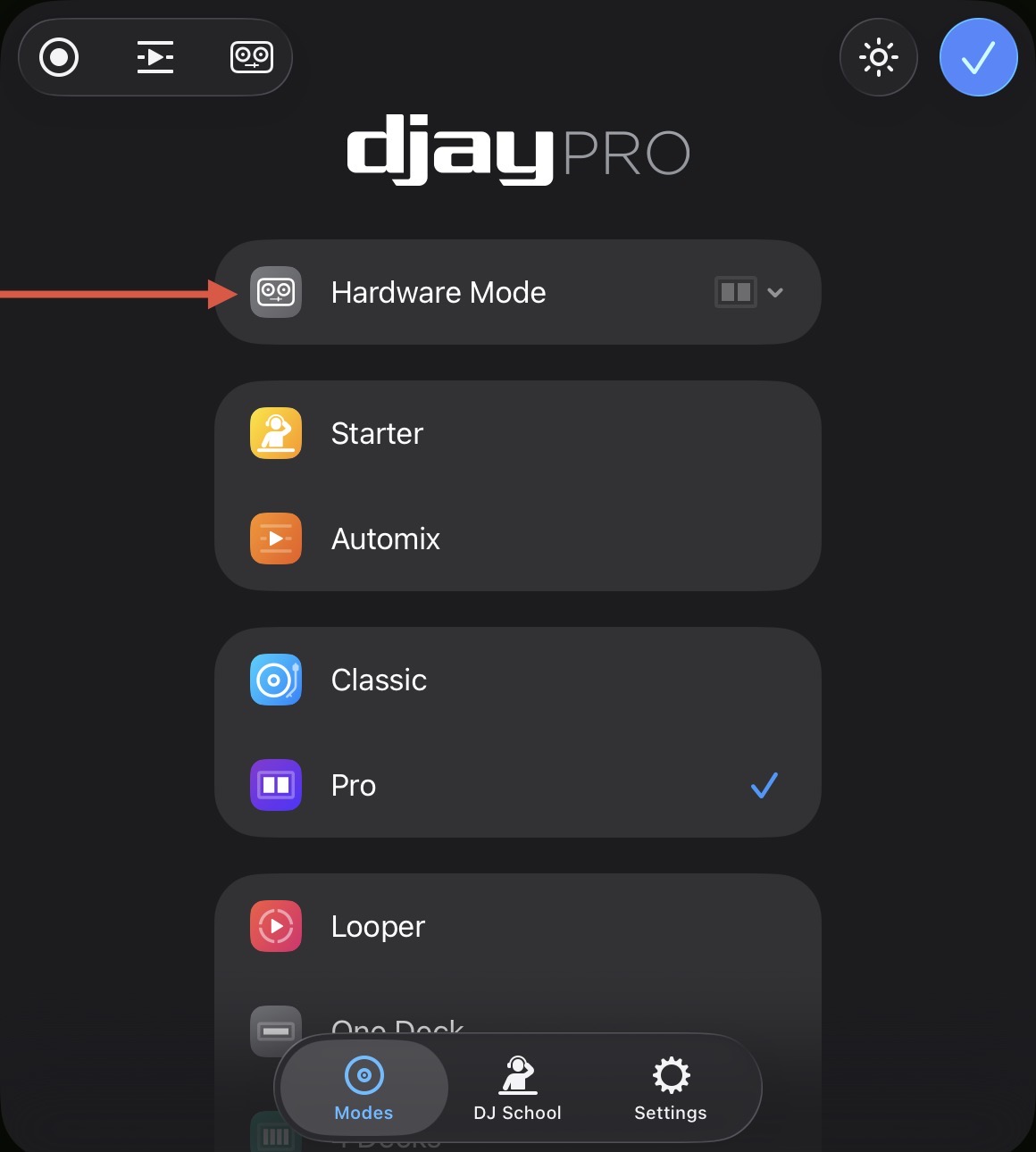
I am wondering: on your screenshot, there is the hardware mode button (that is missing in my installation) analso the same icon on top, besides record and automix. What does this icon do?
Well, I thought it’s the one to switch to hardware mode and it just moved up there, but that was wrong obvs
Hi @filzer, you need to map a crossfader to enable the Hardware View Mode. It can be to some unused MIDI Note/CC. The only thing that matters is that it is in the mapping list.
The icon to the right of the Record and Automix icons is supposed to take you to the MIDI Controller Configuration menu.