When setting the Numark Scratch into External Mixer Mode, the audio isn’t properly routed through the master channel. Is this expected? Is it Internal Mixer Mode only or have I not set up External Mixer Mode correctly?
Internal mode works but I’m trying to get better reaction from the crossfader. It seems the crossfader’s midi control is making it a little slow. If it is Internal Mixing Mode only, is there a setting that just turns off the crossfader’s midi connection?
Thank you for the answer to the Internal mode question. But regarding settings for a more precise crossfader reaction, are there settings to help with this? I’ve tried the “Crossfader Cutting Mode” enabled but:
It didn’t really help (or maybe it helps too much?)
Am I correct to assume that things like blending using the crossfader and Automix (with or without CFX) would be negatively affected?
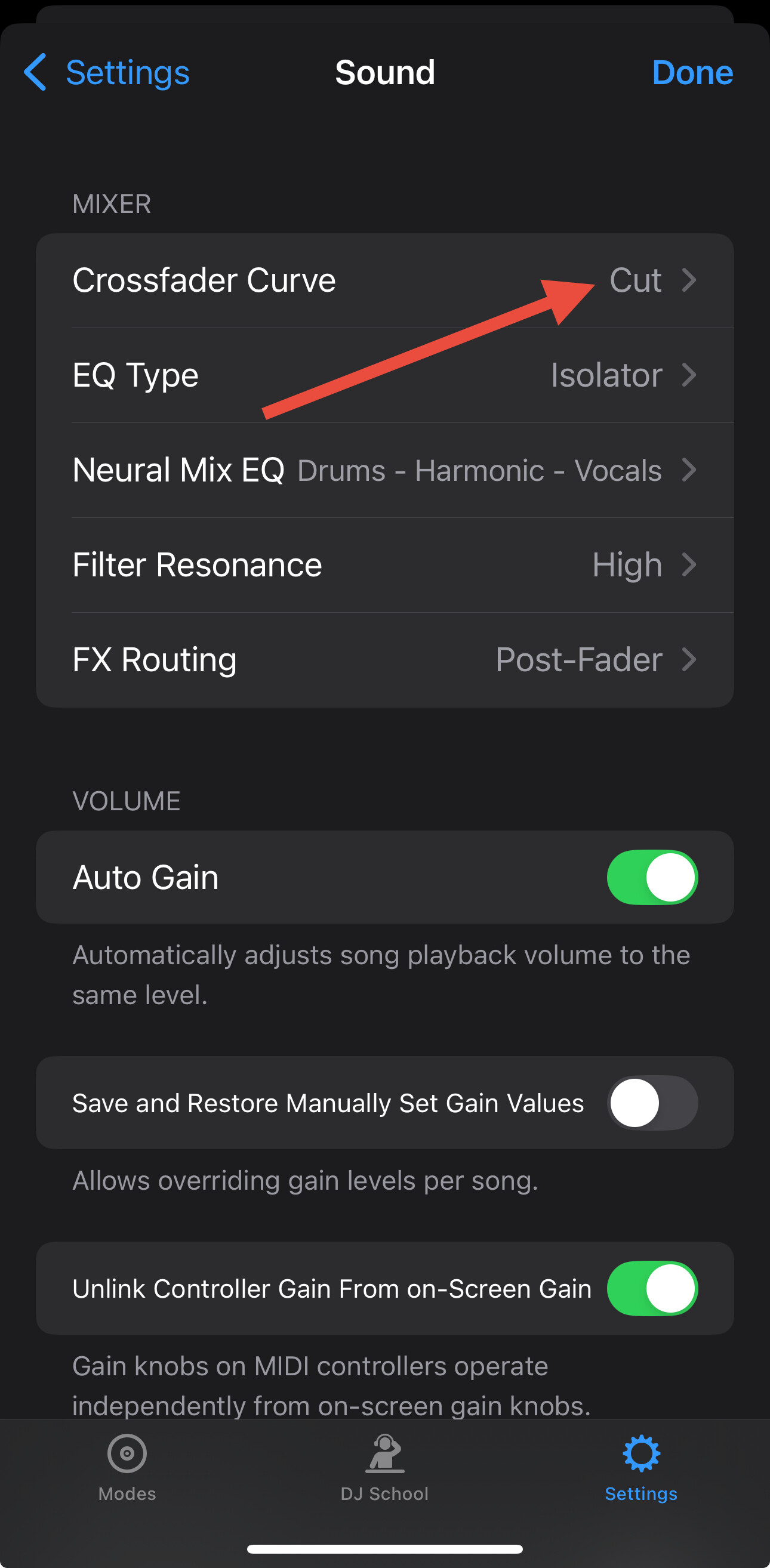
The Crossfader cutting mode does not affect CFX or Automix. I would try disabling crossfader cutting mode and instead setting your crossfader curve to Cut.