Hi,
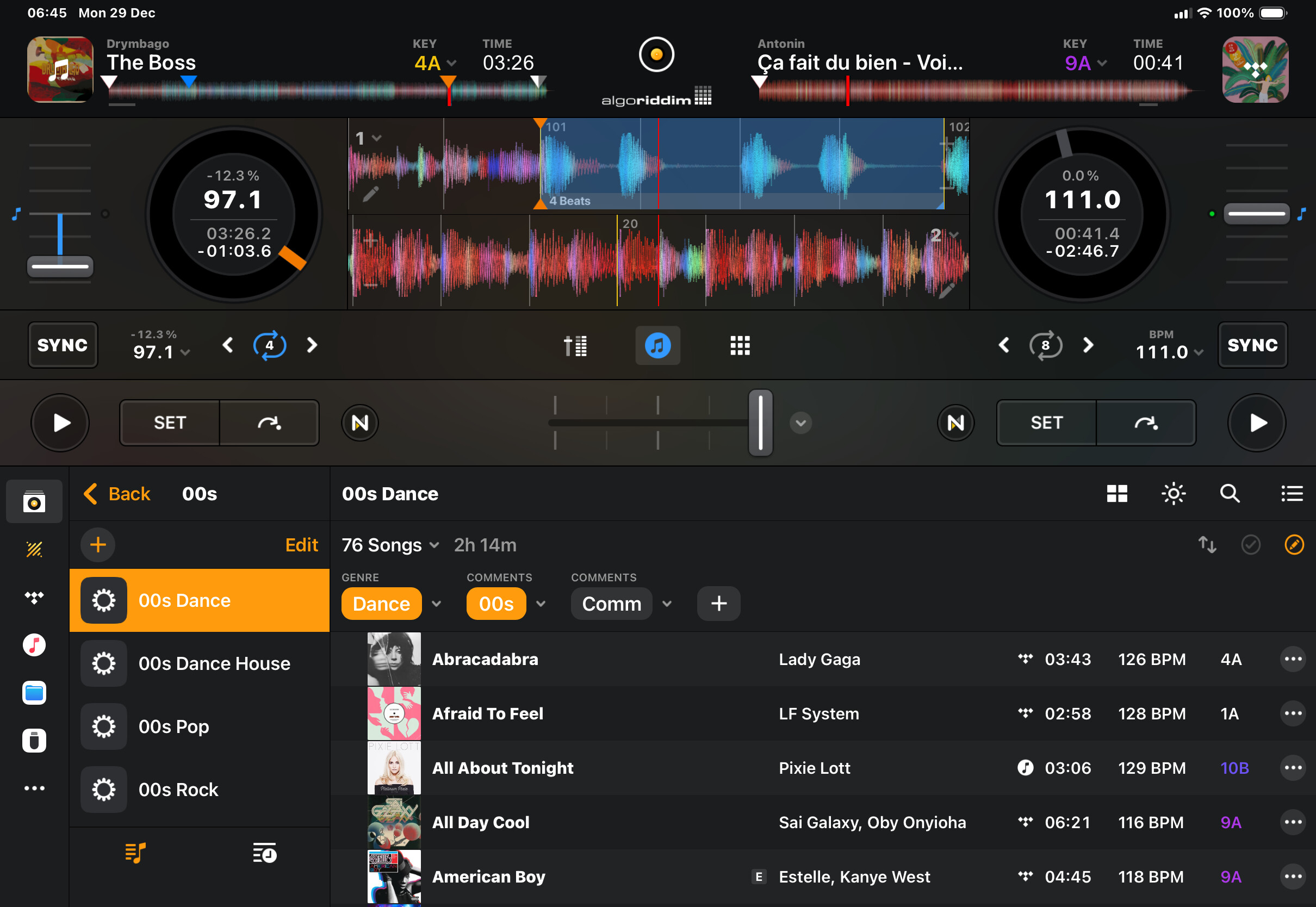
I took a break from DJing for several years. Last I was seriously doing it was with Serato about 10 years ago. I had my music in iTunes where I “tagged” it all (multiple tags per song) using the comments field and then created smart crates for each tag word that searched the comments fields of my music collection. I could play sets with minimal planning because I could ride the tags to find related songs to play. This worked really well for me.
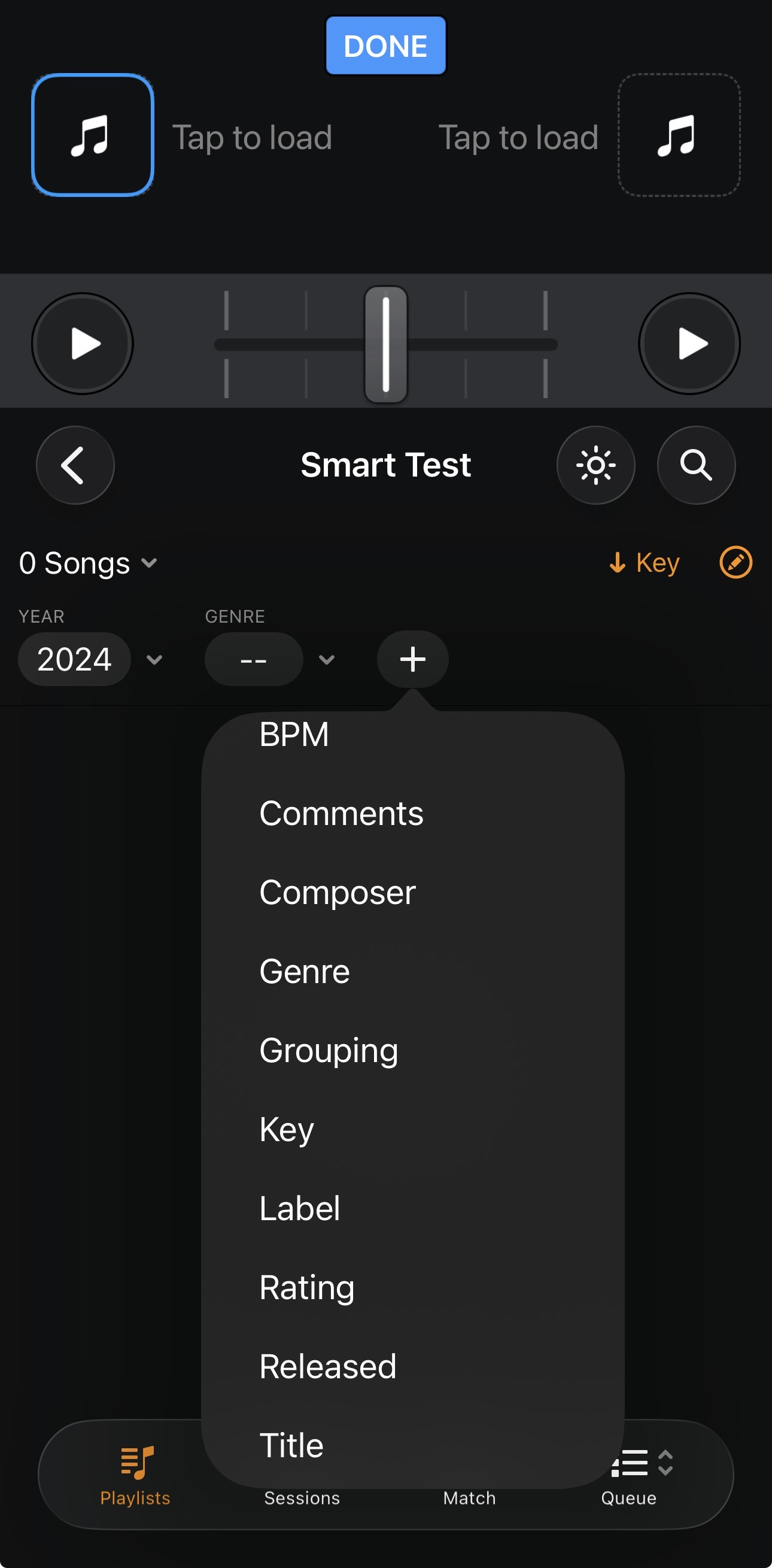
I switched to djay on iOS and love a lot about the app but there is such poor support for tagging and organizing music that I’m wondering what others are doing to organize their catalog? And/or is there a way that I’m missing for using djay with tags? It just seems so limited and hard to access the tags that you can have that it is not very elegant in the moment while trying to find the next song. Also how do folks manage mixed libraries between physical and streaming? Integration here seems challenging as well.
Basically it’s a new era and I’m curious how the current era of djs are approaching library management in djay?
I’d love to hear any and all thoughts and philosophies.
Thanks!