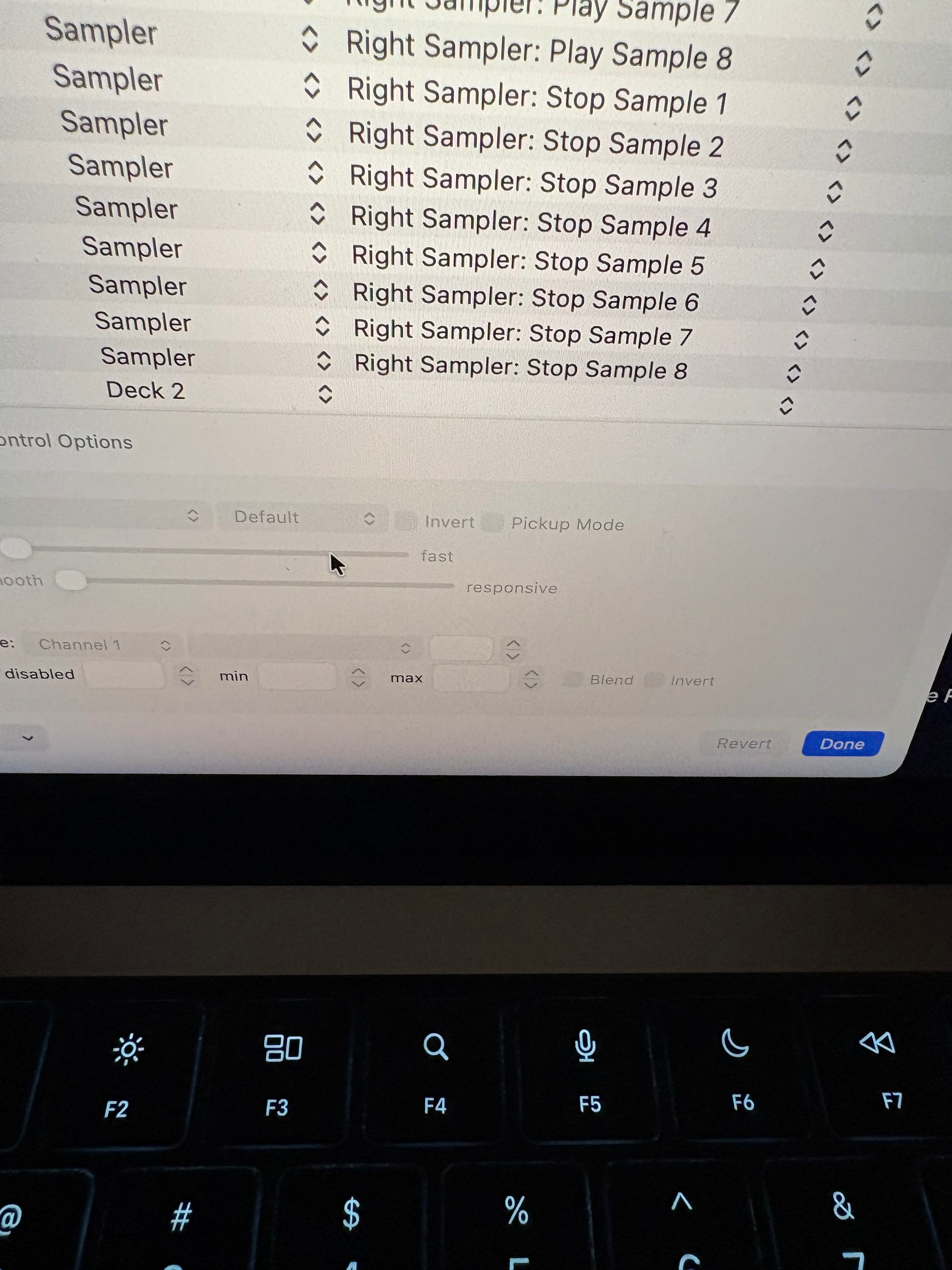
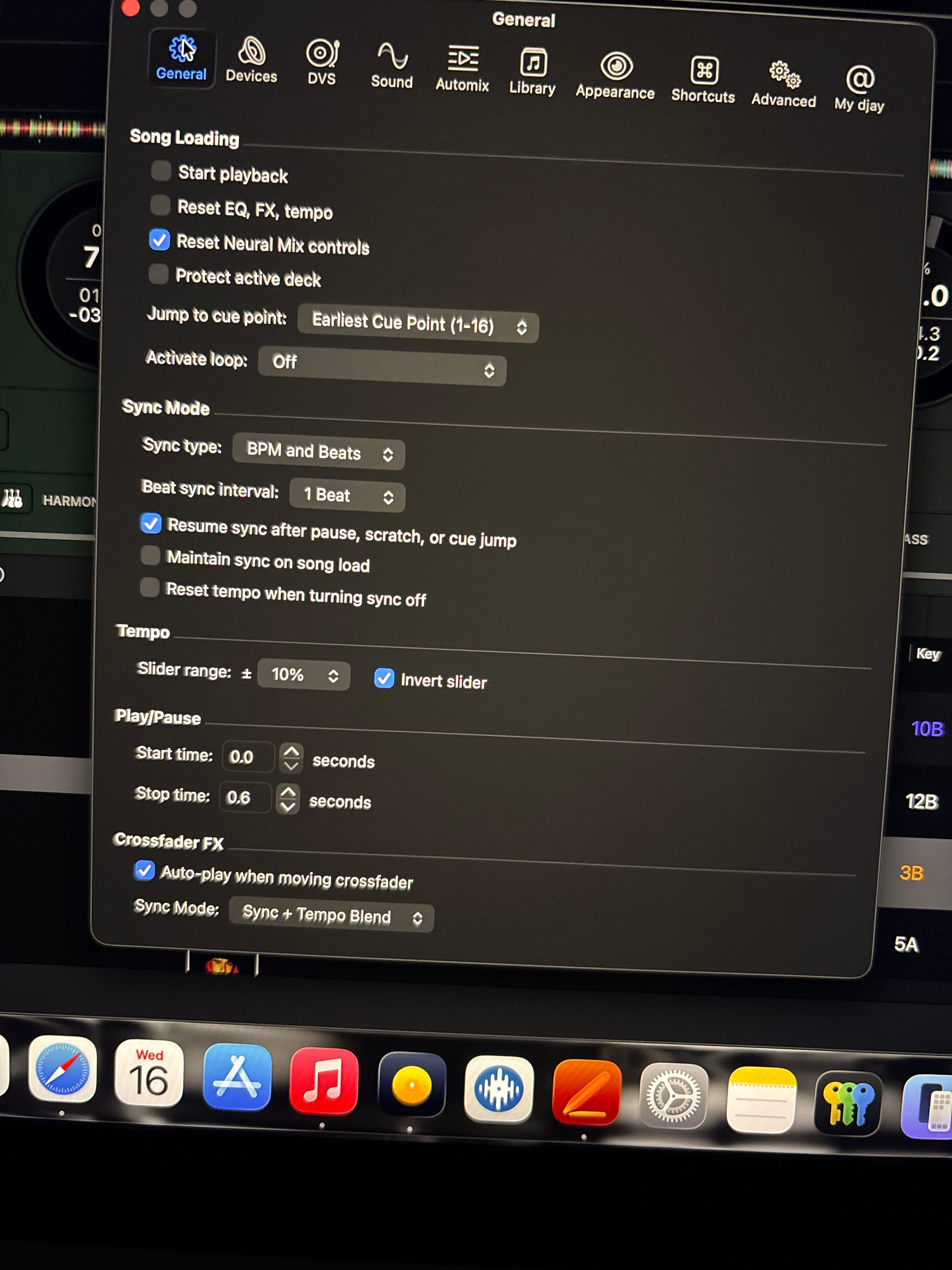
Hi @jmoak311, when there is a mismatch between the hardware tempo fader position and the software tempo fader position, you should notice a “ghost” fader which will help guide you in the direction you need to move your hardware fader to realign it with the software. This feature is necessary to prevent an unexpected big jump in tempo when you touch the hardware tempo faders.
However, the best way to avoid this mismatch in tempo fader positions is to simply disable Sync and always adjust your tempo manually. Using Sync in combination with manual tempo adjustment is normally what results in the tempo fader positional mismatch. I hope that helps!
I always use external mixer mode so I don’t see the faders on the UI. I think the pitch fader on the One mkII light will flash. I just notice this happens when I haven’t used sync in a while. I vaguely remembering by turning off “pick up mode” in the midi section helped make it less sensitive
Yeah you can disable pickup mode, but be aware that if using Sync results in a large tempo offset between the hardware fader position and software fader position, you will have a big, instant jump in BPM when you touch the fader.
For example, you have Sync on and are playing a 120 BPM track then load a 100 BPM song on the other deck. The second deck will be adjusted in the software to 120 BPM from 100. If you then move the tempo fader on that deck, even a very small amount, the BPM will immediately jump from 120 to 100. In almost every case I can think of, this is not the ideal behaviour. Therefore, I highly recommend that you experiment with this before committing to disabling pickup mode @jmoak311
Sort of lol. Wish I didn’t have to make the 5 or 6 jumps to reset the tempo. I must look like a crazy person slamming the tempo fader back and forth ha
@jmoak311 as long as you move your hardware fader to the absolute maximum or minimum positions, you should be able to match up with the onscreen fader with only 1 or 2 moves. Are you moving the fader super fast or slowly?
Fast. When I’m beat matching I throw the tempo fader up or down versus using the jog wheel since they’re spinning platters. Sort of an old school style
Have you set ‘Pitch reset on load‘ to on? When you have it on, then when loading a new track the pitch is set to 0% in the software, but your hardware fader is still at the old value => So the pitch fader and the software are now out of sync, which could result in the ‘ghost pitch fader‘
I hope hardware manufacturers replace the current pitch faders to motorized ones. That will make it much easier and better understandable. Will also help when you switch decks
This ghost fader is really frustrating and makes you be on the screen of the laptop all the time and losing time. It would be really helpfull guys if you could make an update to have the abillity to shut it off. Please this is important, otherwise the concept is either use sync the whole set or not, or lose time watching the screen all the time. It would be extremely helpfull, this tiny fixes makes the differse. Thanks a lot in advance!