Good morning everyone, please UPVOTE THIS POST
Jokes aside, I’m trying to offer a few suggestions for improving the application, after years of experience with rekordbox and traktor… djpro is potentially amazing software, but it lacks a few things, which at least for me, are quite fundamental.
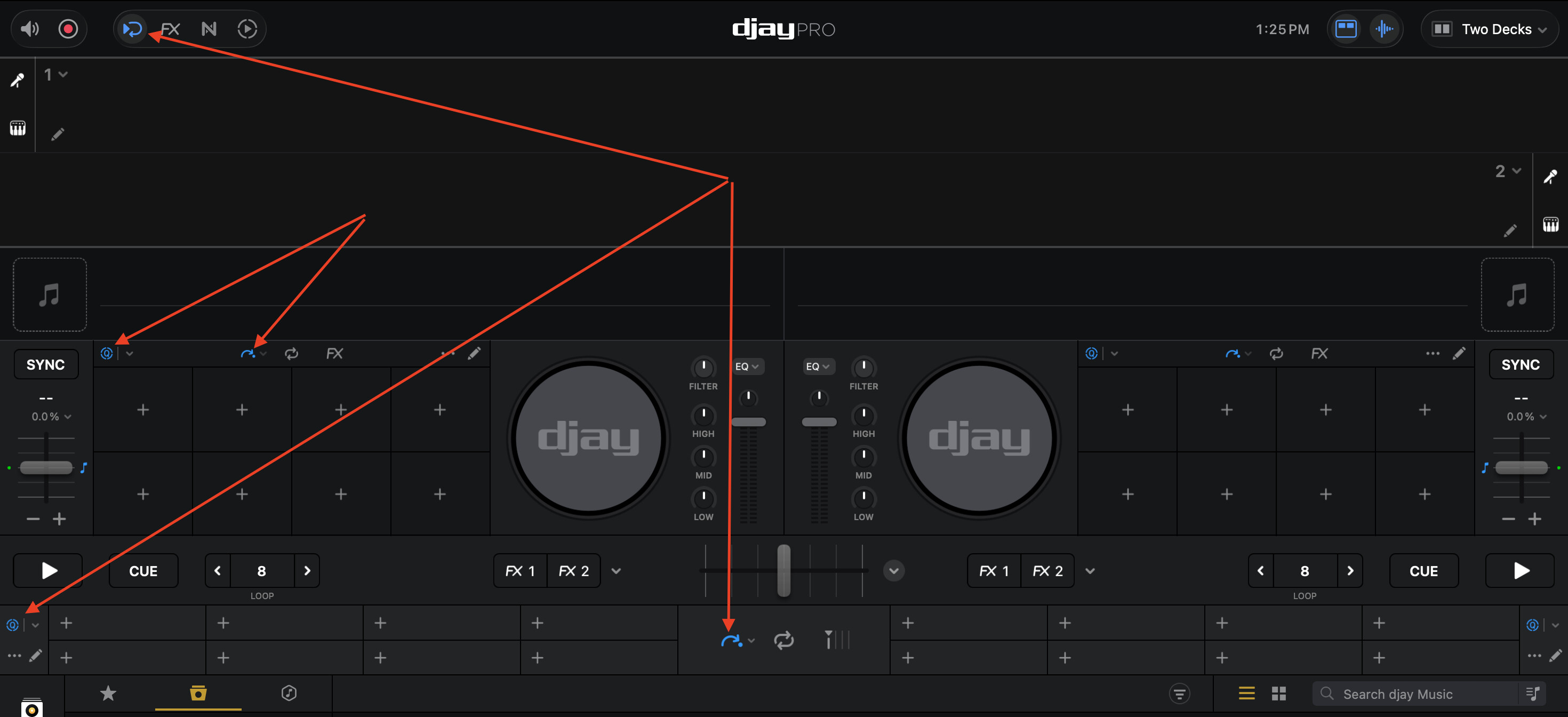
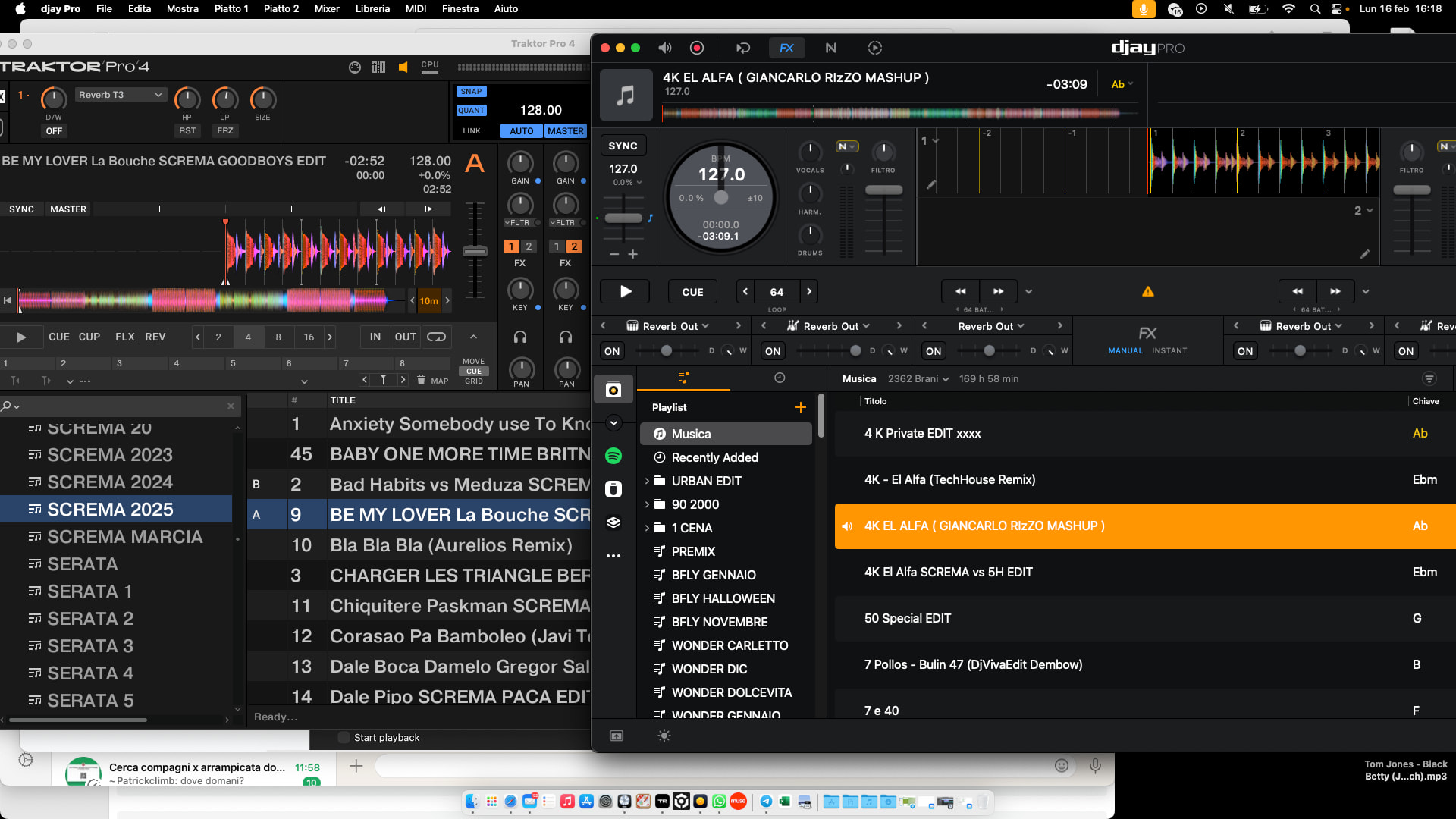
the ability to expand the library to full screen by turning the search wheel, without necessarily having to press a button. For example, on traktor, as soon as you turn the search wheel, the library opens by default; when you stop turning the search wheel, after 2 seconds, the library collapses and returns to the standard view.
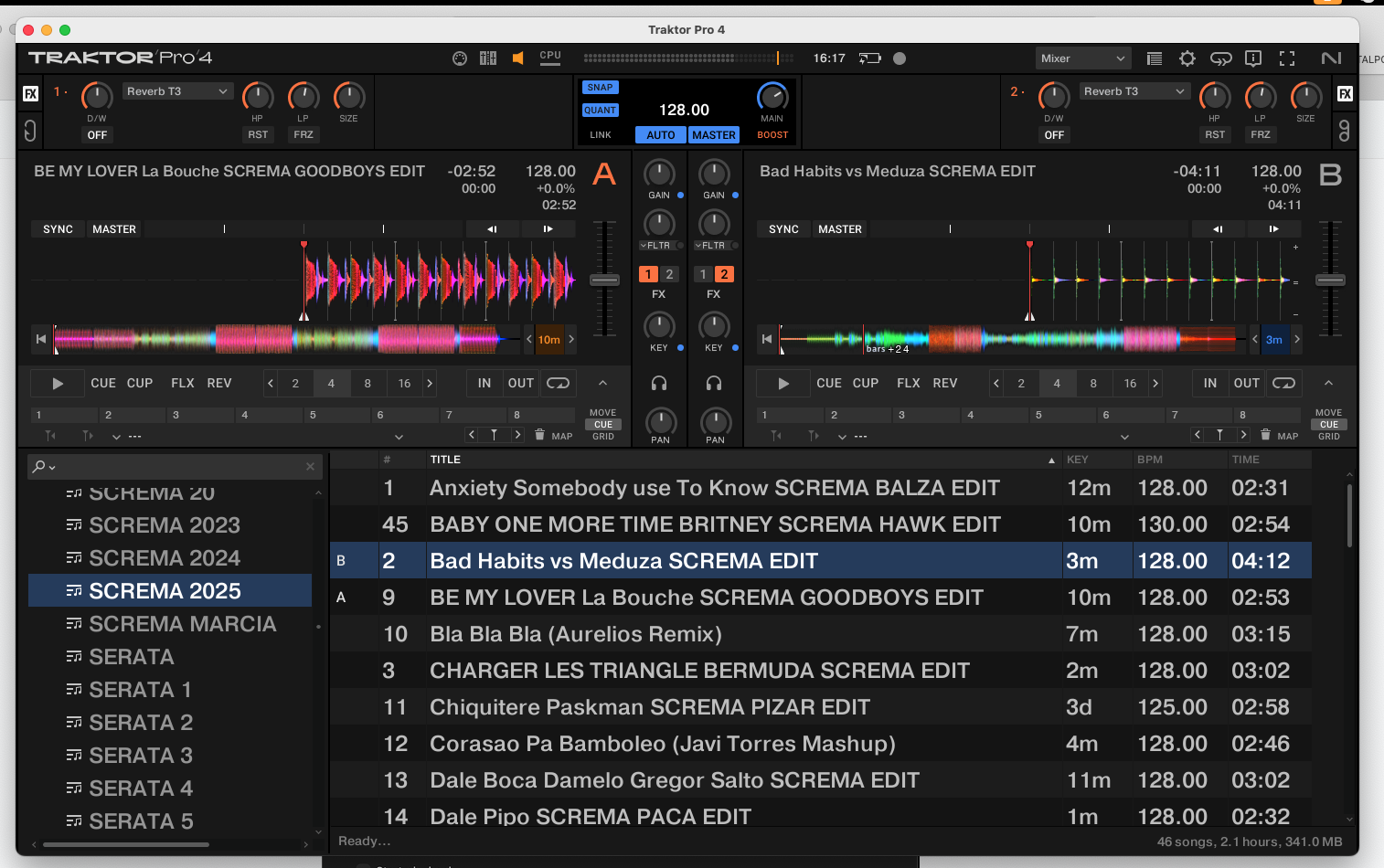
a view with two separate decks like in traktor, with the two separate waveforms within the two decks.
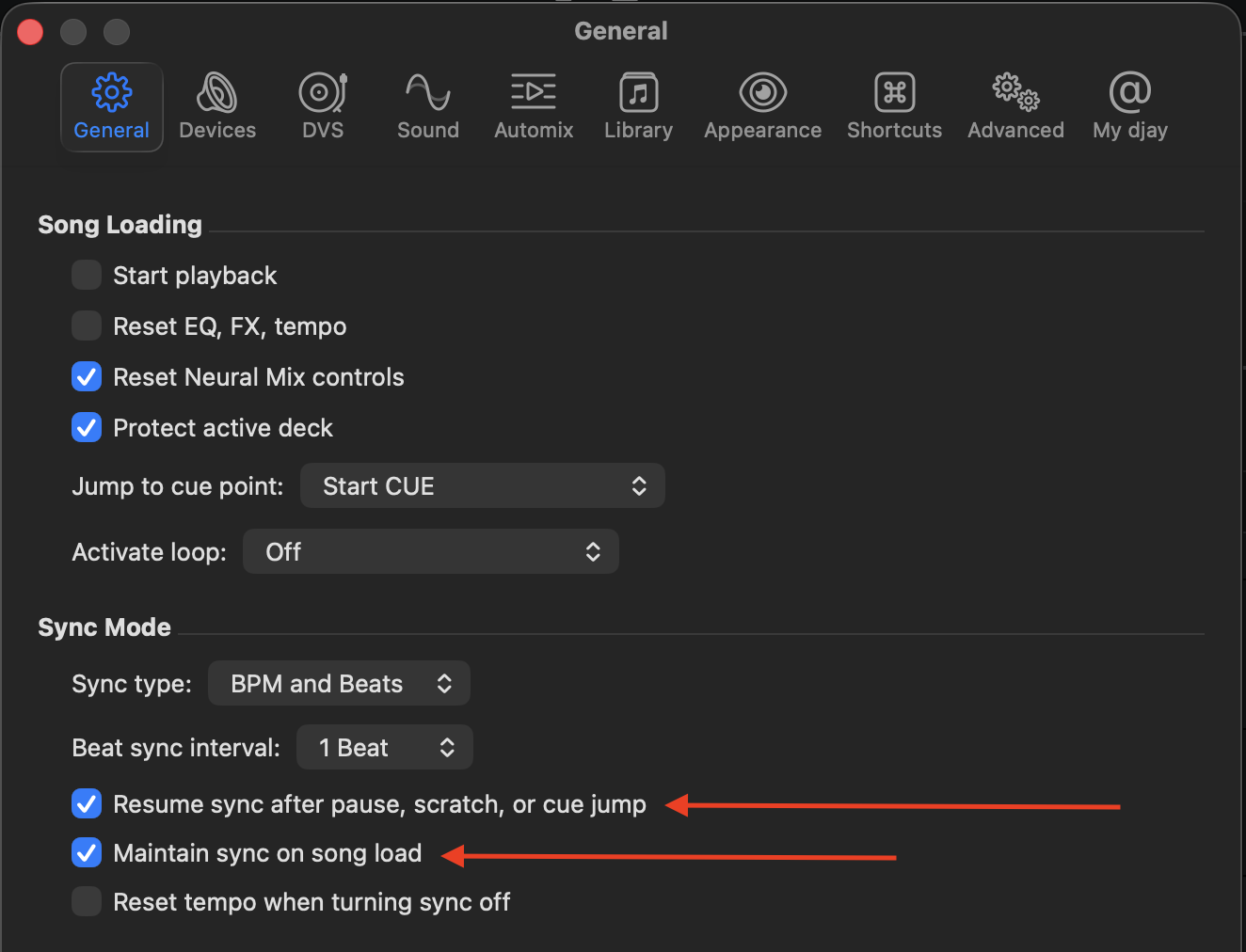
Ability to permanently sync regardless of duration, loops, and beatjumps, so you don’t lose sync when exiting a 1-beat loop, because the software defaults to 4, but this doesn’t happen for beatjumps.
An on-screen QUANTIZE button, so you can quickly activate and deactivate it without having to go to the program’s drop-down menu.
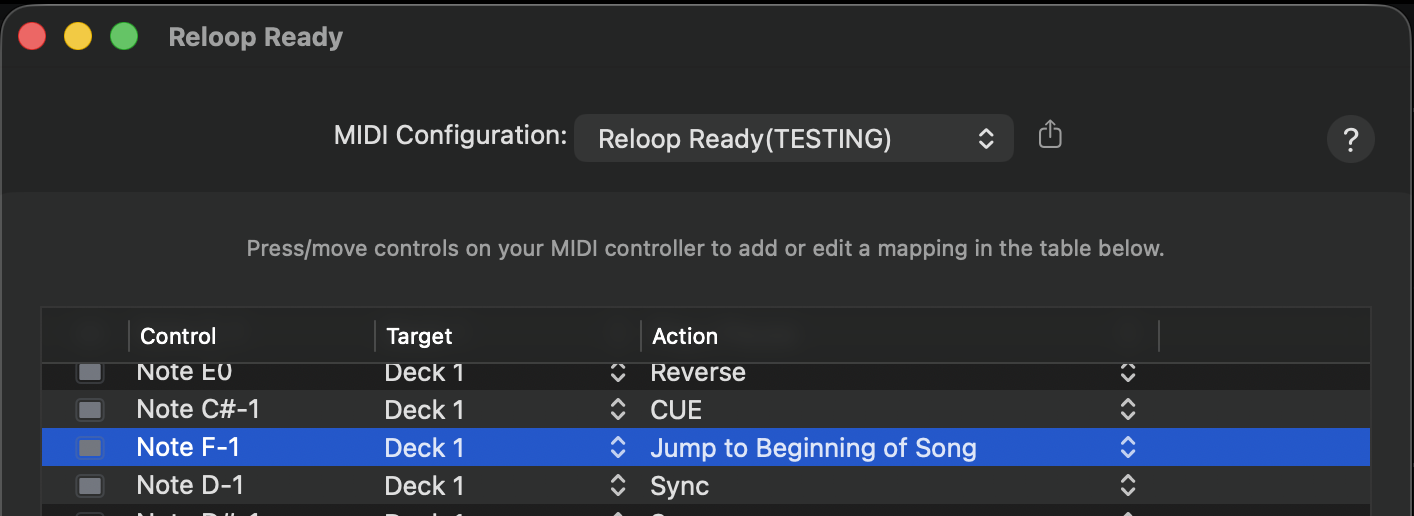
Add a button that resets the track to the start, like CDJs and practically all software have. Here, the starting cue point is set based on when the track stops, but if you need to return to the starting point, there’s no default button that resets you to the first beat.
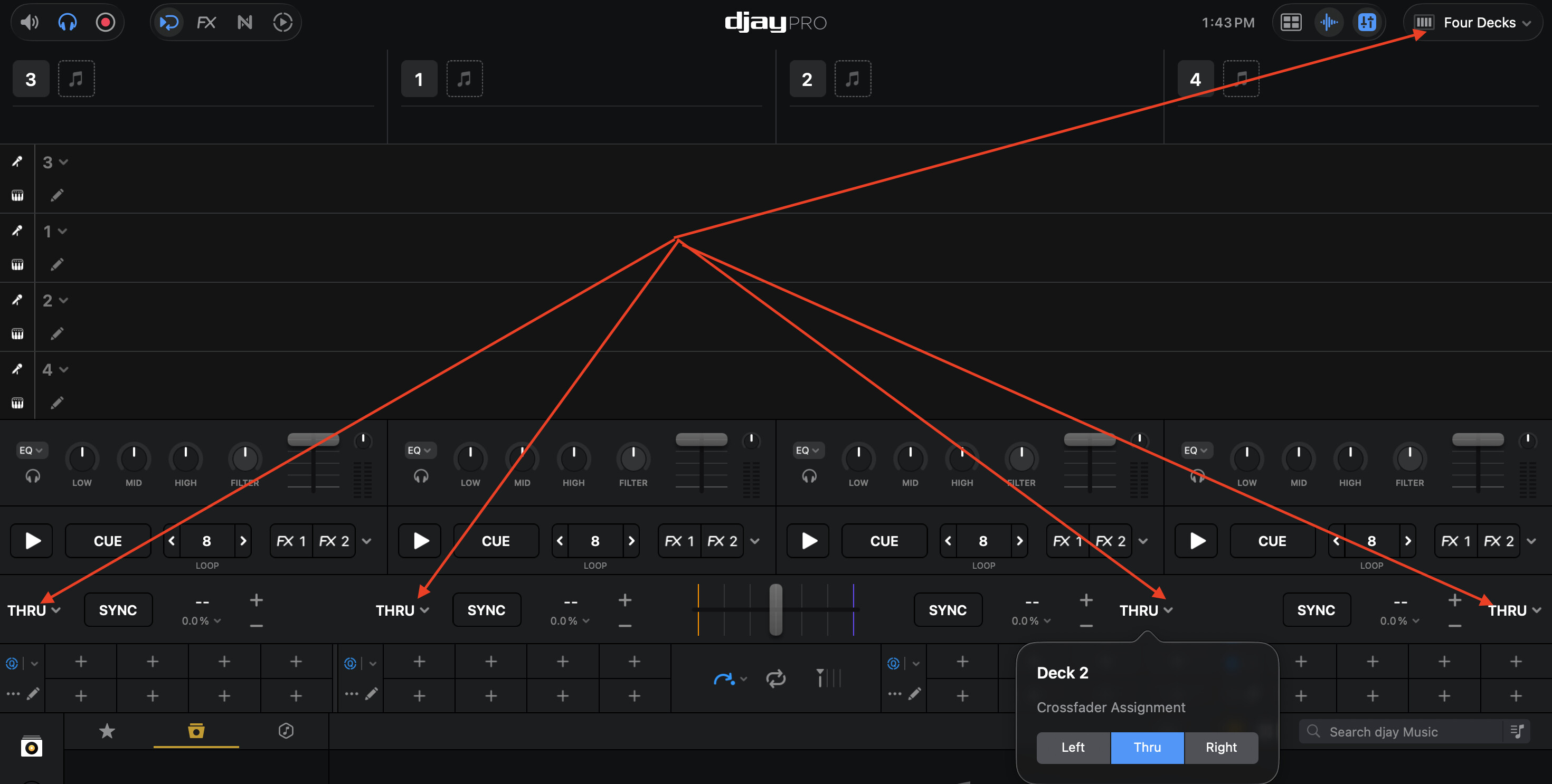
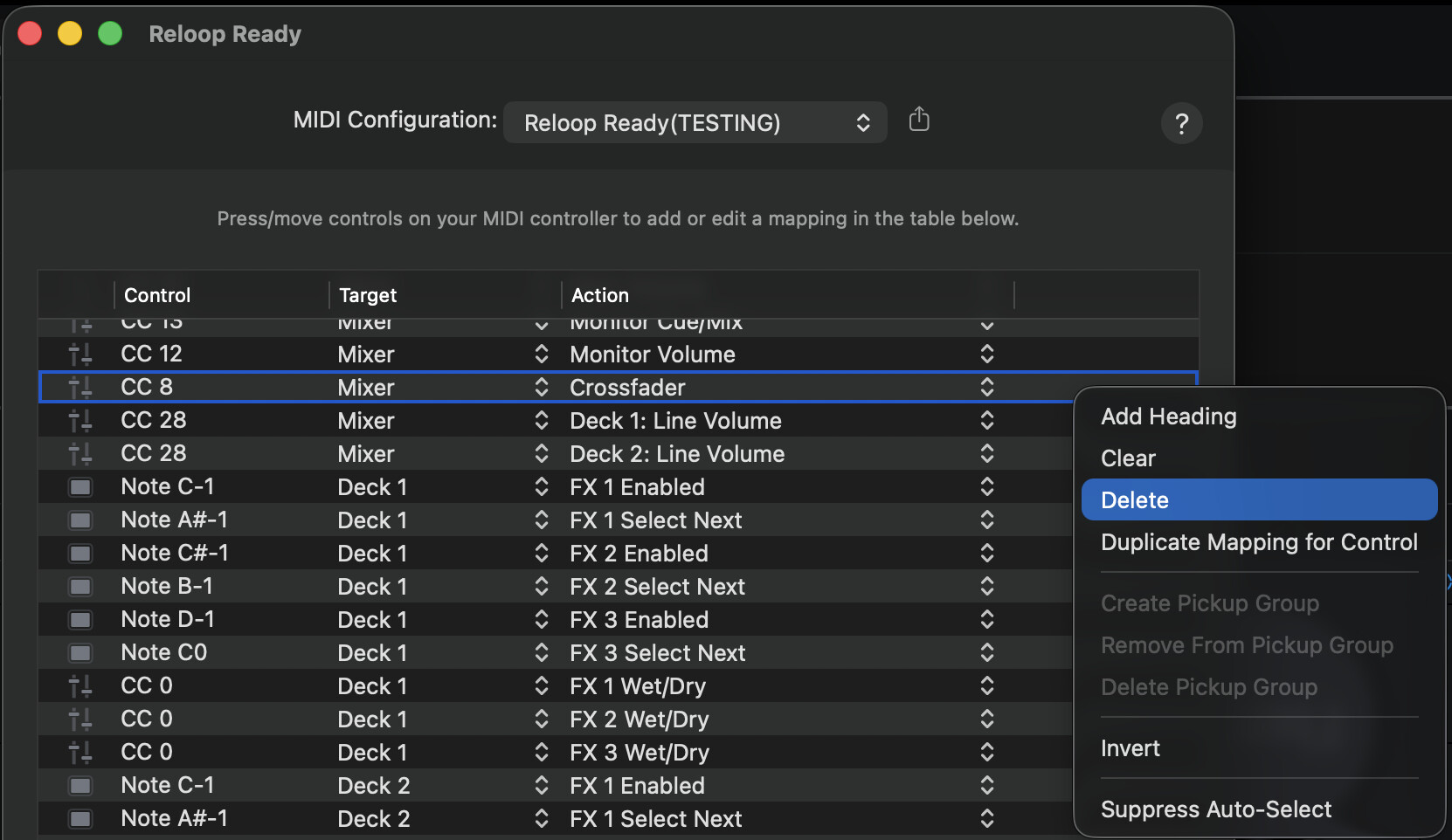
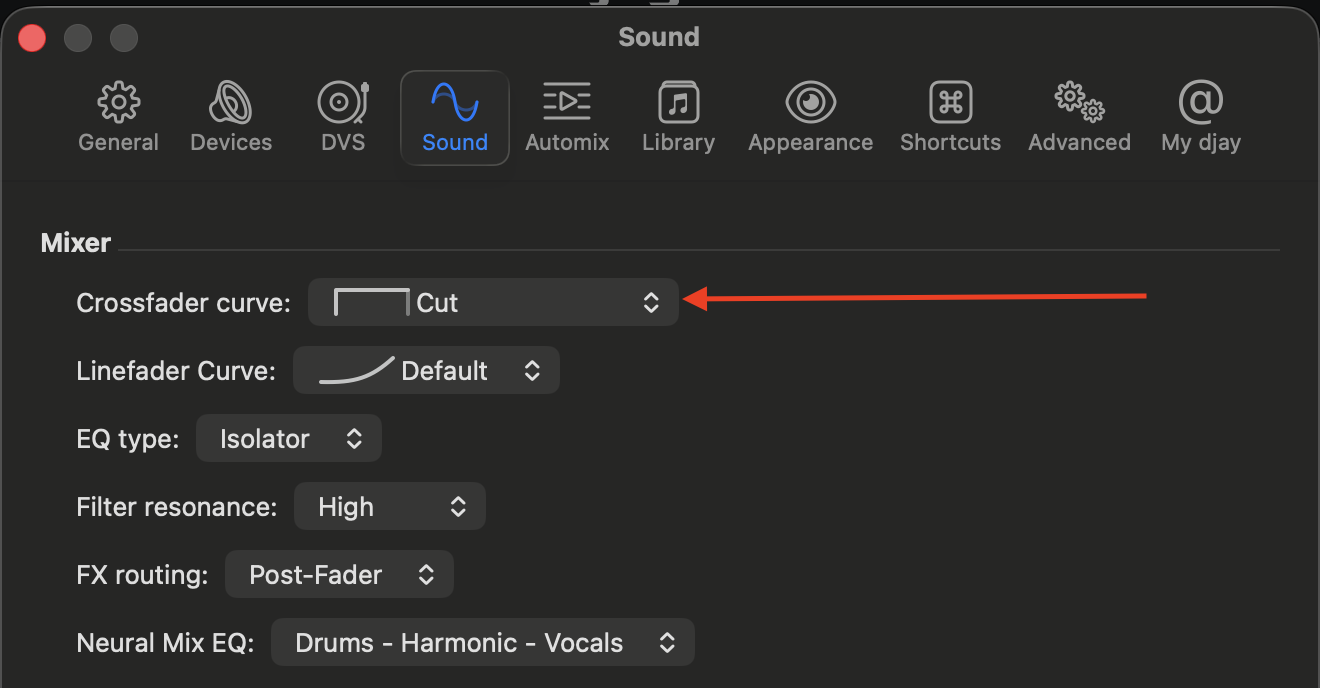
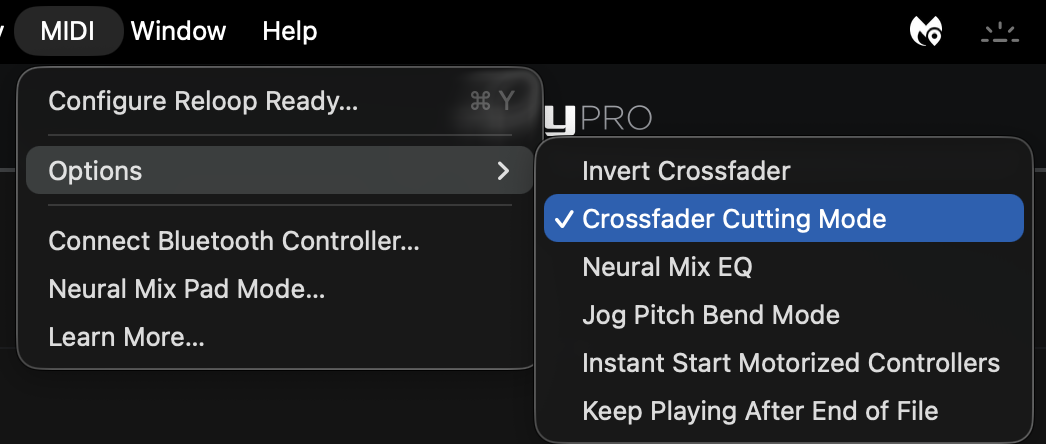
Ability to deactivate the crossfader so that if you accidentally touch the controller, it won’t activate (I’m not talking about automixing, but rather switching between the two tracks).
Increased text size… guys, there are some people who are blind like me I set the maximum text size, and for me it’s still small…
Right now, I can’t think of any other initiatives to make this software THE BEST EVER. If anyone has any other suggestions, please comment below. If you can, please vote on this post to make these improvements possible.
Thanks everyone
Thanks for the suggestions @Screma. However, this works much better if you have a single suggestion per topic. This way we can track each one individually and users can vote for each one individually. Multi-idea topics like this are great for general discussion and brainstorming with other community members, but they are very challenging to parse out specific ideas to share with our extremely busy development team. So the best way to get traction on a suggestion is to keep the topic to one idea and encourage conversation and votes from other users.
I also recommend you run some searches first to see if there are any existing suggestions related to yours that already have user votes. Then you can add your vote and comments there. I hope that helps!
Regarding #2: when making a new topic for this one, please share some screenshots from Traktor to clarify what exactly you mean here.
Regarding #3: please refer to the screenshot below.
D->enable Crossfader Cutting Mode - this basically turns the crossfader into an on/off switch so as long as the position is not at either end of the range it will be full open.
Okay, then I’ll open a separate post for the issues I can’t solve with your solutions…
Point 3 was already discussed in this post Loop & beatjump in sync - #14 by Screma
I hope a solution is found.
As for the other points, you’ve already helped me with some, now I’m opening a post for point 1, which is the one I’m most concerned about.
for point 7 instead, it would be useful to have a few more steps to increase the font… I’m making a comparison between Traktor and DJ Pro, but I could also use another software, as you can see, the text font, and also the space between the songs, can be increased further, for those with vision problems