NOTE: Please use the search function above before posting to avoid creating duplicate topics.
-
Device model (e.g. 2020 iPad Air 4th Gen):
-
Version of djay (e.g. 5.1.2):
Hi everyone,
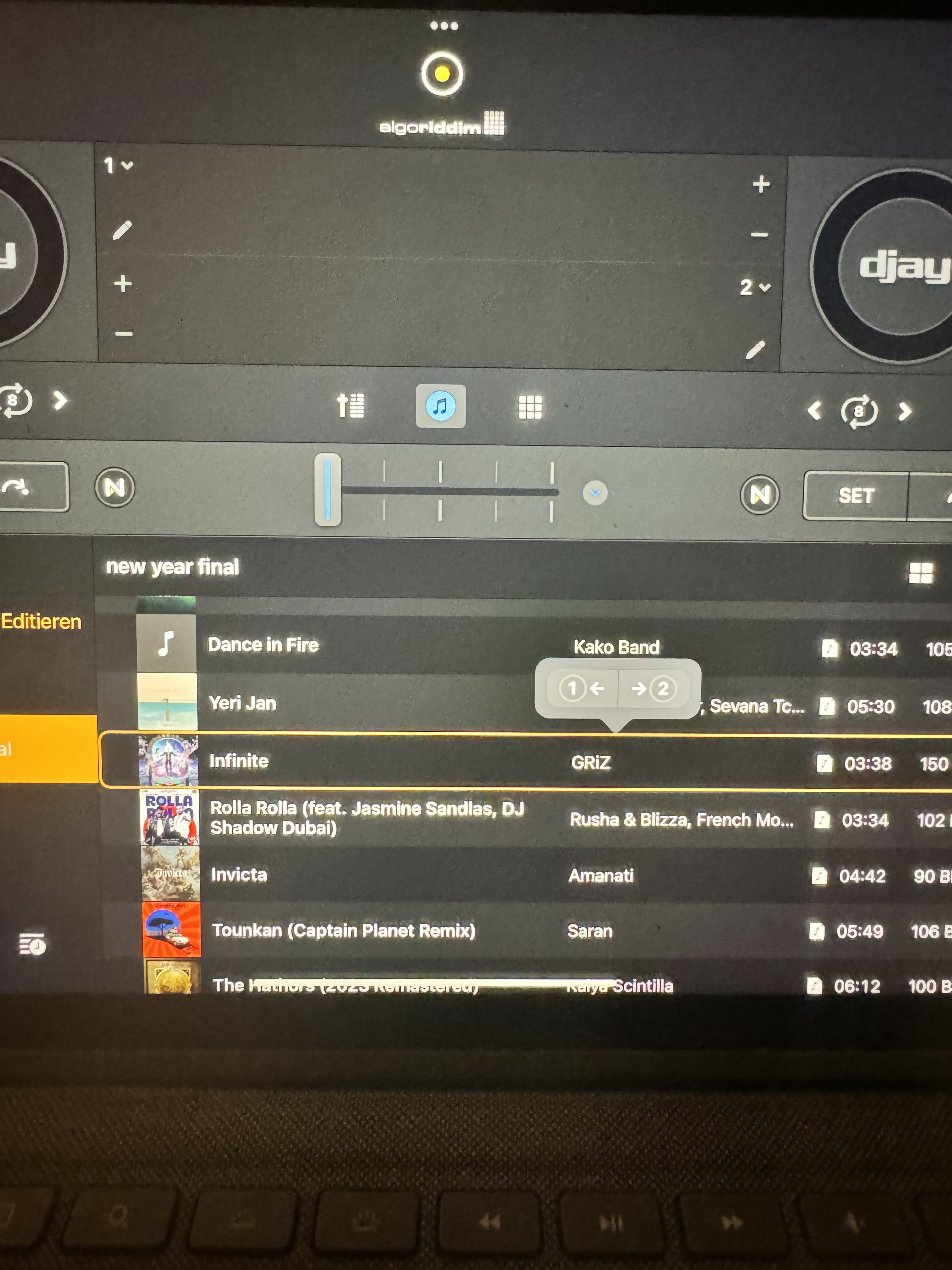
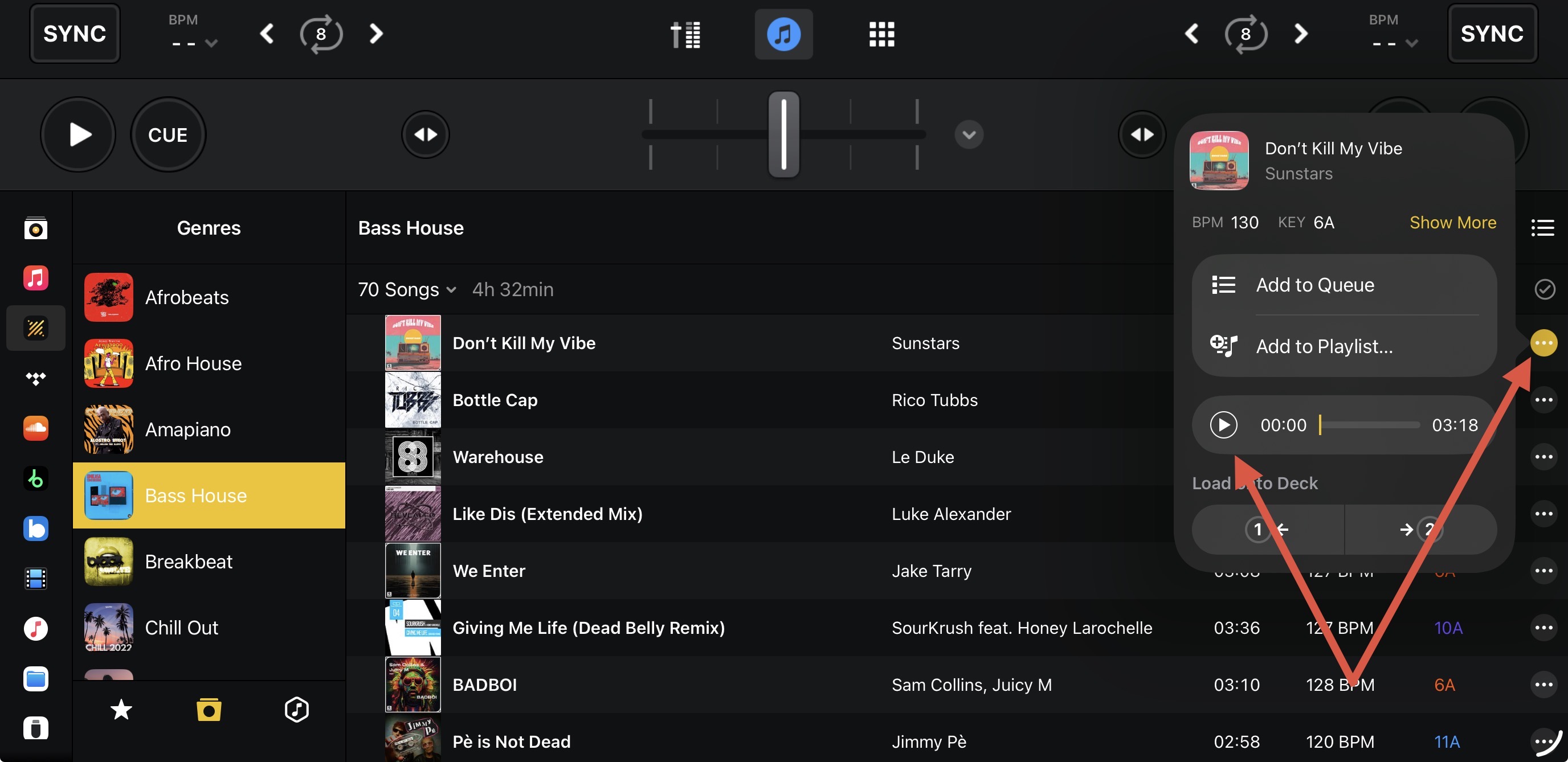
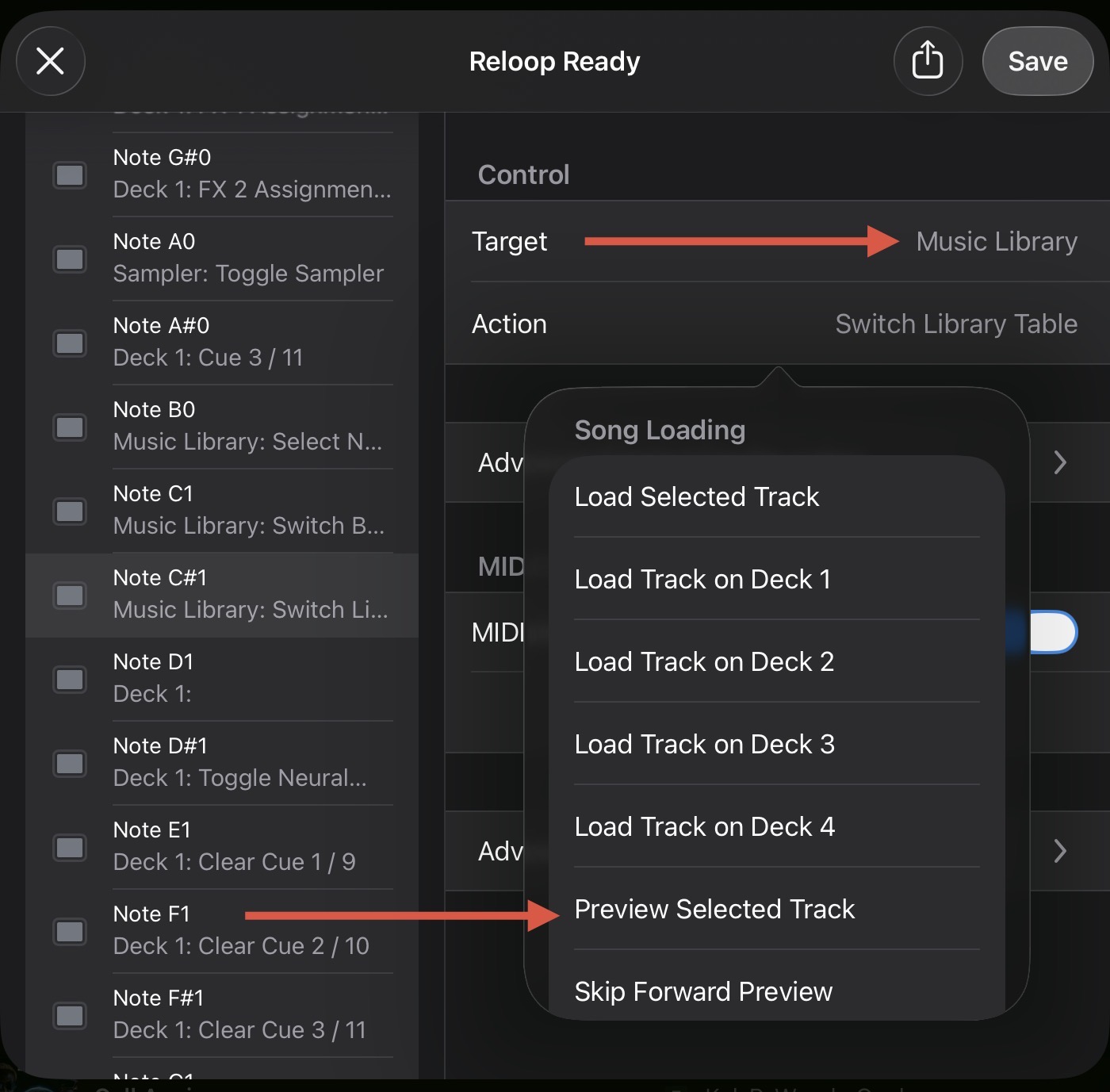
I just switched from Mac to iOS and I’m missing the Play button in the playlist area for pre-listening (not pre-cueing).
On macOS I could quickly preview any track directly in the playlist before loading it onto a deck.
On iOS I can only load a track onto Deck 1 or 2 — there seems to be no simple preview option.
Is this feature missing on iOS, or am I overlooking something?
I’m using the Pro version.
Thanks in advance!