Since I’m certain that the version I updated is fine, and my English isn’t very good, I used a translator. If “Pretty Sure” is too strong a word, I apologize.
I know; I’m just describing the issue I’m having with my device.
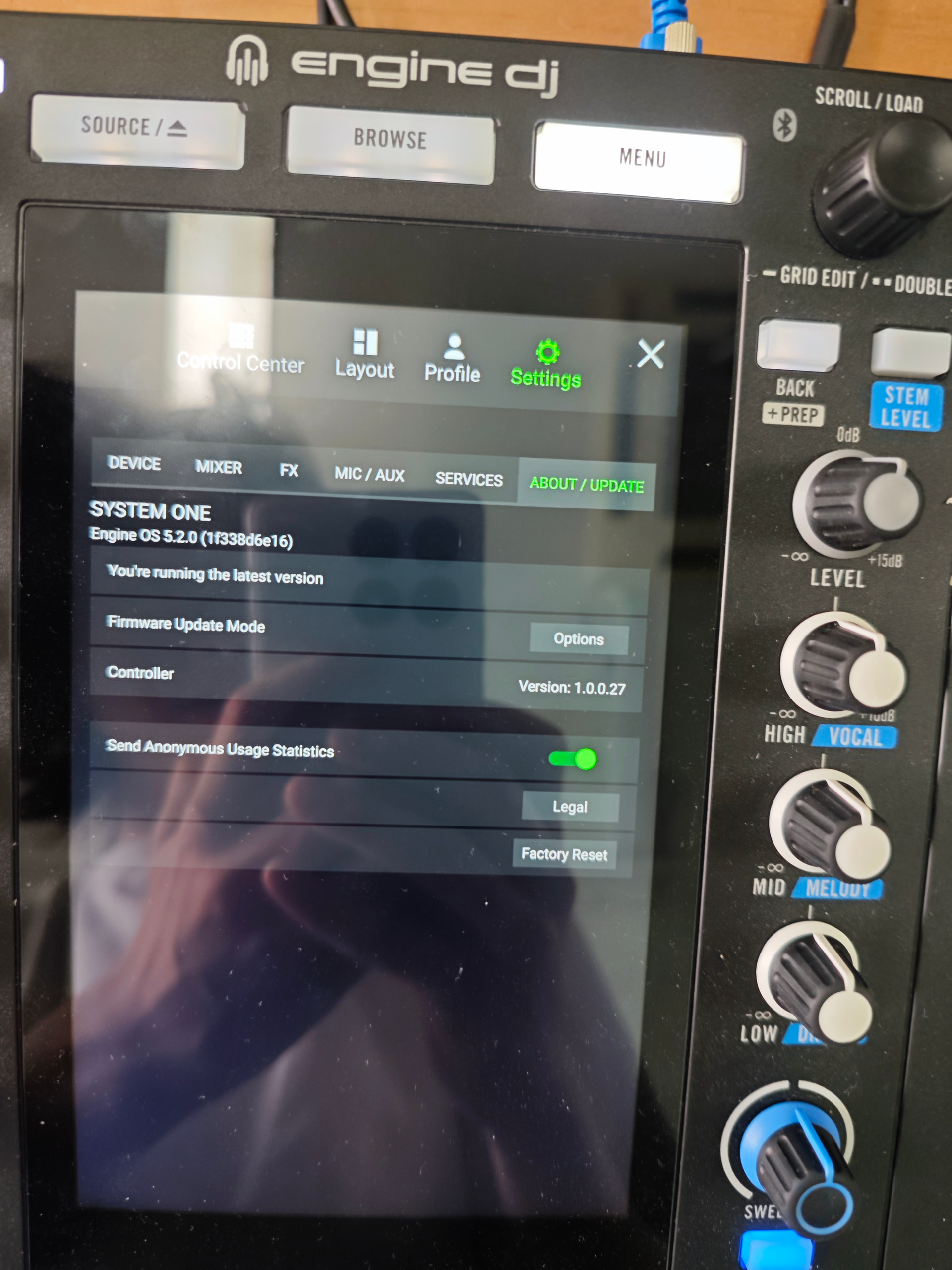
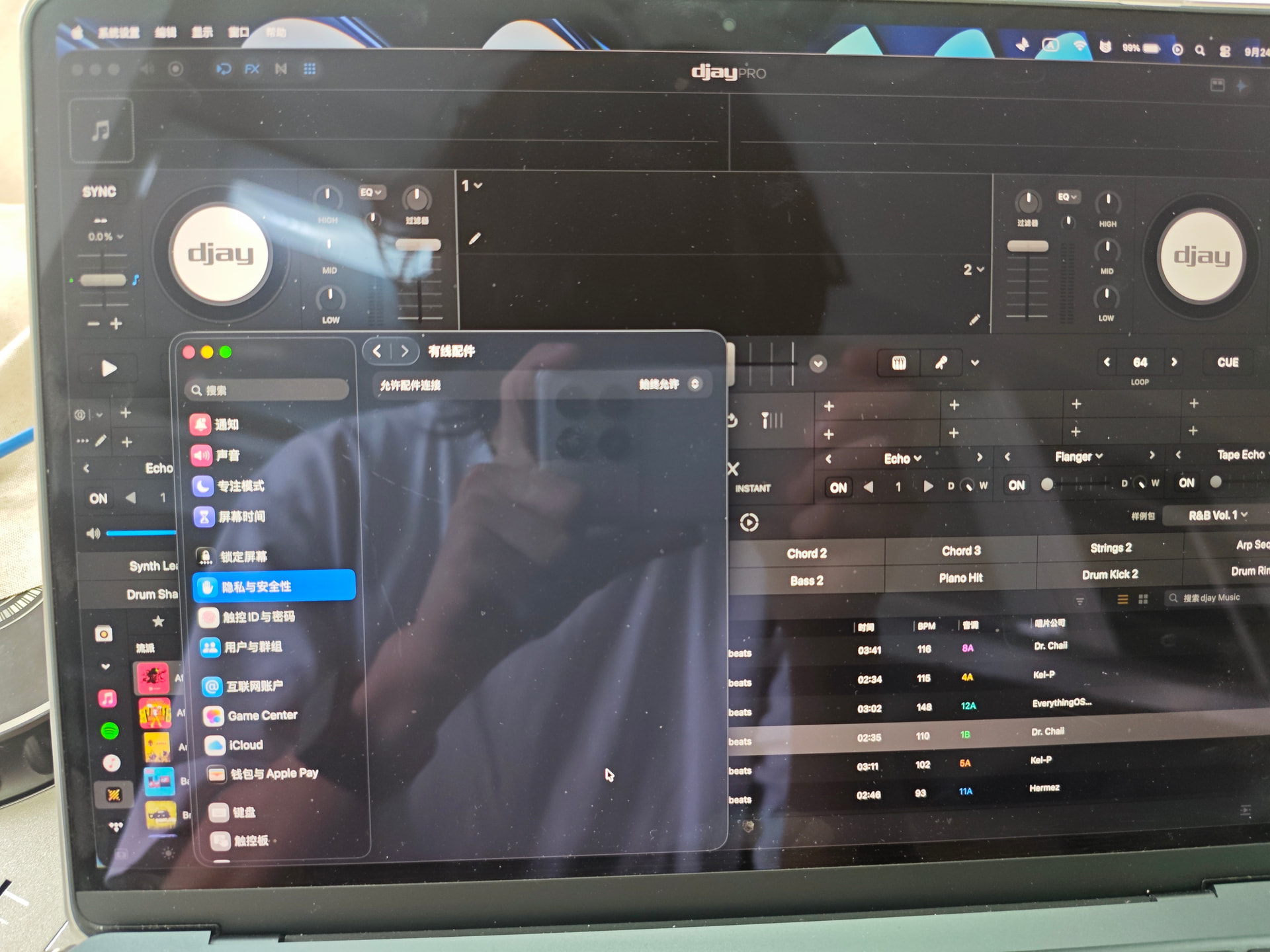
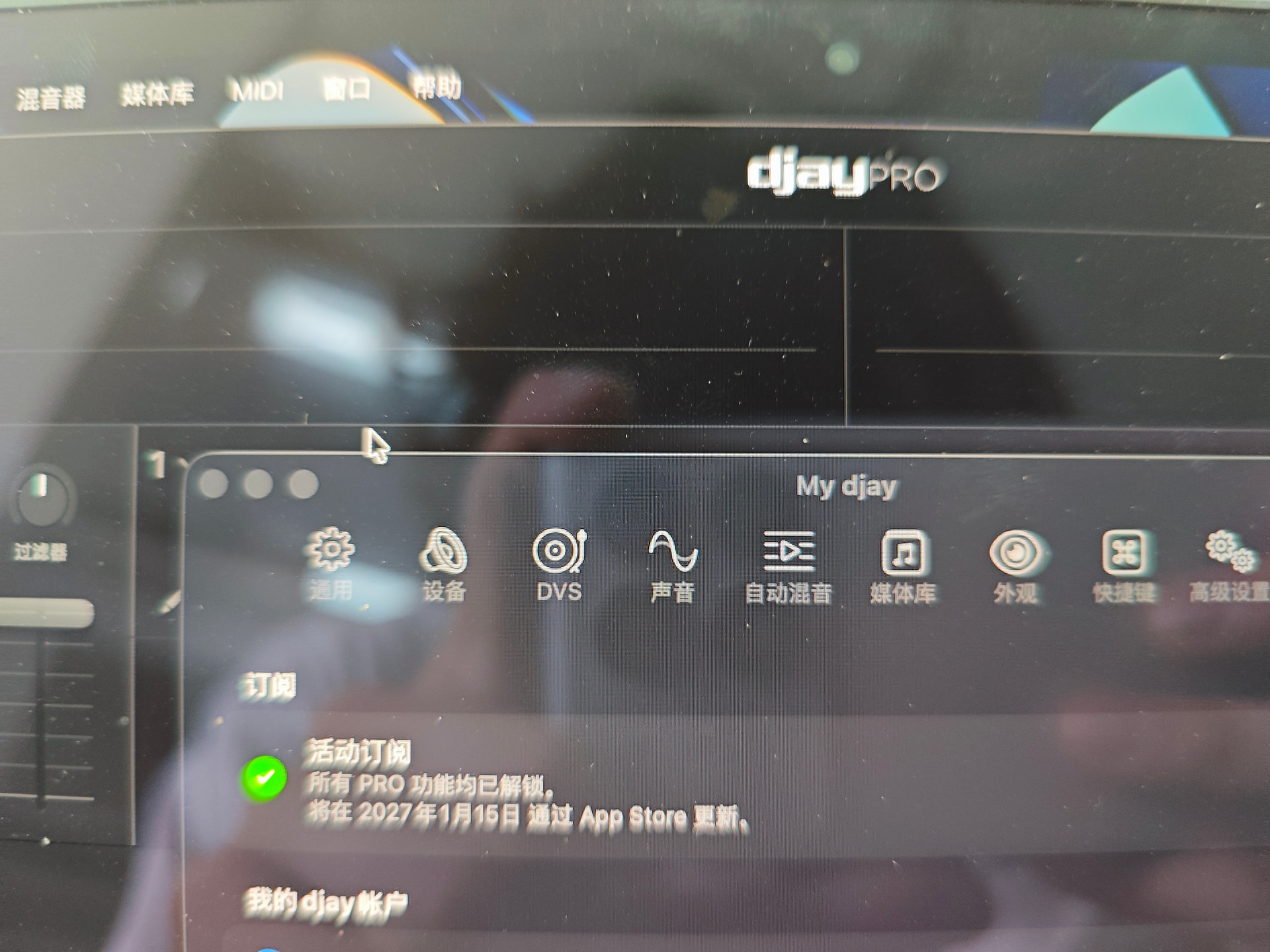
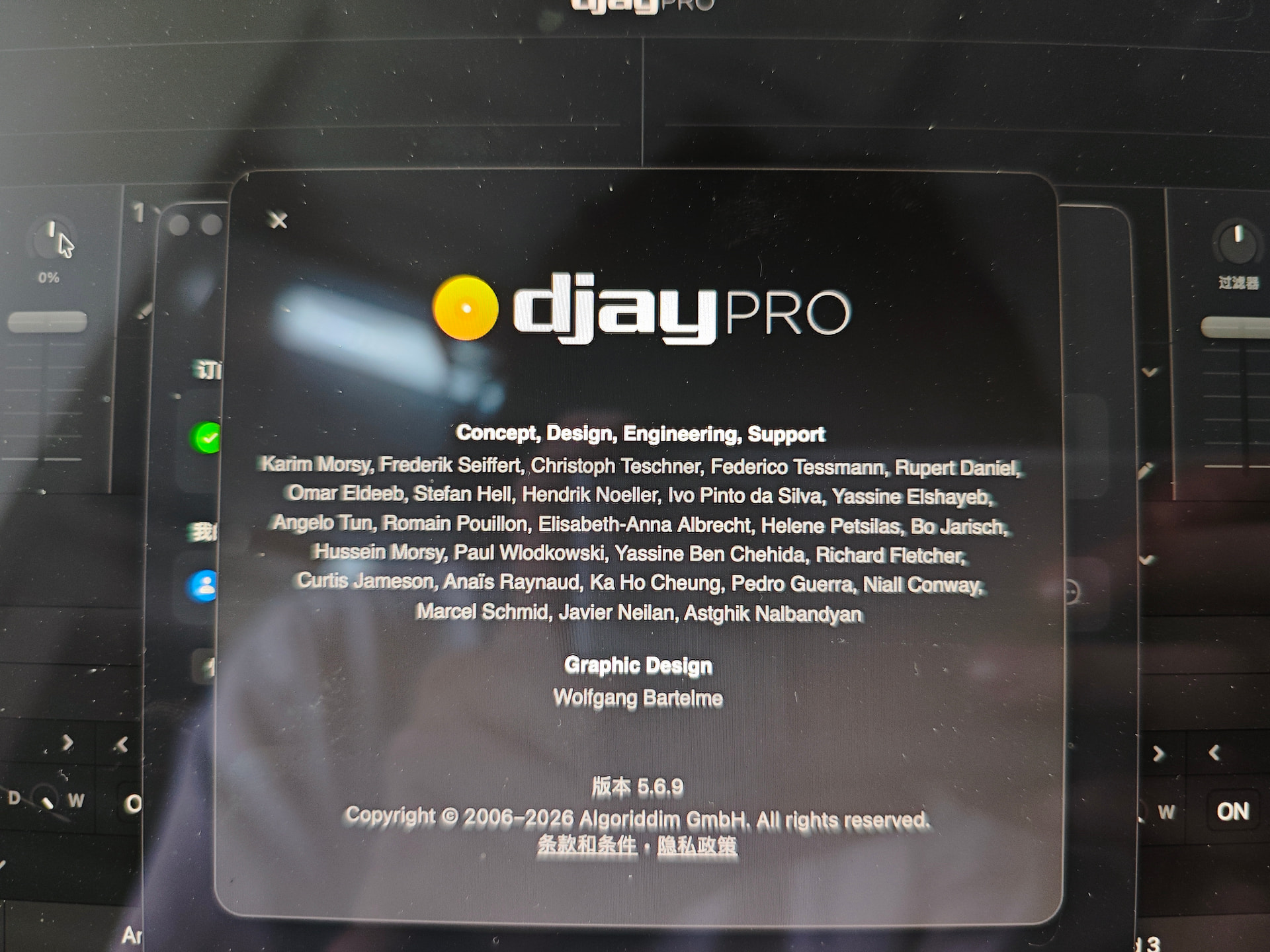
@Koder perhaps this issue is your macOS language setting according to the RANE FAQ:
All its same. No hub, paid, run only djay. I sent you an email photos
When you remove DJ Pro from your system be sure to check for any hidden files that may be lurking as they are not all removed during un-install process. I just happend to do this yesterday as I wanted a fresh start with my library and the System One Connected no problem. Search here -
~/Library/Containers/
~/Library/Group Containers/
~/Library/Application Support/
~/Library/Preferences/
/Library/Application Support/
/Library/Preferences/
/Library/Caches/
File names -
com.algoriddim.djay
com.algoriddim.djay-pro-mac
Algoriddim
djay
Or you can use the following terminal command -
find ~/Library -iname “*algoriddim*” -o -iname “*djay*” 2>/dev/null
And what i do in ios? 
I have no idea but this info may help someone else I guess.
Hi @Nandor_Racz, email support is separate from this Community so I won’t get your email. Please share your photos here and confirm if your macOS language is not set to English.
I cant put photos here 
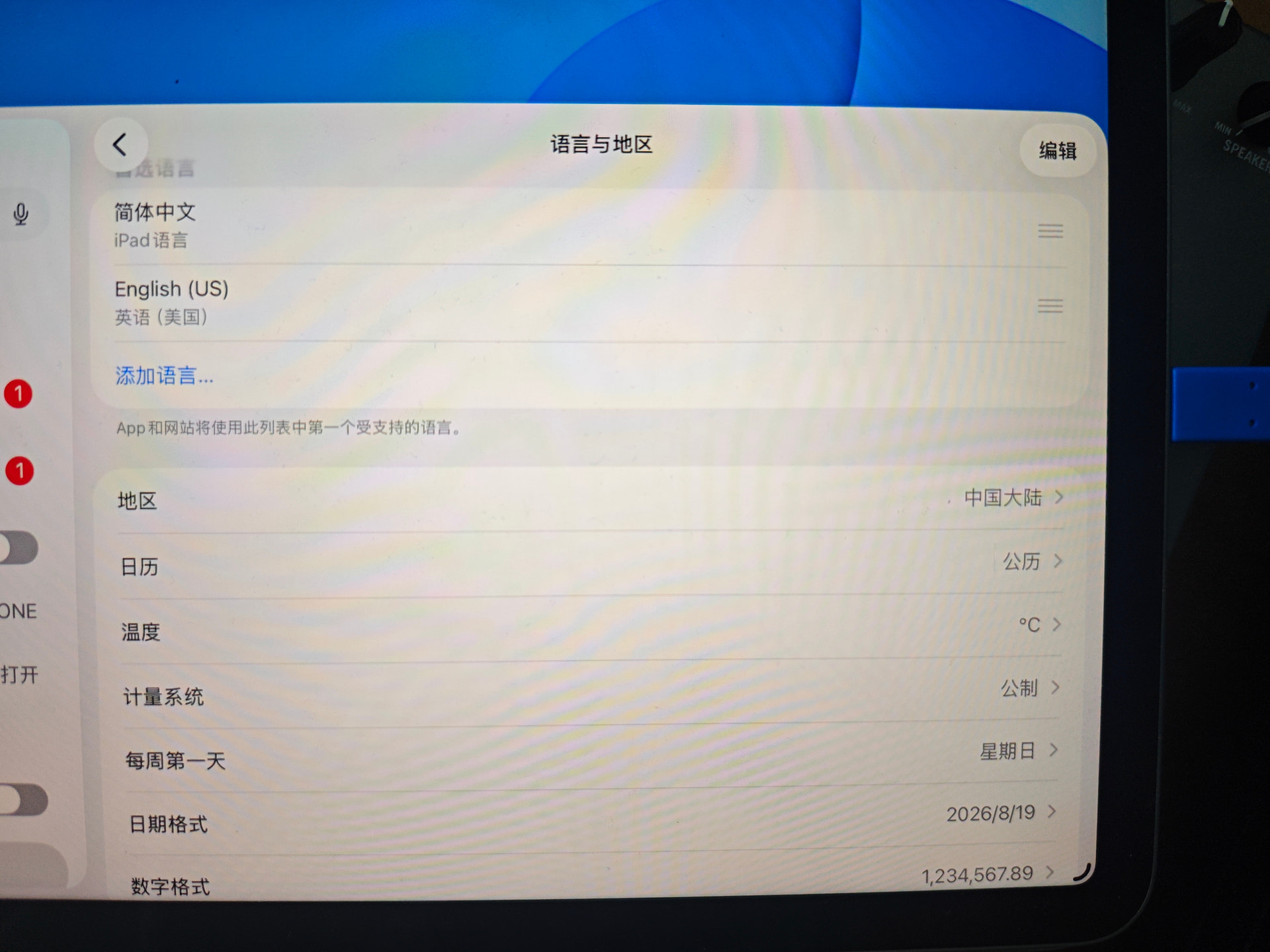
I tryed Hungary langauge first but after tryed on ipad in emglish but same problem
Do you want remote acces with teamviewer to check my mac?
I’ve changed your community privileges so you should now be able to upload photos
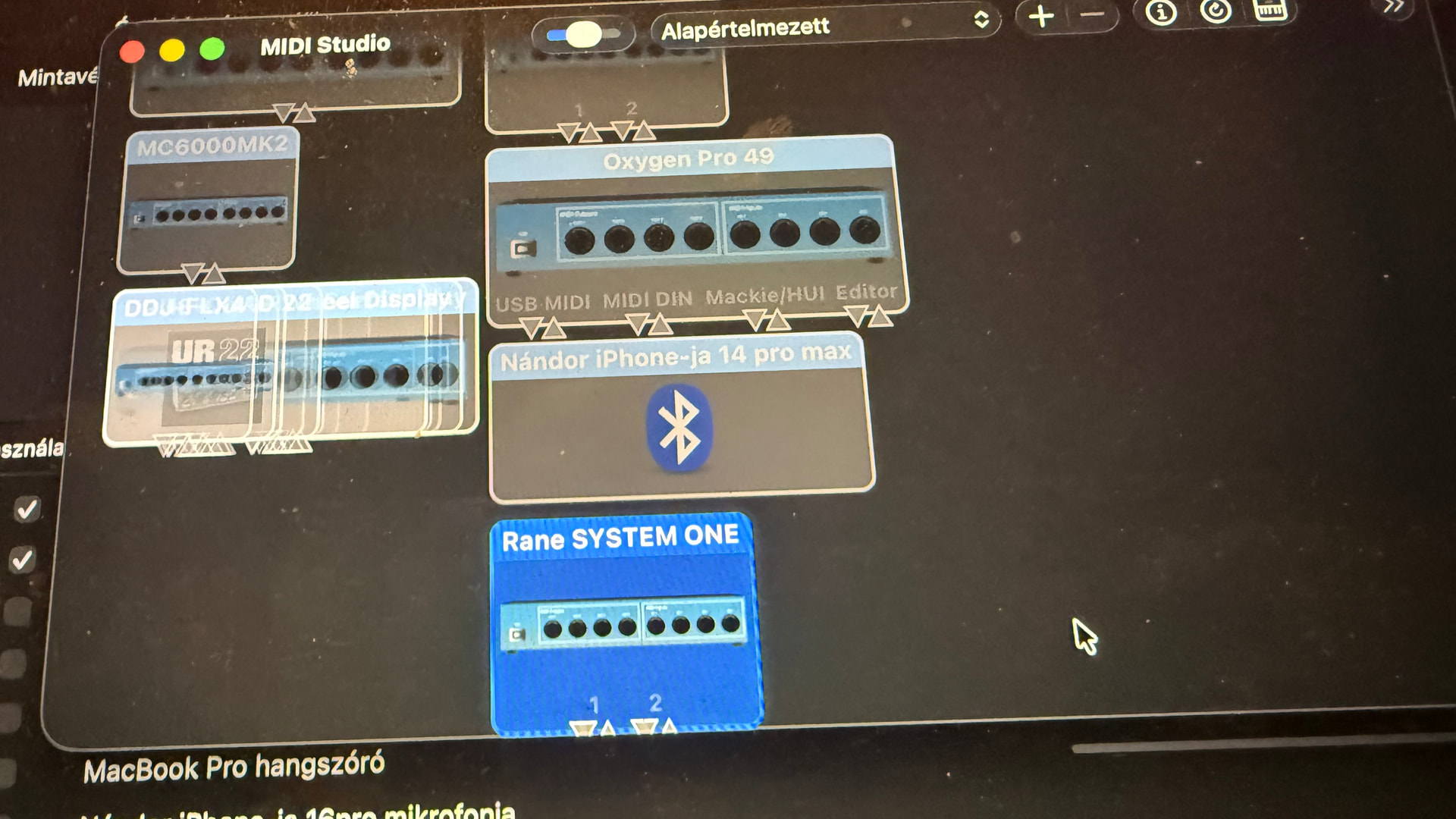
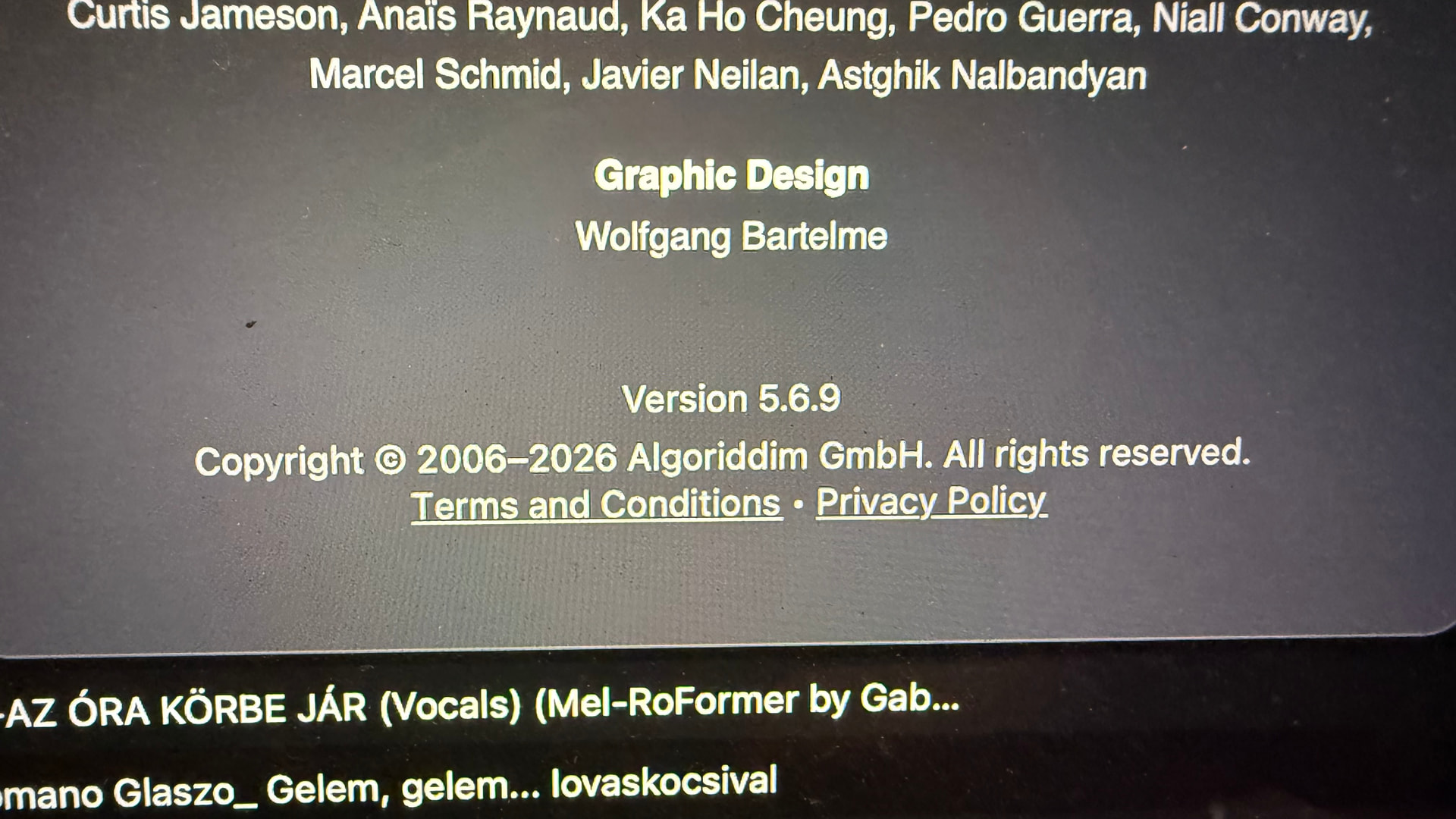
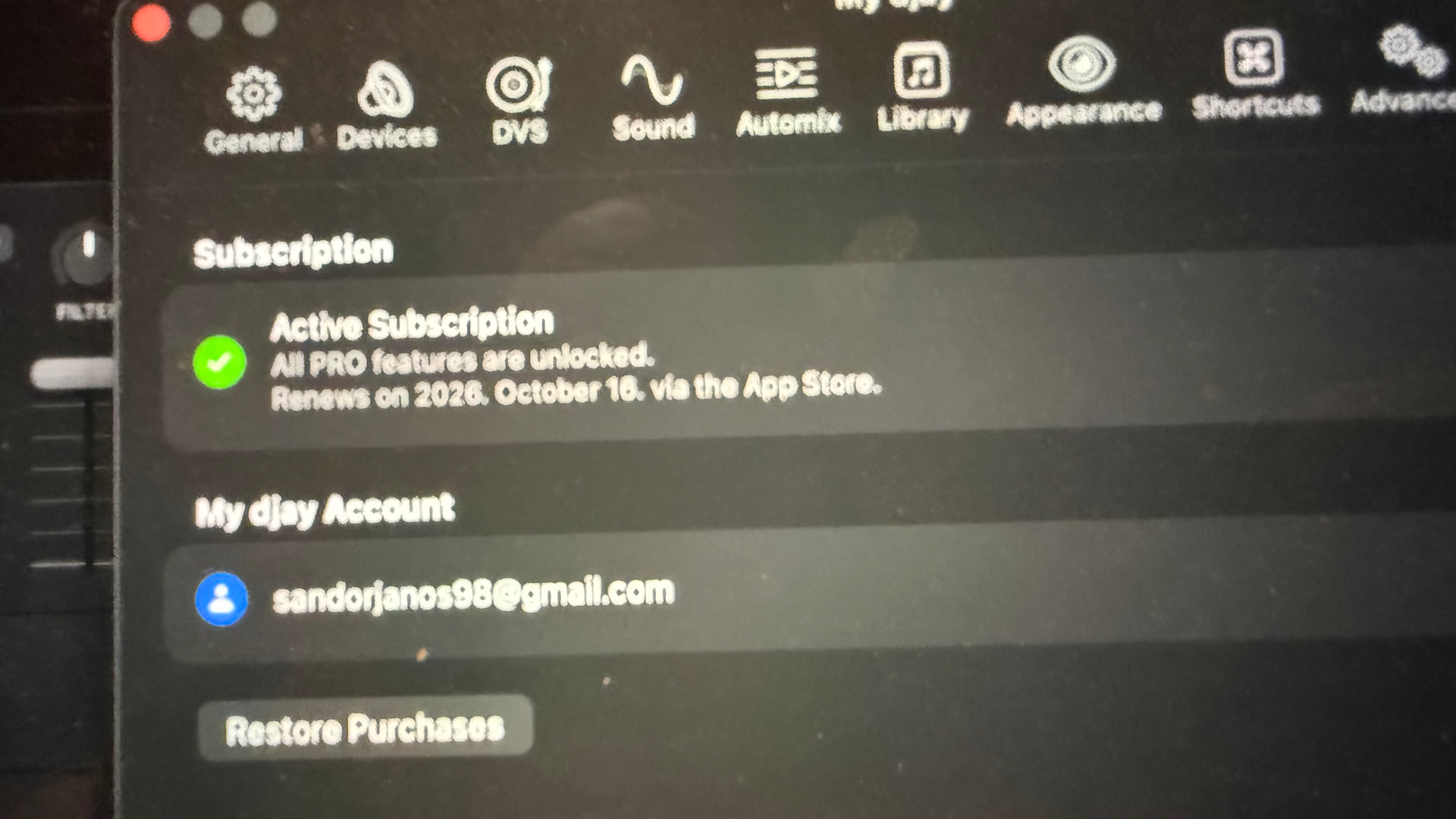
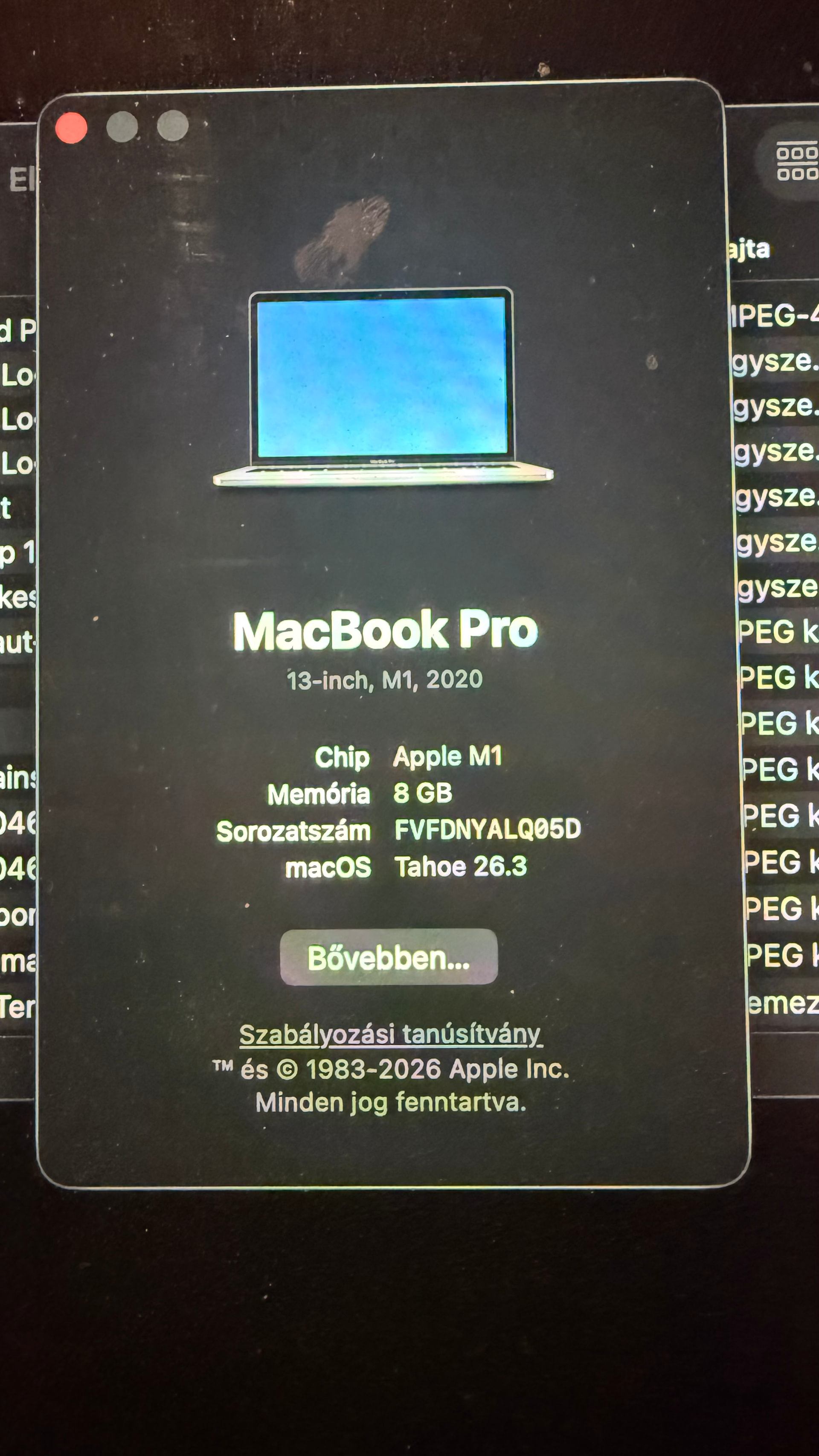
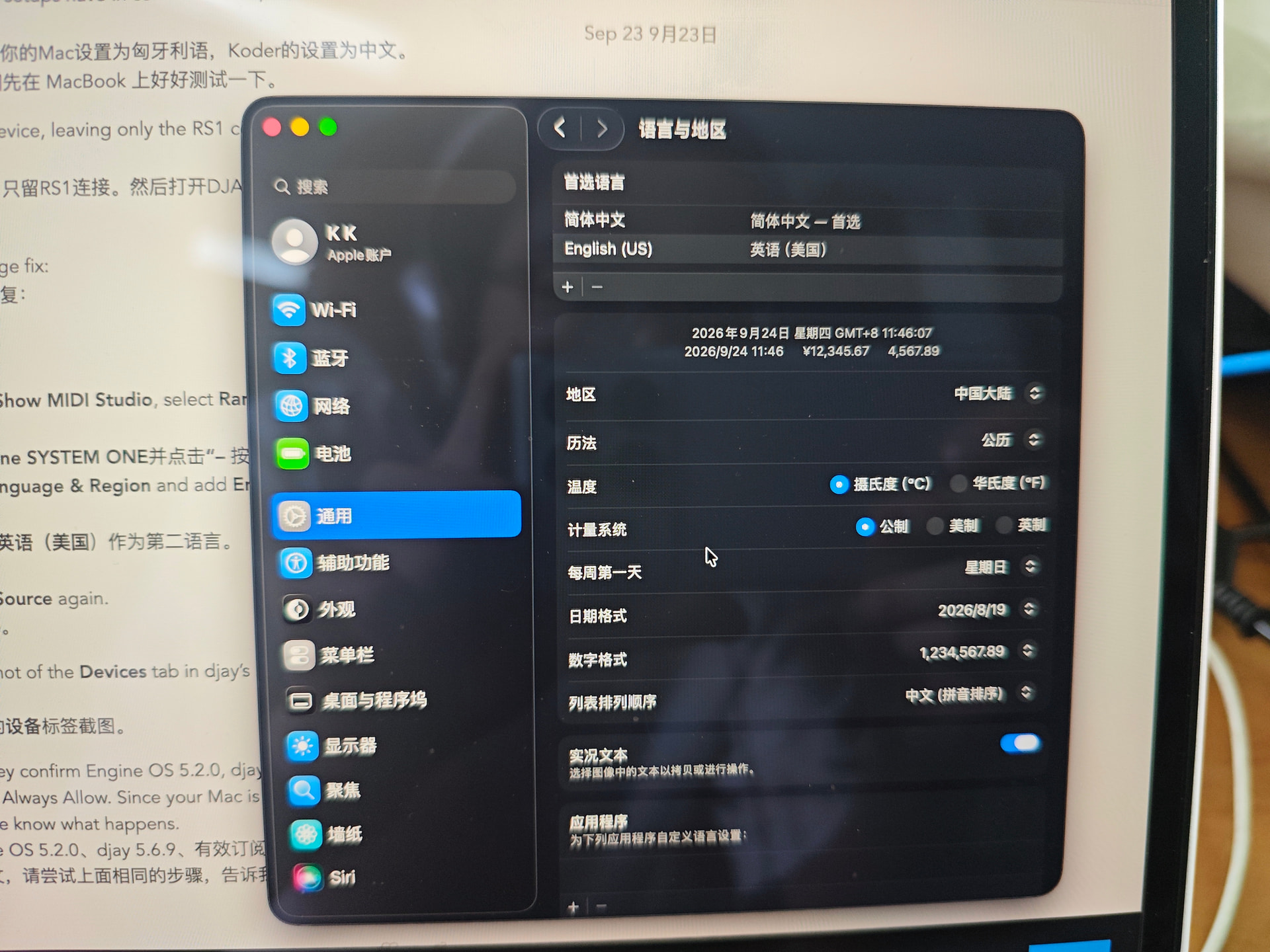
@Nandor_Racz thanks for the photos, they help a lot. Your Mac is set to Hungarian, and Koder’s is set to Chinese. That’s the one thing your two setups have in common so far, so let’s test it properly on the MacBook.
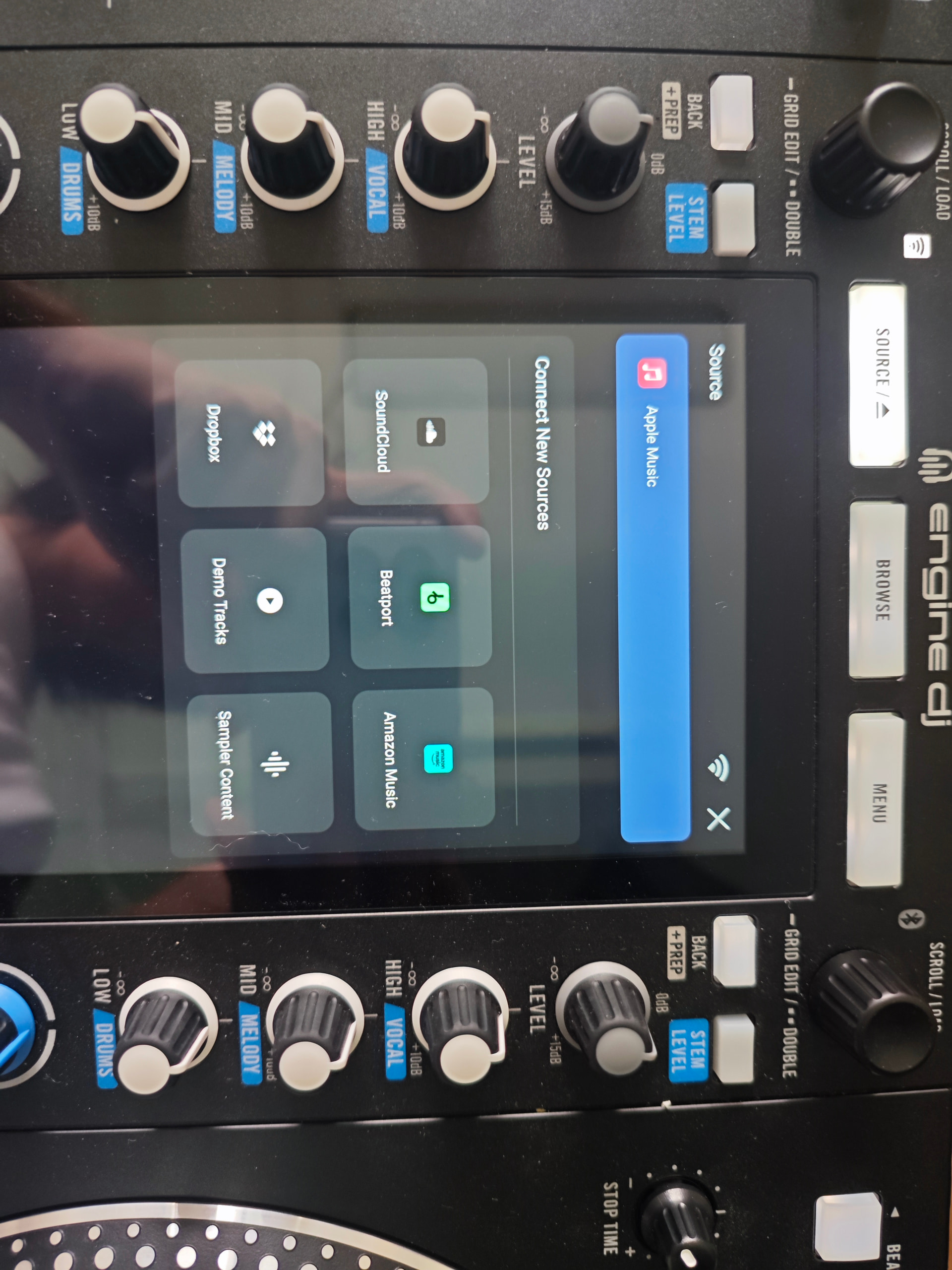
First, a quick check. Unplug every other USB device, leaving only the RS1 connected. Then open djay and look at Source on the RS1.
If djay still doesn’t show up, try RANE’s language fix:
- Quit djay and unplug the RS1.
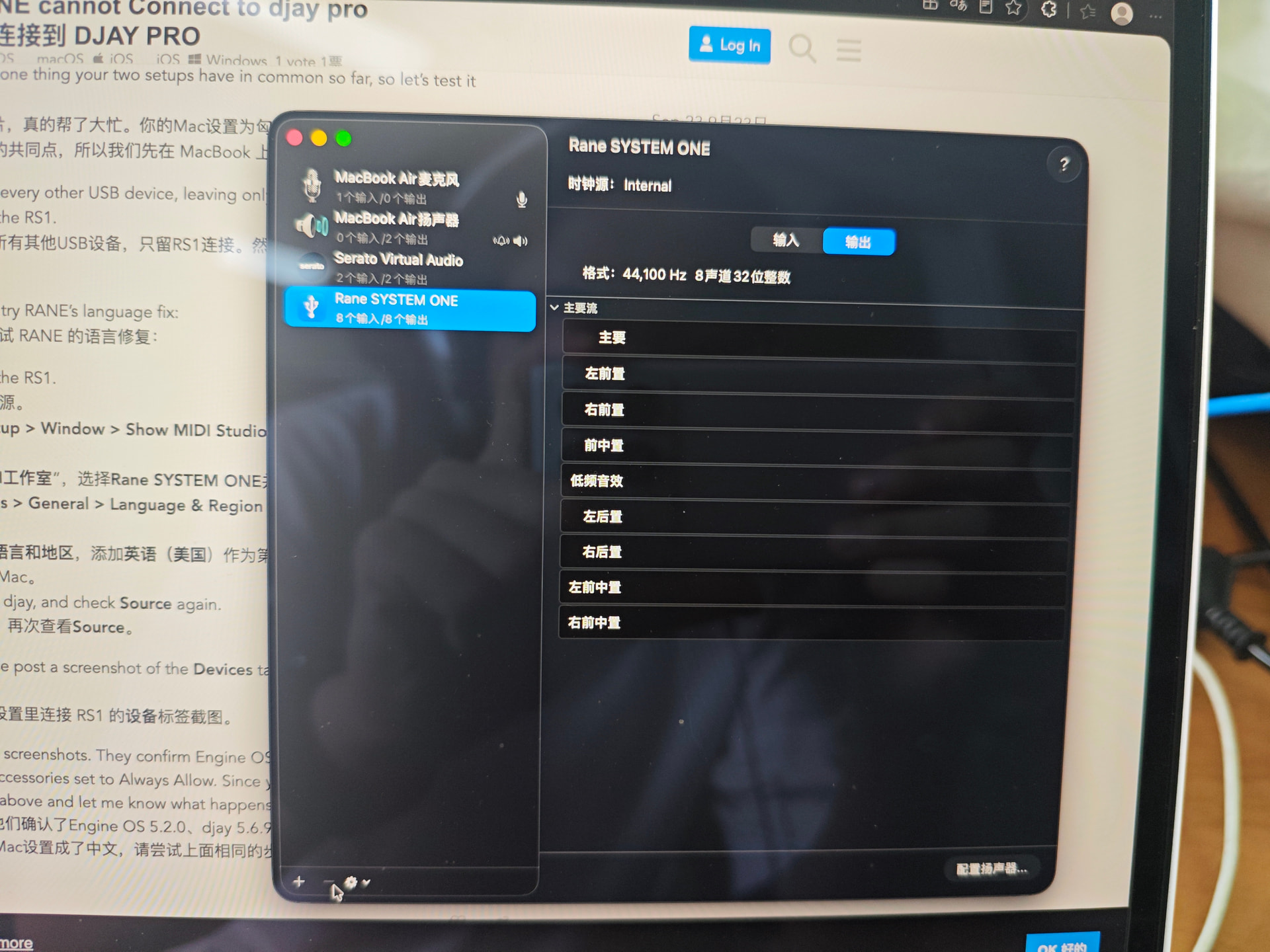
- Open Audio MIDI Setup > Window > Show MIDI Studio, select Rane SYSTEM ONE, and click the – button.
- Go to System Settings > General > Language & Region and add English (US) as a second language.
- Restart the Mac.
- Plug in the RS1, open djay, and check Source again.
If it still doesn’t work, please post a screenshot of the Devices tab in djay’s settings with the RS1 connected.
@Koder thank you for the screenshots. They confirm Engine OS 5.2.0, djay 5.6.9, an active subscription, and Wired Accessories set to Always Allow. Since your Mac is set to Chinese, please try the same steps above and let me know what happens.
I tryed on ipad with english langauge but still not work
Please try on macOS as instructed above
Ok, but i prefer ios device. Tomorrow i try it
Thank you