I’m using a Pioneer DJ controller with djay Pro AI and I’d like to use Release FX the same way as in Pioneer/Rekordbox systems.
My goal is simple:
When I select a deck on my controller, pressing the hardware Release FX button should automatically apply Release FX to the currently active deck.
Right now, MIDI mapping seems to require assigning Release FX separately for each deck, which breaks fast live workflow.
Is there a way to make Release FX follow the active/selected deck, or could an Active Deck MIDI target be added for this?
This would make controller workflow much closer to the standard Pioneer performance experience.
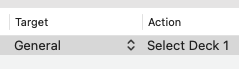
Under General, there are MIDI commands to Select Deck 1, 2, 3 or 4. Map these to a control that sets the “Active” deck in your workflow. For example, you might map the following command to the Play Button, Deck Select, Up Fader or Crossfader.
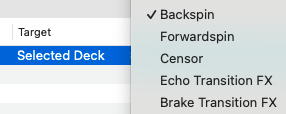
Under Selected Deck, you can map the “Release FX”.
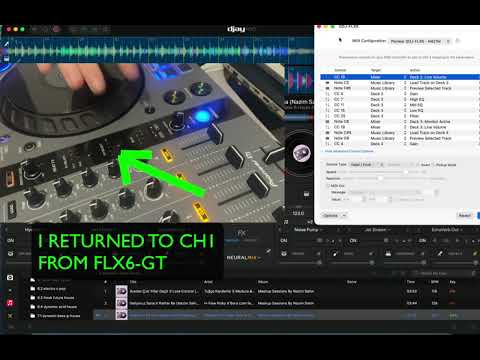
I want to select a disk using the command available here on my device, but when I select disks other than 1, it does not perform the Release FX operation; it still applies the operation to the first disk.
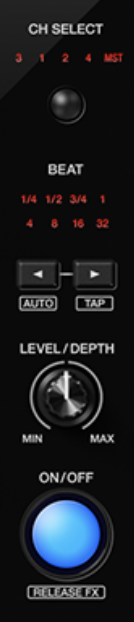
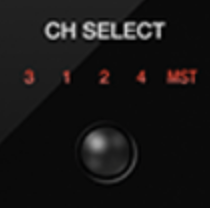
Hi @n421m, based on your picture, I’m guessing you are using something like a DDJ-FLX6. Can you please switch back to the (built-in) MIDI mapping then capture a short video of how the CH SELECT buttons are working in combination with RELEASE FX ON/OFF button? I don’t have access to this specific hardware, so I’d like to confirm first how it is working for you with the default MIDI Mapping. Thanks!
EDIT: Please share the full details of you setup
Device Model (ex. 2020 iPad Air 4th Gen): Version of operating system (ex. iOS 17.3.1): Version of djay (ex. 5.1.3): Hardware/controllers used (ex. Reloop Ready): Hardware Firmware Version (ex. 2.7):
I think I can explain my problem with this private YouTube video.
Device Model (Macbook Pro M3 14” - 2023: Version of operating system (Tahoe 26): Version of djay (v5.6): Hardware/controllers used (Pioneer FLX6-GT): Hardware Firmware Version (v1.12):
Thanks for the video and details. However, I’m unable to play your YouTube linked video. Can you please just upload your video file here directly? Thanks!
Thanks @n421m, as requested above, please share a video of how the CH SELECT buttons are working in combination with RELEASE FX ON/OFF button with the (built-in) MIDI Mapping. I want to understand first, how this behaves normally.
I’m pretty sure that this controller has some custom functions mapped under the hood to work properly with the CH SELECT switches. So, you will likely not be able to map those Deck Selections in combination with the Release FX as desired with the MIDI Learn Tool alone. Most likely, you’d need to modify the XML code to achieve this.
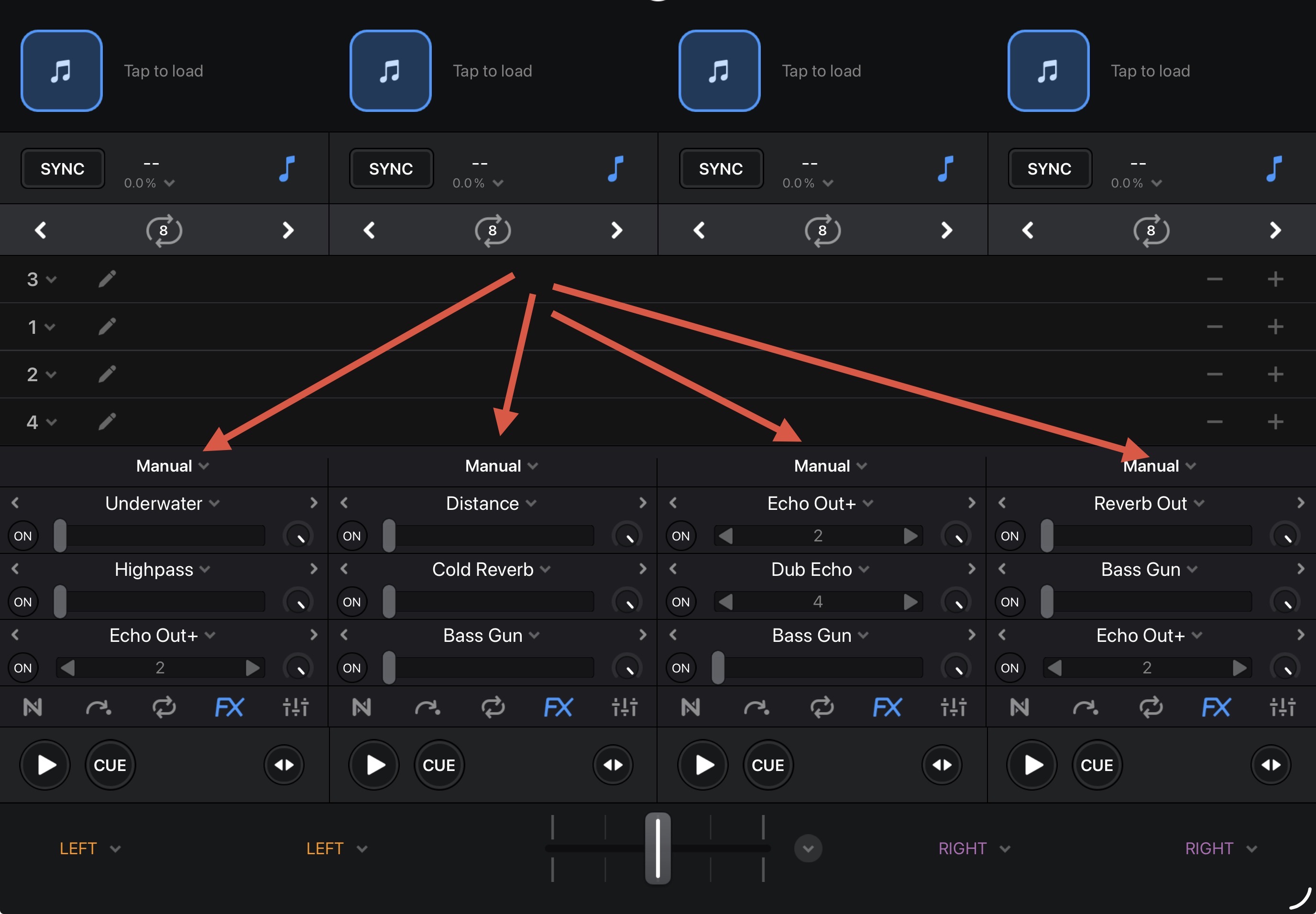
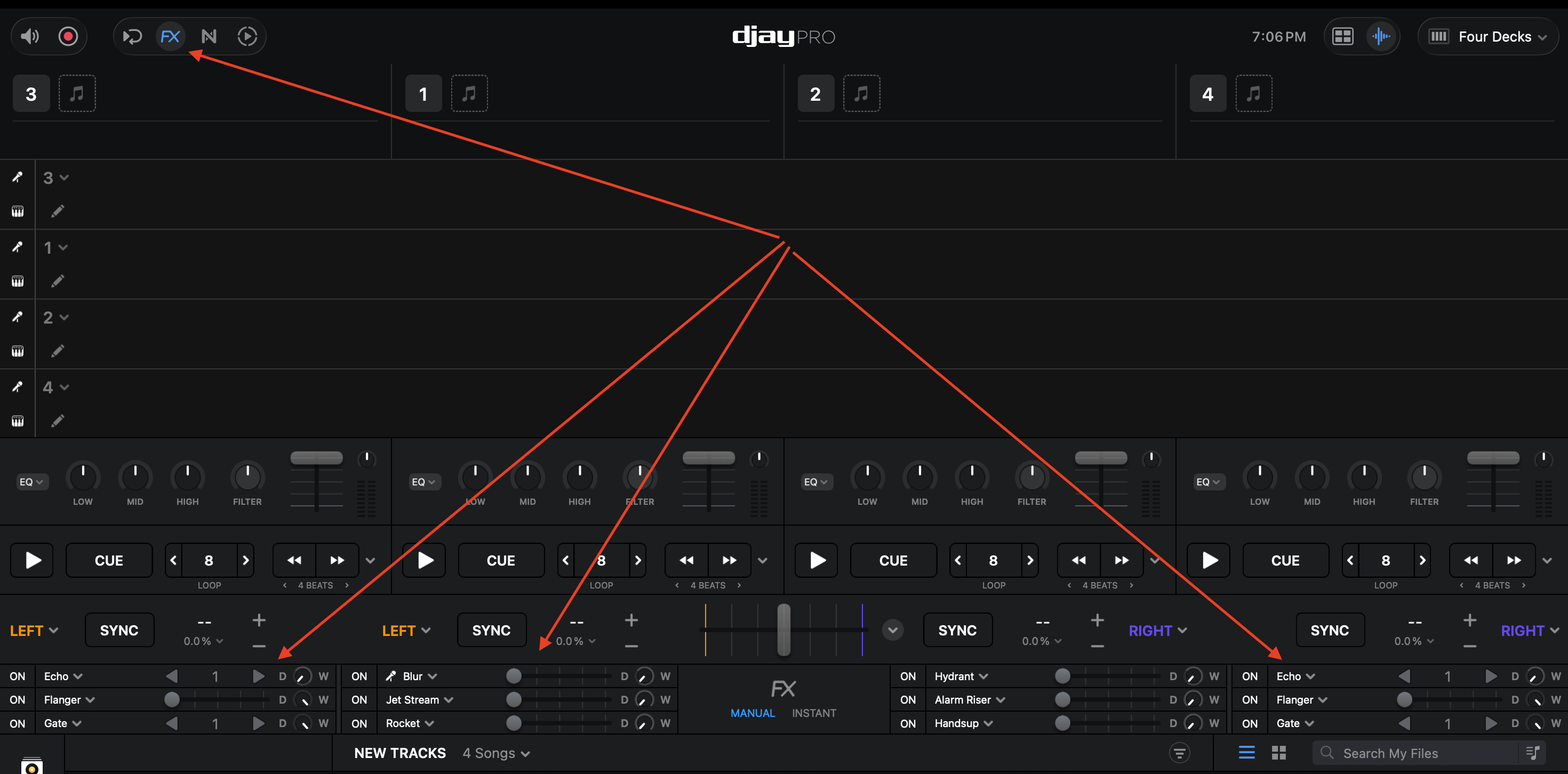
Please understand that the way djay handles FX is very different from how Rekordbox does. djay has 3 FX units for each of the 4 Decks/Channels rather than an assignable single FX Unit like Rekordbox. So our devs have to do some trickery under the hood to adapt our FX system to the Pioneer/Rekordbox layout. Most likely your custom MIDI editing is going to break this.
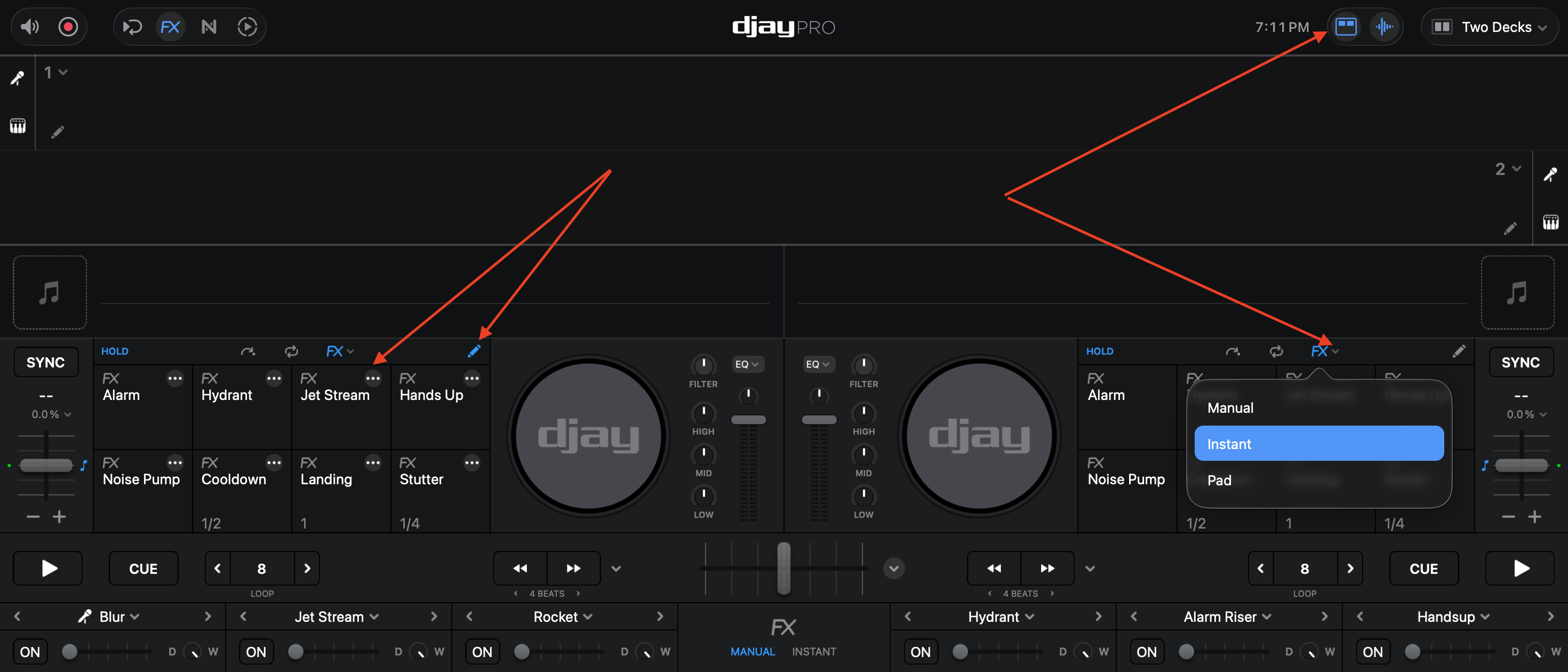
The section labeled “MANUAL” that you showed me is not appearing for me. If we can edit the XML files you mentioned, can we set up the same SFX system in the RELEASE FX system?
It’s possible, however you’d really need to understand how to program it. I have no idea how to help you there.
Regarding the FX layout, my screenshot is from iOS not macOS, so it will look slightly different. Please share a screenshot of the layout you are using.
I’m in the process of adapting to DJAY and reviewing every aspect of it. It interests me more than rekordbox for effective mixing. I think I’ll overlook some things. For Release FX, I think I can use the PAD buttons on my device.
The Deck Select button in your video is not sending a MIDI signal. It cannot be mapped in djay Pro. Try mapping the Line Faders, it might work better (but there are times it might not work as expected).
Duplicate the mapping entry for the Deck 2 Line Fader like this, and see if that works.
Control | Target | Action
CC19 | Mixer | Deck 2: Line Volume
CC19 | General | Select Deck 2
I am using Djay with DDJ GRV6. One physical button (“roller” with 2 position “on” and “lock”) is mapped to manual FX 2 by default, the manual FX 1 is mapped to the FX selector button by default.
By default FX 2 was selected as Echo out, which is convient for me. However, each session it is changed to “flanger” for some reason, while I want to keep it as “Echo out” all the time. I don’t find a way for that. Can you help me ?
I am using DJAY PRO 5.6.2, GRV to the last update, and Mac Book pro Tahoe 26.2.