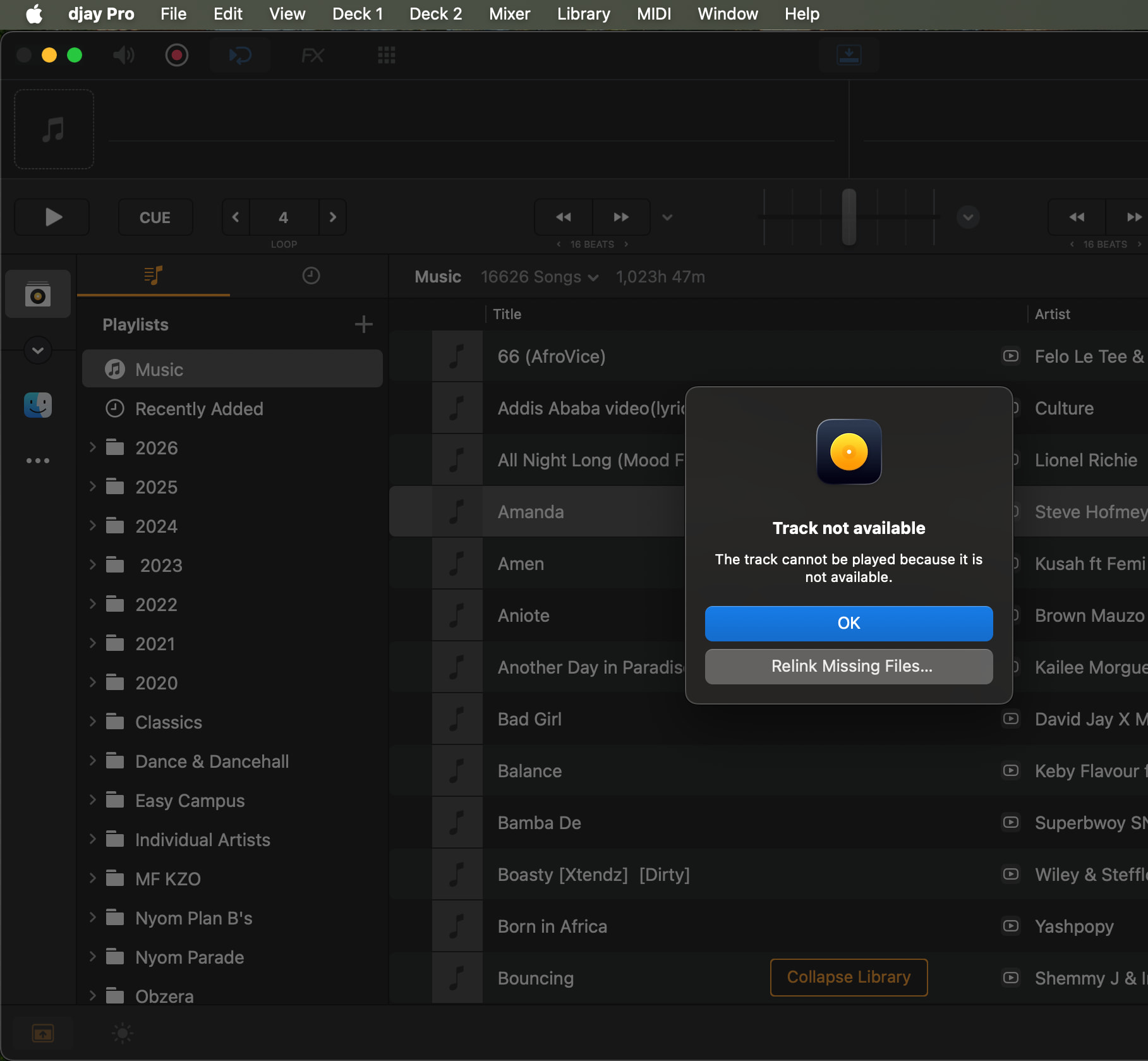
I’m opening this topic again because I have exactly the same problem as the original poster. It might be since updating to 5.6.4, but I’m not sure when was the last time I tried to use Relink Missing Files though, so it might have been another recent update that broke it. It definitely used to work well and quickly.
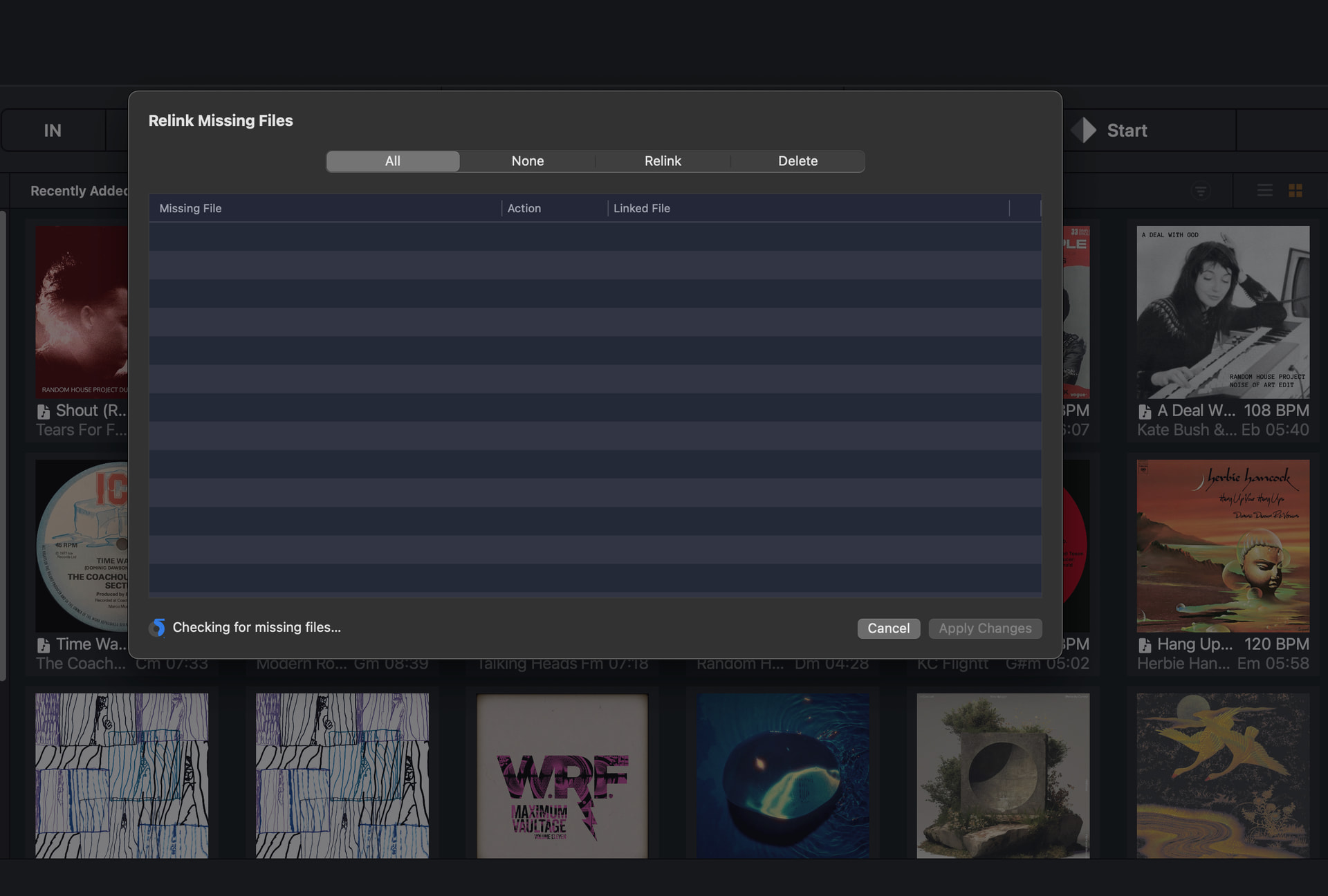
What’s happening now is exactly like the description from the original poster at the top of this thread. It starts scanning the files and then gets stuck half way round - it even looks like it’s in exactly the same position as the image in the first post:
OK I’ve done that and it still gets stuck. I’m also getting weird behaviour where the track artwork doesn’t appear immediately and shows up gradually as I scroll down my collection. (to be clear, it was doing that before I signed out of Apple Music).
I haven’t changed anything, the files are in the same location they’ve always been, as organised by Apple Music (i.e. I let the Apple Music app organise the location of my local files, the same way I Always have without any problems).
I tried closing and reopening DJay Pro. It then crashed on opening (spinning beach ball). I sent a crash report to Apple.
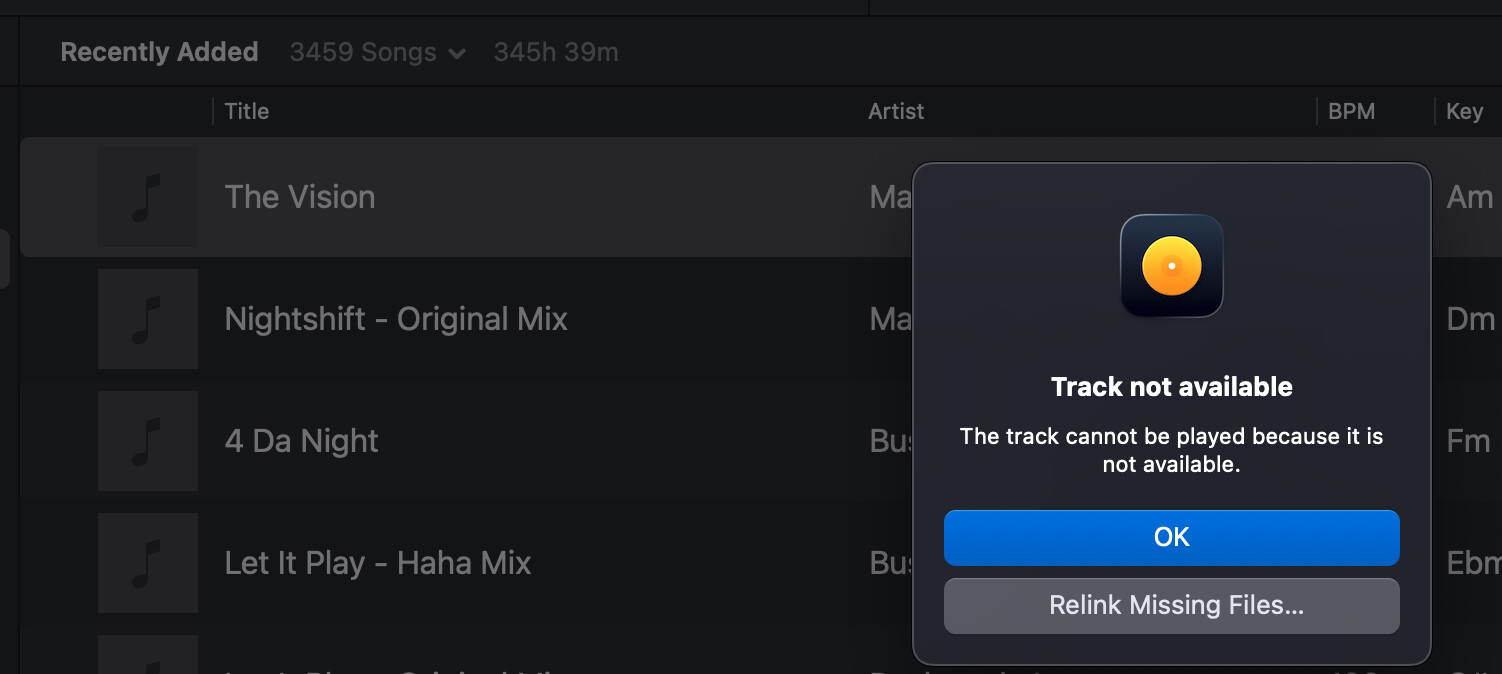
Then I opened it again and now the files are showing up and I can play them. I’ve signed into Apple Music again, but the Relink Missing Files tool still gets stuck half way.
I’ve sent a support request via the website, as this is all very strange and might be specific to my setup. Thanks for trying to help!
Okay, thanks for the info @Belford_Roxo. I was going to suggest you submit an official support request so our team can look at your crash reports. Sounds like something strange is happening for sure. I’ll let them take it from here as I don’t have access to your crash reports.
OK, support tried to help but my own investigations revealed some interesting details about different music apps on MacOS and how they read metadata and album art.
The Apple Music app and Rekordbox maintain their own library database and read the metadata and album art directly from there. Those two apps did not have any problems on my system under MacOS Sequoia 15.7.5
DJay Pro and Mp3Tag both try to read the metadata and album art directly from the audio files, and they were both having strange problems under MacOS Sequoia 15.7.5. After I rolled back to MacOS Sequoia 15.7.4 all those problems went away. So it looks like something changed in the latest Sequoia update which affected the way certain apps can access metadata and album art from AIFF and MP3 files (all my files are one of these two file types).
It is odd that no one else seems to be reporting these issues with 15.7.5 though, so maybe it’s unique to my system and my workflow?
All files are AIFFS or MP3s
Apple Music organises all my music files
Tagging and artwork done in Apple Music and Mp3Tag
DJay Pro set to “automatically import new files added to” my Music folders into My Collection
Hi @Slak_Jaw
I also wish to reopen this bug report too.
For the first time ever, mine is also stuck.
MBP 2019 i7 on Sequioia 15.7.5
djay 5.6.4
Local files - no prior history of use of any streaming services
I think it’s either the recent sequoia update that broke it, or the djay 5.6.4. I used to be on 15.7.4 with djay 5.6.3 and just updated both last week or thereabout.
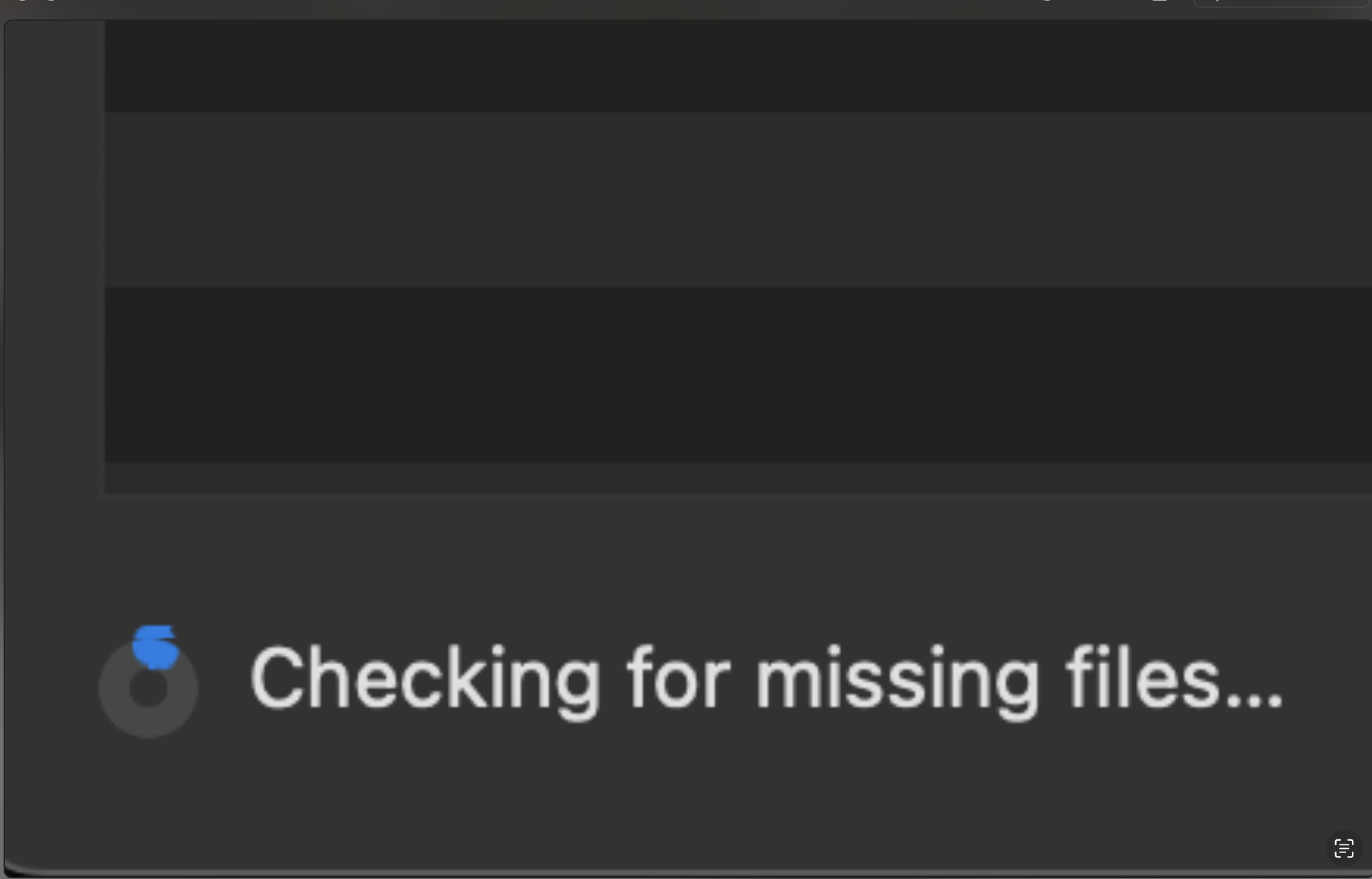
Funny enough, this is how my “Checking for missing files” progress bar looks (zoomed in), even when I leave it for hours
EDIT:
Just realised that once I cancelled the process, my entire library refuses to work. Artwork disappear and tracks can not load. I have to relaunch djay to make it work.
In addition to the update I have above in EDIT section;
I took my library file (from the primary macbook running macos sequoia15.7.5 which no longer worked this evenning) and plugged into a secondary laptop running macos bigsur 11.7.8 (2020 MBP i5, 8Gig) with djay 5.6.4, along with the same Samsung T7 external SSD and everything works as expected.
This definitely is a bug introduced my the recent sequoia update from 15.7.4 to 15.7.5. How I wish an OS downgrade was just a click away (gotta spend $45 on a tech guy)
I decided to roll back all the way to 15.7.1 and am good too.
I actually wanted to install BigSur - because sequoia has difficulty quickly ejecting drives. Have you noted that too? Bigsur ejects my drive in under 3seconds, Sequoia takes about 15secs. Same with quitting serato
I’m wondering if anyone who previously had this problem has tested this again on the latest verison of DJay Pro (5.6.6) and the latest version of Sequoia (15.7.7)? I’d like to update my MacBook Pro if possible but I obviously won’t do it if this is going to happen again.
Alternatively maybe engineering have investigated and can confirm if this is now fixed?
I see the topic title has been changed to say 15.7.7, but it can’t have said that originally?