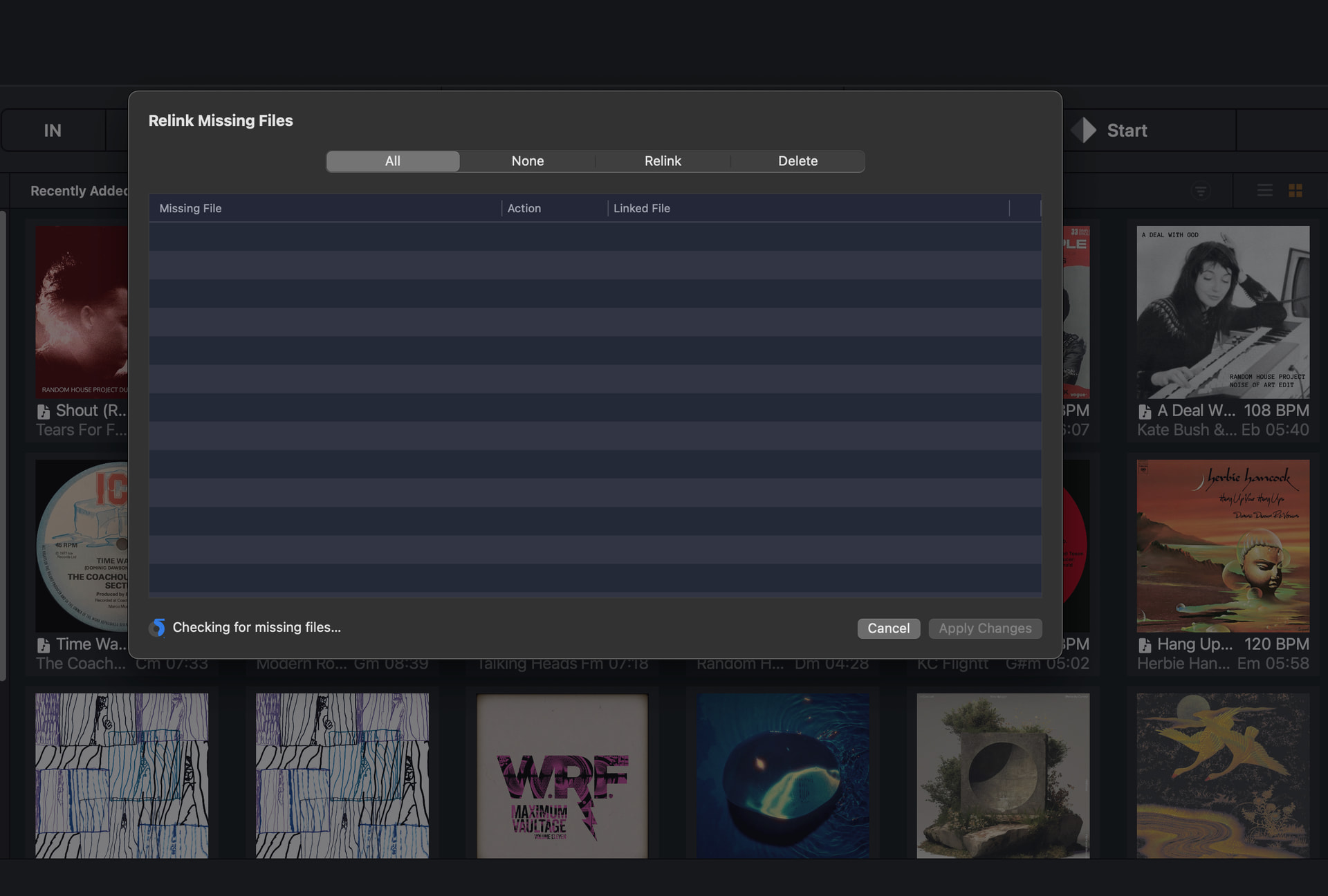
I’m opening this topic again because I have exactly the same problem as the original poster. It might be since updating to 5.6.4, but I’m not sure when was the last time I tried to use Relink Missing Files though, so it might have been another recent update that broke it. It definitely used to work well and quickly.
What’s happening now is exactly like the description from the original poster at the top of this thread. It starts scanning the files and then gets stuck half way round - it even looks like it’s in exactly the same position as the image in the first post:
My files are all stored on the internal local drive and they are all a mixture of AIFFS and MP3s.
I am on MacOS Sequoia 15.7.5 (which I guess is also a fairly recent update - 24th March - so could also be responsible for this).
Thanks
2 Likes
Thanks for the detailed info @Belford_Roxo. Are you also using any streaming services?
No, only local files.
I am signed into Apple Music inside DJay Pro, but I’m not using it at the moment.
Have you used Apple Music streaming or any other streaming services in the past?
Either way, please try logging out of Apple Music, reboot your device and try relinking again.
Do you mean sign out of Apple Music inside DJay Pro, or out of the Apple Music app? Or both?
OK I’ve done that and it still gets stuck. I’m also getting weird behaviour where the track artwork doesn’t appear immediately and shows up gradually as I scroll down my collection. (to be clear, it was doing that before I signed out of Apple Music).
1 Like
Okay, thanks for checking @Belford_Roxo. I will pass this onto engineering to see if they can reproduce this and offer any suggestions.
1 Like
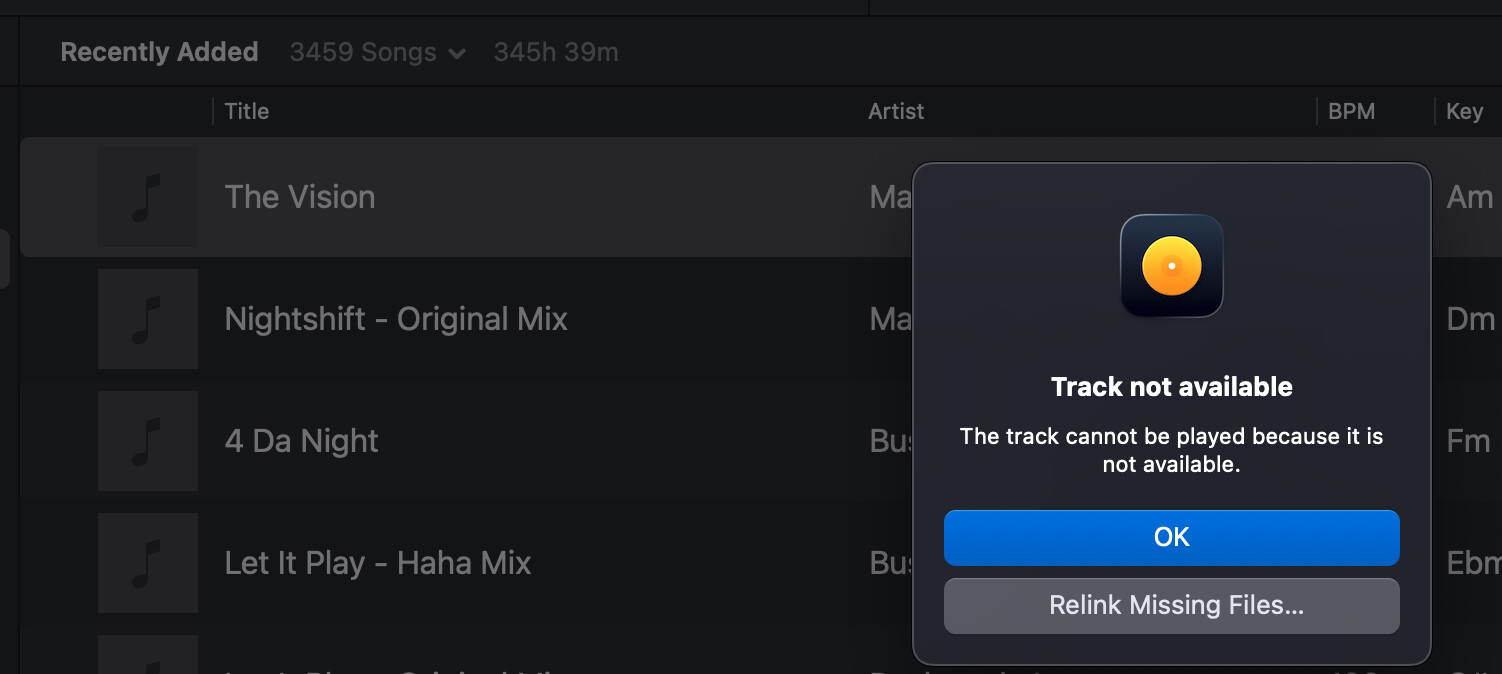
Now I’m getting a new error message just trying to play a track.
Not only does the artwork not show up but now it says the file is not “available”.
I haven’t changed anything, the files are in the same location they’ve always been, as organised by Apple Music (i.e. I let the Apple Music app organise the location of my local files, the same way I Always have without any problems).
Try logging back into your Apple Music streaming account within djay
I tried closing and reopening DJay Pro. It then crashed on opening (spinning beach ball). I sent a crash report to Apple.
Then I opened it again and now the files are showing up and I can play them. I’ve signed into Apple Music again, but the Relink Missing Files tool still gets stuck half way.
I’ve sent a support request via the website, as this is all very strange and might be specific to my setup. Thanks for trying to help!
Okay, thanks for the info @Belford_Roxo. I was going to suggest you submit an official support request so our team can look at your crash reports. Sounds like something strange is happening for sure. I’ll let them take it from here as I don’t have access to your crash reports.
1 Like