NOTE: Please use the search function above before posting to avoid creating duplicate topics.
Device model (e.g. 2020 iPad Air 4th Gen): MacBook Pro M1
Version of operating system (e.g. macOS 14.4.1): MacOS 15
Version of djay (e.g. 5.1.2): 5.3.2
Hardware/controllers used (e.g. Reloop Mixon 8 Pro): At the moment none connected.
Summary of the issue:
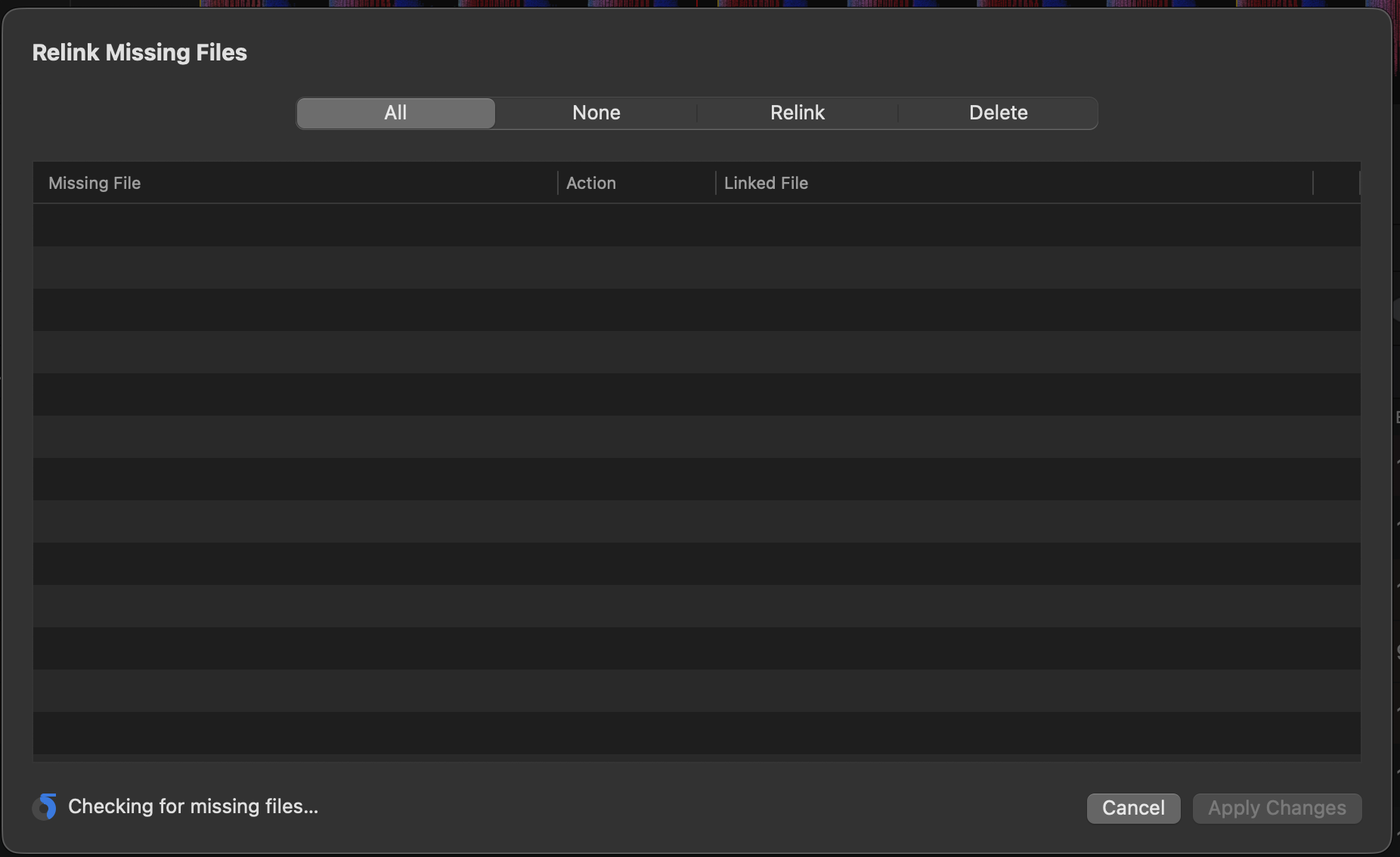
When I click on “Relink missing files in my collection” I get the pop-up frame. In the left lower corner the icon is changing the first minute and then for at least half an hour, it does nothing.
Thanks for checking @LJsquare82. I’m unable to replicate this on my setup. I need to pass this onto engineering to see if they can reproduce the issue. Is there anything else you can think of that could be contributing to this issue? Did it work on a previous version or is this the first time you’ve tried the feature?
Thanks.
It worked before, but I didn’t use it for a while.
But now if I think back, something has changed and this may be related. I moved my locations of my music from a netwerk share to local disk. I added the local folder to my database collection and all my music is using the new location. I disconnected the network share and everthings seems to work. I didn’t use the relink feature. If I click “Show in finder” the finder window opens with the right location of the song.
To test it, I’ve connected the old network share and the relink feature works again! But according to what I can see, the network share isn’t used. If I click “Show in Finder” I still get the “new” local location of the song instead of the network share (and that’s correct, it should use the local disk).
To summerise:
So when I disconnect the “old” location, the relink window get stuck. When I reconnect the “old” location, it shows a few missing songs.
Hi again @LJsquare82, when the network drive is not connected do you have any greyed out tracks in My Collection? We suspect the relinking tool is still finding references to the network drive and is getting stuck waiting for it to mount. Thanks!
No, all my local tracks are working, none of them are greyed out. Even the tracks that were on the “old” network drive are still working from the new local location.
Hi again @LJsquare82, can you please upload your djay Media Library database file to your Google Drive/Dropbox, enable sharing permissions, then share a link to it here or send it to me in a DM? On macOS it can be found in ~/Music>djay.
Sorry for opening up the post again, but I think I’ve a related problem to the database.
I’ve send you a PM with video.
The main problem is that it isn’t stuck anymore with the 5.4 update, but it sees Apple Music tracks as missing files.
Hi @LJsquare82, can you please share all the new DM info and videos here instead? I am very busy lately and it’s best if we track everything in one location. Thanks for your help and understanding.
As I mentioned before, the missing files are all Apple Music tracks (based on the icon).
Now I made a video of an example. I have a track “Charles J - Charles J” which is missing according to Djay, but it is in my database from Apple Music. When I delete the song in the dialog, it is gone in my database (as it should). But when I re-add it from Apple Music, it still thinks that the “file” is missing.
PS I’m on a slow internet connection, so that’s why it loading my track slow from Apple Music.