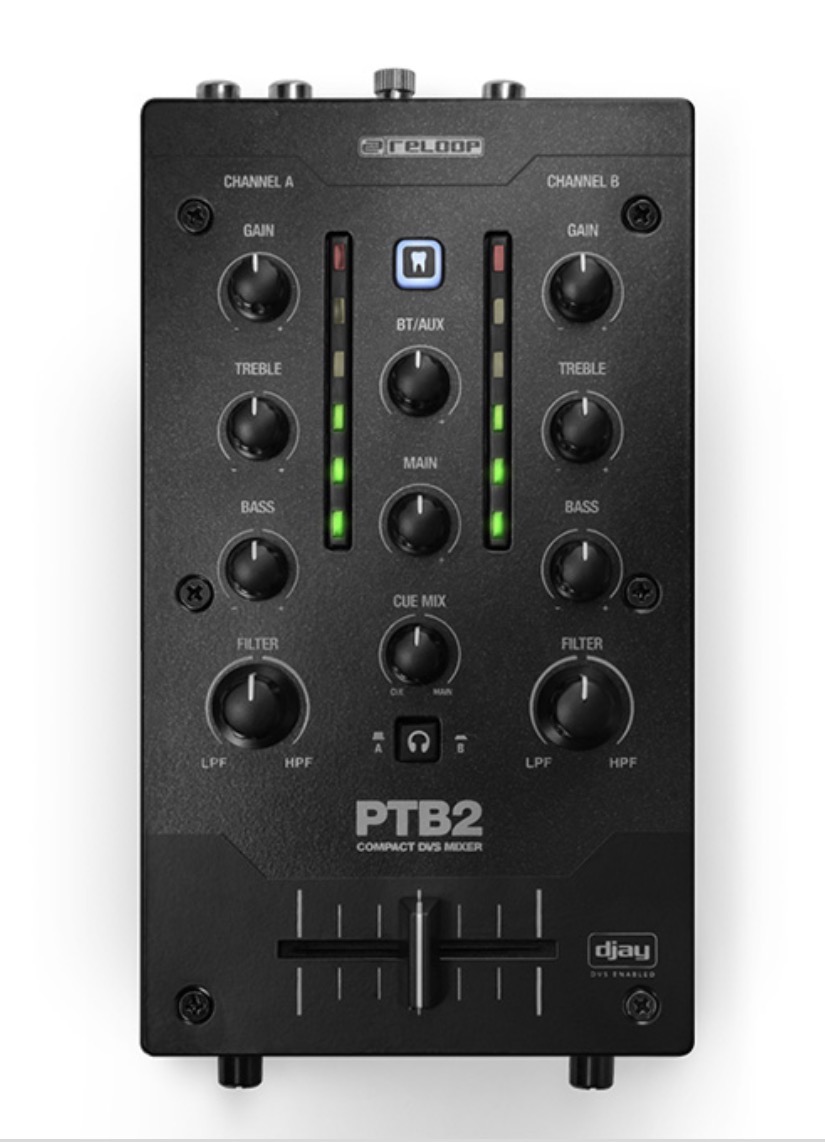
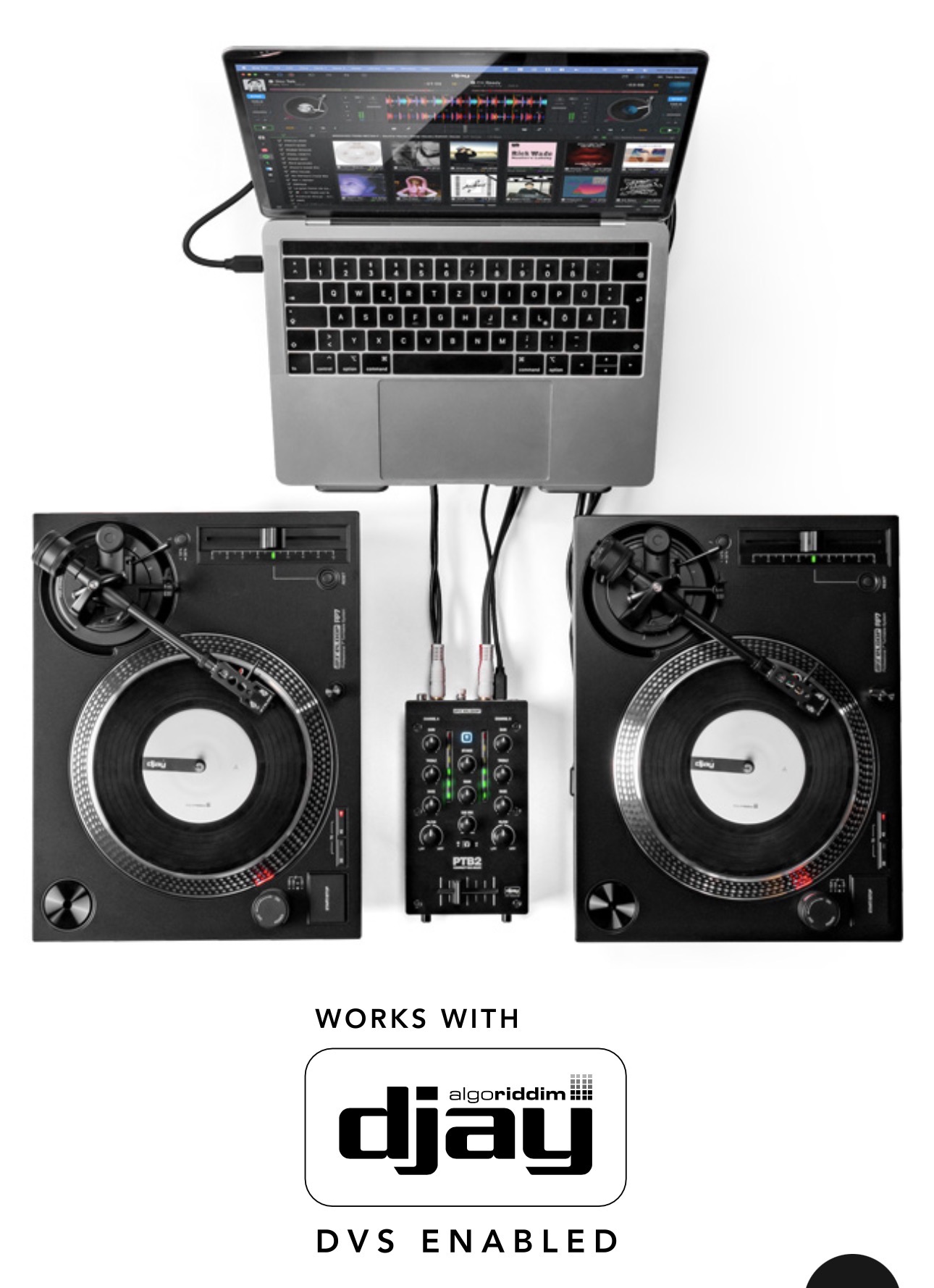
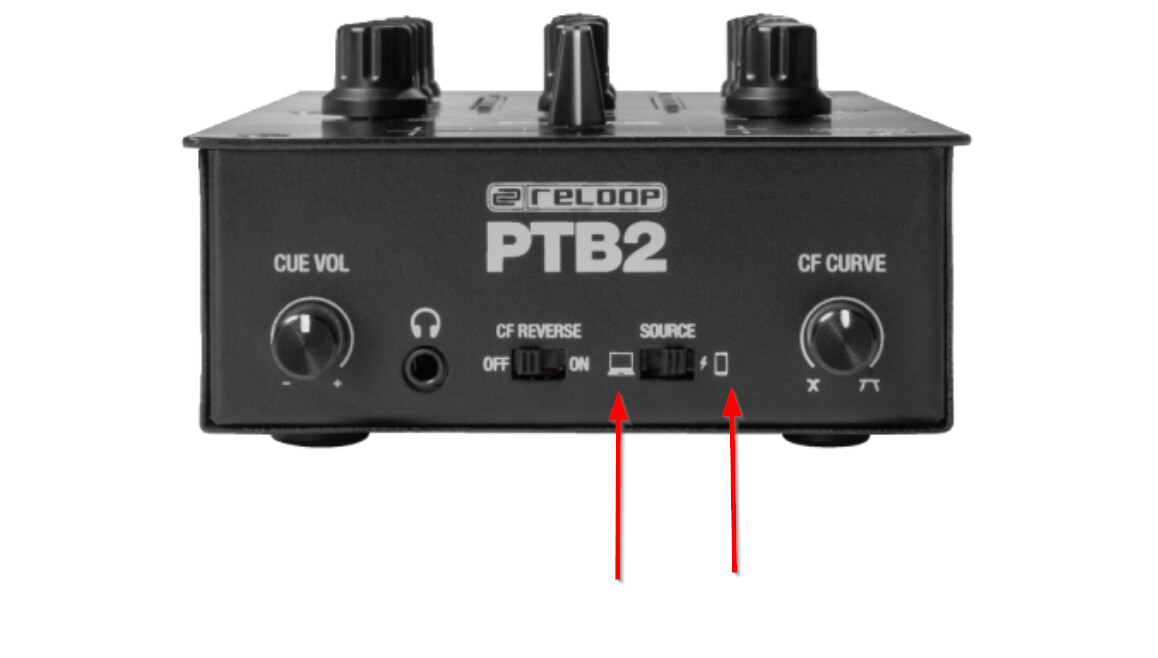
New Reloop PTB2 hardware support! Please see below for more details.
NOTE: this is an External Mixer Mode only device. It does not send MIDI messages for any of the hardware controls.
New Reloop PTB2 hardware support! Please see below for more details.
NOTE: this is an External Mixer Mode only device. It does not send MIDI messages for any of the hardware controls.
Post fader FX? thats the thing i want.
That’s a nice little mixer. One thing Reloop could have done for a unit this compact would be to add a midi mode that can switch from being an external mixer to being a controller for the software’s internal mixer.
Other than that I like it. I’ll probably pick one later on in the used market.
Hello everyone, 5.6.2 was released today and should be rolling out to the various apps stores in the next 24-48 hours. It adds official support for this hardware on macOS, Windows, Windows on Arm, and iOS. Thanks!
Hi Juts received my PTB2 - the devise doesn;t show in Djay app as a midi device neither on my IOS phone or Windows Computer
Hi @Sebastien_P, welcome to the Community! Please provide specific details about your setup on iOS and Windows:
Device Model (ex. 2020 iPad Air 4th Gen):
Version of operating system (ex. iOS 17.3.1):
Version of djay (ex. 5.1.3):
Hardware/controllers used (ex. Reloop Ready):
Hardware Firmware Version (ex. 2.7):
Hi @Slak_Jaw see below the two setup I tested
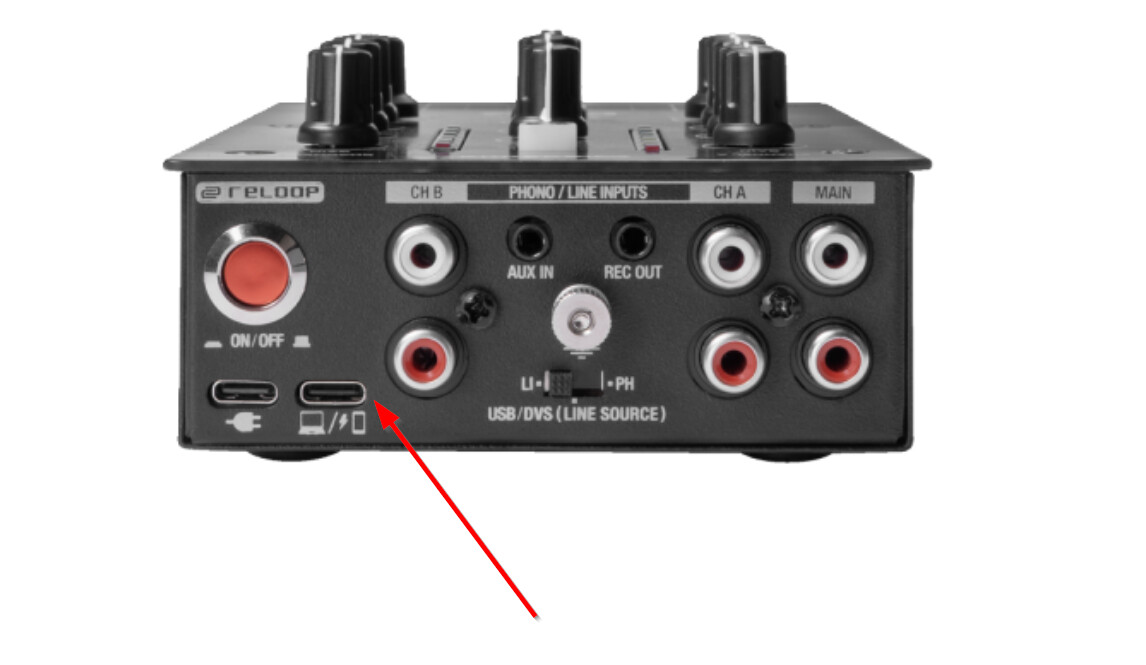
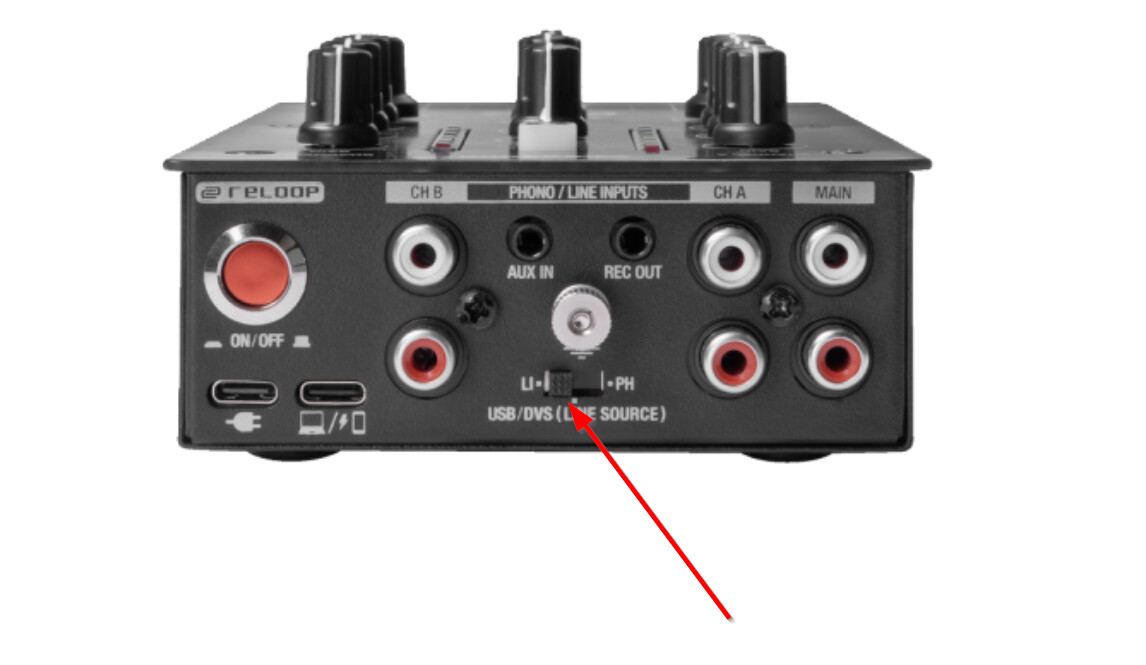
I conetc the reloop PTB2 with the USB C to USB C Cable delivered with the controlle rdirectly to my Iphone. It is connected to the back of the controller to the PC/Phone USB-C Port At the front I selected Phone source. Source is USB/DVS.
I connect the USB-C Cable to my phone and Opne Djay Pro app. Switch ON the controller
Nothing happen.
If I connect another USB cable to the power plug with a power adapter the Bluetooth button turn ON, but I cannot styll see the controller on my phone neither connect through the app with a bluetooth controller
When I connect to the PC - My PC recognizes a new Audio card. I see a line & Speaker line under the Device Manager, and I see the Reloop PTB2 under USB devices. I installed the Reloop ASIO V6.0.0 driver from Reloop and restarted my computer. My source is on USB at the back and PC at the front, and yet, in the Djay Software, the MIDI controller is not recognized.
Thanks for the additional info @Sebastien_P. Please note that the PTB-2 is not a MIDI controller and doesn’t not send MIDI messages. It is an External Mixer Mode device and audio interface and does not function as a MIDI device. You will need to control djay using the onscreen software controls or with a second MIDI controller. The PTB-2 will only perform the mixing controls (externally on the hardware) and audio output.