I think (I hope) I understand the request.
What @coffee_king wants, is to be able to flag a song in a playlist (for once), so that it shouldn’t play.
Actually, it does not work exactly like this.
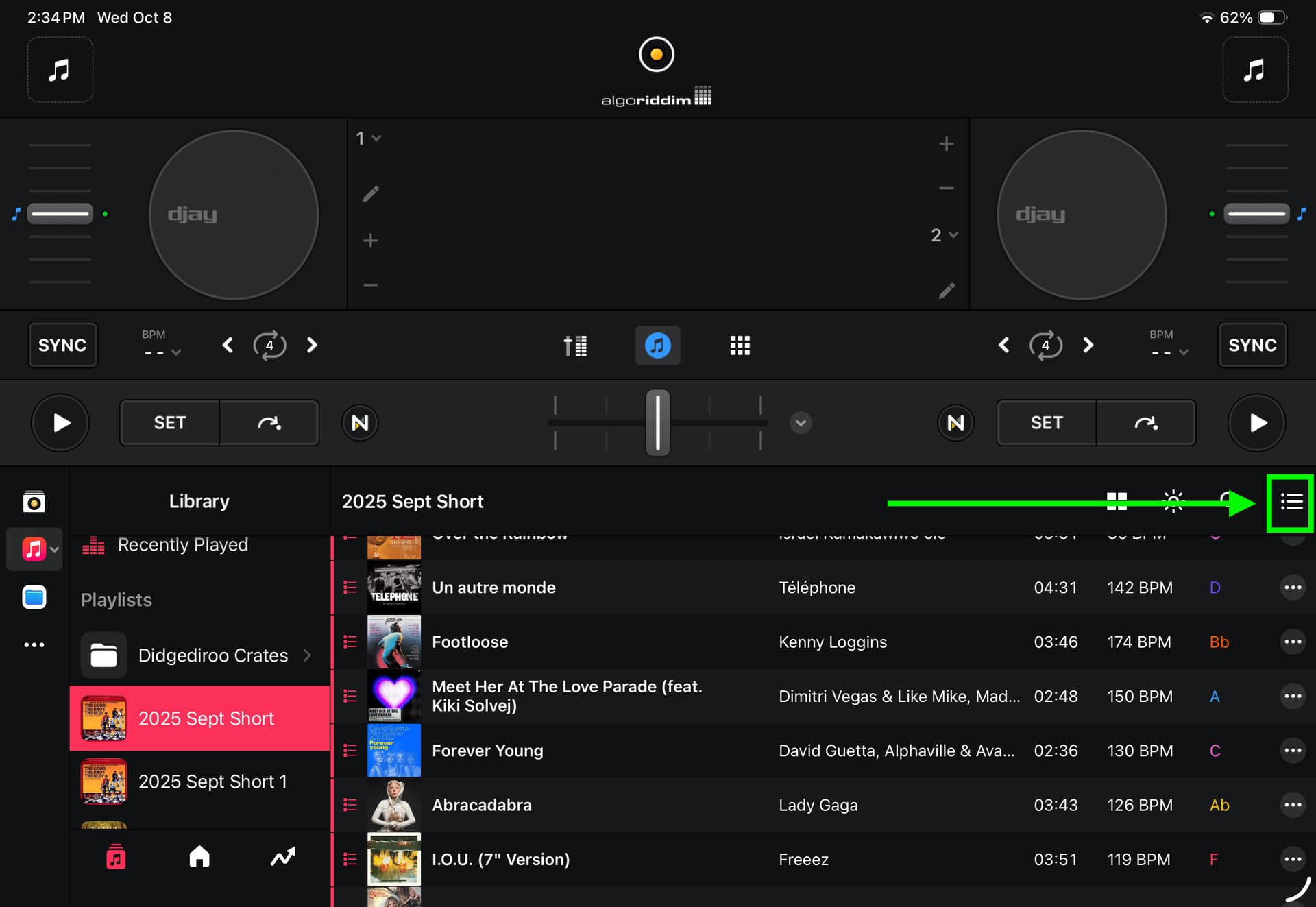
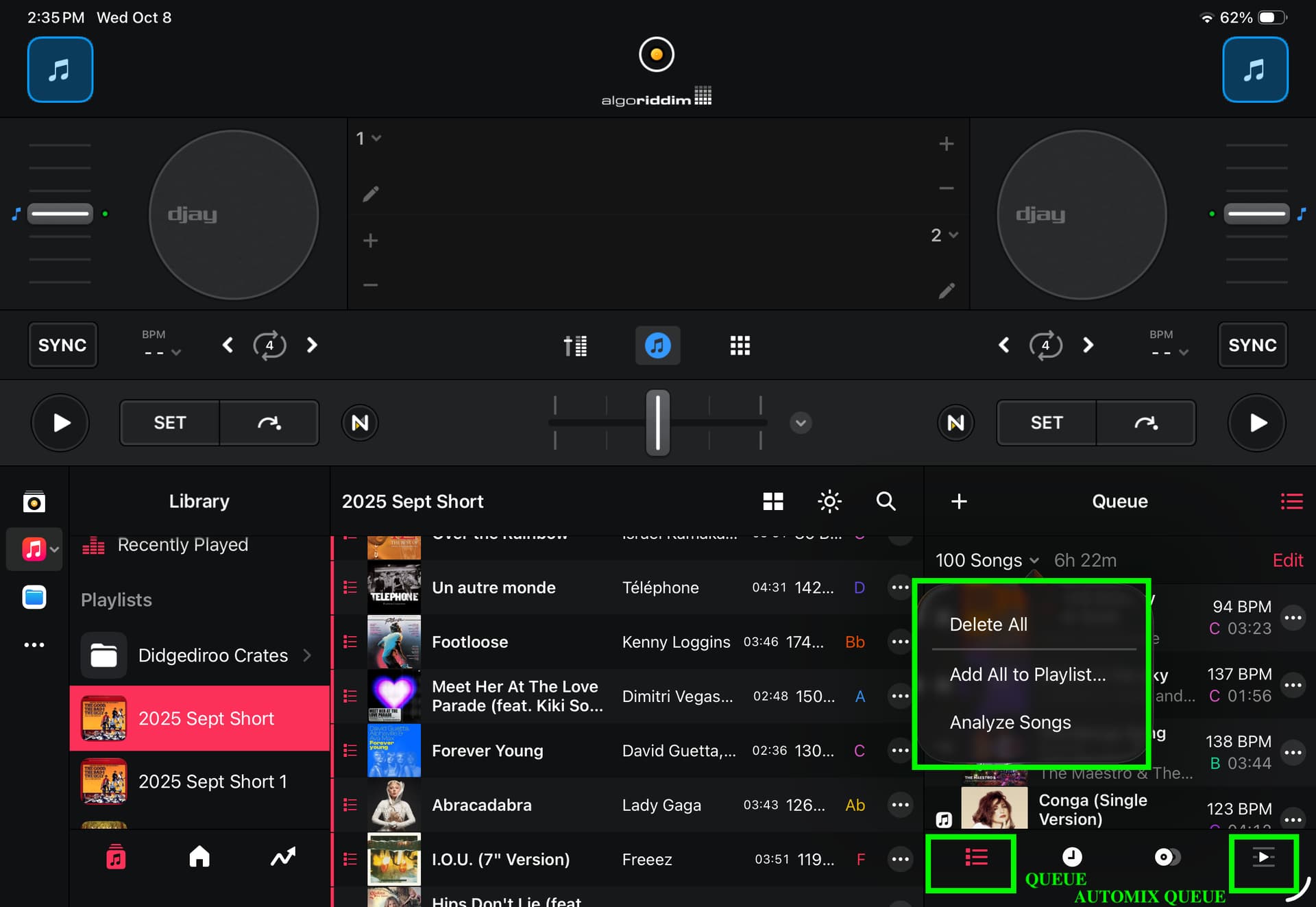
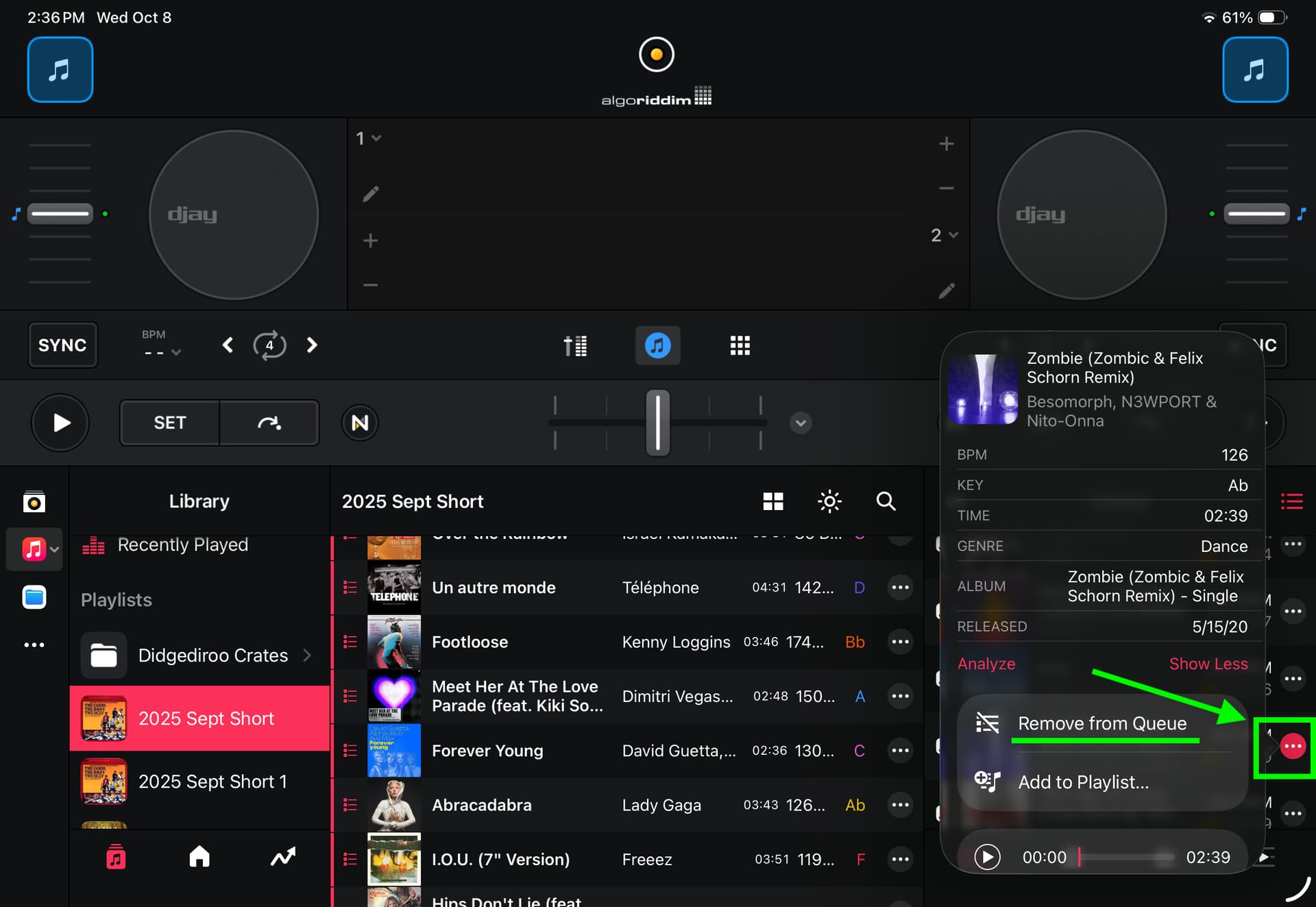
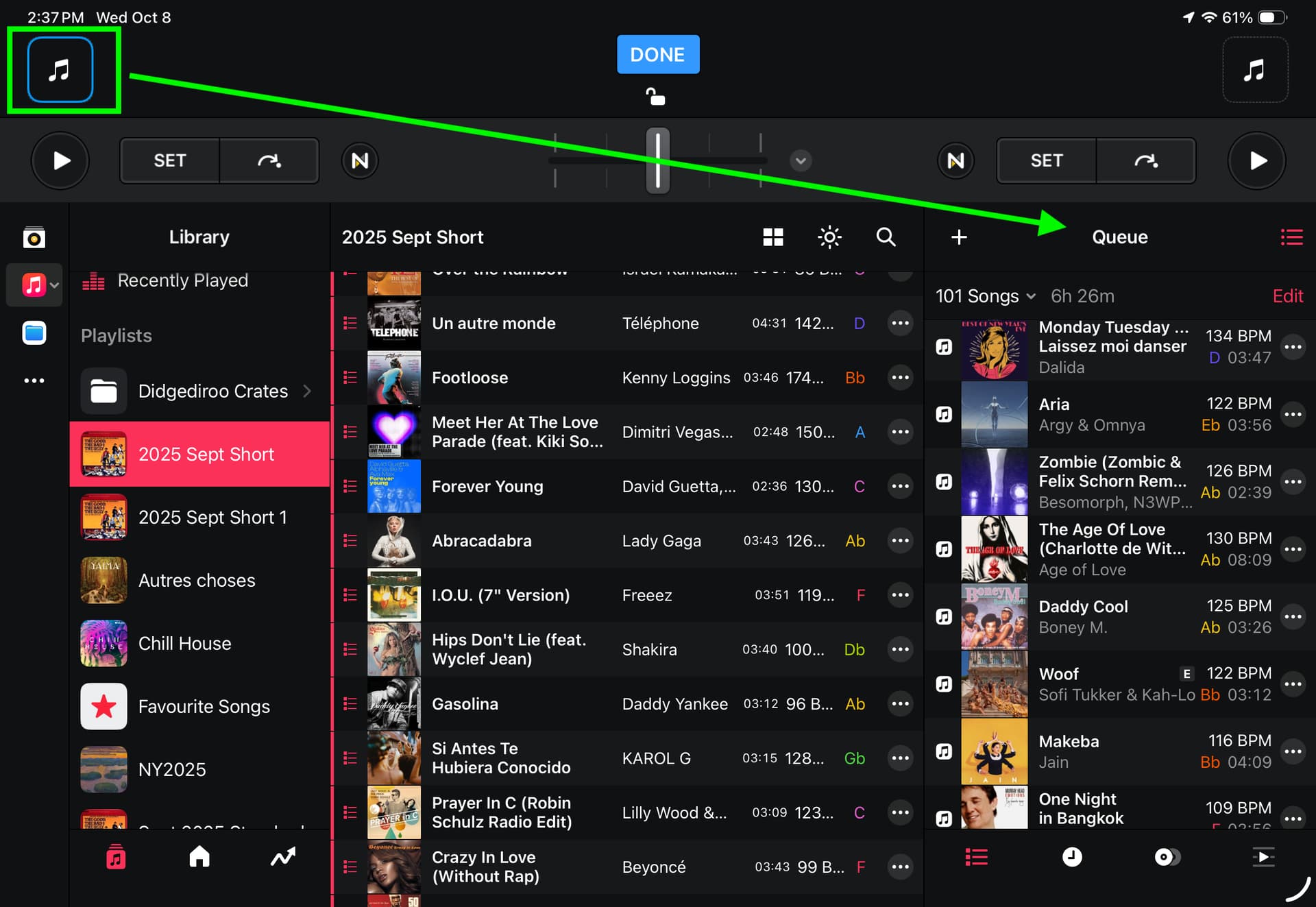
It works by using the Queues.
-If you use Automix, Select your Playlist in the Automix Queue, then just remove the song you do not want to play from the Automix Queue (it will remove the song from the Automix queue, but not the native playlist).
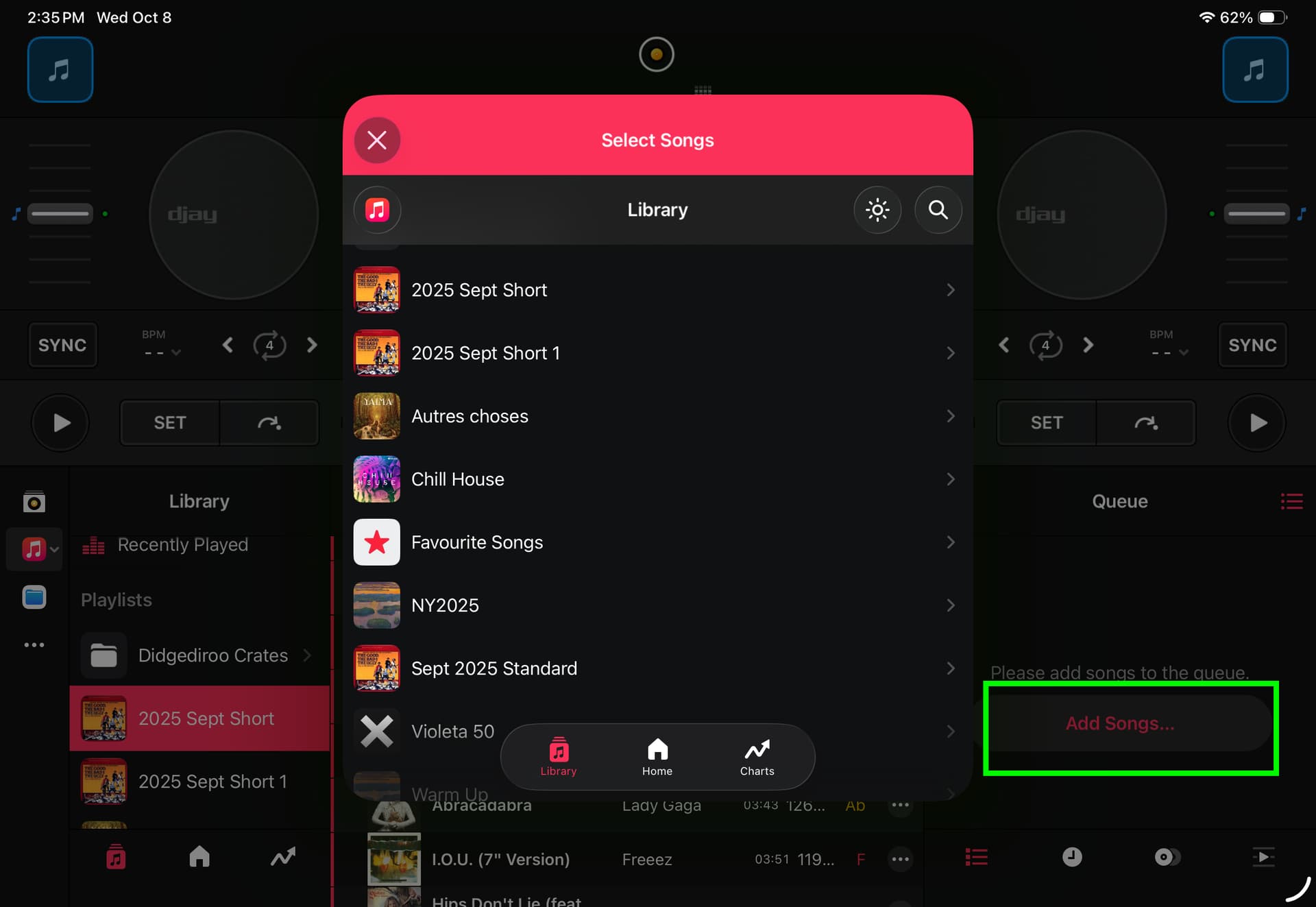
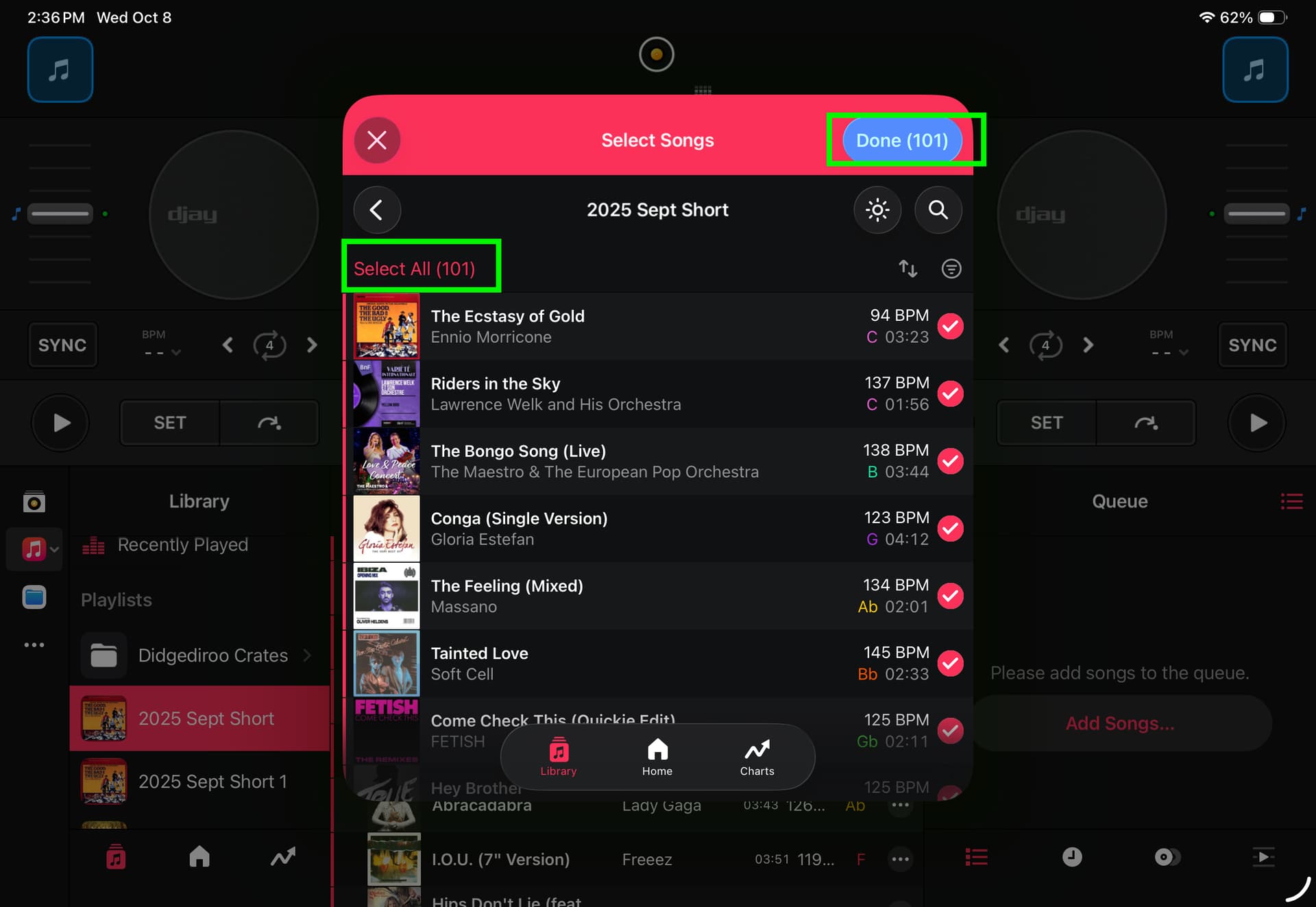
If you do not use Automix, but you are still playing a playlist automatically, then you should use the Queue (not the Automix Queue, but the Default Queue), then, it is just the same, once you have filled the queue with your playlist, just remove the particular song you do not want to play.
You should use these queues, which also allow to rearrange your songs for a particular play (just today for example), without altering your native playlist.
The playlists are like a sorted warehouse.
Whereas the queues are the preparation of what you really intend to play, today.
The answers you received earlier are because the Apple Music Streaming Playlist cannot be altered by deleting or resorting, you can only add, in order to avoid a sync mess between Apple and Djay, so that Apple Music remains master for the playlist.
But your problem will be solved using Days Queues in Djay (not directly altering the Apple Playlists in Djay).
If, alternatively, you intend to play this playlist frequently, without some specific songs, or in a rearranged order, then, as some have suggested above, you better copy this playlist in the “my collection” part. Your new playlist will still use Apple Music streaming (seamlessly), the only difference is that the playlists in “my collection” are not synced with Apple Music, so you are free to modify them as you want in Djay, without altering the source playlist, as they are now living separate lives.
Did I understand correctly ?
I hope this helps.