I’d love to be able to give certain elements of the interface more real estate, and other elements less real estate.
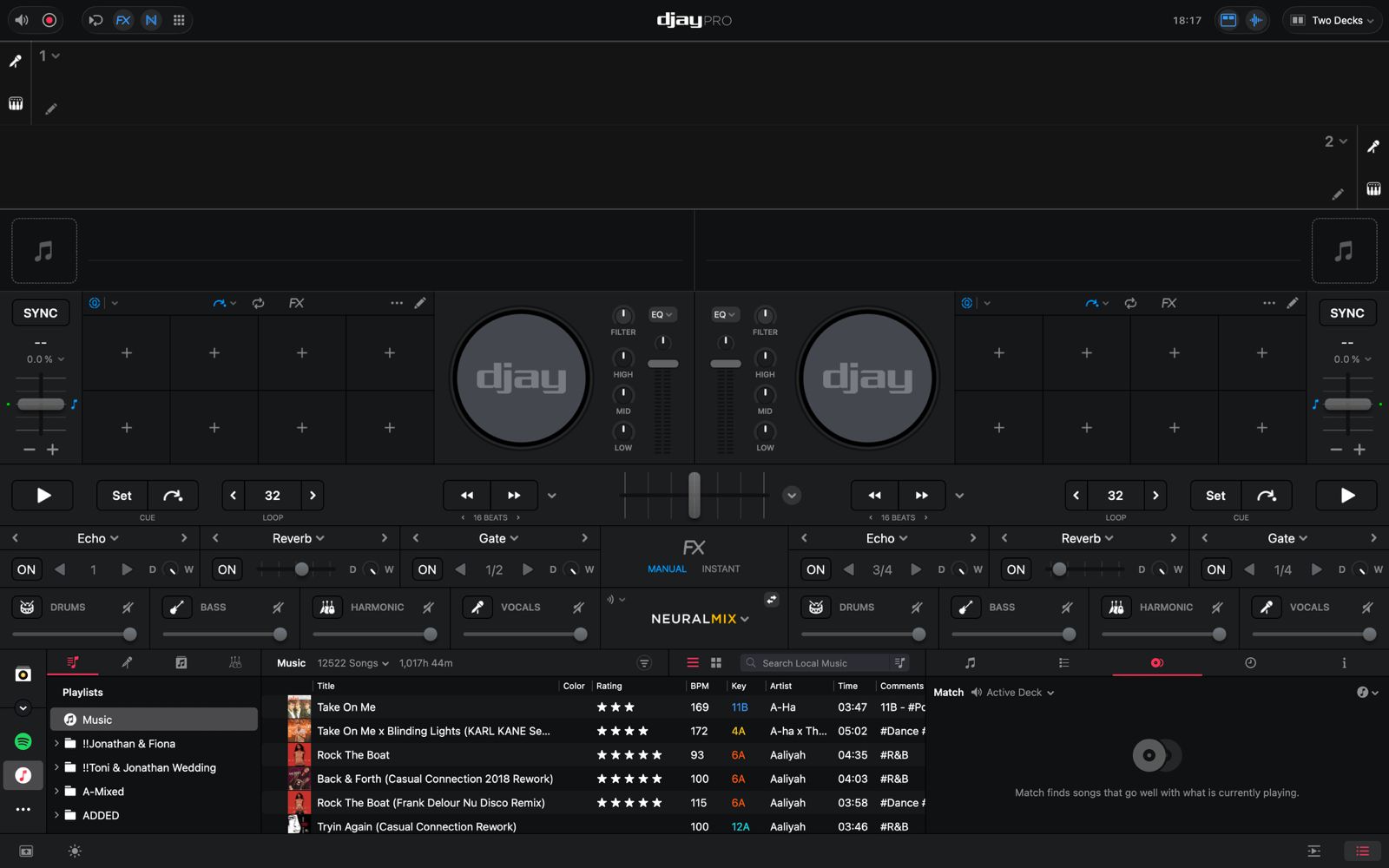
It would be very cool if the dividers between sections of the interface could be used to scale each section independently of window size. For me, the waveform and mixer could be much smaller, leaving more space for library navigation.
I realize this might be a pipe dream, but putting it out there anyway.
Apologies if this feature has already been asked for, but I couldn’t find it when searching the forums.
I use DJAY Pro on a MacBook Pro M3. Screen display is default at 1512x982 pixels.
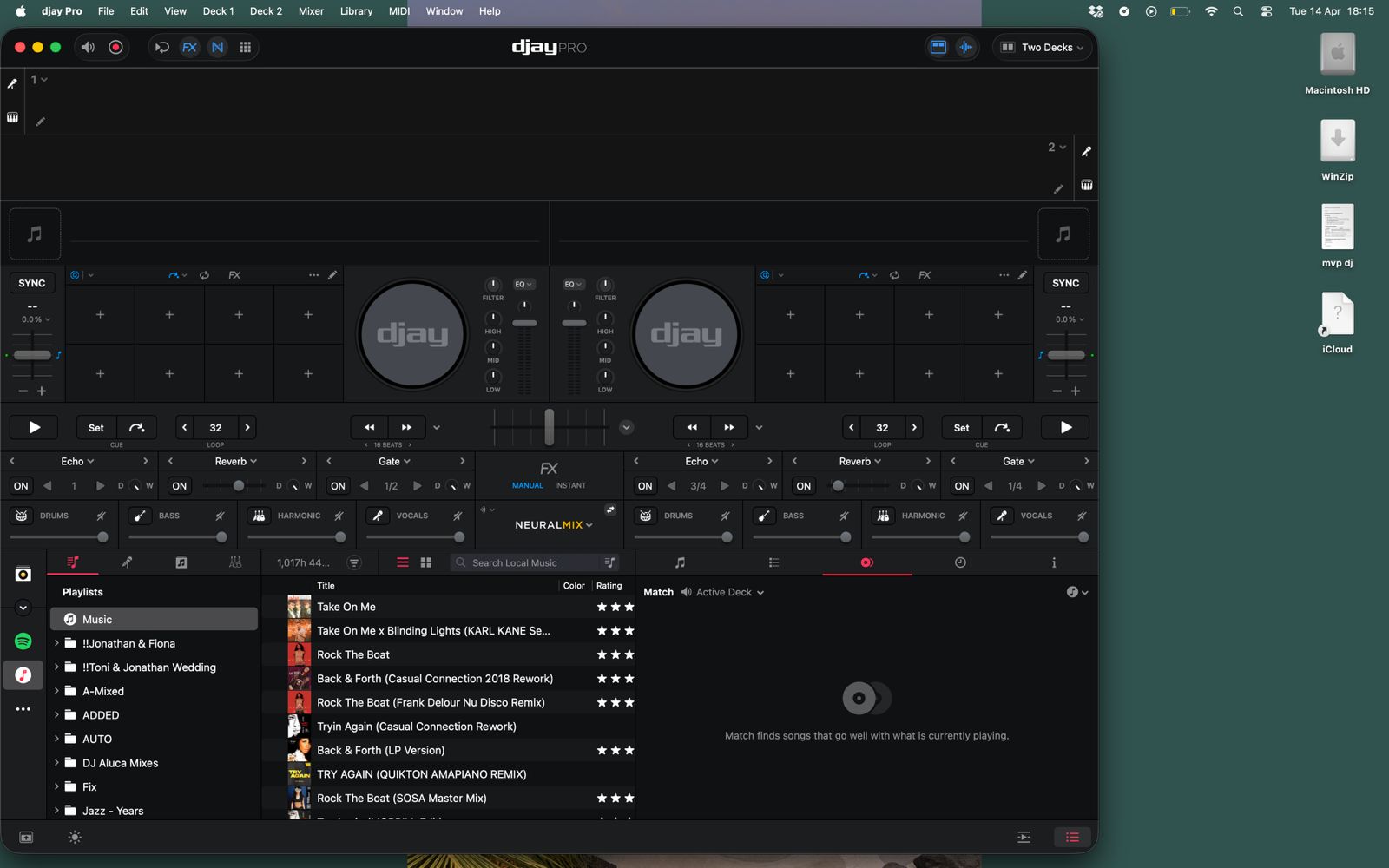
I can’t use the application is full screen mode as, with the features I have enabled the library is too small to be useful at gigs.
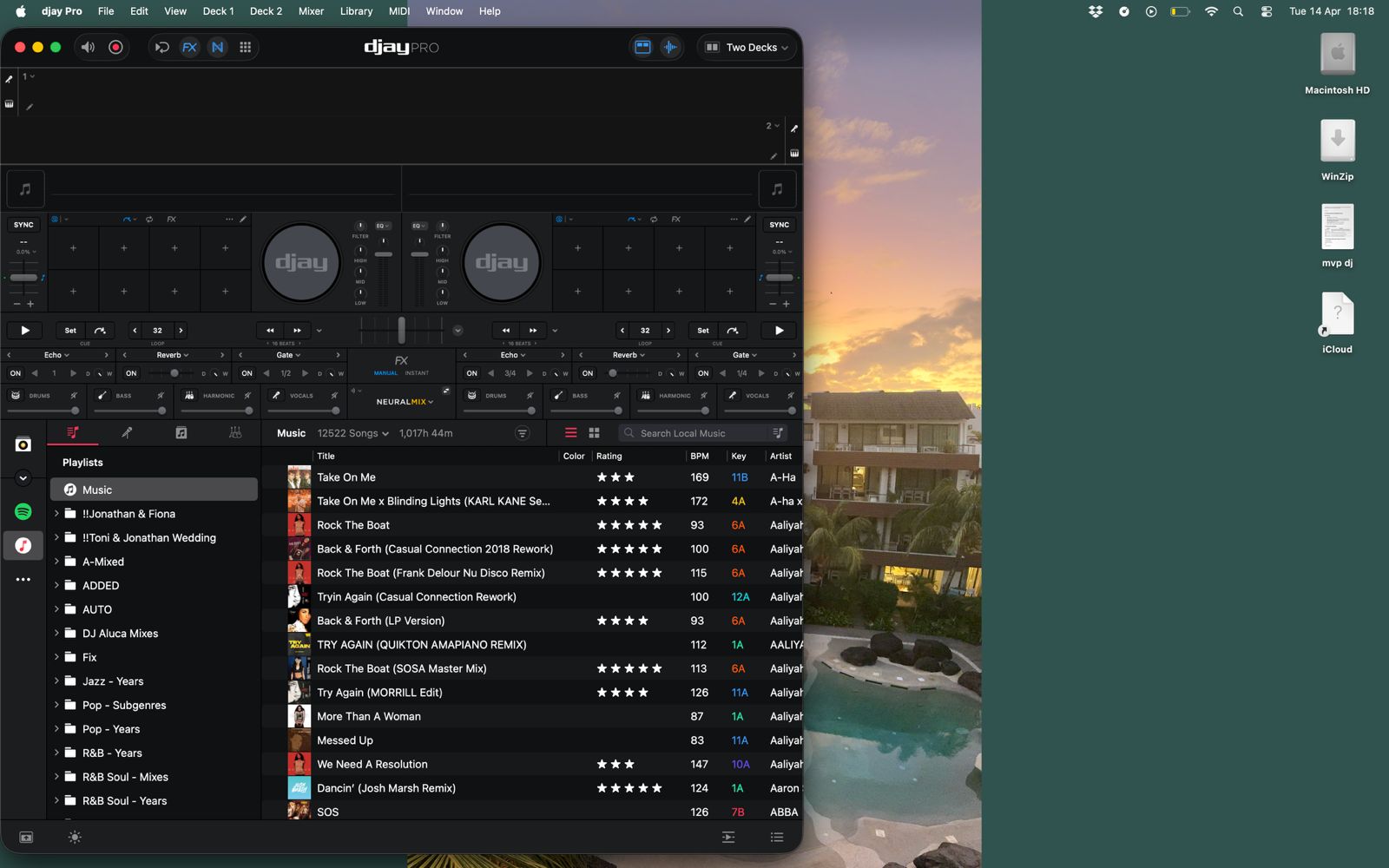
Below is the view when I drag it to half my screen size. As you can see I can see around 15 tracks in the library, which is decent. I still have good visibiltiy of my hot cues and can see my waveforms. I’d like the top half of the app to remain the same height when I maximise it..
Why do I keep the FX & Neural controls switched on?
The FX has a nasty habit of reverting to 3/4 loop instead of 1 bar, so I keep it there and fix it live. The neural view I’m not precious about as that works fairly rock solid.
Ways to fix this
Give us the ability to customise the layout and drag elements around, even resizing it or
Give us the Pop Library feature which is available on the iPad. When I use the track search function on my controller, pop the library as if I was hitting Enter on the MAC. When I’ve loaded a track, shrink back down again automatically. The idea is not to touch the keyboard at all during performance, which is possible if using the ipad, but then the Match feature is not available whereas it is on Mac.
Somebody asked this a year back. Still waiting.
Touching the browse button on a controller should pop open library. Loading should auto-collapse it.
Am voting this (again)
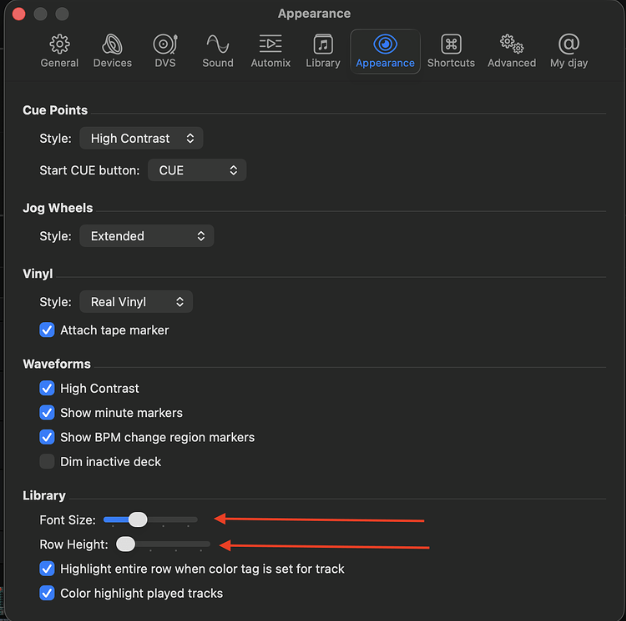
So I already have my font and spacing dialled all the way down and I can see the items in library get closer together but the overall top 2/3 of the screen dominates the UI. These font settings make my tracks harder to see from a distance.