Lenovo ThinkPad E580 with Intel Core i7 32 Gb RAM
Latest update of Windows 11
Latest version of djay Pro 5.4.2
Native Instruments Traktor Kontrol S3 (latest firmware)
I am new to djay Pro but have used DJ software for many years. I have purchased a used Traktor Kontrol S3 to start my djay Pro adventure. During my first gig I realised that I had not tried out the microphone yet and I got it working by setting the volume and activating the microphone in the audio menu.
I had to go into the menu every time I had to use the microphone (my Shure mic does not have a on/off button).
S3 has four channels and in all other software available channel D is the mic. Is it possible to route the microphone to channel D so that I can control the EQ and gain on the mic?
I guess it would be possible for me to create a custom midi mapping for the gain on channel D to control the volume on the mic? As a workaround.
Is it a general issue with djay Pro? I was thinking about getting the Numark NS 4 in stead of the S3. Would it work better together?
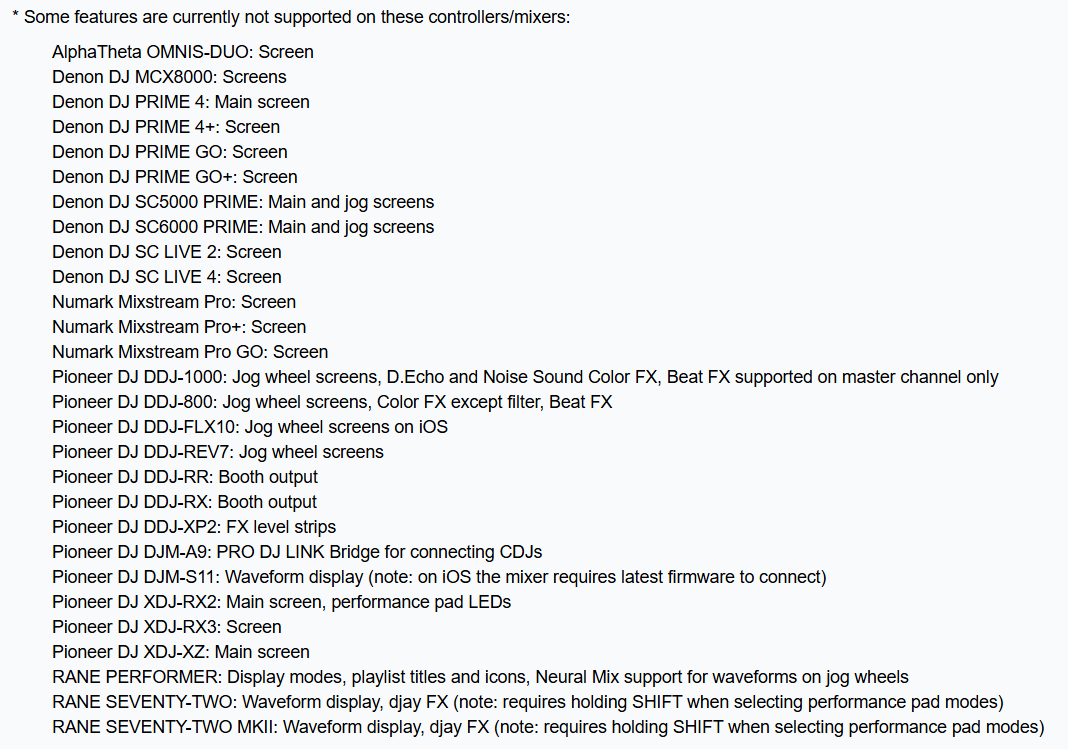
Is there anyway I can get an overview of the features of each supported hardware that are disabled/work differently in djay pro?
Hi, I´m looking for a not too big or expensive back up controller that has a mic input and was thinking of getting an S3.
Is there no way to control the mic volume at all on this mixer?