NOTE: Please use the search function above before posting to avoid creating duplicate topics.
- Device model (e.g. 2020 iPad Air 4th Gen): Macbook Pro
- Version of operating system (e.g. macOS 14.4.1): Tahoe
- Version of djay (e.g. 5.1.2): 5.6.8
- Hardware/controllers used (e.g. Reloop Mixon 8 Pro): Mixtour Pro
- Hardware firmware version (e.g. 1.0.1): Unk
- Please consider sharing a short video or screenshots to help clarify your question
YOUR QUESTION:
-
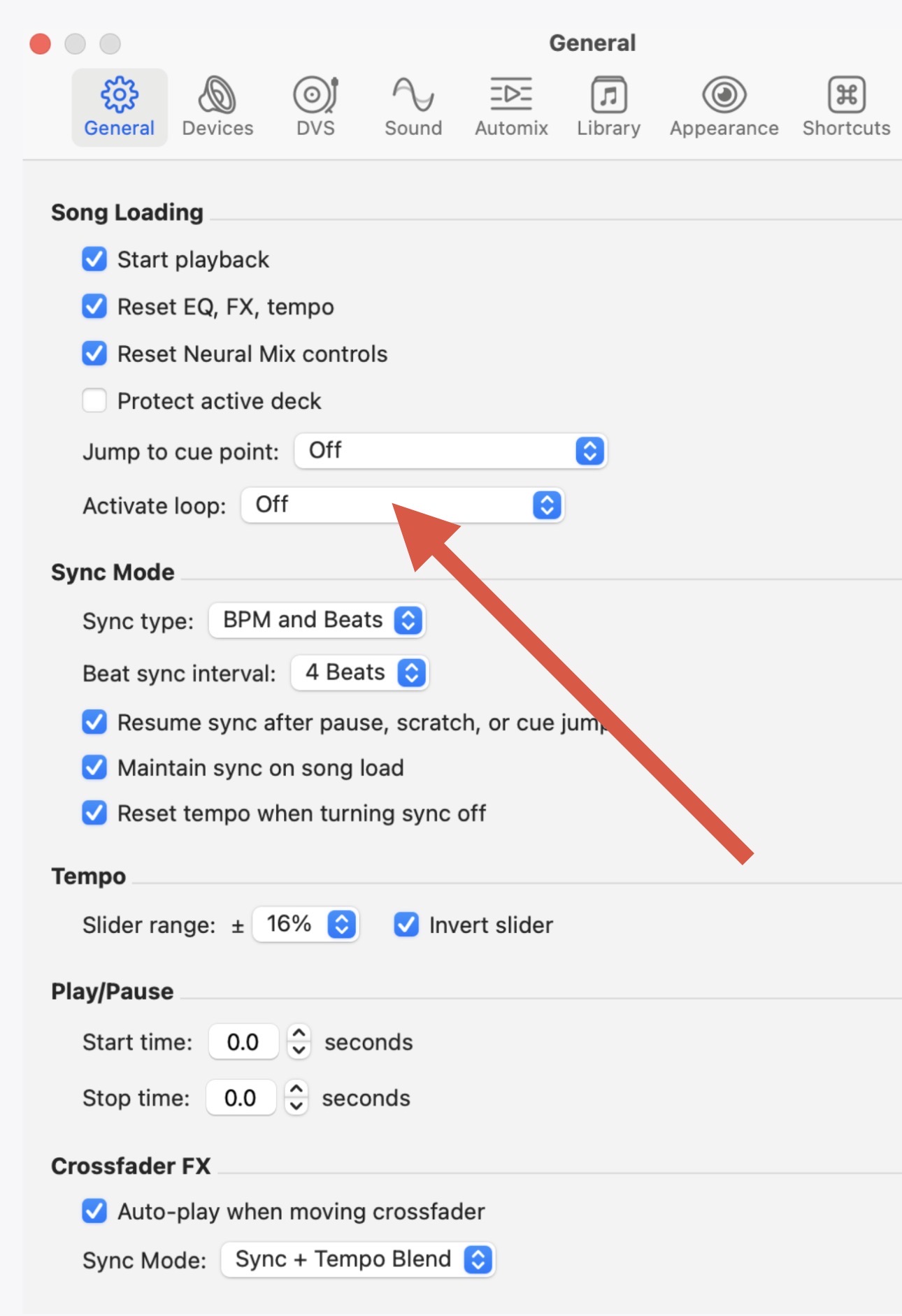
Do we have the functionality to have a loop set that will activate every time the track hits that point in the track? I can set a loop to be “active” when the track loads, but if I push a hot cue button to start at a different point in the track, that previously active loop is no longer active. I’m so used to this functionality with other software that it seems likely that I’m not understanding how to accomplish this.
An example of the usage would be a track where you know that you’ll almost always mix out at that particular point, and a loop will give you a little safety net if the needed during that mix-out.