


Thanks @DJEXTRO, like I said, one of many. Also have the Reloop Mixon 8 Pro and a Denon Prime 4 for more modern setups.
This is my ultimate setup look ! Beautiful, absolutely  # Beautiful !
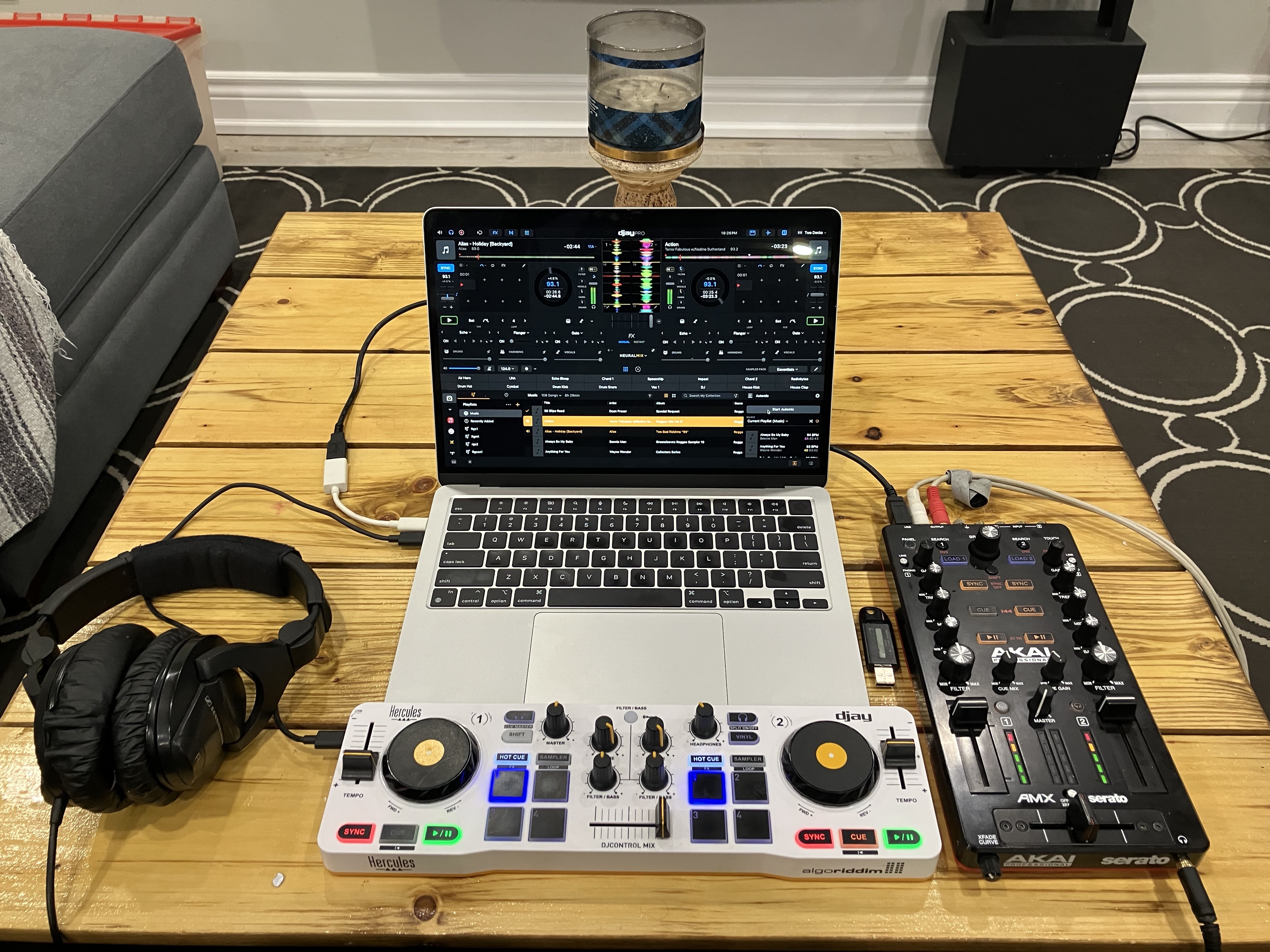
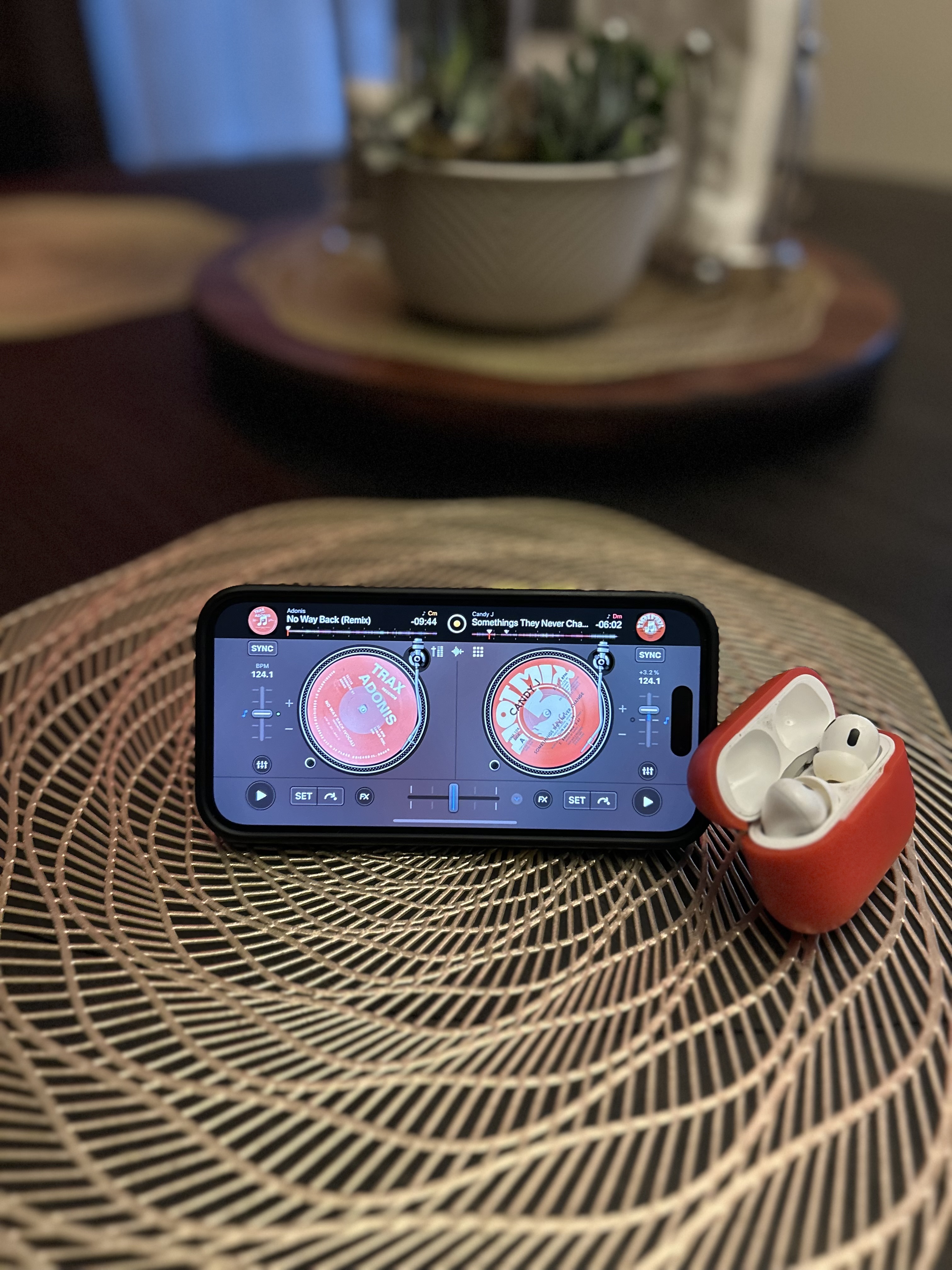
This setup was originally used with my iPhone but for some reason the Amx stopped working with the Djay iOS app. Still gotta practice with it though until things get working again.
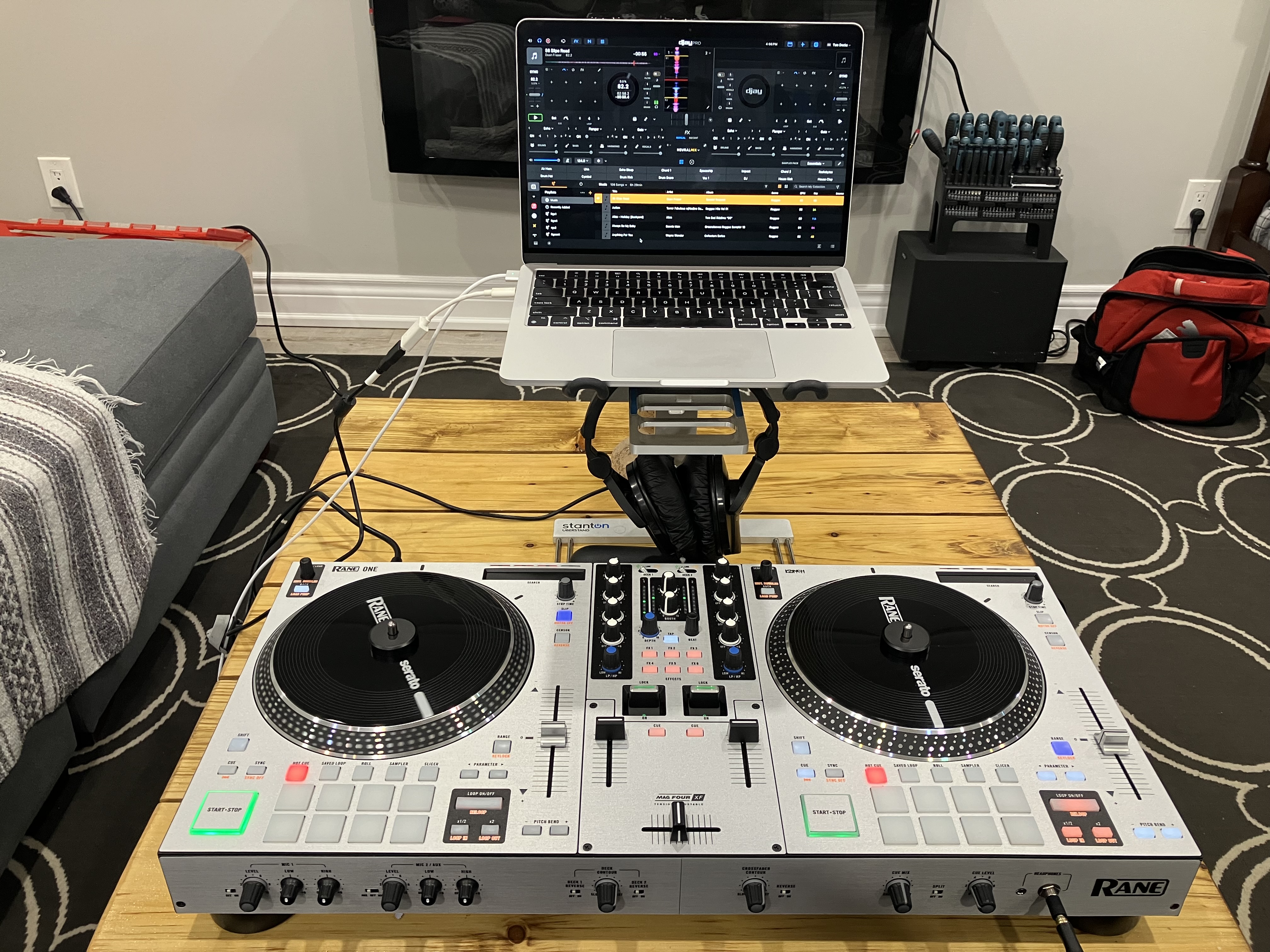
This setup is usually used in its case with my Mac mini. I pulled it out so I can practice from the comfort of my couch.
I also have a dvs setup and a standalone setup.

(When the Djay iOS app used to work with the Amx)
4 Likes
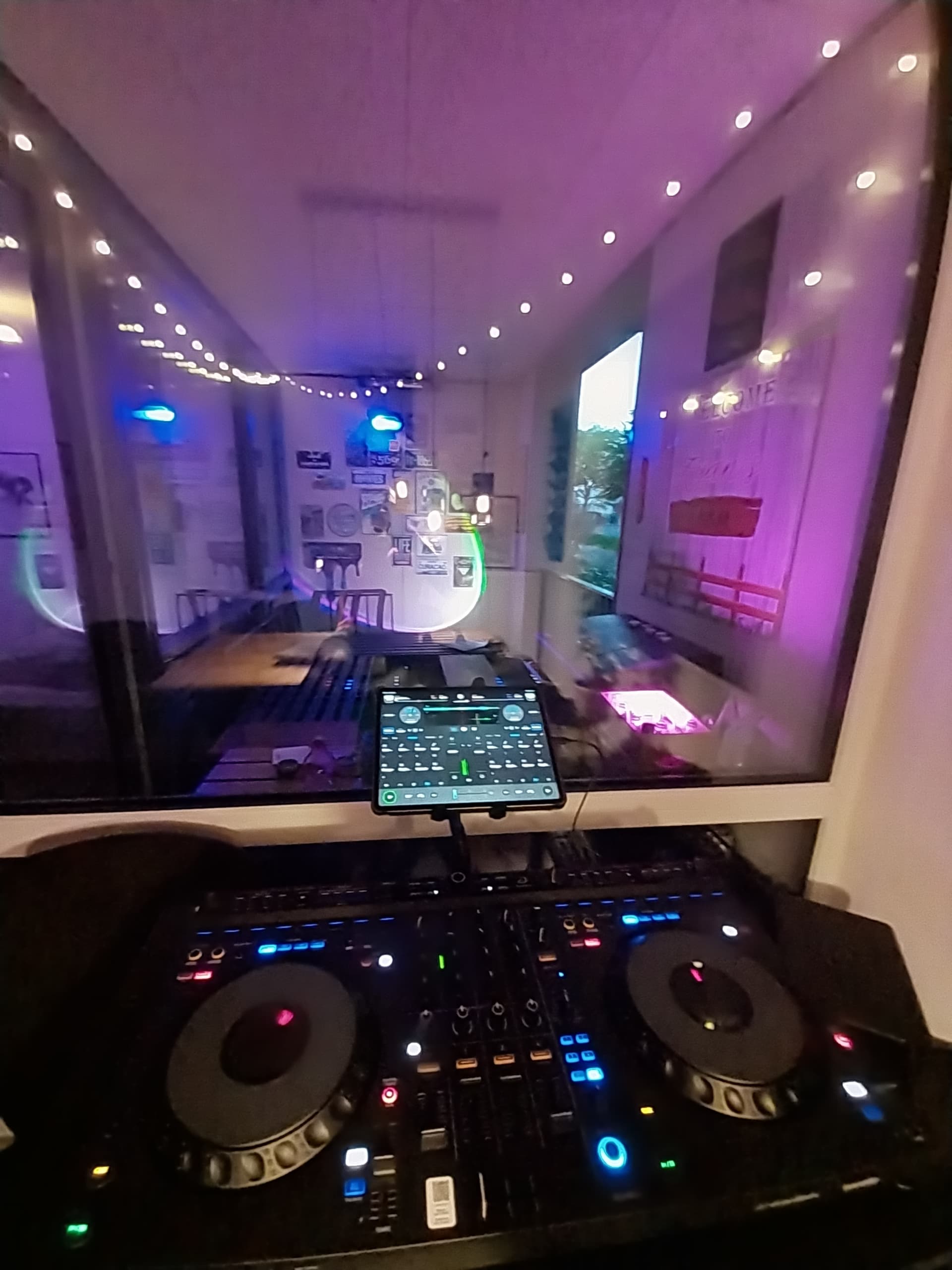
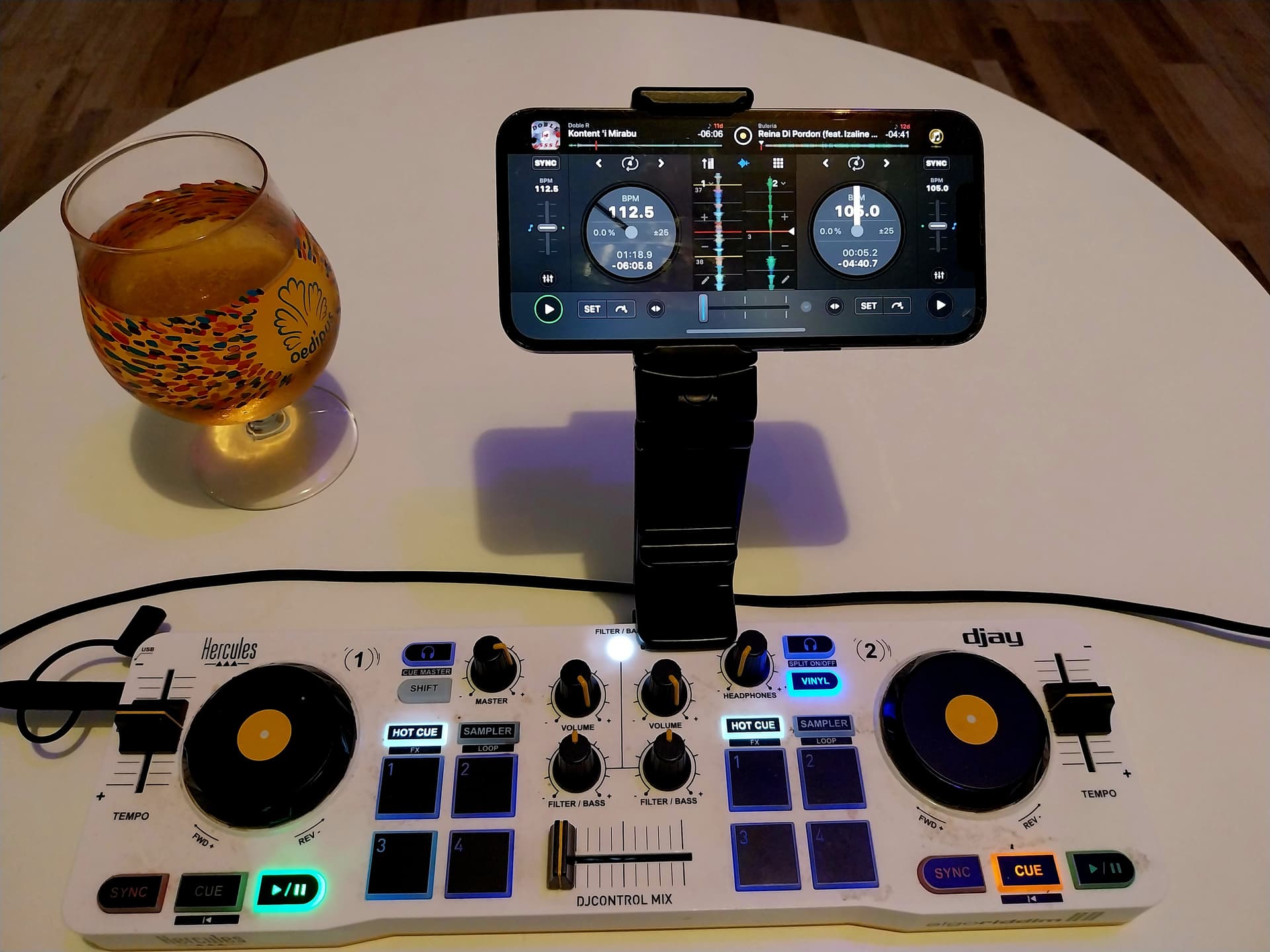
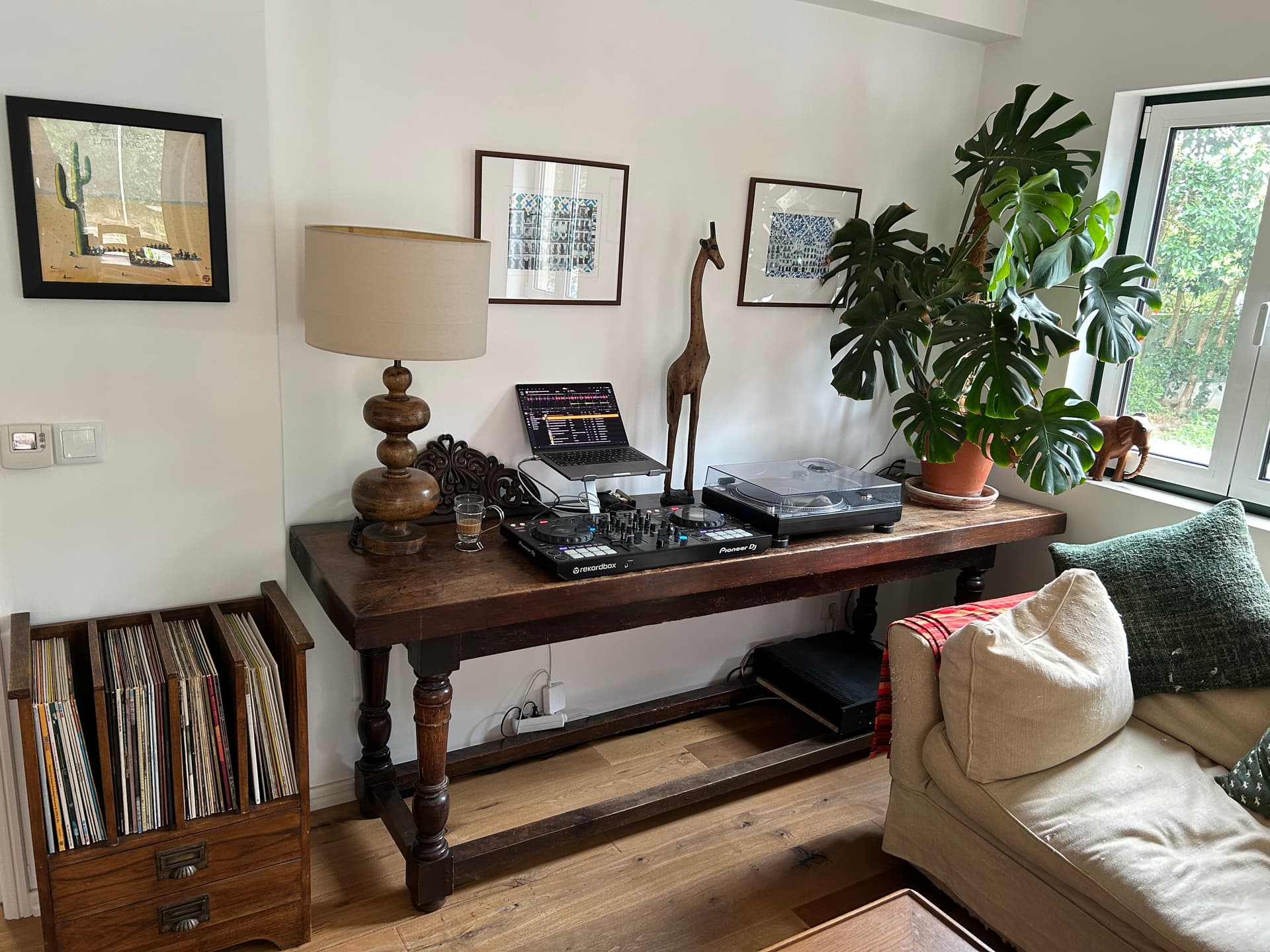
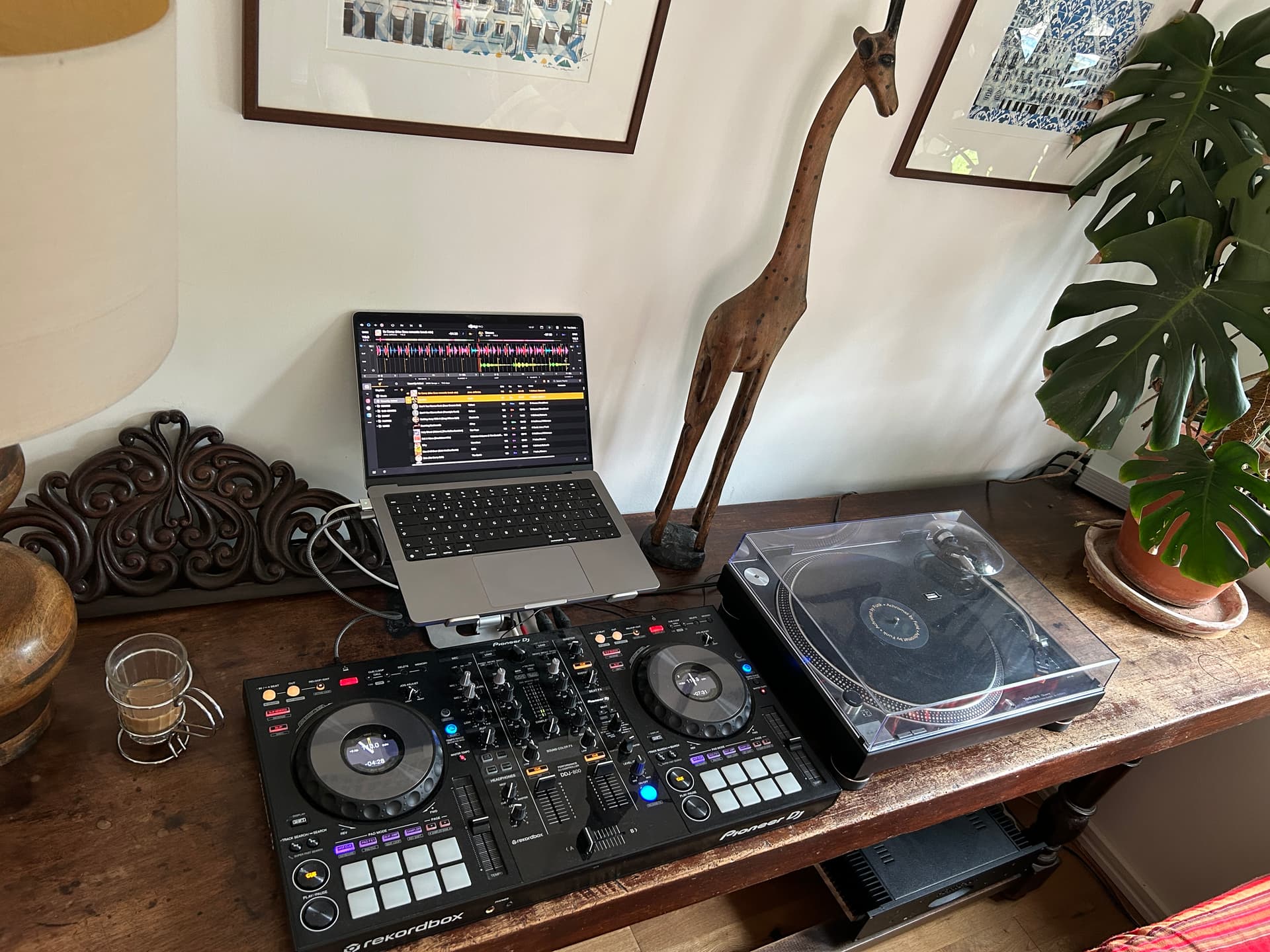
Old Rig - Starlight + Traktor Z1

Updated Rig - DJControl Mix + Mixtour Pro
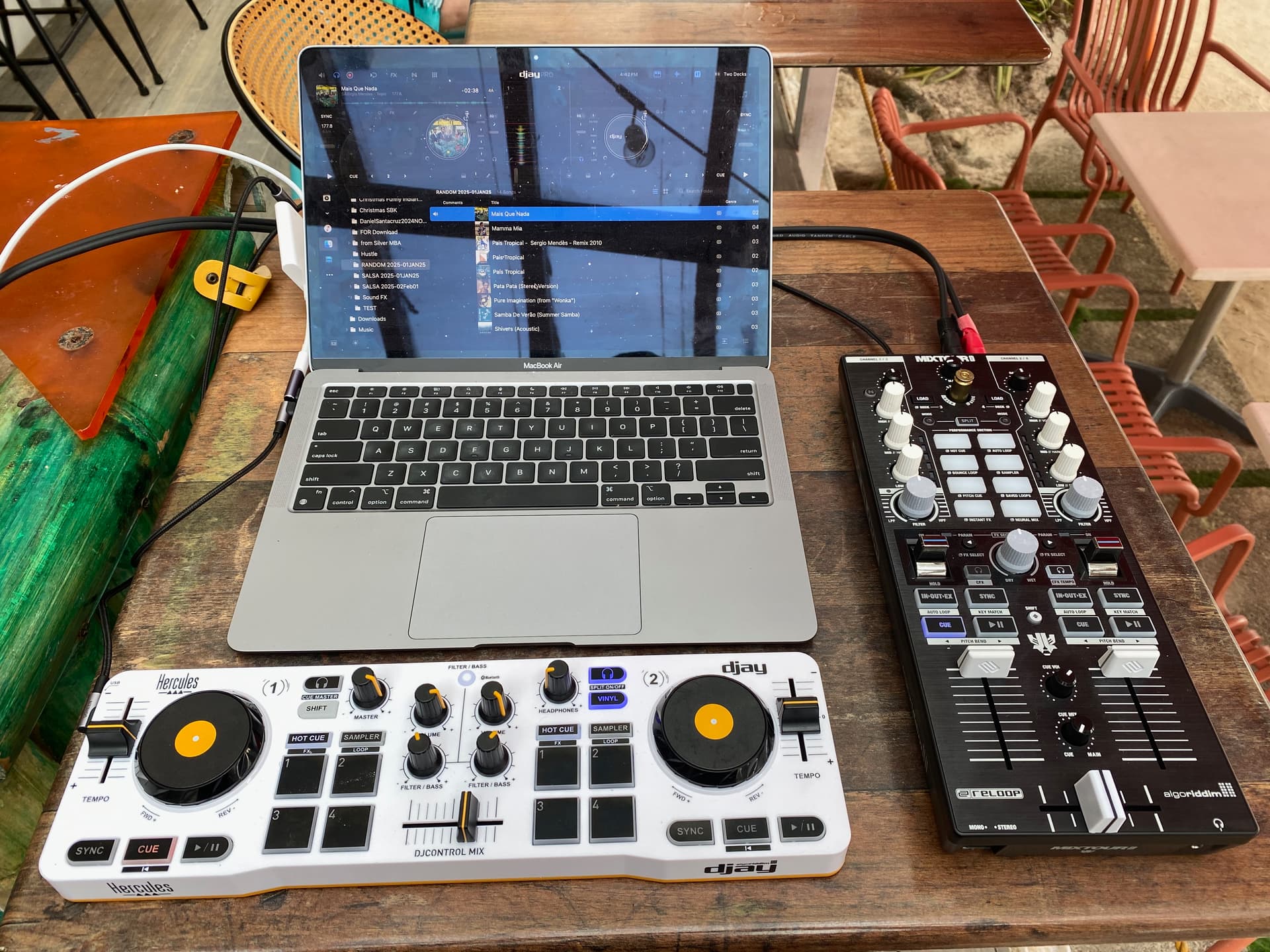
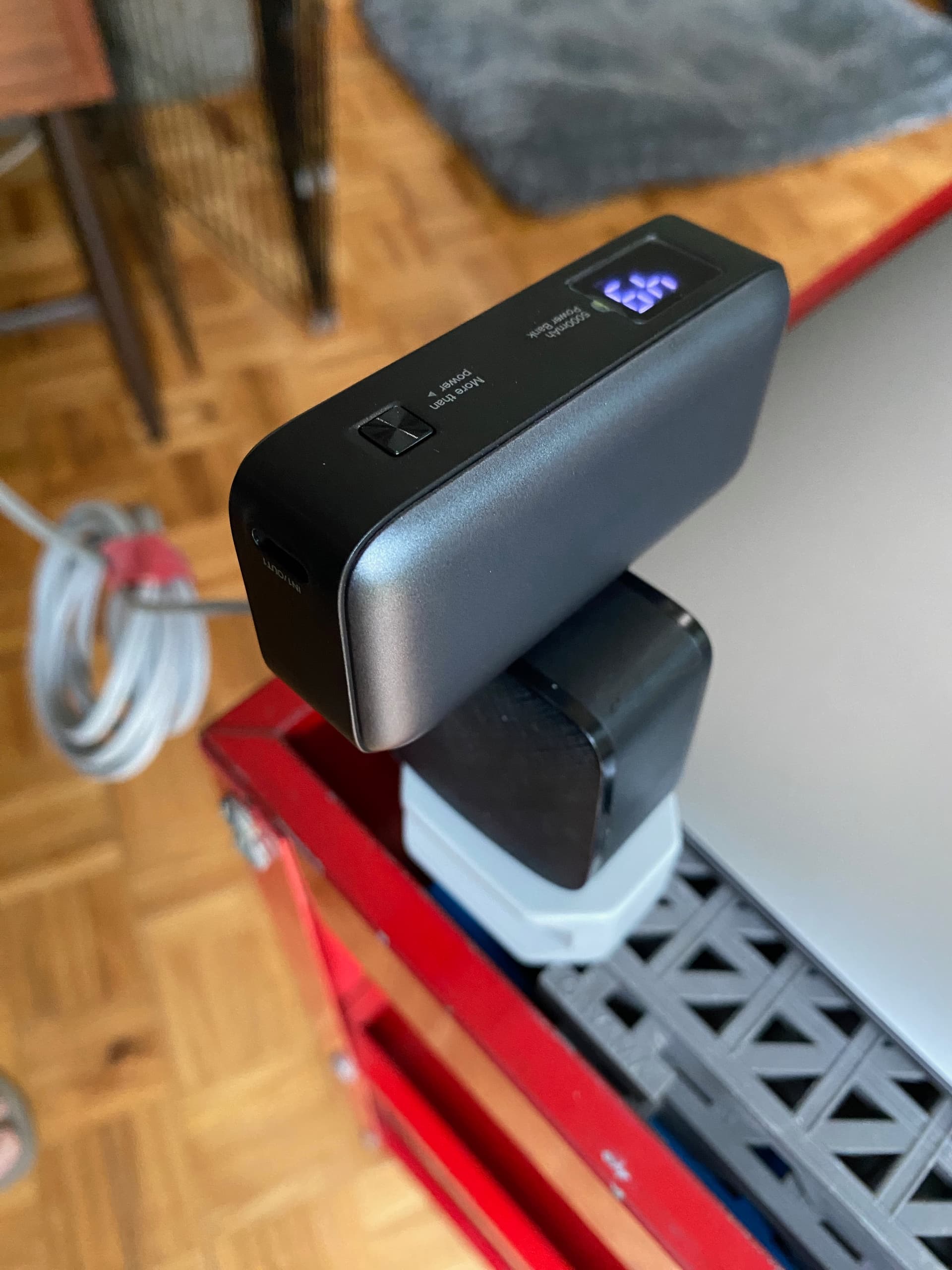
Portable Battery - for Bluetooth MIDI
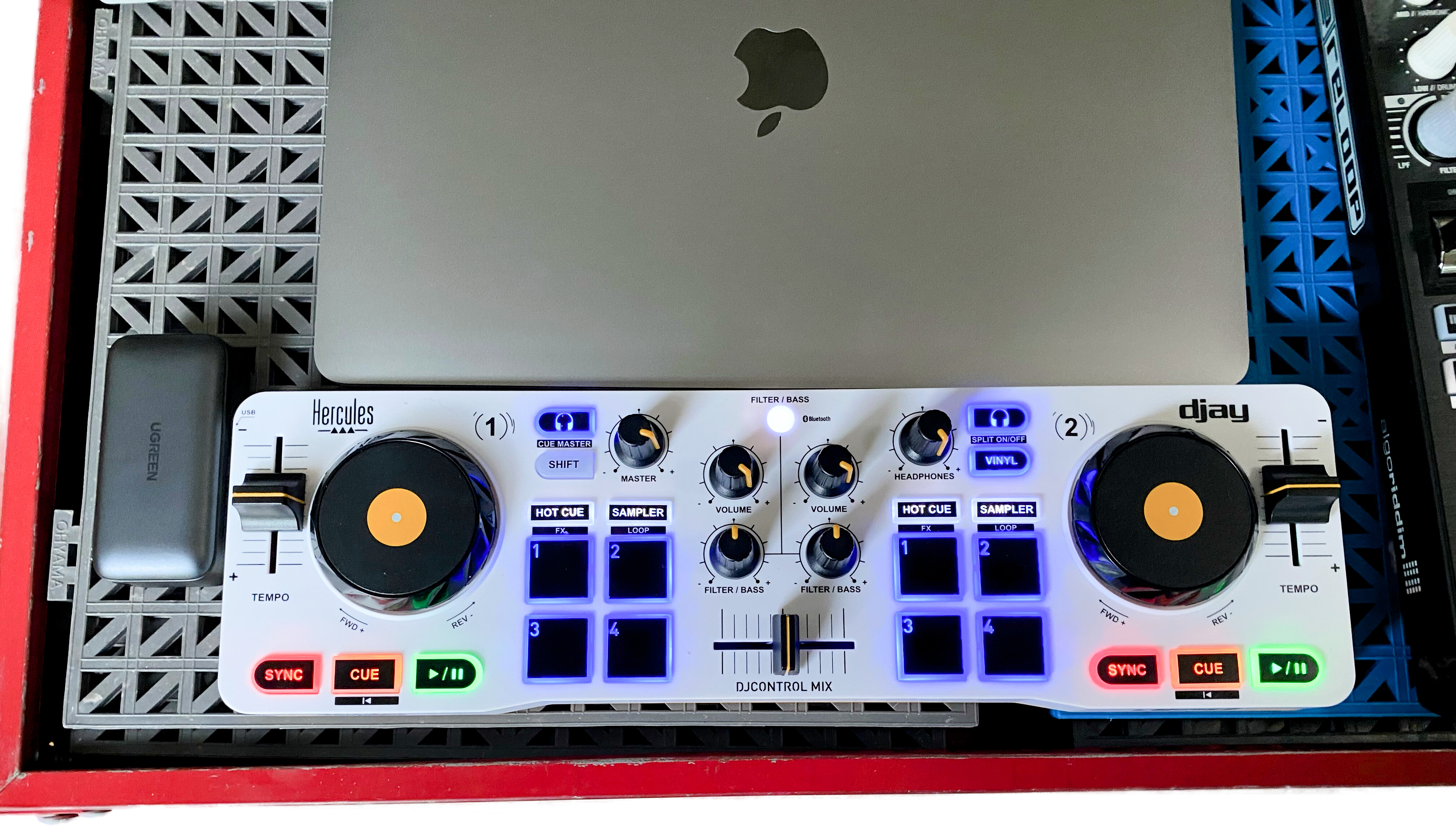
Portable Battery - Plugged Into Charger
4 Likes

I’ve always wanted this controller 
2 Likes
I would rather use my iPad for djay,
Problem is with Djay not being able to keep those Beat Grids in check.
The iPhone wins since it’s mostly used.
1 Like
I do think it’s crazy that PioneerDJ/AlphaTheta haven’t got an equivalent controller to the DDJ-800 in their current line-up.
i.e. a two-channel controller at the quality/features level of the FLX10.
3 Likes
DDJ-800 is a beast! Great controller if you don’t need 4-channels and don’t want to break the bank.
Sadly there is not much controllers on the “middle” line anymore. (Except Native Instruments S3).
Even if Hercules Inpulse 500 or Numark Platinum FX are great controllers, still see them as low end (because of the build quality).
I use a Mixtour Pro for over a year (Price-wise/qluaity/features it is middle line IMO), but I would love Reloop to tap on that middle line of controllers, like a scaled down Mixon 8 with two channels instead and so forth.
4 Likes
Controller Poll to match Djay Pro
Such great photos on this post.
You can see it; with great software comes great hardware.
What if you could design a controller and have a company build it?
Controller Layout
- Battle Style
- Club DJ
0
voters
Jog Wheels
- Big motorized (Rev7/Rane Performer)
- Small motorized (Traktor Konttrol S4)
- Big CDJ style (XDJ-AZ)
- Small CDJ style (Denon DJ Prime Go+/DDJ-FLX2)
- No jog wheels (Reloop Mixtour Pro)
0
voters
Brand that could build your design
- Pioneer DJ / AlphaTheta
- Rane
- Denon DJ
- Vestax
- Hercules
- Reloop
- Numark
- NI Traktor
- Novation
0
voters
Hardware Must Have Options
- High Quality built-in audio interface
- Internal FX
- Stems buttons
- Dedicated Loop Controls
- XLR Booth Out
- 2 XLR microphones with EQ/FX and gain control
- Double USB input
- High quality (easy) adjustable crossfader/faders
- Pads with lcd screens on top with adjustable titles
- 4 Effects Paddles if there are 4 channels
- Normal ac power cable (no power adapter)
- Size / weight matters (want to take it with you on gigs)
- Battlefield ready built tank-like construction
0
voters
Hardware Creative Options
- Multiband EQ for master out (at least 12 band or more)
- Microphone fader (like a proper channel fader)
- USB-C
- Built-in touchscreen or LCD for browsing tracks, viewing waveforms, and managing playlists.
- Effects Paddles with lcd screens below with current selected effect
- Backlit fader if fader is active (so you see clearly in the dark which channel is live)
- ‘Free’ assignable buttons with lcd screens on top with adjustable titles
- Built in wireless headphone technology (ultra low latency)
- Send and return for external FX
- Output for external recording of your performance
- Split mixer in half: channel 3&1 for dj1 / 2&4 for dj2 or zone 2 (2 headphone + cue split)
- All modular: (mixer module, motorized jog module, cdj jog module, sampler module etc)
0
voters
Question? Has anyone tried 2 Mixtour pro controllers and mapped it to the 4 channels available in DJay Pro?
To offer hardware channels without going into deeper layer on 1 controller?
I knew I recognized those jogs…Vestax!
I still have the typhoon. And the jogs are
still working the same as when I got it. Nice to see Vestax still in the game. 


1 Like
Nice @Michael_Smith, Vestax definitely built gear to last. Mine still works perfectly as well. If only the performance pads were RGB…
1 Like
Radio and Home setup
I’ve got a ~roughly~ monthly show on a community station - WOMR.org, fortridiculous.com
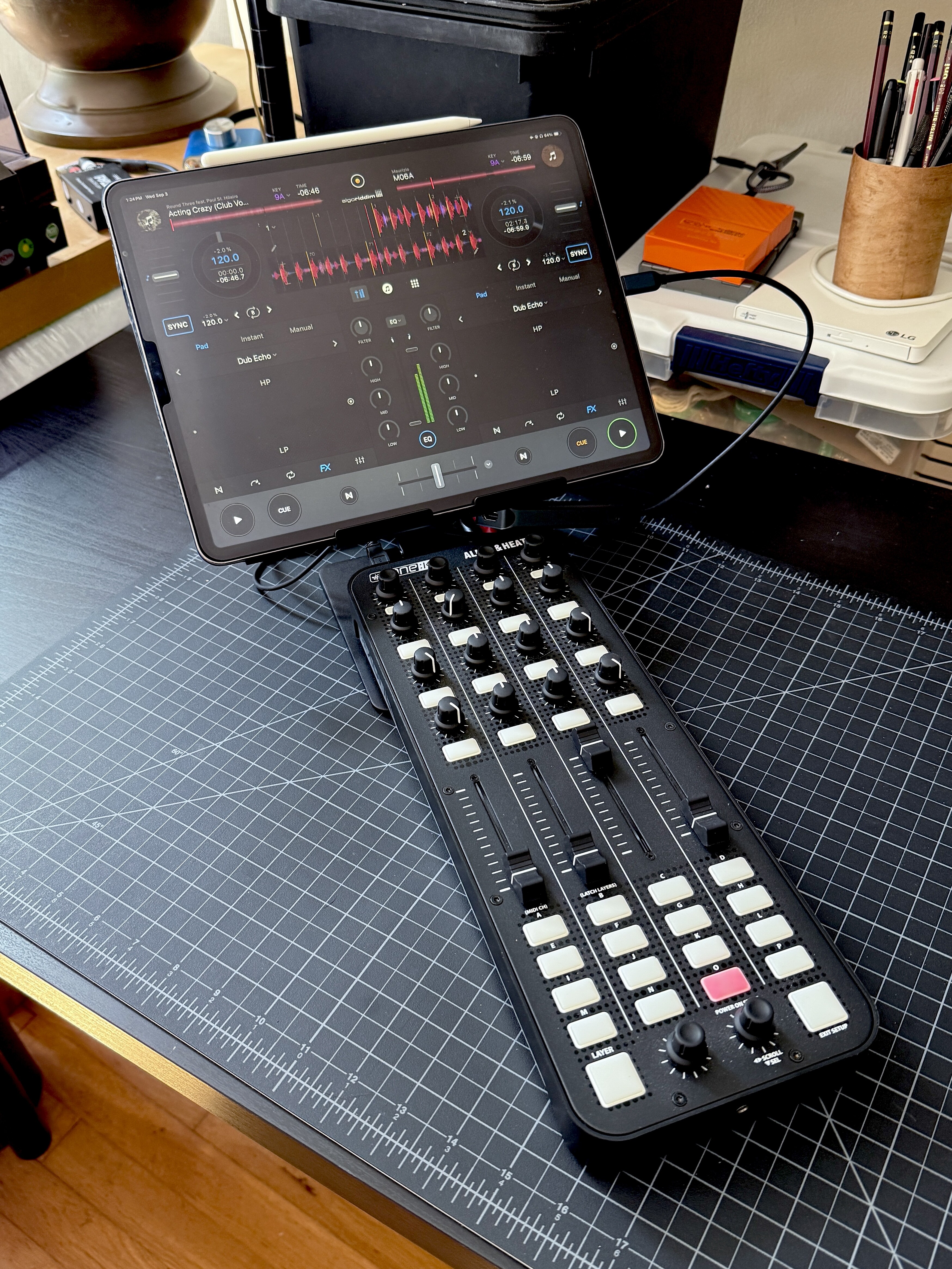
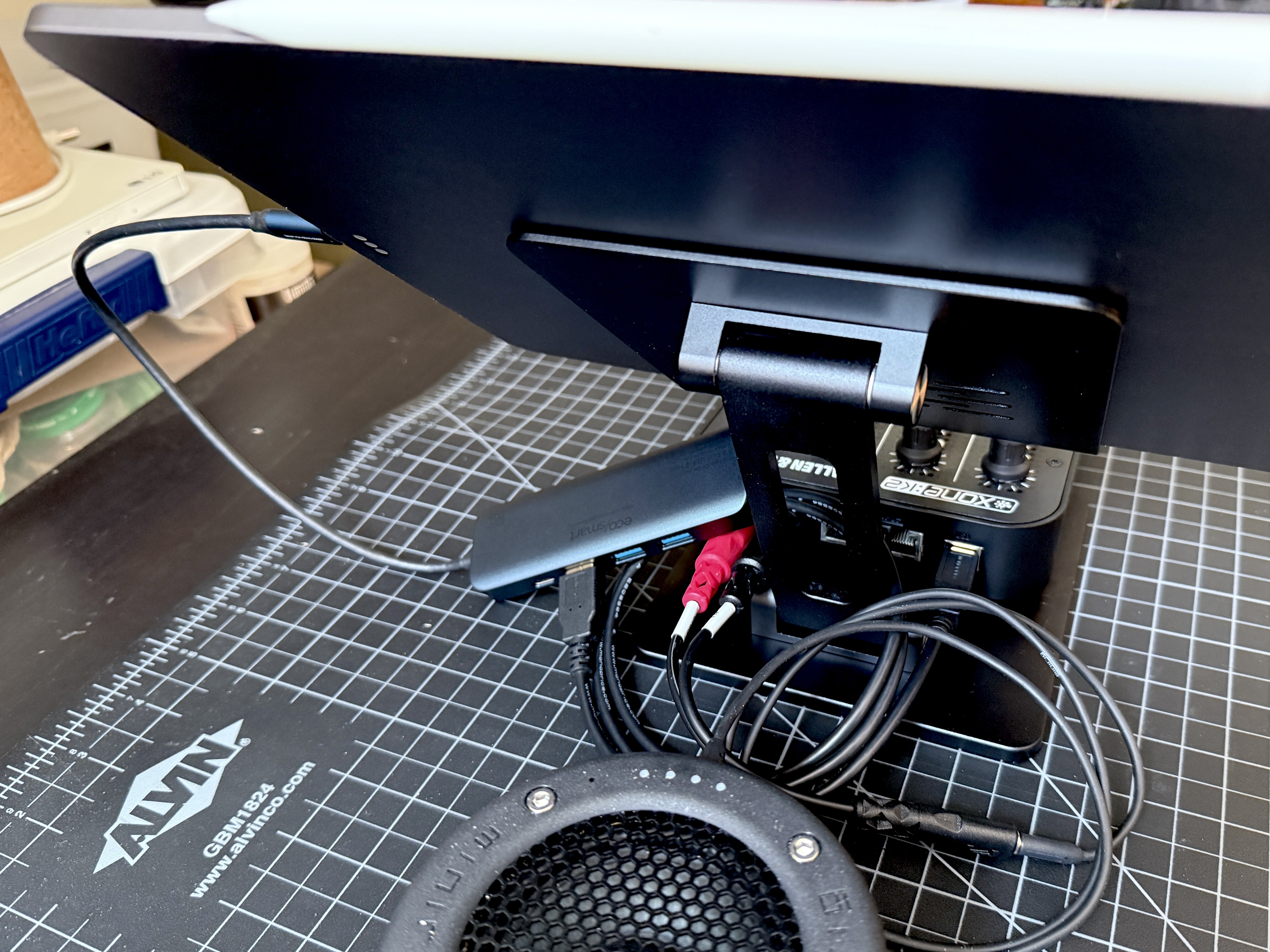
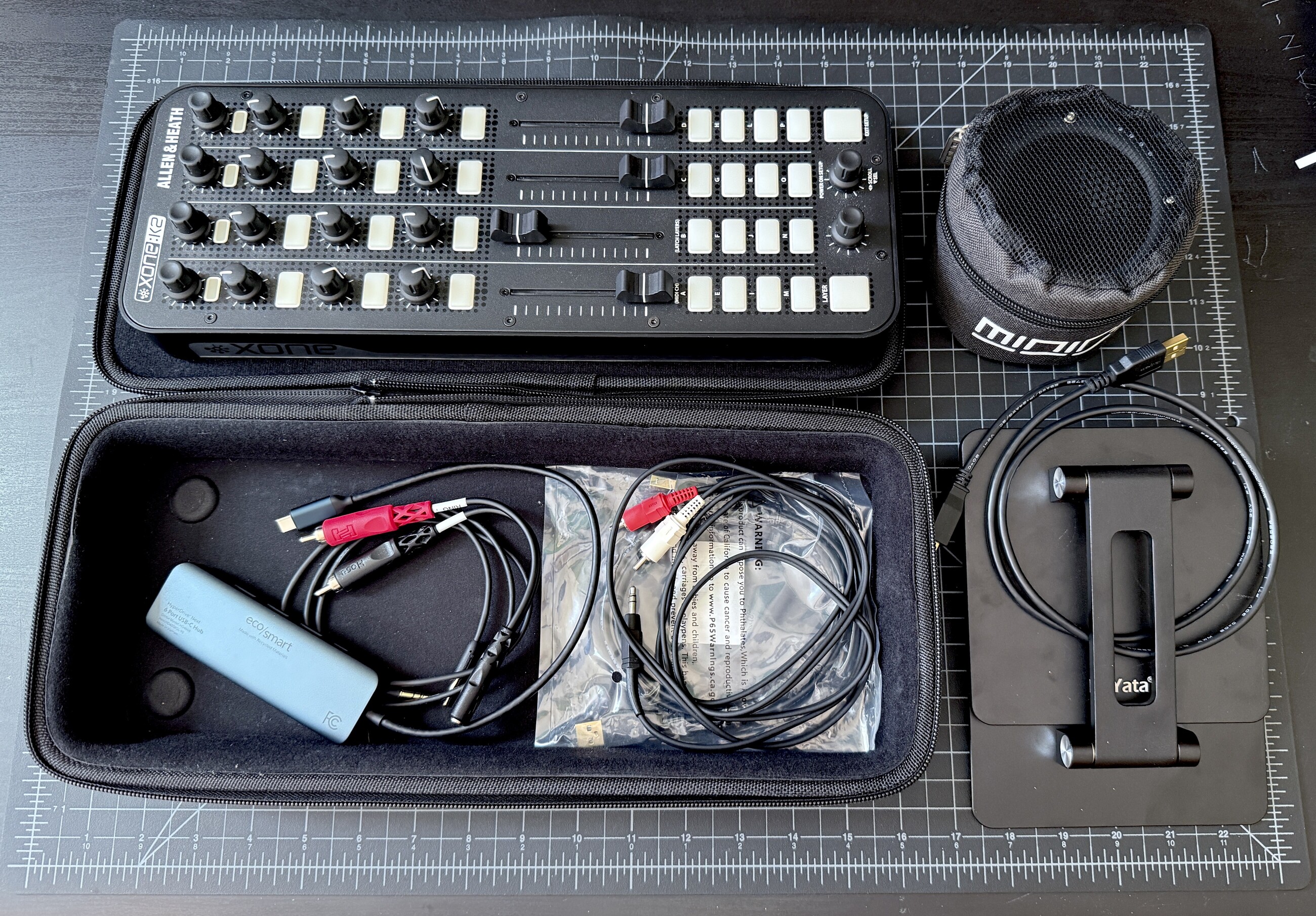
2018 iPad Pro, Xone K2, usb-C hub (with power in – I can use a power bank or wall power, but the iPad will run the rig for 45 minutes or so), aluminum iPad stand from eBay. Minirig 4 as needed.
Every DJ has a different setup, some have a proper controller, some do their show right off Spotify on their phone! We all plug into an 1/8” cable coming off the board (so changeover is a scramble  )
)
I just go into the rca-1/8” out from the Xone K2
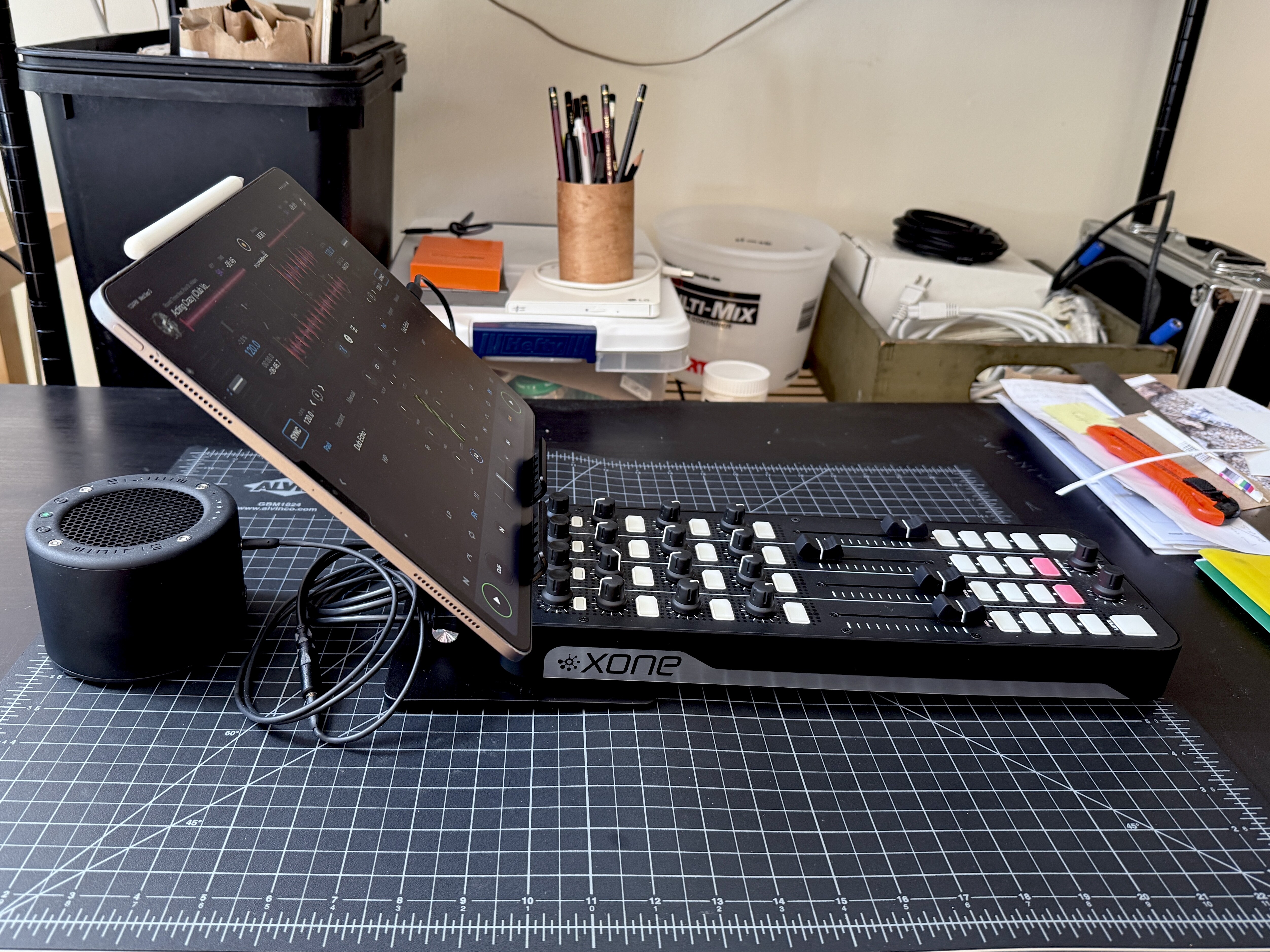
I did the first show with just the iPad and Djay, got the controller the next month and finally polished it off with the stand just a couple weeks ago – really ties the room together. Also just added the Minirig 4 speaker for the home and party.
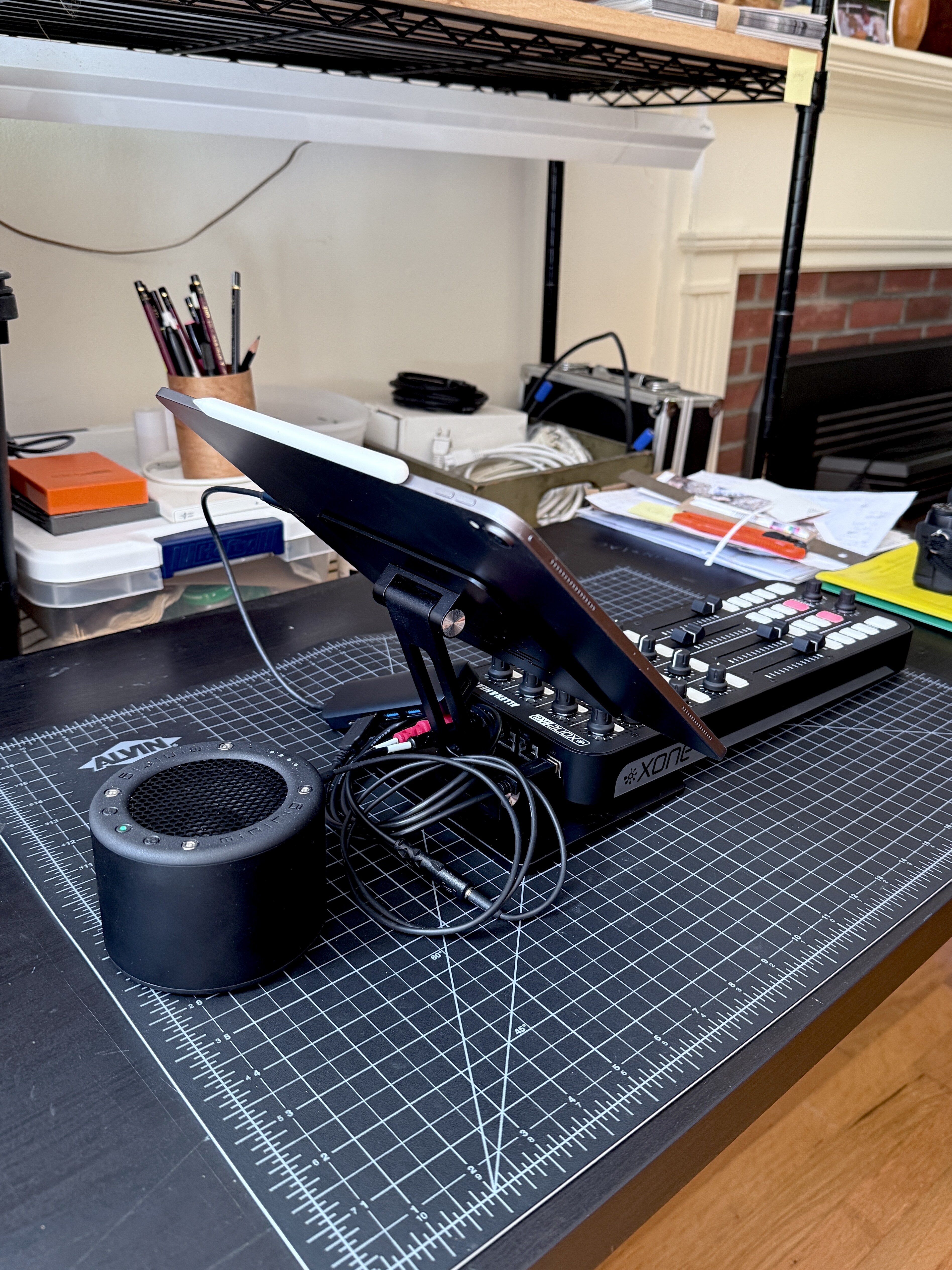
I’ve got a lot of things mapped, 4 decks, I only ever (rarely) use 3, and just 1 and 2 are full control. Haven’t got the lights going yet, but that would be very helpful.
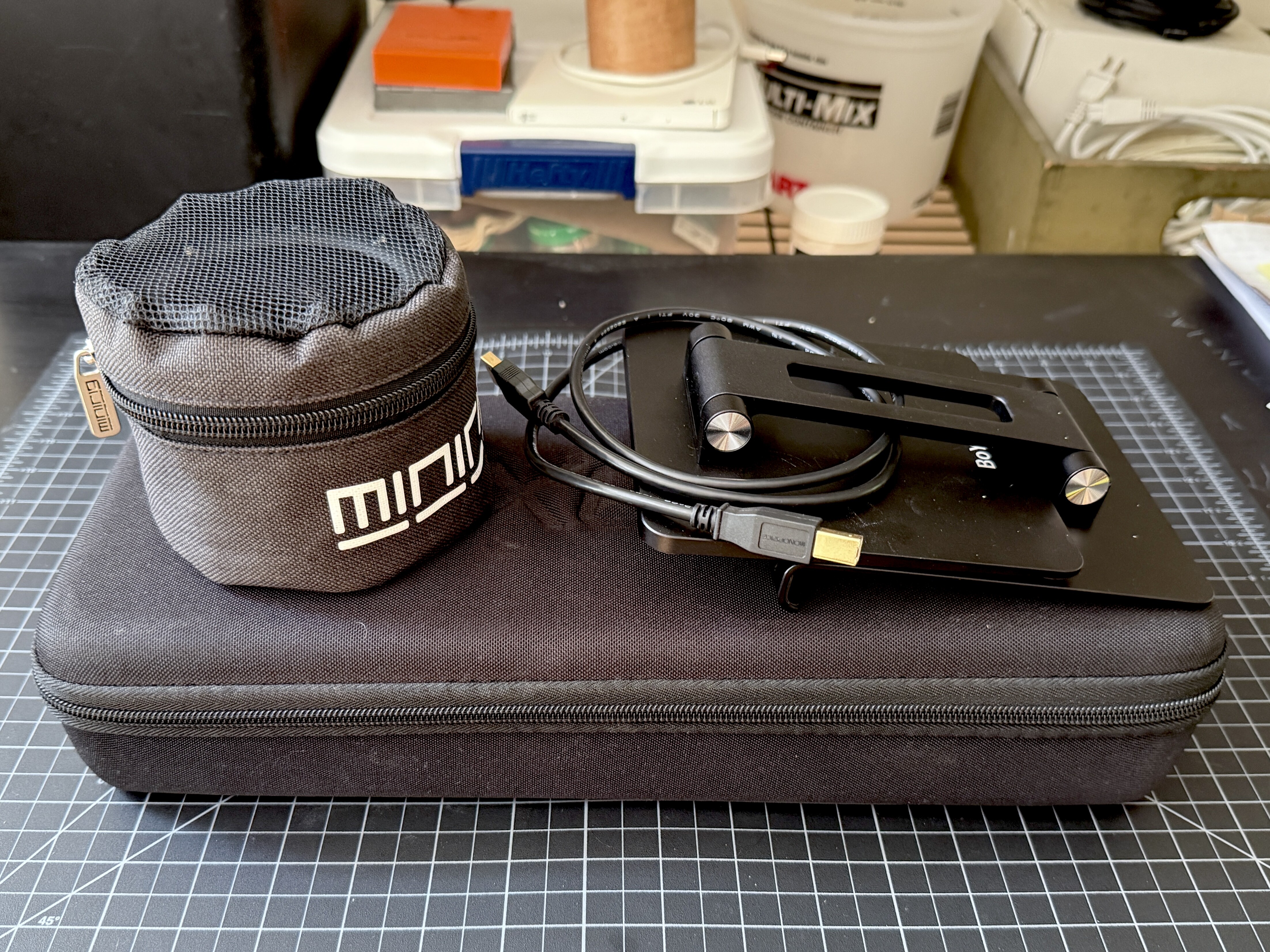
Packs up teeny, except I have to bring the laptop to manage the on-air playlist. And 2 sets of headphones - on air and cue.
4 Likes
Nice! Thanks for sharing @madtho. What iPad stand are you using?
Here’s the stand from eBay. It’s nice thick aluminum, quite light, very stiff hinges and I can adjust for standing, sitting, lying down…
I’m considering velcro mounting the USB hub to the upright, that would be pretty tidy.
And if I were ever in a raucous situation I could probably throw a rubber band around the iPad and it wouldn’t go anywhere.
1 Like


