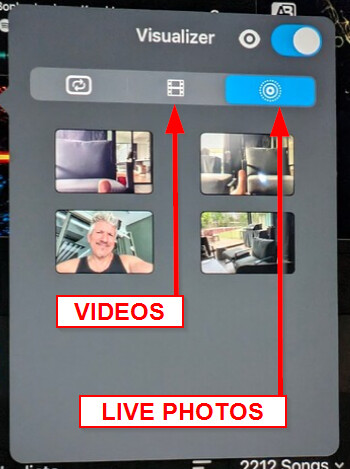
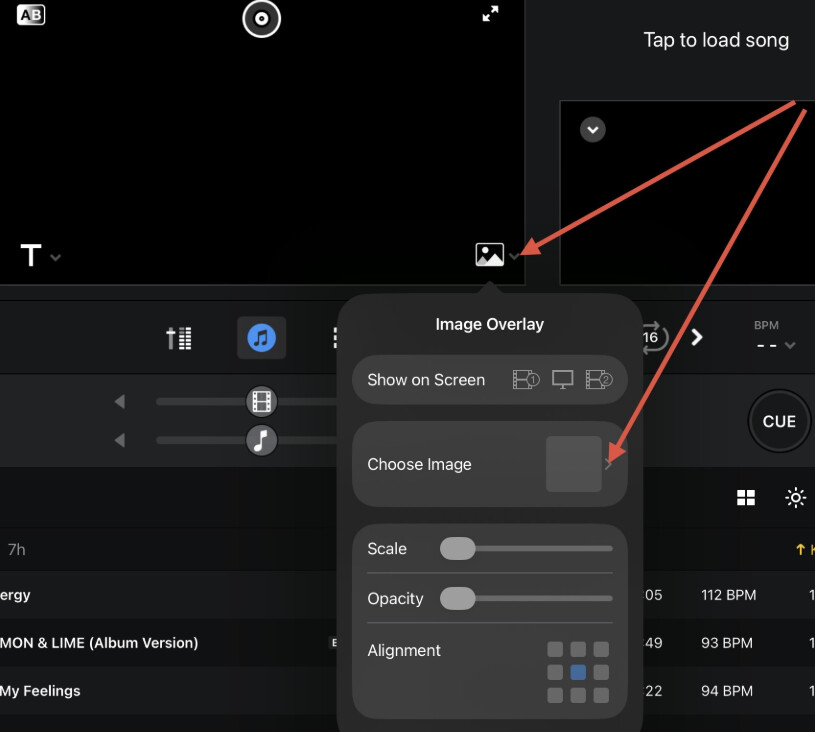
I’m running the latest version of Djay Pro on my iPad Air 3rd Gen.
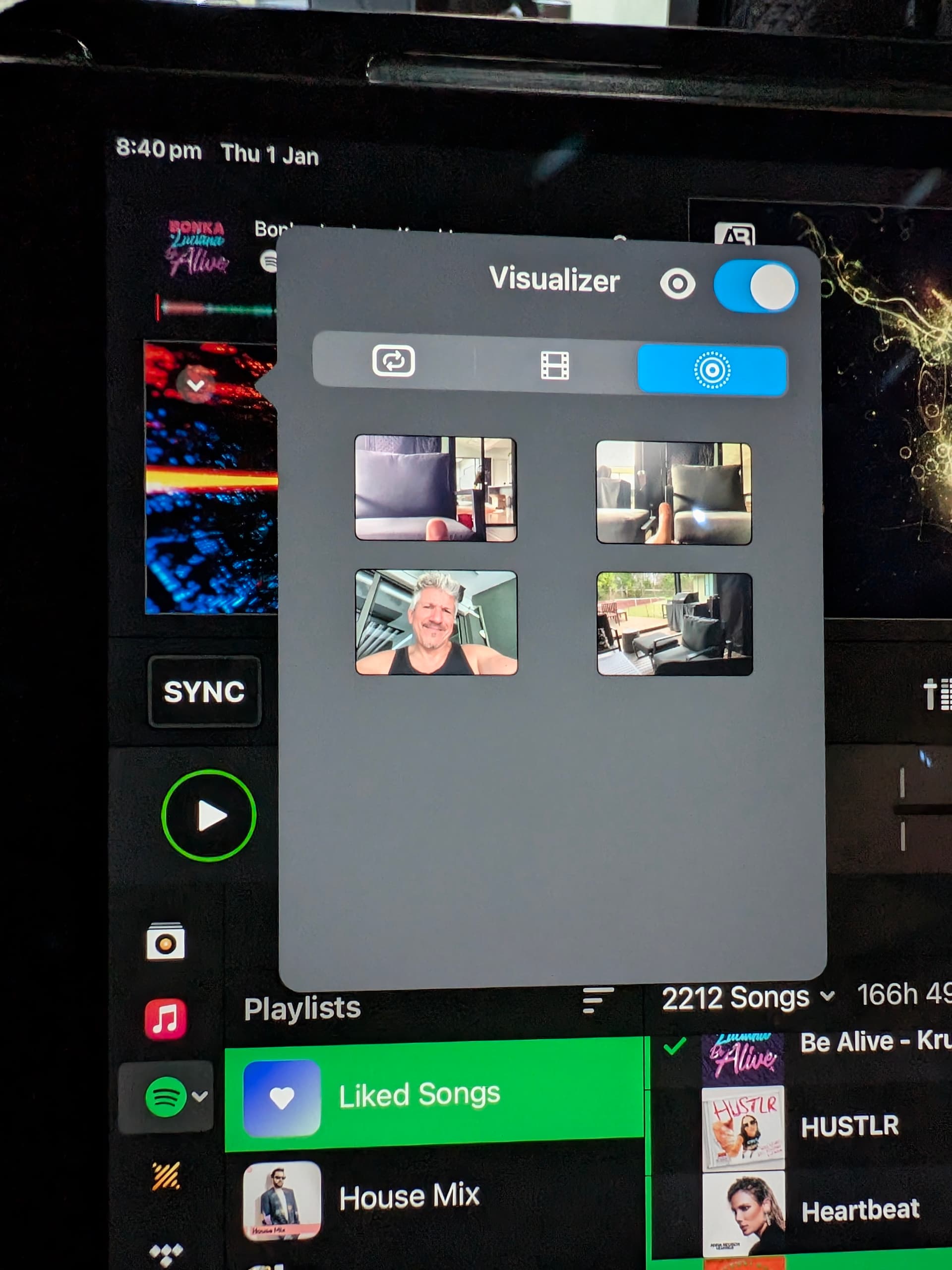
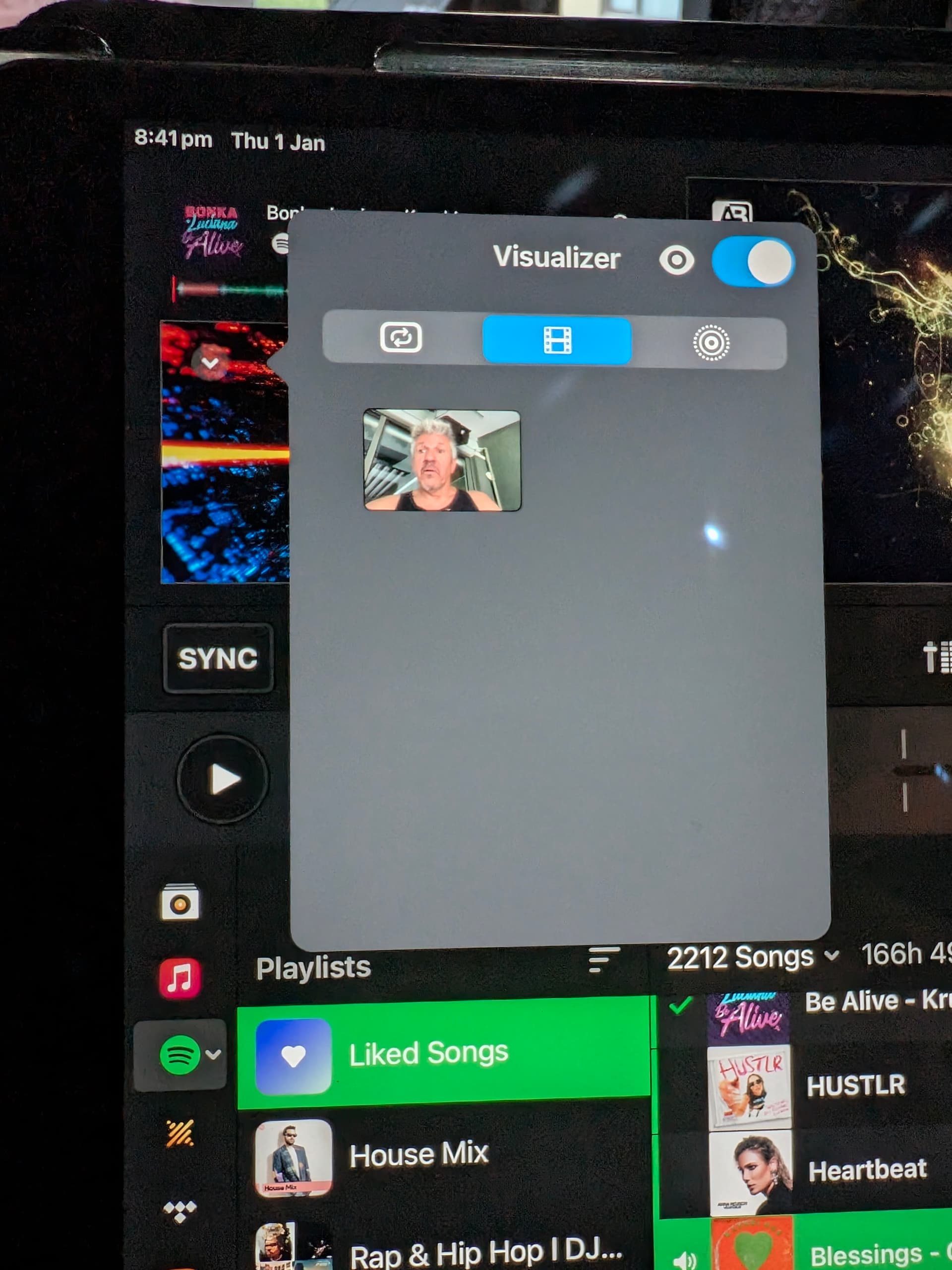
In video mode some images don’t appear. It looks like only images videos taken on the iPad appear.
Checked the app settings; djay has full access to the photos app and the missing photos appear in the camera roll but not in djay.
Missing images are small jpg. I’m on Android and use the iPad for Djay only. Anything I’m missing out? How do I make images/videos available to djay? In fact I’d like to keep them on an external HDD
Hi @tfmeier, sorry to hear you’re experiencing this issue. When creating new topics, please do not forget to answer the questions in our template with specific details about your setup not just “iPad” or “Latest Version”. This helps all of our community moderators to provide the most effective support to users with the utmost efficiency. Thanks!
Device Model (ex. 2020 iPad Air 4th Gen): Version of operating system (ex. iOS 17.3.1): Version of djay (ex. 5.1.3): Hardware/controllers used (ex. Reloop Ready): Hardware Firmware Version (ex. 2.7):
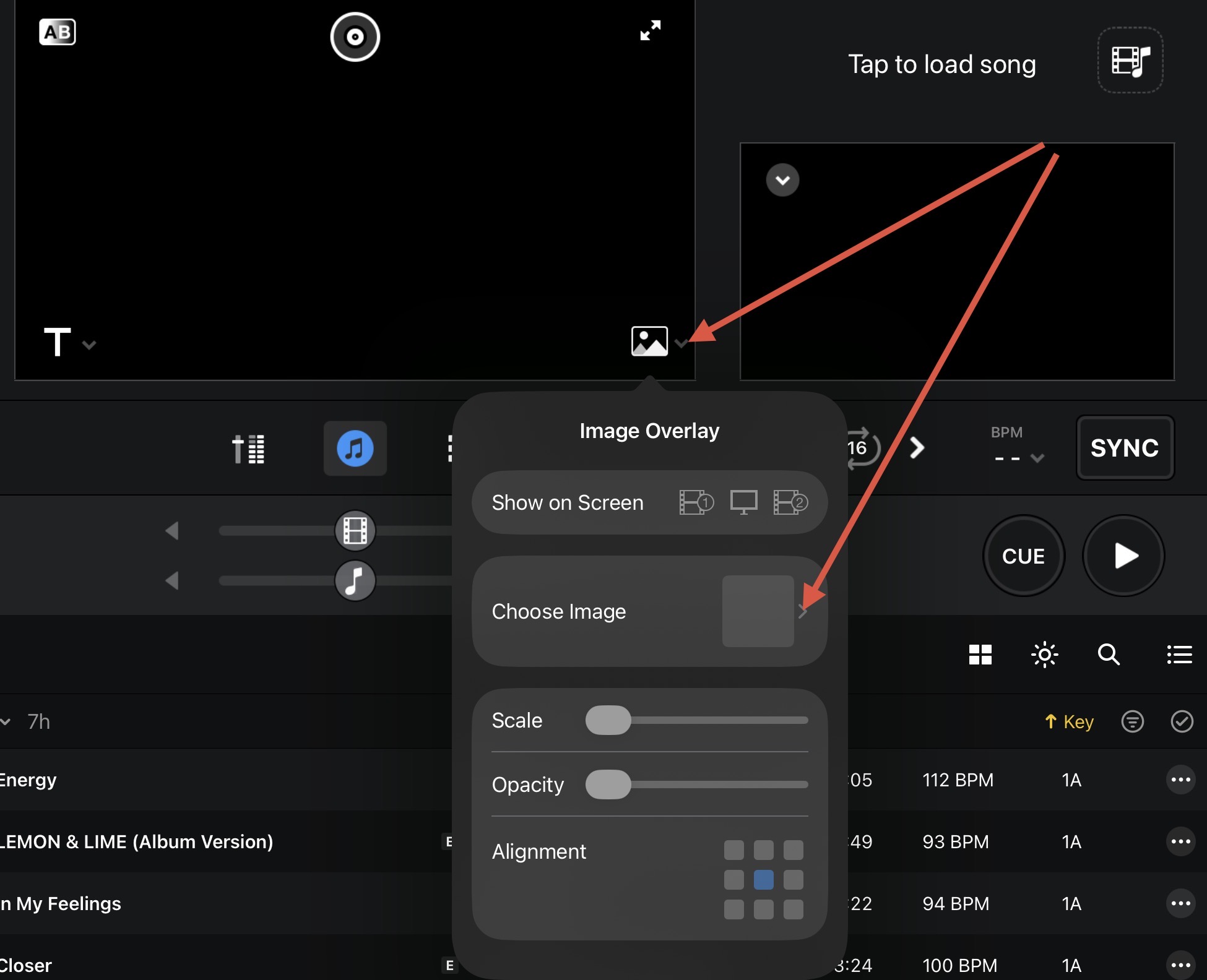
Please confirm if you are talking about this section in djay:
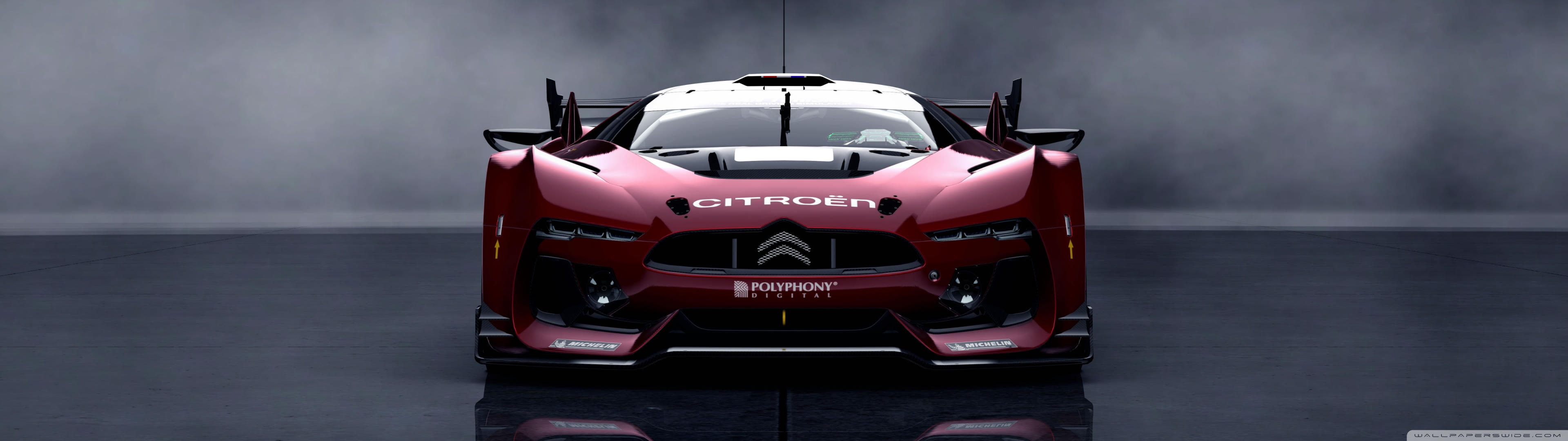
I’m referring to the visualisation section where you can select built-in visualizers, videos and images. As you can see from the two attachments there are photos in the Photos app (sitting down and the red car) that are not shown in Djay. The iPad shows full access to the photos app in the iPad settings so I’m not sure why these dont show. I’m using this part of the app as it allows me to apply filters on these images/videos.
The images not shown are .jpg (uploaded from the Files app to the camera roll). Didn’t find anything on the user manual
Have a go at changing the file format of those images, there are a few different variations of JPEG images and it might be that the one those have been formatted in are not compatible.
It might be worth converting to the Apple/iOS standard file.
Thanks for the photo @tfmeier. I am able to reproduce this issue on my iOS device. I have passed this onto our engineering team for further review next week. I’ll report back when I have news. Thanks!