Latest DJay Pro version on Macbook Air M4 with Tahoe 26.5.1 and Spotify Premium.
Pinned Spotify playlists throw an error when trying to open/load, regular (non-pinned) playlists work fine:
Latest DJay Pro version on Macbook Air M4 with Tahoe 26.5.1 and Spotify Premium.
Pinned Spotify playlists throw an error when trying to open/load, regular (non-pinned) playlists work fine:
hmmm, a few other playlists that are not pinned also show this error. Cannot find a pattern yet. Tried to unpin the pl, but still the same error. Already restarted Djay pro etc.
Hi @olafmol, I just tested this on my setup and could not reproduce it. Please try logging out of Spotify from with djay and all standalone Spotify Apps and browsers. Then close djay, reboot your device, launch djay and only log into Spotify only within djay.
I did that, same issue 
It’s not the Spotify connection, because most playlists show up as expected.
Maybe it’s the number of songs in a playlist, because I feel that most of the playlists that show this error have over 1000 songs, but there is also a playlist with much less that throws the error (the Silicon Valley HBO playlist has 101 tracks)
This is a list of playlists that I cannot load anymore:
I did update my MacOS to Tahoe 26.5.1 from 26.4.x yesterday, maybe it has something to do with this?
Interesting. Thanks for sharing the playlists. For me, they don’t even load in the Spotify standalone App. I’m guessing this means there’s some kind of issue with their servers as there was an outage last night and early this morning.
There is no issue loading and playing these playlists in my Spotify app, so I’m afraid it’s on the side of Djay pro
I did some more testing, I copied the “Silicon Valley HBO” playlist to a new playlist (private), still error, then started removing songs, at some point it started loading correctly in Djay again. The playlist has 100 songs, so it’s hard to pinpoint what song(s) are causing the error though, but i’m rather confident the error is caused by something in a song, maybe a character or something.
Hmmm… maybe the Spotify servers are down in my region today and it’s just a coincidence. I can’t seem to access any new playlists even via a Spotify browser. I’ll try checking again later tonight.
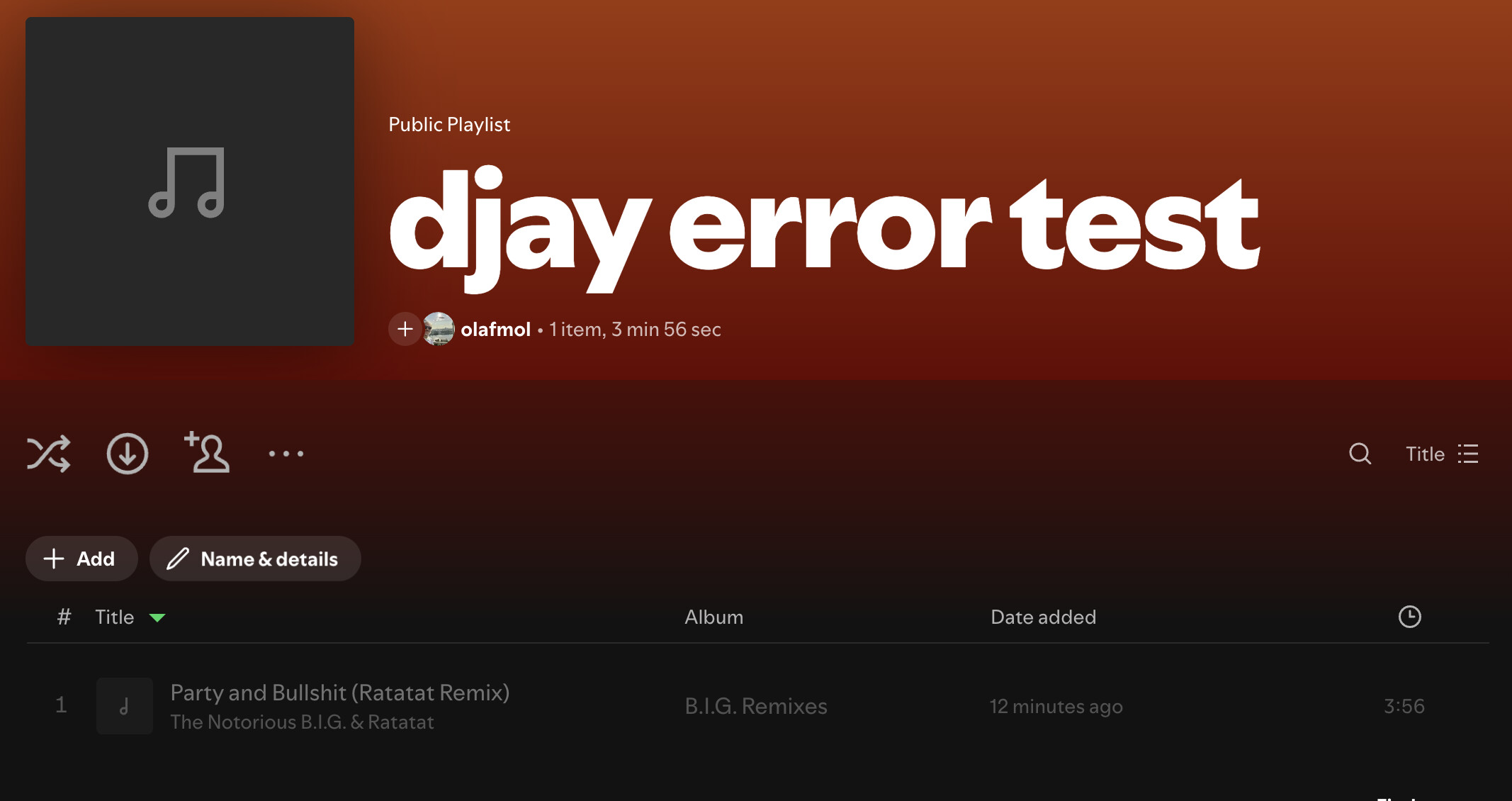
Ok, put on my Q&A tester hat, found the culprit (or at least the song that can reproduce the issue).
This is my test playlist, with the single song that triggers the error:
It’s “unavailable content”, ie greyed out in Spotify…
Good find @olafmol. I’ll check it out later when Spotify is back up here…
Root cause found: Spotify’s February 2026 API breaking change renamed tracks.track → items.item in playlist responses. djay is crashing because it’s reading the old track key and getting null/unexpected data, which causes the valueForUndefinedKey: navigation error. This affects all playlists, not specific songs — the ‘bad tracks’ were a red herring. Needs an API update on djay’s side.
This is what I think the problem is. Please let me know if there is any other fix.
Hi @olafmol and @Akshat_Singh our engineering team was able to reproduce this and they are investigating further. I’ll share more news when I have it.
Hello again @olafmol and @Akshat_Singh, Spotify have rolled out a fixed so the issue should be resolved now. Please check and confirm. Thanks!
yes, error is gone! thanks for the superfast response!
Great to hear! You’re welcome @olafmol. Thanks for confirming.