- Device model (HP Elite x360):
- Version of operating system (Windows 11)
- Version of djay (5.5.1)
- Hardware/controllers used (Reloop Elite and Elite Ready)
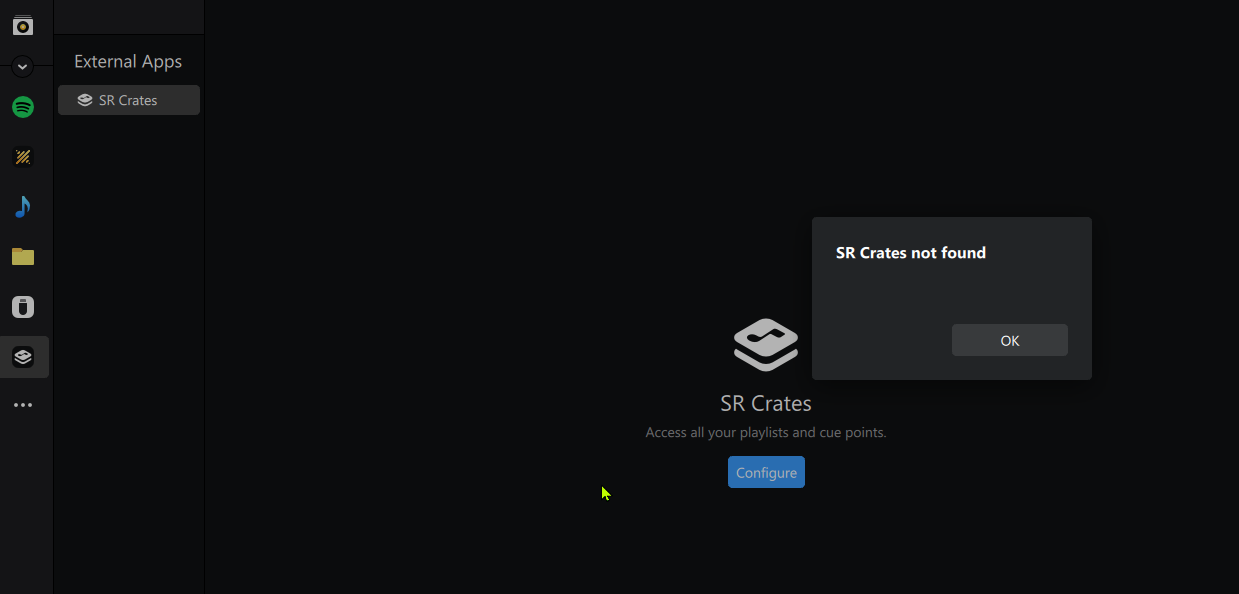
I have no option to connect to Serato Crates. All the tracks are saved on the C:Drive, no external drive used.
ERROR Message
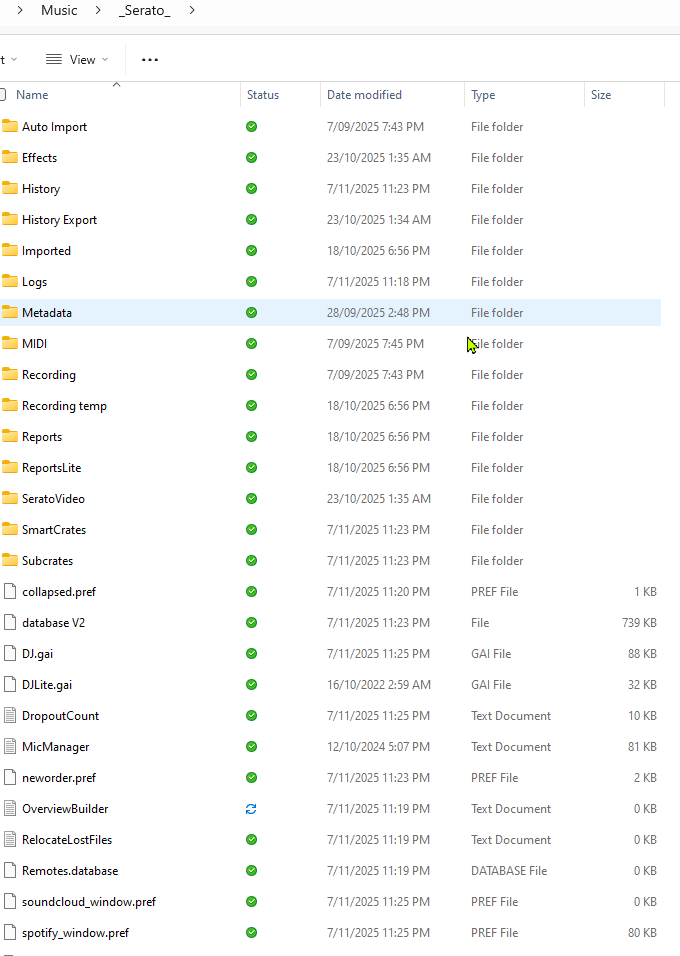
Serato files location
Hi @SPININ_DISK, did you perform the initial Configure process? Can you please share a short screen recording of your process?
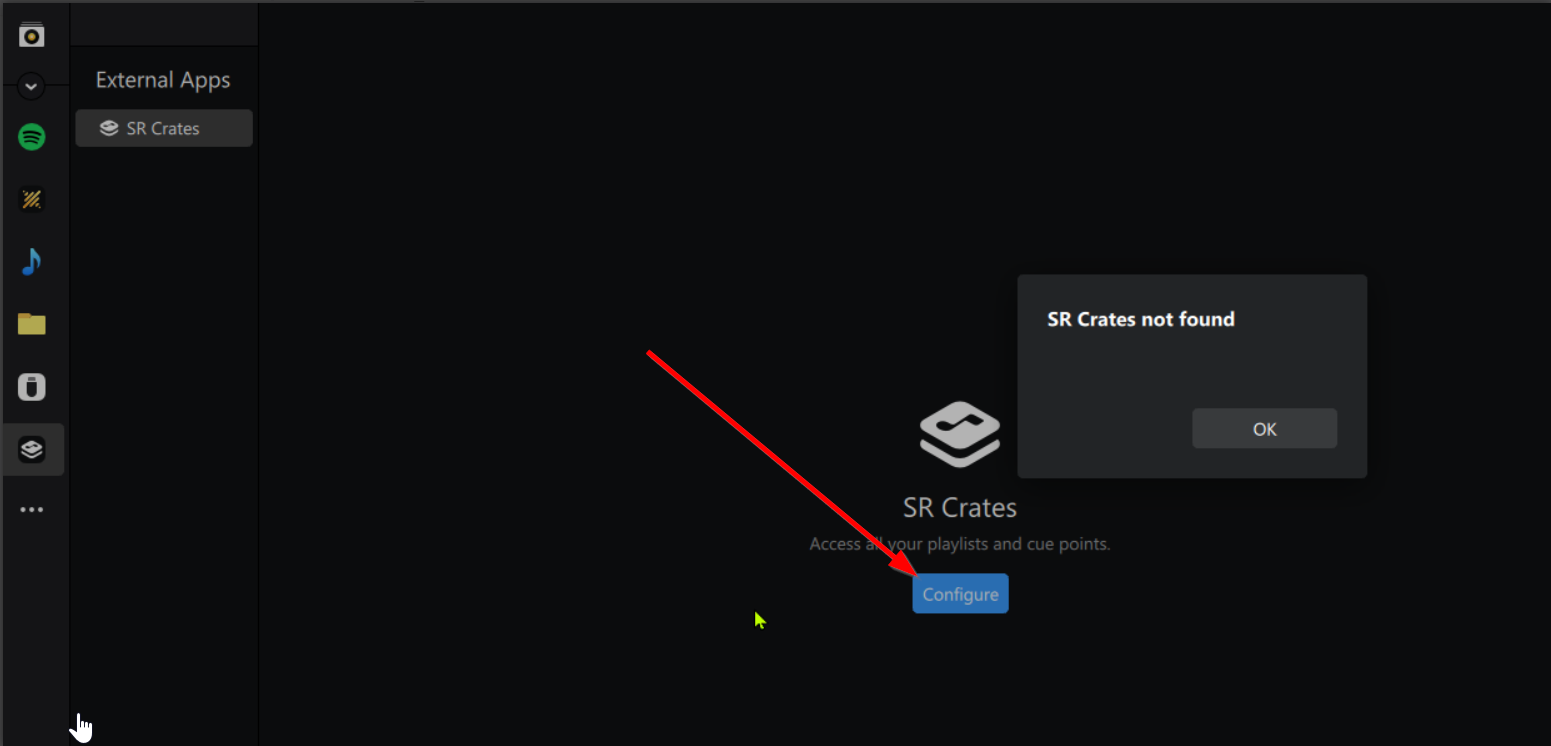
This is what I get each time. I opened up Serato to ensure it was working correctly. However I do not get the option in djay to configure. See attached video as requested.
SR Crates.
1 Like
Thanks for the video @SPININ_DISK,
- I suggest that you backup your djay Media Library database and any custom MIDI mappings, then uninstall djay, reboot your device, and reinstall the latest version of djay from the official Microsoft Store with a Windows Administrator Account.
- You can find the files above in the following location: https://help.algoriddim.com/hc/en-us/articles/360014912131-Where-does-djay-Pro-store-cue-points-and-other-metadata
- Copy the files to a new location or external drive before uninstalling djay. After reinstallation, you can simply copy these files back to their original locations to maintain your Hot Cues, Saved Loops, My Collection Playlists, History and Queue.
1 Like
I did as exactly as you suggested and unfortunately still the same issue.
1 Like
Okay, thanks for the update @SPININ_DISK. I can’t think of anything else to suggest so I’m passing this onto our engineering team to see if they can reproduce the issue. I’ll report back when I have news.
1 Like
Thankyou, I’ve gone through and deleted every djay folder as per the link that you provided on where the folders are located that was remaining after the uninstall. And tried it again with the same result.
You’re welcome @SPININ_DISK. Okay, thanks for the additional info.
1 Like
@Slak_Jaw I worked out the issue. My Serato files were saved at: C:\Users\Home\OneDrive\Personal\Music_Serato_
where as djay is looking for the files located:
C:\Users\Home\Music_Serato_
I just moved the Serato files to C:\Users\Home\Music_Serato_
and it all works okay.
Cheers, thanks for your help.
1 Like
Great! Glad you sorted it out @SPININ_DISK. Thanks for the follow up.
1 Like