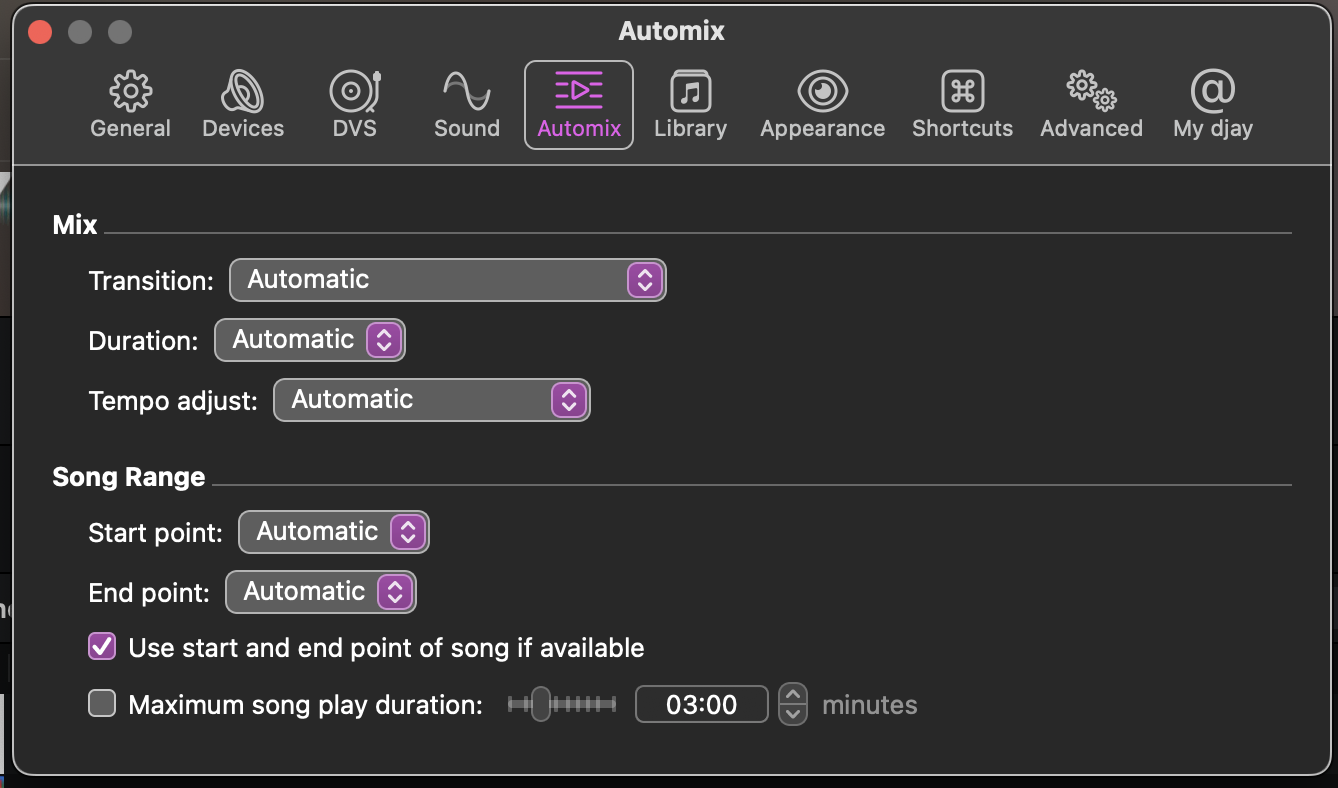
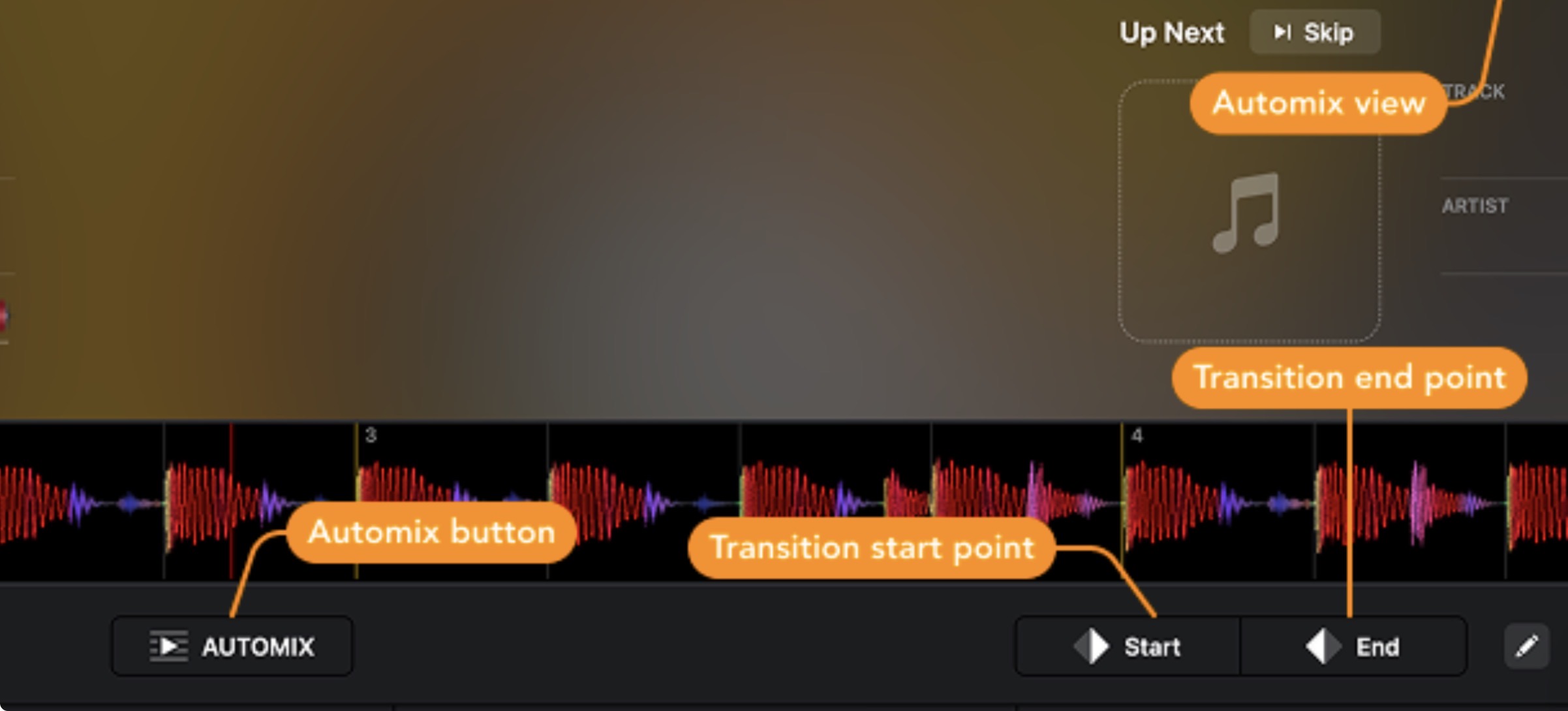
Hi @Leah_Karol_Wade, welcome to the Community! The Automix start and end points are working as expected on my device. Can you please confirm that you have properly set the special Automix Start and Automix End points on your songs in advance? On the waveform, these show up as White Triangles.
If possible please share a short screen recording of the Automix Start and Automix End points being ignored so I can help you troubleshoot this further. Thanks!
Please also fill in the details about your setup so we can narrow down the issue to a specific macOS or djay version.
Automix doesn’t support using regular hot cues at all - by default or via a setting. It ONLY works with the special Automix Start and Automix End points.
Hello! It’s been a week since my last reply. I’m going to consider this topic completed for now so I can focus on others. However, please feel free to respond and we can definitely revisit this. Thanks!