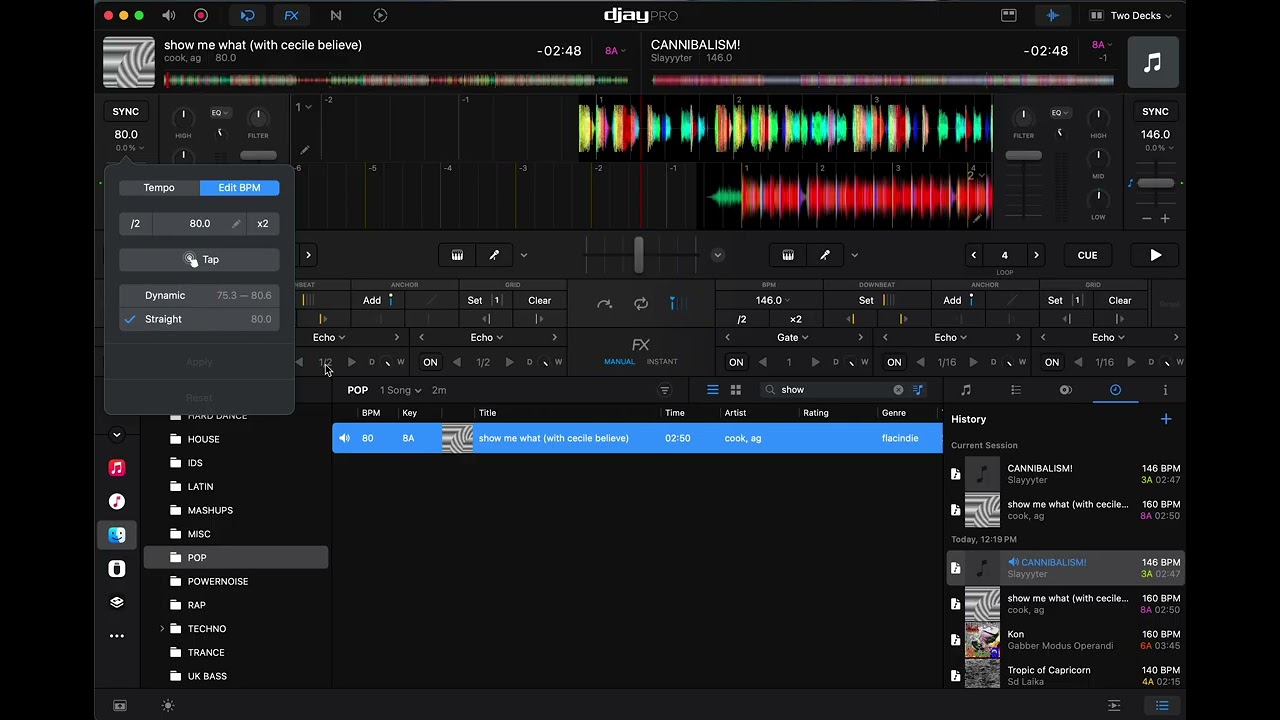
Searches for duplicate topics: static beatgrids sometimes fluid, static beatgrids part fluid, static beatgrids dynamic part, static fluid. zero results.
Device: M1 Pro MacBook Pro
OS: Sequoia 15.6.1 (I’ve heard terrible things about Sonoma, I’m not upgrading till the new one comes out lol)
Version: Djay Pro 5.6.8
Laptop only, no controller
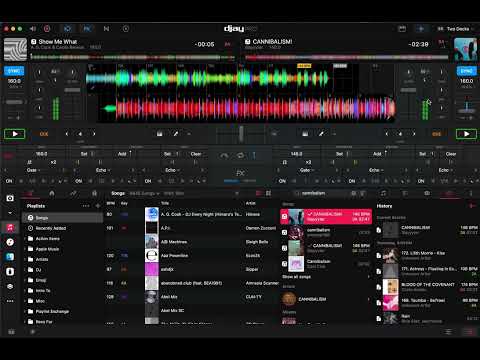
Here’s a video demonstrating the issue:
Steps to reproduce:
Use “Show Me What” by A.G. Cook & Cecile Believe
Double the BPM
Shift the downbeat to the left by 1
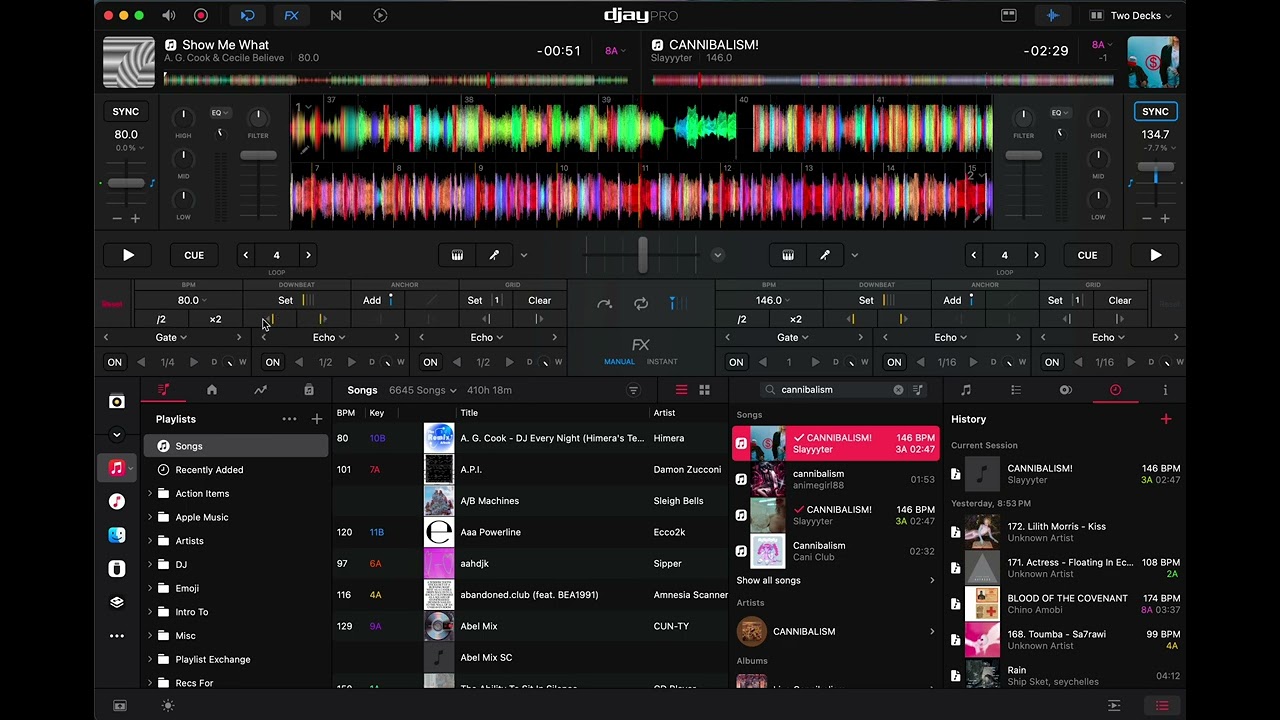
Beatgrid now has a 134BPM section at the end, even it should be a static 160.
As you can see, the very end of the beatgrid still has a fluid section, even though the beatgrid is set to static mode. Is this a bug?
Hey @c20c20, thanks for the detailed writeup and the video, that made this really easy to follow and I was able to reproduce it on my setup. I’m on djay 5.6.8 on an iPad Pro 13" (M4) running iPadOS 26.6.2, no controller, using the Beatport version of the track. Same result as yours. What I found is that everything looks fine after doubling the BPM, it’s the downbeat shift in your Step 3 that brings on the odd section at the end.
A few things that would help me narrow it down before I pass this over to engineering:
Was your copy of the track a local file or streaming? If streaming, which service? If local, can you please send me the file in a DM so I can share it with engineering for further review?
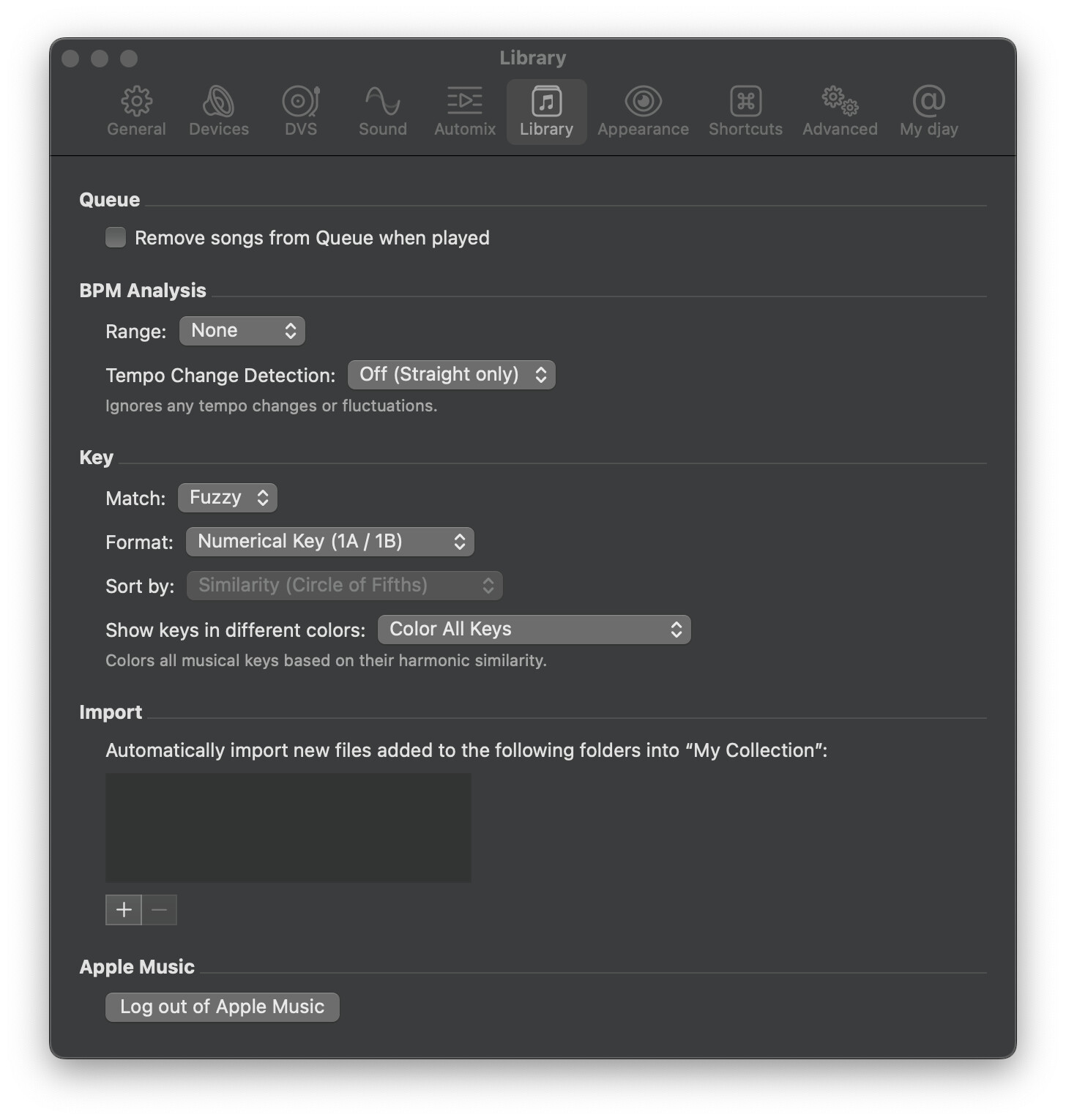
Do you have “Detect tempo changes” turned on under Settings > Library?
If you reload the deck or restart djay, does that end section stay wrong or does it sort itself out?
Also curious whether you’ve seen this on any other track, or just this one so far.
If I reload the deck or restart Djay, it stays the same
I think I’ve seen it on other tracks before, but didn’t bother reporting it. Can’t remember any other cases off the top of my head. I’m doing some major beatgrid maintenance right now (finally downloading files for all my tracks!), so now seemed a good time to report it.
Thanks for answering my questions and sharing the screenshot and additional video @c20c20.
A few more things:
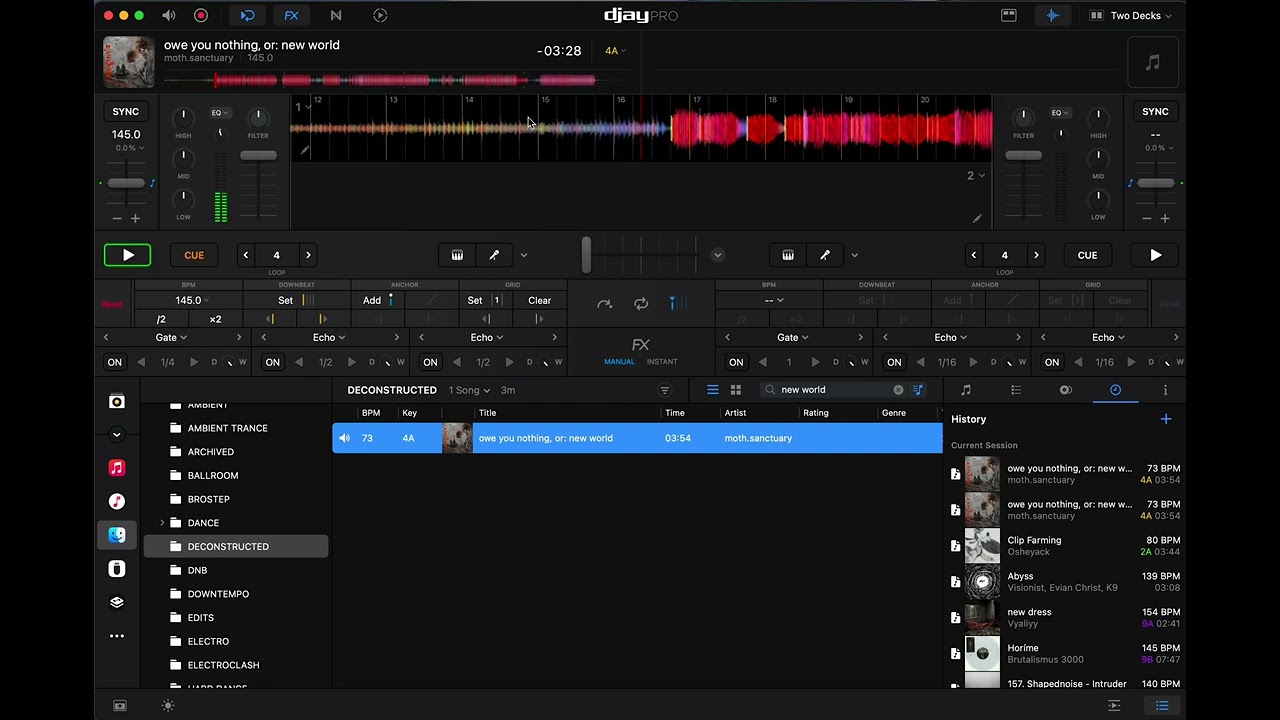
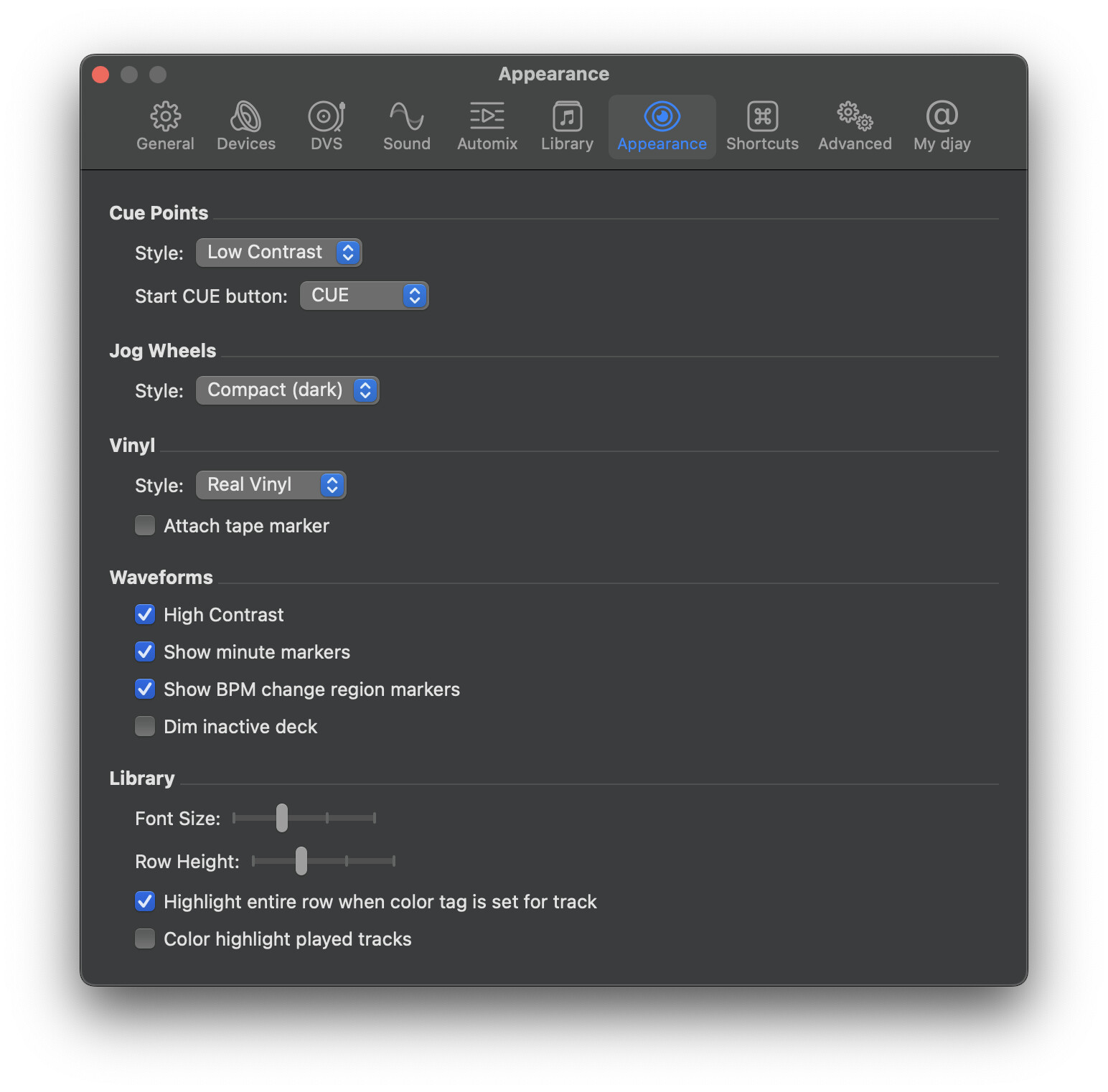
Can you please check whether “Show BPM change region markers” is turned on under Settings > Appearance?
Does it cause an actual problem when you play through that part of the track? Sync drifting, loops coming out the wrong length, beat jumps landing off. Or does it just look wrong?
Can you please try the edits in the other order, setting the downbeat first and then doubling the BPM? Would be good to know if that still results in the same issue. Thanks!
Yes, it causes the other track to suddenly jump BPMs and stay there when synced.
This isn’t really possible.You have to double the interval first to get the extra downbeat in the middle where the grid should land. Demonstration below.
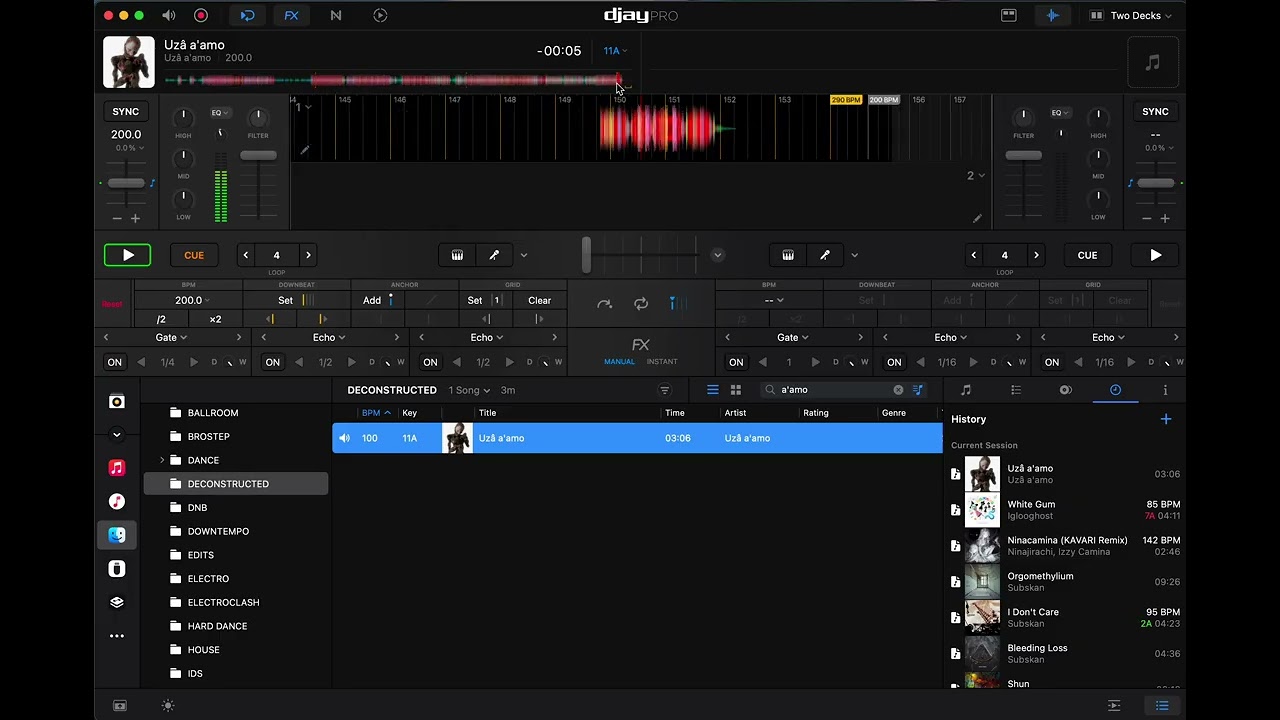
Third example. This time, I have to double the BPM and move the downbeat one to the right. This still results in a dynamic BPM section at the very end (interestingly, on a seemingly silent section).
When doubling the BPM, shifting the grid over by one, and then halving the BPM, the dynamic section at the end returns.
Doing a nudge instantly fixes the issue. I tested this on three tracks (Uza a’amo by Uza a’amo, AAA Powerline by Ecco2k, and Show Me What by A.G. Cook and Cecile Believe), and it worked on all of them.
This means, if your developers really wanted a quick patch, they could implement it so whenever the downbeat is changed, they could change the code so Djay also does a nudge one to the left and back to the right. That could fix the issue. Wouldn’t recommend this as it wouldn’t get to the root behavior of this strangeness, which could also be causing other strangeness, but it’s an option!
Thanks for answering my questions, doing the additional tests and sharing the additional videos @c20c20. This is very helpful and I’ve shared everything with engineering.