


My library consists of about 50% tracks with associated videos, which I output to an external display in sync with the audio. This function is great. However, for those tracks that don’t have associated video, I’d like my external display to show a separately running video effects output (Imaginando VS2 for those interested - it is extremely cool!). Ideally I’d like to have DJay Pro be the master video output such that smooth transitions could be employed, moving from a track w/video to a pure audio track with the VS2 video output, perhaps via a virtual camera feed. Unfortunately I don’t see that DJay Pro currently supports a camera feed for input to the visualizer, only photos. Next down the list of preferences would be to just be able to have VS2 displaying full screen on the external display output, then when playing a video track using the preview screen selector have DJay Pro take over that display manually. The problem here is that DJay Pro’s output will not display when another app is using the external display full screen - it will accept the selection but it does not overtake the output. The third and least desirable method would be to run VS2 on an entirely separate laptop with a separate HDMI output and use a hardware switcher to switch between both laptops to the external display (it is not practical to try to switch inputs on the display, which is remotely located). Is there a way to avoid this last method
if you are on Mac, and go to some added lengths of manipulating video, either in sync with music or audio in general, look toward magic music visuals software…
theres a demo version which you can experiment with…
but i did this with using Reaper & some virtual channels to get the audio into MagicMusicVisuals
you can use camera’s realtime or video sources etc… it worth experimenting with to see if it does what you are envisaging
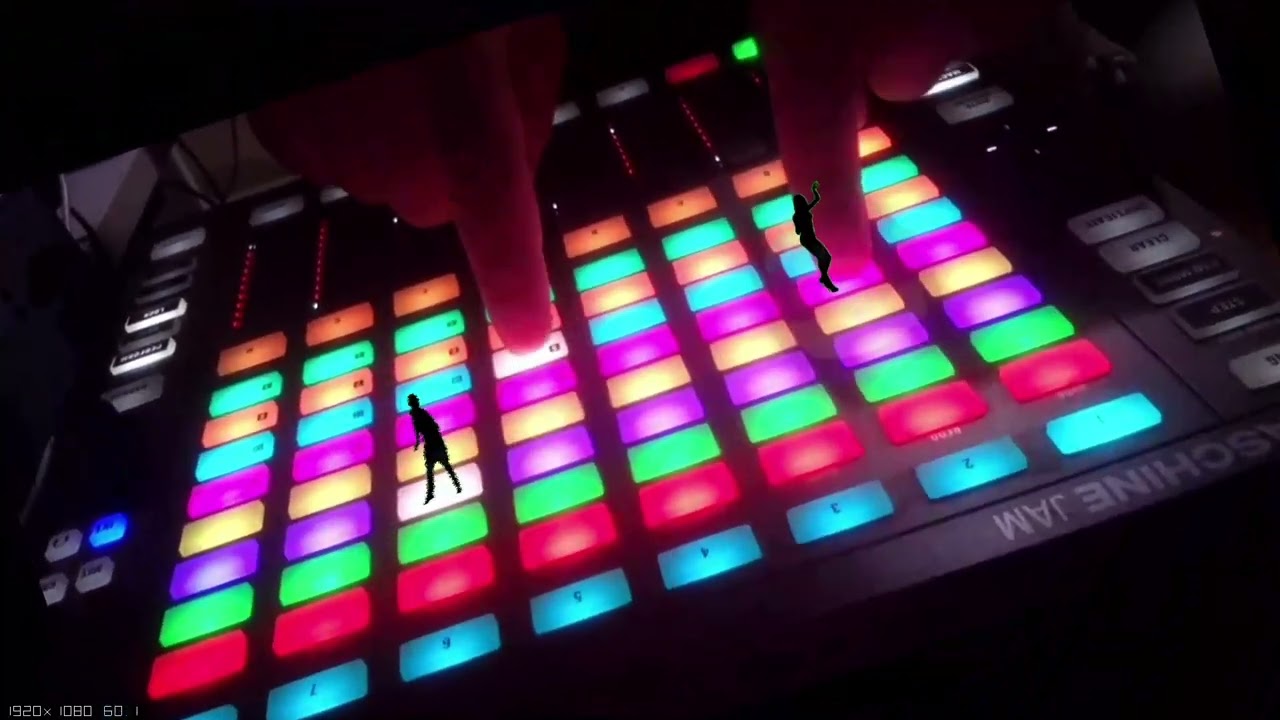
heres a demo of something i did when using the demo version, i couldnt save what i had implemented, but it did provide some insight into the capabilities
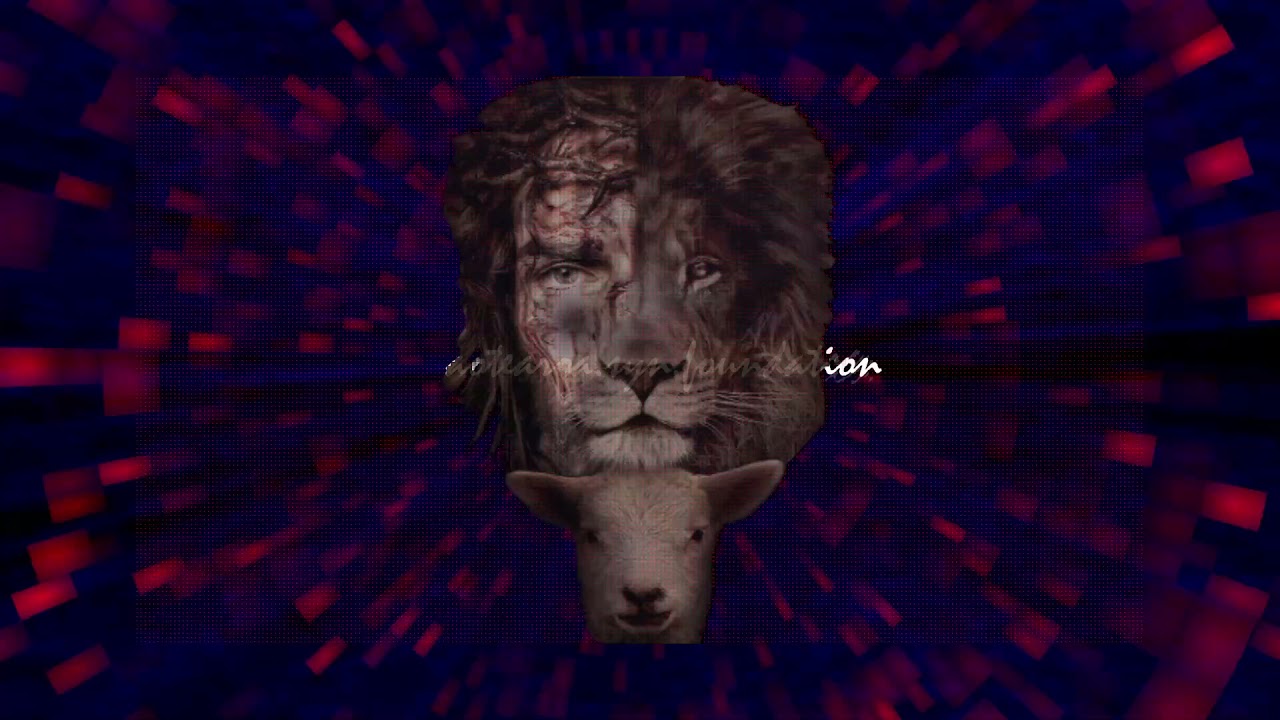
heres another one i did… where you can see the syncing of audio
the limitation i see with magic music visuals and djay pro running together… is the audio channel count
which for dj pro is a max of 4 if using external outs….
you can however use specific frequencies to trigger visual triggers… but not the best approach for syncing audio and video *shrugs
Hi 7nz,
Thanks for your reply, and your demo looks good! In my case I already have a similar video manipulation application (VS2 by Imaginando) - it has multilayered generators, media sources, and live video feeds all of which can be adjusted in a ton of ways by live audio and MIDI inputs.
My problem is trying to find a way to be able to output video from this app (driven by the audio) but switching to the music videos in DJay Pro for the songs played from my collection which have them. I need a way of integrating the final video output so I’m either showing a music video or the generated video from VS2. This has been a more difficult effort than I anticipated, because even the least desirable method of external HDMI switchers cause issues as they effectively drop the detected external display from the app which is not currently being shown - the associated laptop no longer includes the configured monitor in its extended display list.
Hi 7nz,
I’ve been able to overcome the audio channel problem by utilizing audio aggregators - splitting audio feeds virtually and either utilizing directly on the same computer or feeding the split to another connected audio device for cabling to another computer. You can end up making as many duplicated or independent audio channels as you’d like this way.
Also, if your video generator accepts Ableton Connect inputs for triggering you can use that to output a BPM/measure sync signal from DJay Pro.
if the imaginado software uses syphon as a input or output,
you can capture the Djay Pro video output window via OBS… then push it into VS2 using syphon.
alternatively you can just use OBS as the middle man where both video feeds are managed.(OBS requires the syphon plugin to be downloaded)
i did the same thing when creating the Maschine shadow dancers demo(above), but using spout on windows so i could capture the video feed directly onto another PC
Syphon is just Mac’s version of spout
Great stuff! Thanks for sharing @7nz. I appreciate the assistance here!
I just wanted to update here what worked for me - and just to say it actually works really well. I am restricted by how many links I can post so you will need to google the tools mentioned.
- I downloaded and installed an app called Better Display to enable a 4K virtual display which I then set the Djay Pro video output to use
- Then I installed a lightweight mac os app called Syphonpub from their github repo
- Start a Syphonpub server session and choose the virtual display with the Djay Pro output
- Open VS2 and add a syphon source and enjoy the Djay Pro video output as a layer in VS2
I use this setup with an Omni portable turntable so that I can scratch video in Djay Pro while layering on live video of the scratching happening and then add additional sound reactive visuals over the top of that. Its dope and cant wait to work on some more creative applications.
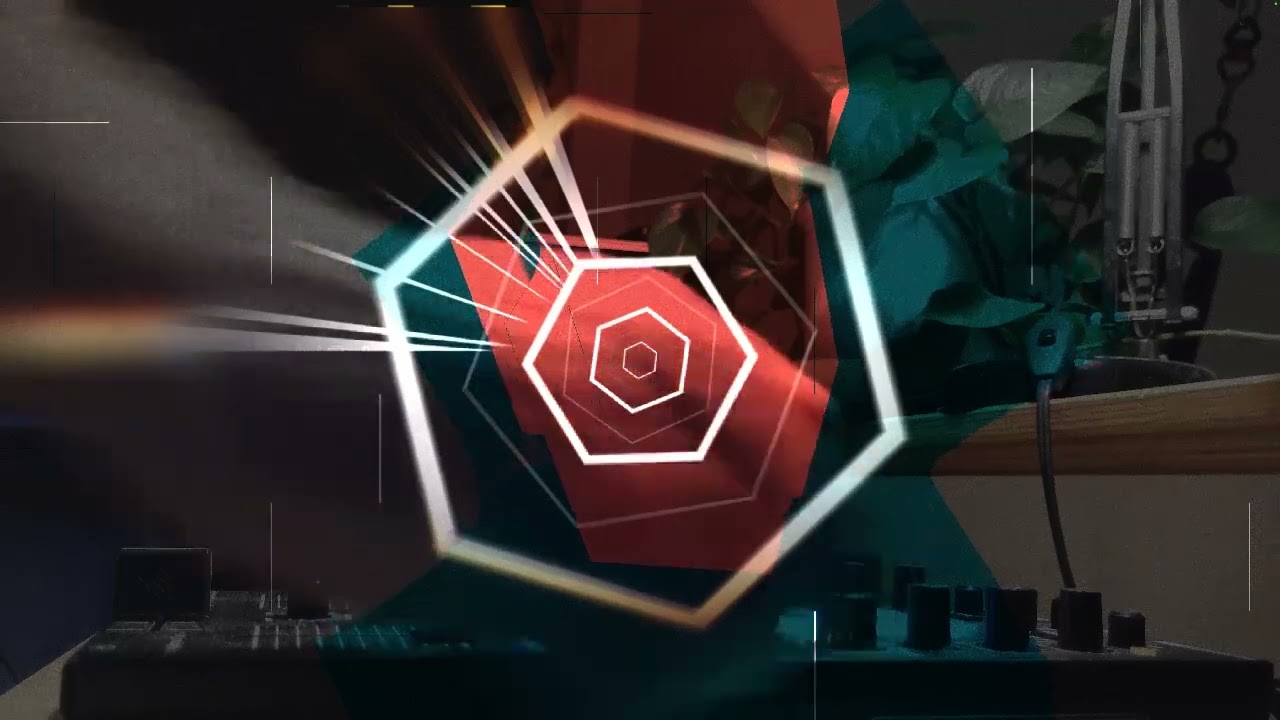
Here is an early test that demonstrates the idea
Hi @iaminawe , welcome to the Community! Looks interesting. Thanks for sharing.
Thanks @iaminawe. I ended up doing similar with BetterDisplay, except in my case I use it to feed OSB where I switch or mix between the DJay video and VS2 video outputs. I set the master OSB output as a “projector” to my HDMI video device input (in my case, and actual projector).
Are you using VS2 for the scratch-controlled video effects, or is that a built-in DJay video style? In my case I’m using music videos in my DJay library and layering VS2 effects over top of those. I still would LOVE to have the ability within DJay to support use of a live video input for tracks that aren’t natively video files, such that there is no need for me to do video switching as I mix between video and audio files in my library.
Thanks for the input @djsteve
Hey Steve. No problem.
In the demo video that is the Djay video animation effect on one deck being scratched. The vs2 visuals in this example are not yet sound reactive as I did not yet have the sound input worked out properly yet (which is also why the sound level so low).
I plan to keep refining this technique and will post a tutorial video on it when I have it a bit more polished.
Thanks for sharing your setup info
Thanks again @iaminawe
this is awesome!! thanks for sharing the method


