Device model (e.g. 2020 iPad Air 4th Gen): MacBook Pro 14-inch, 2021 (Apple M1 Pro)
- Version of operating system (e.g. macOS 14.4.1): Tahoe 26.5.2
- Version of djay (e.g. 5.1.2): 5.6.7
- Hardware/controllers used (e.g. Reloop Mixon 8 Pro): Numark Scratch + Phase (HID)
- Hardware firmware version (e.g. 1.0.1): Unsure
A) SUMMARY OF ISSUE:
-
When I’m using Phase and I switch between Thru and WIR, I get a weird issue of the pitch lowering.
-
If I switch tracks, and back to the original track, the pitch resets.
B) DETAILED STEPS TO REPRODUCE:
-
Load HID Phase in WIR mode
-
Play track
-
Switch to THRU
-
Switch to WIR
-
Notice the pitch sometimes goes lower by 0.1% at a time.
-
Repeat
C) EXPECTED RESULTS:
Additional notes:
This does it via midi and also changing using mouse. Like I said above, if I change tracks the pitch zeros back out. Very odd.
Hi @andybarnes, thanks for the detailed steps, setup info and the video — this is super helpful.
This doesn’t look like expected behaviour. Toggling a deck between THRU and WIR shouldn’t nudge the tempo at all. The details that it happens via both MIDI and mouse, and that reloading the track resets the pitch, are also helpful.
A few of questions below would help narrow down what’s triggering it:
-
Have you tried updating the Numark Scratch Firmware and Phase firmware from their respective websites?
-
At the moment you switch back to WIR, is the remote/platter spinning, or stopped?
-
Does the displayed BPM drop while the onscreen tempo fader stays put at 0%, or does the fader move too?
-
Is SYNC engaged on that deck when it happens?
-
Does it only ever drift down, or can it go up depending on platter speed at the switch?
Hey. Thanks for coming back to me.
-
Have you tried updating the Numark Scratch Firmware and Phase firmware from their respective websites?
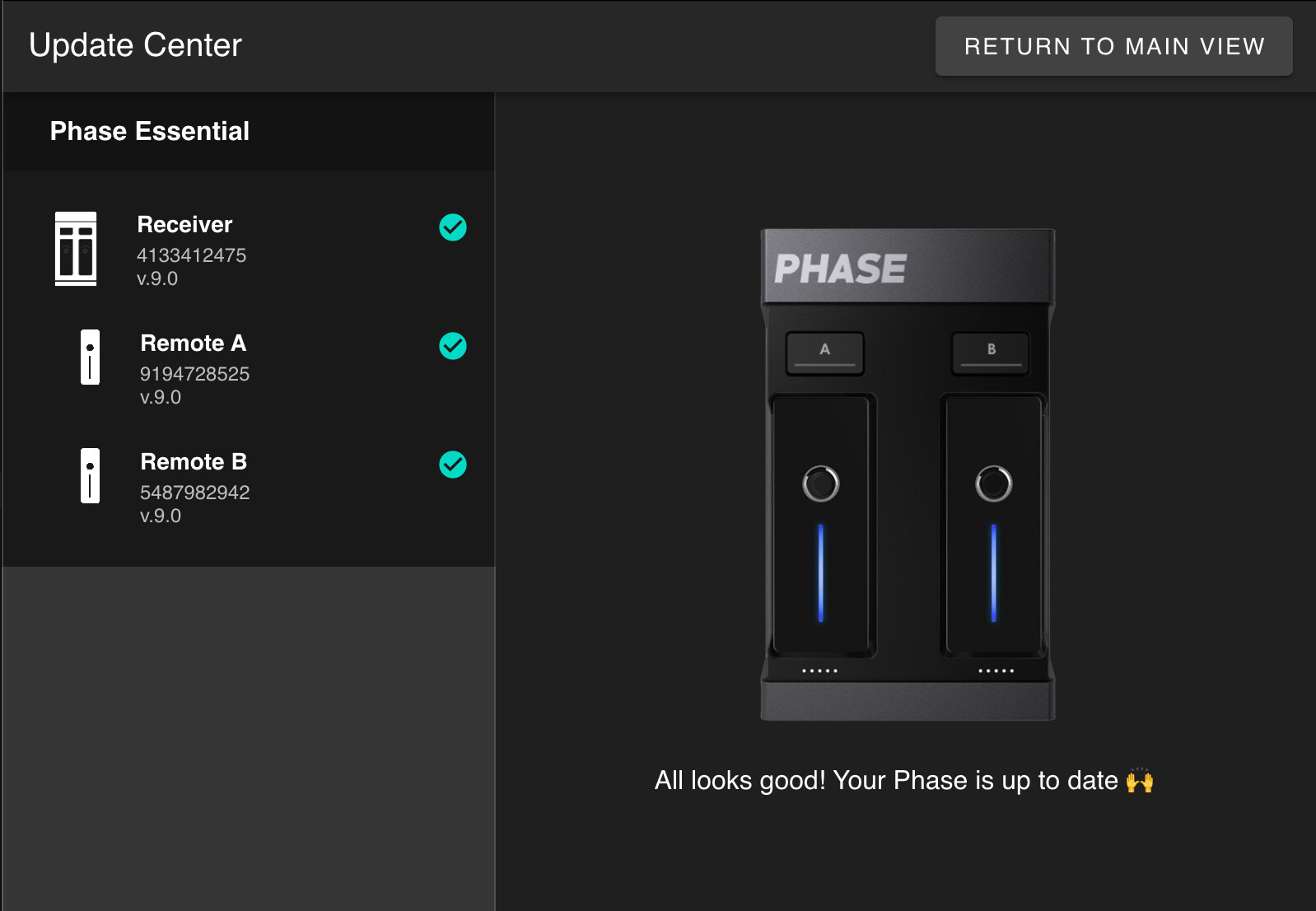
- Phase is up to date, and for the life of me I can’t see any firmware updates for the scratch.
-
At the moment you switch back to WIR, is the remote/platter spinning, or stopped?
- The platter is always spinning, locked at 0 (although there will always be flutter and wow)
-
Does the displayed BPM drop while the onscreen tempo fader stays put at 0%, or does the fader move too?
- The fader moves too. You can see in the video that the green dot on the pitch fader goes when I switch to THRU and doesn’t come back when I go back to WIR. And I can see it’s visually moved lower or higher.
-
Is SYNC engaged on that deck when it happens?
- No sync engaged.
-
Does it only ever drift down, or can it go up depending on platter speed at the switch?
- Funnily enough, I only spotted this the other day with it going down. But tested again this morning and it’s going up. In a short space of time, I managed to get it to +1%.
1 Like
You’re welcome @andybarnes, thanks for the follow up and for answering my questions. I’ll share this with our hardware team to see if they can reproduce it and offer any suggestions.
In the meantime, can you please share your Phase Firmware. Version #? Thanks!
Thanks for the quick response @andybarnes. Actually, can you please provide the following as well?
- Short screen recording showing the deck’s tempo/pitch display while toggling THRU → WIR → THRU, so the per-toggle drift is visible on screen.
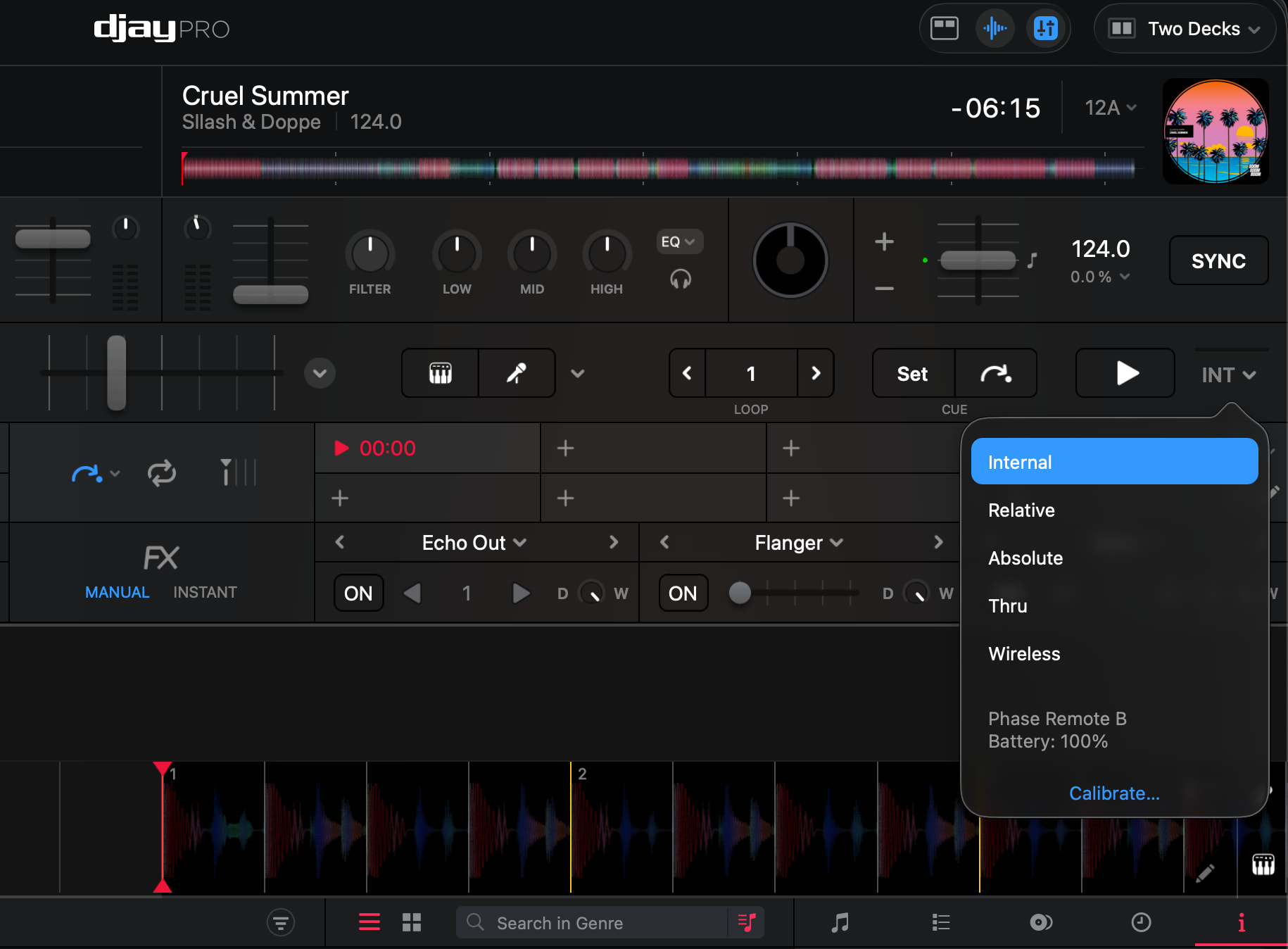
- Screenshot of the deck control mode dropdown (showing THRU and WIR options)
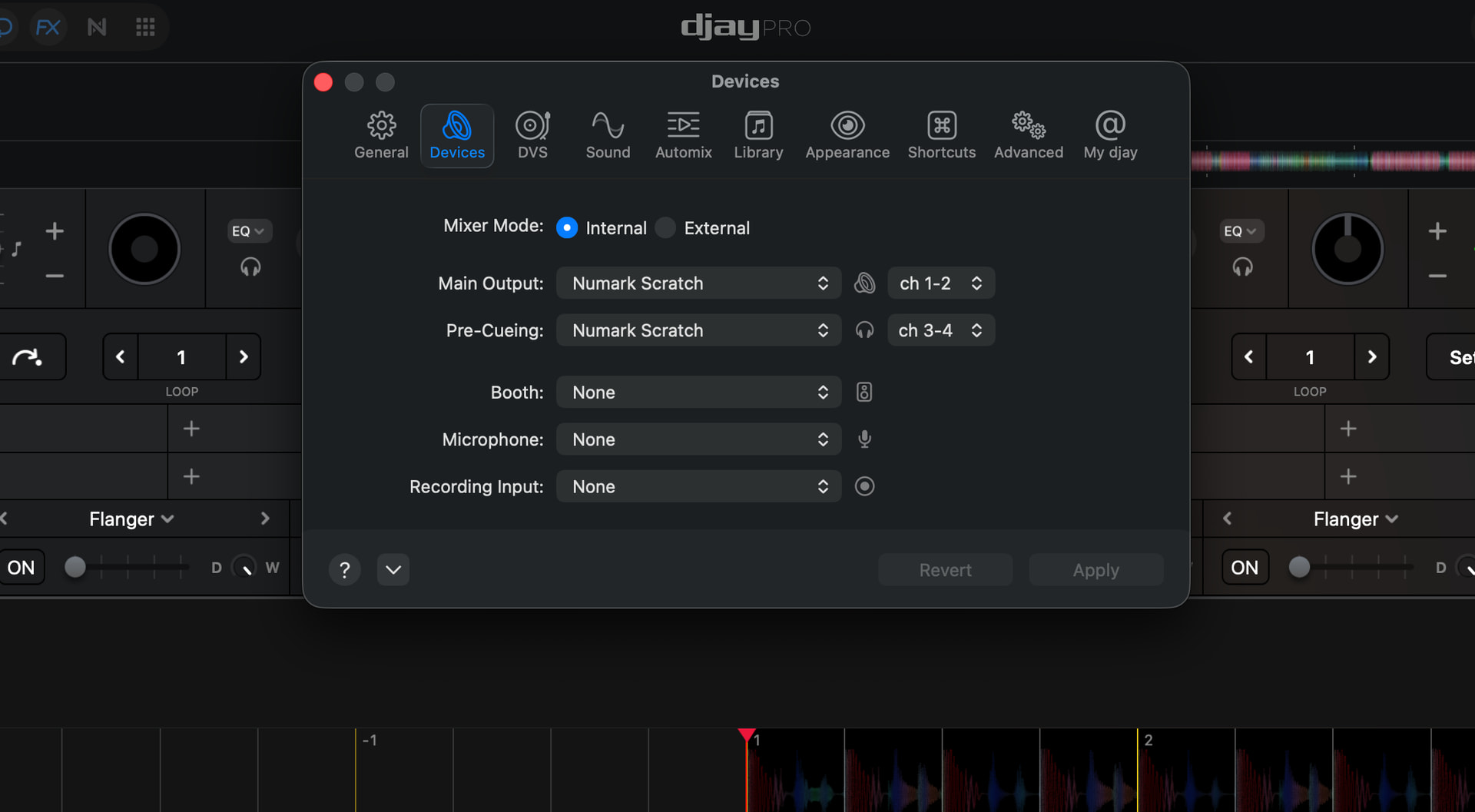
- Screenshot of djay Audio settings and the Phase/deck mode configuration.
As in, screen recording of this part?
1 Like
Exactly, but via full screen recording instead please.
1 Like
Hope this is what you were after. I wasn’t totally sure on Audio / Phase settings.
Worth noting, that this really doesn’t affect me much, as I’ll generally only be making the switch once.
Totally off topic, and let me know if I should raise a new post. Any advice on how to improve my waveforms? They are stuttery and if the BPMs are the same (as in these two tracks), I’d sort of expect them to be the same scale? They only seem to meet on the marker.
1 Like
Thanks for the screenshots and screen recordings @andybarnes. I’ll share this with engineering.
Regarding your other video, can you please move it to a new separate topic and include your full setup details above as well? Thanks!
Hi again @andybarnes, in the meantime, if you have time, here are a few follow up items that will likely help engineering troubleshoot this further:
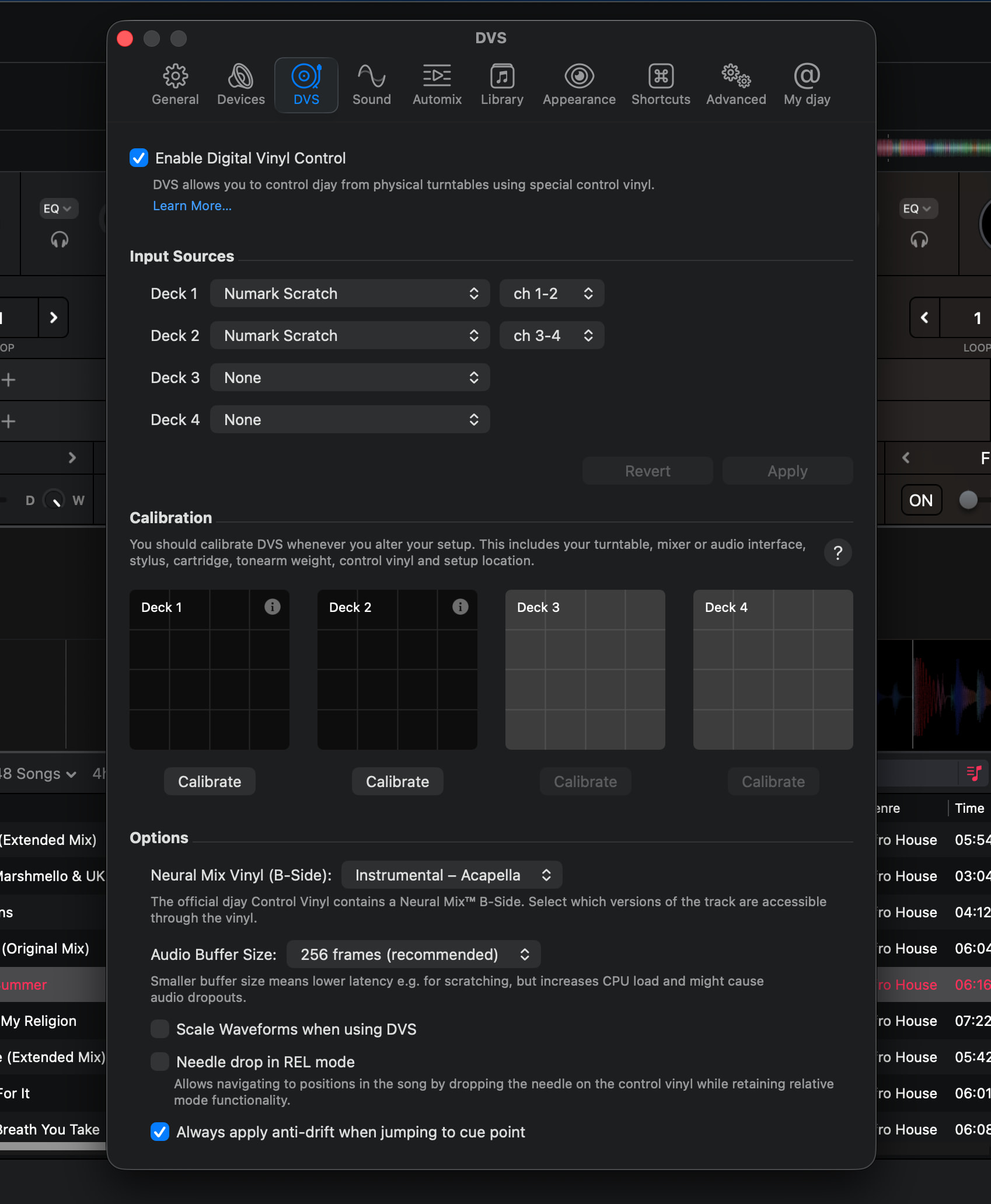
- Does the issue reproduce with Enable Digital Vinyl Control unticked, running Phase HID alone? DVS timecode inputs are currently assigned to the Numark Scratch on both decks at the same time as Phase HID is in use, so both control paths are configured simultaneously.
- Does it reproduce with the platter brought to a complete stop before the toggle, versus spinning?
- Does it reproduce with the Numark Scratch disconnected entirely, on built-in audio output?
- Is the trigger specific to the THRU ↔ Wireless pair, or does it also occur on Internal ↔ Wireless, Relative ↔ Wireless, and Internal ↔ THRU? This would establish whether exiting THRU or entering Wireless is the common factor.
- Was the issue present on earlier djay versions (5.6.6, 5.6.5)?
- Are you using the (built-in) Numark Scratch mapping or a custom MIDI mapping?
- Does it affect Deck 2 as well as Deck 1?
- Does behaviour change with Always apply anti-drift when jumping to cue point disabled?
- Does it occur with a single Phase remote as well as two?
Thanks!