I am using djay Pro on iPad and after the latest update I lost an essential feature that is extremely important for my DJ workflow.
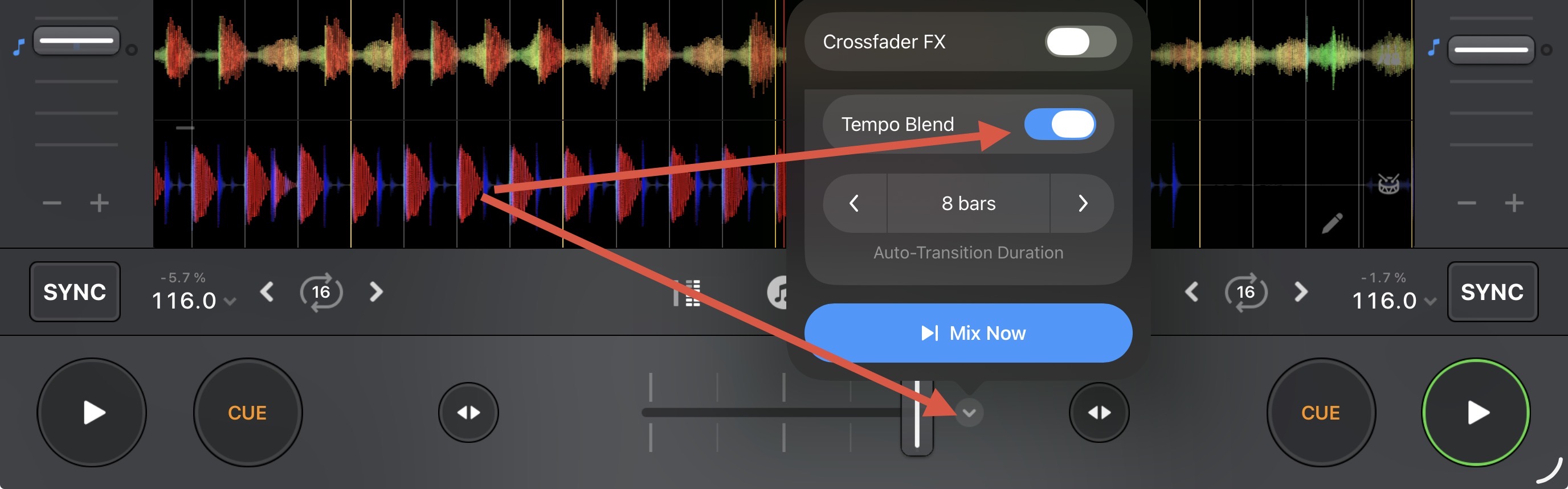
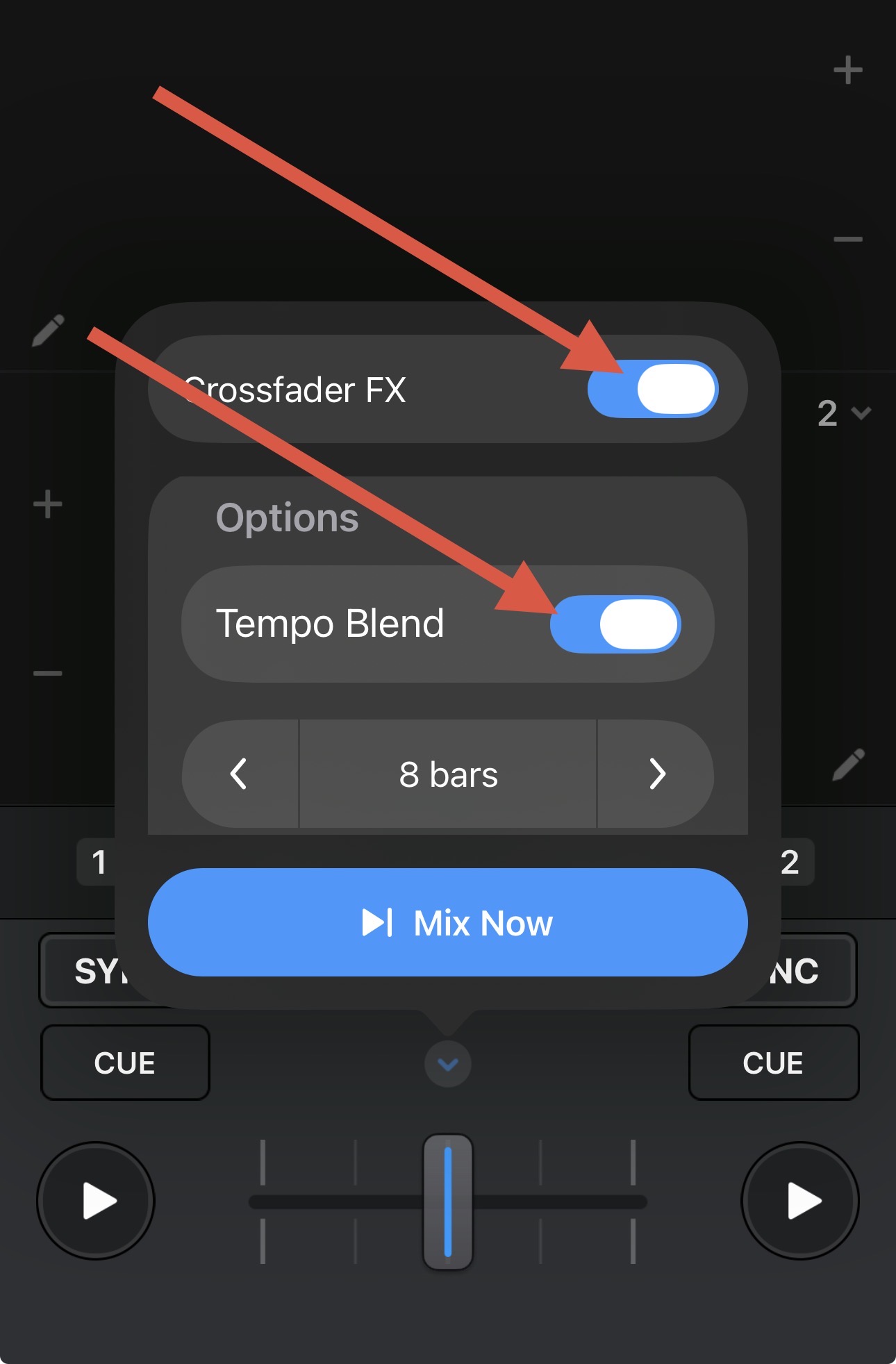
Before the update, it was possible to have a smooth, continuous tempo adjustment (BPM interpolation) while slowly moving the crossfader from Deck A to Deck B.
Example:
Deck A is playing at 98 BPM and Deck B at 103 BPM. When slowly moving the crossfader from left to right, the tempo would gradually and smoothly change until it perfectly matched the BPM of the new track.
An important part of this behavior was that the tempo did not remain permanently locked, but behaved naturally according to the mix — creating a musical and fluid transition.
Since the latest update, this behavior no longer works. The tempo now remains fixed after syncing, even when moving or reversing the crossfader.
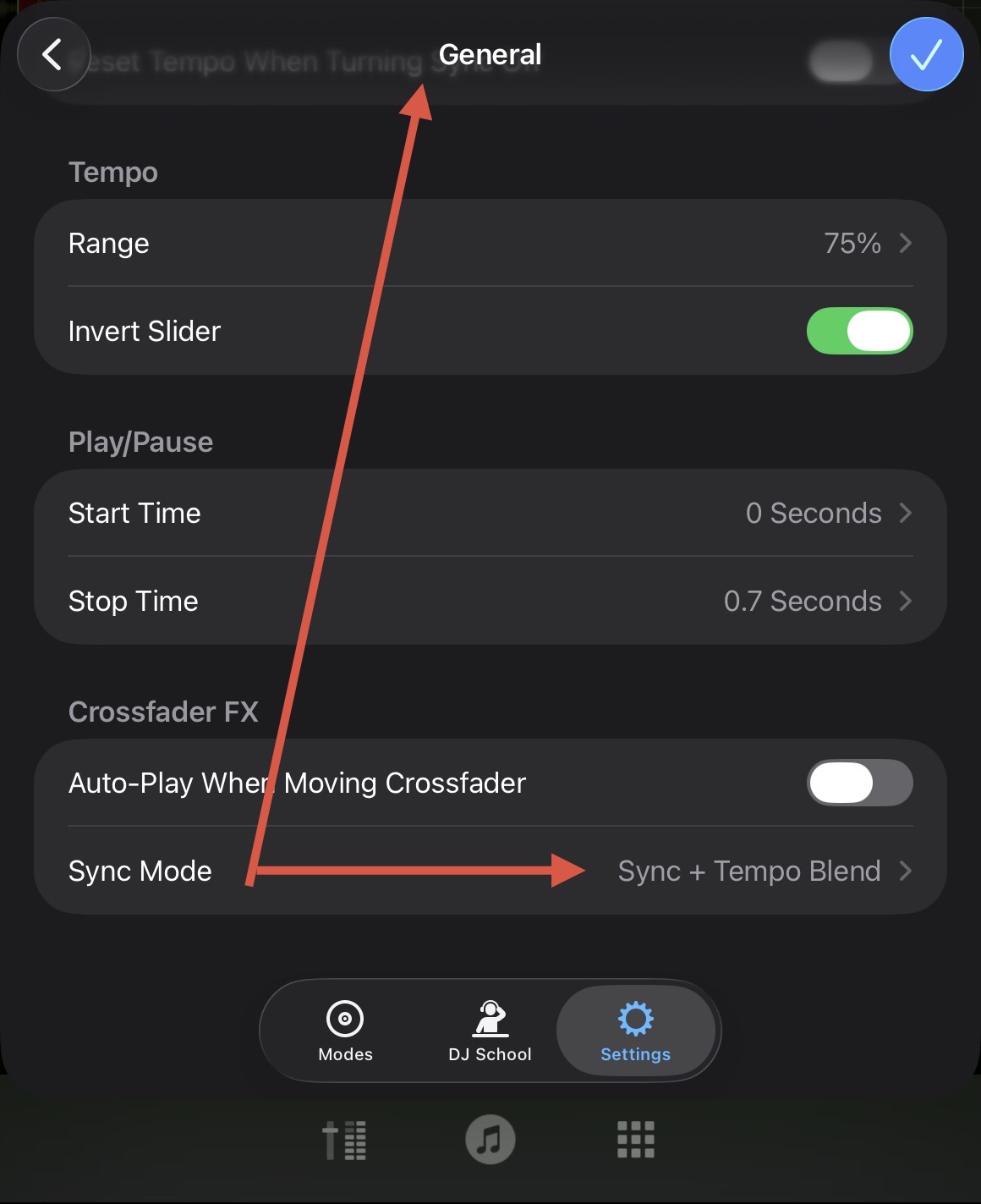
I have already checked all sync settings (BPM only, BPM + Beat, Sync on/off, crossfader options, etc.), but the previous behavior cannot be restored.
This feature was not a side effect for me, but a deliberately used creative mixing tool.
Is there a hidden setting, a workaround, or any plan to reintroduce this classic crossfader tempo behavior as an optional feature? strong text
Device Model (ex. 2020 iPad Air 4th Gen):
Version of operating system (ex. iOS 17.3.1):
Version of djay (ex. 5.1.3):
Hardware/controllers used (ex. Reloop Ready):
Hardware Firmware Version:
Since this sounds repeatable, can you please capture and share a short video of the issue to help clarify what’s happening? Thanks!
Device Model : IPad 9.Generation
Version of operating system: 18.1.1
Version of djay 5.6
Hardware/controllers used DDJ-200
Hardware Firmware Version: Pioneer
However, I’m not able to send a video because I’m “ a new user”
So I’m very sorry, but thanks for your help. I hope you can do something with my infos