So this has started happening recently and I’m really not too sure what causes it, but it seems to happen occasionally when using loop rolls.
Situation: playing music normally via dvs .
2x sl1200Mk2,
Rane 72,
Ipad 9th Gen,
Latest version of Djay at time of writing this. v5.6.4.
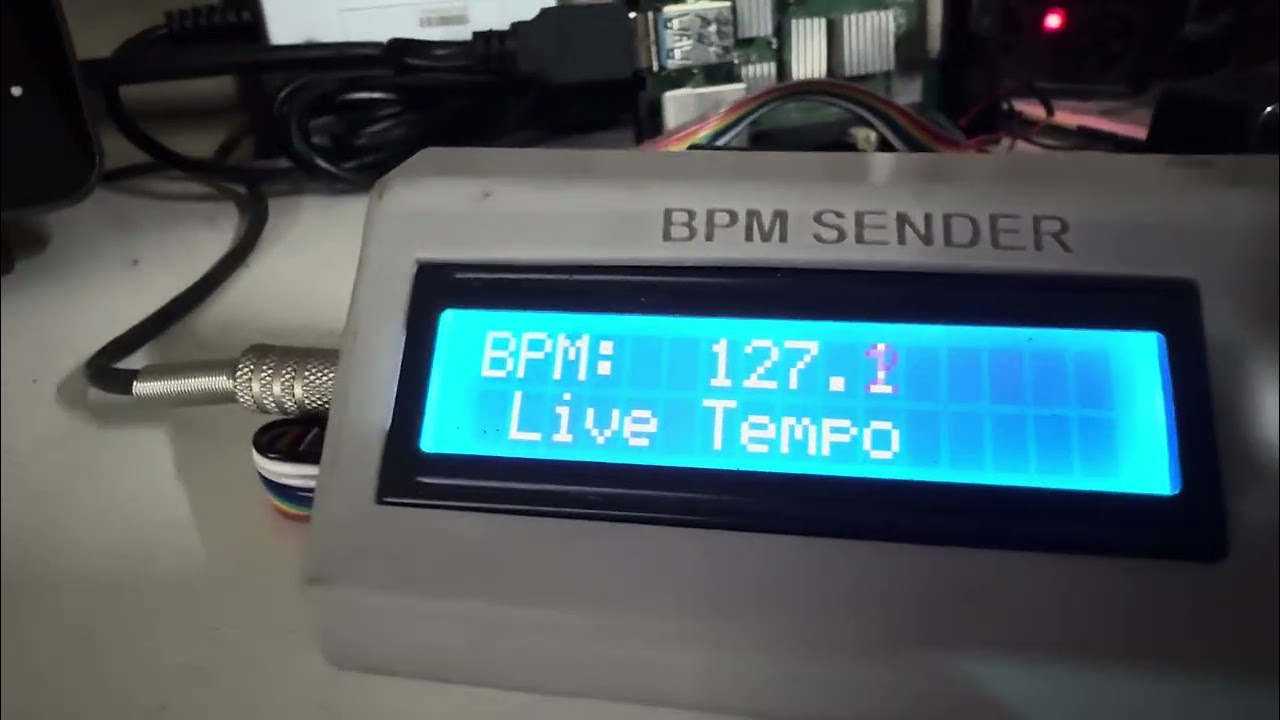
The music is playing fine then if I press a loop roll (randomly, not everytime) - the song speeds up like crazy, vocals also go up in pitch, but the entire GUI stays like it was, show pitch at 0%. When I speed up / slow down it all happens from that point that it has now sped up to (like that is the new 0%). It is sooooo wierd. I have an analogue bpm counter for use with my Rane72 so I can have beat-sync’d effects when using normal vinyl (I know you would expect the 72 to be able to do that on its own!) you can clearly see that the bpm is drastically faster than what it shows on screen (almost 7-8% faster). I normally can’t fix this problem without restarting Djay. In the video I shared, I tried opening up a bpm app on the ipad, which suddenly ‘jolted’ Djay back to reality or it could’ve been the app store (not sure), and it starts playing normally again. Please excuse the video quality, I just grabbed the phone & tried to capture what was going on as this has been happening more frequently now since I updated the app. Here a link to the video:
Hi @magrepairs, thanks for the details about your setup, the issue and for sharing a video. This is very helpful.
- How exactly are you connecting your iPad to the RANE 72? Given that you have a Lightning connector iPad, I’m guessing you are using some kind of adapter or hub. Please share specific details including the brand and all cable types.
- Do you have Ableton Link enabled?
Hi Slak Jaw. I’m connecting the mixer directly into the camera connection kit using a standard usb cable (printer type usb cable). I’m not using Ableton Link at all. This has only started happening since I updated to the latest firmware. It’s been working perfectly. Only since I updated has this started, but its very random, so its tricky to catch on camera, but the last 2 times it’s happened when I was pressing the 1/4 & 1/8 loop roll buttons.
Thanks for the reply @magrepairs.
- Are you using a Genuine Apple Lightning to USB 3 Camera Adapter or a 3rd party adapter?
- Have you tried using a different USB cable? Preferably a high-quality, properly shielded one with dual ferrites on either end.
It’s 100% genuine, bought it directly from the iStore. Like I said, it was working fine until I did the update
Thanks for confirming @magrepairs.
- So this started when you updated the RANE 72 firmware or after updating to djay 5.6.4?
- Have you tried a different USB cable as suggested above?
Apologies for not being more clear. This started happening after I updated the Djay software, not the Rane72 firware, I did do that when I first got the mixer, but haven’t done anything else since then. So to confirm, I updated the 72 firmware ages ago, all was working fine. Then I updated the Djay app to the latest software, that’s when the problem started. At first I thought it was a timecode thing, but as you can see in the video, even when I switch to internal, the problem continues. The ipad is a bit old, but literally does nothing else except sit on the desk by the decks & run Djay when I’m in the mood to play some new music with my 1200’s. I haven’t tried a different cable yet to be honest because the cable has been working fine. But I will try a new cable just to be sure. I’ll let you know if that sorts it out or not. Thanks for your help.
Thanks for the additional info @magrepairs. I’m on the road for the rest of the week so it will be challenging for me to troubleshoot this with you further. I’m going to create an Official Support Request Ticket for you. Someone from our support team will contact you soon via email. Thanks!
1 Like


