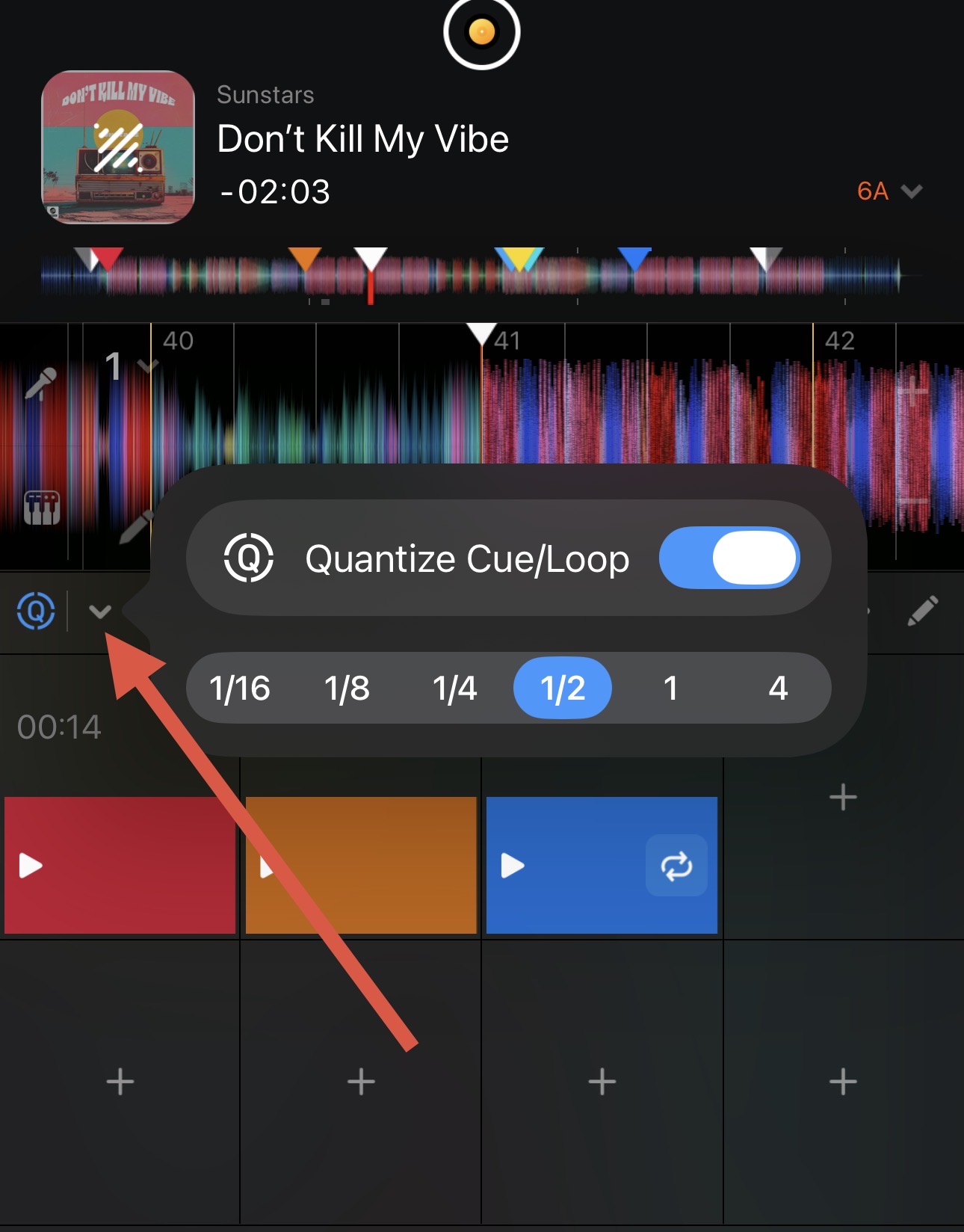
I’ve noticed that in Djay, when using the beat sync option which matches the bpm and aligns the beatgrids, in some cases the first beat of a track on a synced deck doesn’t sound as clean as it should.
It happens when you don’t start the track on the synced deck exactly on the beat of the master deck. In this scenario, while the software is aligning the beatgrids, audio artifacts are generated. For example, if you hit the play button in advance, the first beat is played twice.
This doesn’t occur in other dj software cause on a synced deck when you start a track the audio is muted until when the beatgrids are perfectly aligned.
Is there a fix for this? I haven’t found it. Other than manual beatmatching obviously..
Turning quantize on/off, changing beat sync interval (1 beat/4 beat) or any other setting does not solve the problem that is reproducible across all the platforms.
Hi @Pg_Gee, welcome to the Community! When creating new topics, please do not forget to answer the questions in our template with specific details about your setup not just “iPad” or “Latest Version”. This helps all of our community moderators to provide the most effective support to users with the utmost efficiency.
Device Model (ex. 2020 iPad Air 4th Gen):
Version of operating system (ex. iOS 17.3.1):
Version of djay (ex. 5.1.3):
Hardware/controllers used (ex. Reloop Ready):
Hardware Firmware Version:
Since this sounds repeatable, can you please capture and share a short video of the issue to help clarify what’s happening? Thanks!
This is an issue that keeps popping up in Automix for years. I’ve contacted via email a few times. If you leave Temp Sync at Automatic everything is tight and the beat interval sync of 1 or 4 bars works. You can see it moving and snapping. But all the songs drag and sound slow because they lock the tempo into the slowest song unless there’s a huge beat jump. Most of us on Automix would like the Beat Interval to work at 1bar when in Sync + Tempo blend but it doesn’t. It drifts. I would say it works 4 months out of 12 since I had a sub. each update is a crapshoot.
Device Model Macbook Air M3, Iphone 17, IPad Air M3
Version of operating system (ex. iOS 17.3.1): MacOs 26.4, iOS 26.4, iPadOS 26.4
Version of djay (ex. 5.1.3): 5.6.4
I did not specify DJ hardware/OS because the issue occurs with and without hardware connected and on all supported platforms.
I recorded a short video on a Macbook Air M3 (sequoia 15.7.3, Djay 5.6.3) no hardware connected. First you can hear the sound of track 2 when the sync is off then the issue that occurs when the sync is on if you don’t hit play with the right timing. Track 1 (master deck) is purposely filtered to highlight the problem. Hope that helps. I can also record a video on another dj software for comparison, if needed. As for the automix issue described here by d3vp, my impression is that it is a different topic.
Thanks for the video and additional clarification @Pg_Gee. This is very helpful. Yes, can you please record a comparison video with other software? Thanks!
First is Automix and you can see the the 1bar interval “snap”. Next is Tempo + Sync and it is ignoring the 1 bar snap. About 5 out of 12 months the 1 bar snap works perfectly on this same playlist with Tempo + Sync. Updates…
I see what you’re saying @Pg_Gee. Thanks for the second video. If you disable Key Lock on both decks in djay, does that reduce the latency in aligning the beatgrids?
Thanks @Pg_Gee for sharing these videos - they show this issue really clearly.
As someone who came to DJay Pro from Traktor and then Rekordbox, I noticed this straight away. Fortunately for me, the music I play and the way I mix doesn’t require these instant drops very often - I’m more of a gradual slow-mix kind of guy.
But it does seem that this should be quite an easy fix. Basically there are two situations, if you hit play early and if you hit play late:
Early: delay the start until the grids line up.
Late: Mute the incoming track until the grids line up.
Hi again @Pg_Gee, I heard back from engineering. It is currently expected for Sync to take a small amount of time to perfectly align the beatgrids during playback. We are already investigating potential options for improving this in the future. I will share more news here when I have it. I hope that helps!