Were you just playing tracks normally (loading one and playing it for a few minutes, then loading another and playing that for a few minutes) or were you quickly loading tracks one after the other, and maybe not playing them or only playing a few seconds?
Streaming services tend to apply limits like this to prevent misuse.
I’m also having the same issue. Was working on a mixtrack using my playlist from Spotify and suddenly started glitching when attempting to load next track. Now the error states “Could not load track, Network Timeout”.
I’ve attempted the following (Have a iPhone 17 Pro Max on ios 26.5.1):
Signing out of Spotify from the Djay app and signing back in.
Removing the app and downloading it again to log back in.
Performing a reset on iPhone.
Signing out of all devices on Spotify account, then re logging in to account from app.
Regardless, I seem to have same issues. Not sure if this is a server issue on the apps end. My normal Spotify seems to work just fine and I’ve attempted using the app on my Macbook and the same issue, tracks not loading.
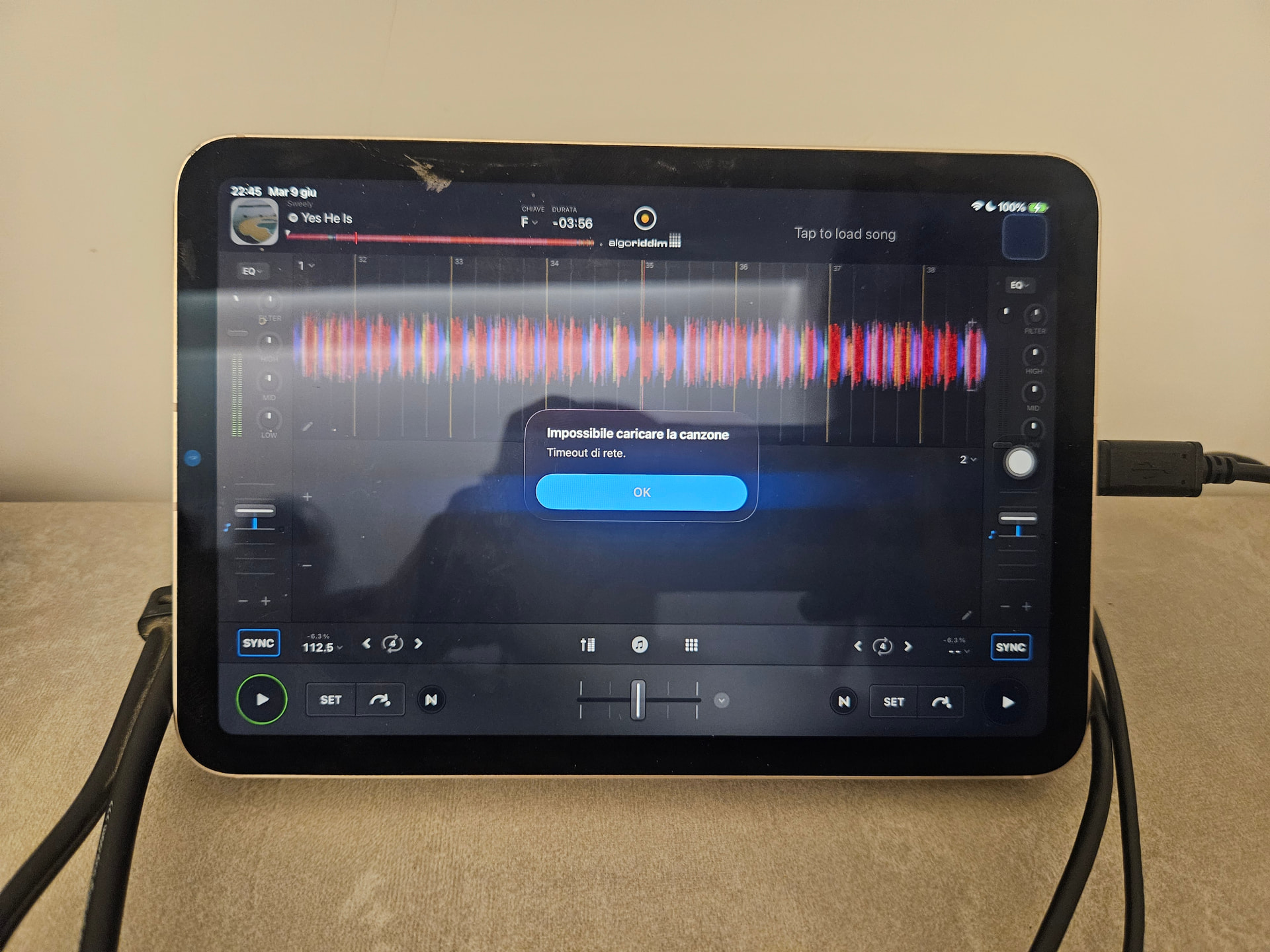
I tried also using djay on the phone (Samsung s23), with my account and I had no problems to see and add tracks from Spotify in Djay, even if i had so many troubles in the last days (blocks, glitches, failures, disappearing tracks) that I decided tonight to try an Ipad Mini. And still…
Another user posted a video in this topic showing the same problem, I tried to switch the Ipad WiFi off and then on again, I reinstalled the app, with a new log in in Spotify, but same timeout advice.
Hey, the same thing has been happening this afternoon here in Colorado, US. It might sporadically work for the first song I want to play, or it won’t play anything. I have attached the screenshot here.
I logged out of Spotify from the Djay app and signed back in, and tried it on a Mac, a Microsoft surface, and an iPhone, and am getting the same message all places.
This looks like it could be an isolated region specific issue. I tested on multiple iOS devices, macOS and Windows and could not reproduce the error message.
If any of you have access to another streaming service can you please confirm if it is working with djay?
If you have access to another DJ application that supports Spotify, can you please test with it?
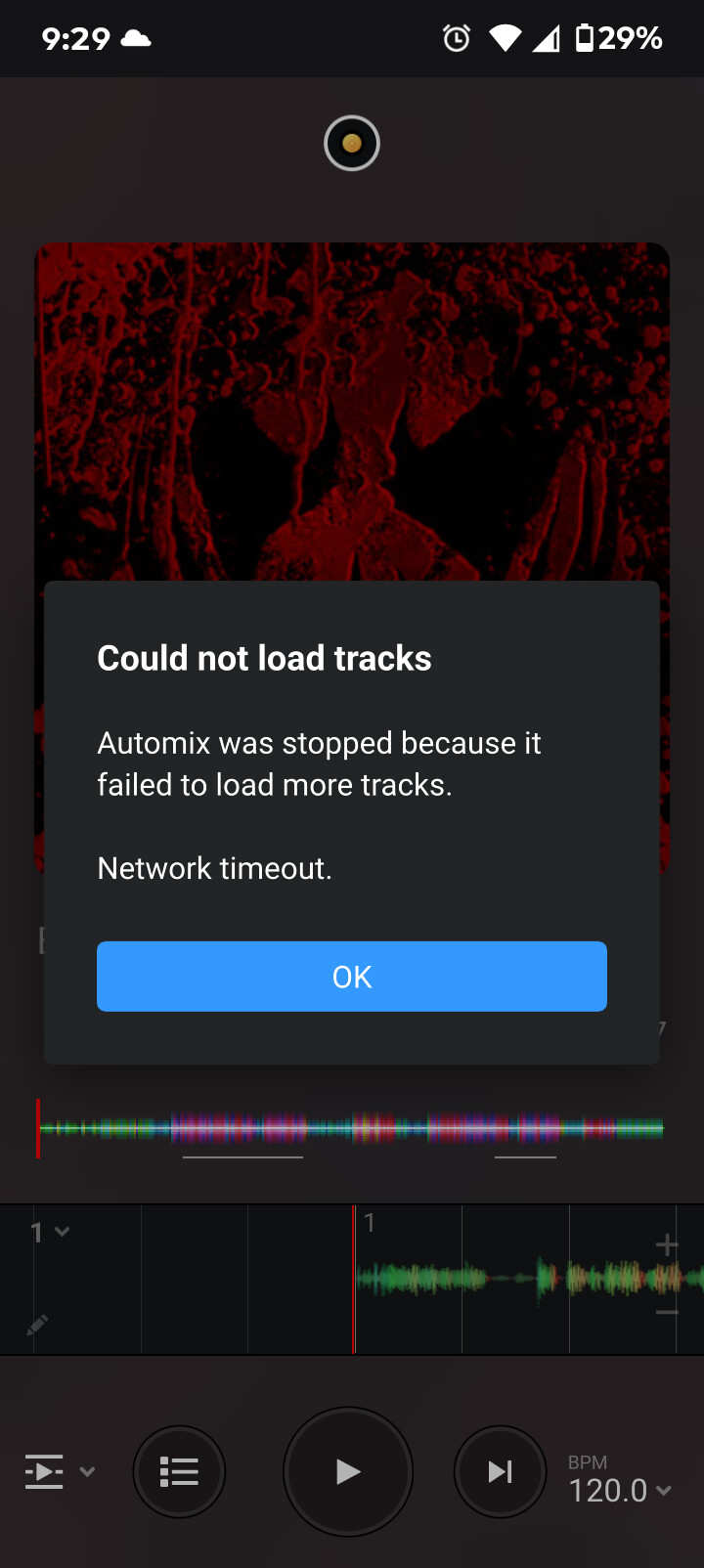
Hi I’m having the same issue with could not load tracks timeout error… I’m using a Windows 11 laptop and a android phone (both are doing the same thing) I’m from the US… Here’s a screenshot from my android phone of the error message…
I tested a playlist on my Apple Music as well and it was playing fine for a few songs and began glitching and giving the same error as Spotify was giving me.
last night I was preparing a set, loading the same and different tracks often, because I was testing out pairings of tracks and transitions, if this sets off some defensive measure from Spotify for ‘misuse’ then the basic workflow of all djs are therefore categorised as ‘misuse’…anyway, 2hours of this activity uninterrupted, and then suddenly, I get the error message ‘unable to load track, connection timeout’.
Troubleshooting attempts: logout (disconnect) Spotify from djay app. Logging back in. This didn’t help, I could load 1 track, but I’d get the error message as soon as I tried to load a track into the other deck.
this totally ended my session. Tried it now, the next day, seems to be ok for now. If it happens again, maybe I will be able to identify why at least. But still it totally put a Halt to my work!