


Forget about the iPhone… if I switch to flight mode, it doesn’t show any track as it cannot work with offline music. So focus is on the iPad.
What about sound quality? Lossless off?
Yes…all off and files reloaded.
Best regards,
Steffen
Hi again @WIng2005, we still haven’t been able to reproduce this. Can you please try pulling the track file itself and put it inside a folder in Files to see what the track does then when linking it from within djay?
Hi @Slak_Jaw,
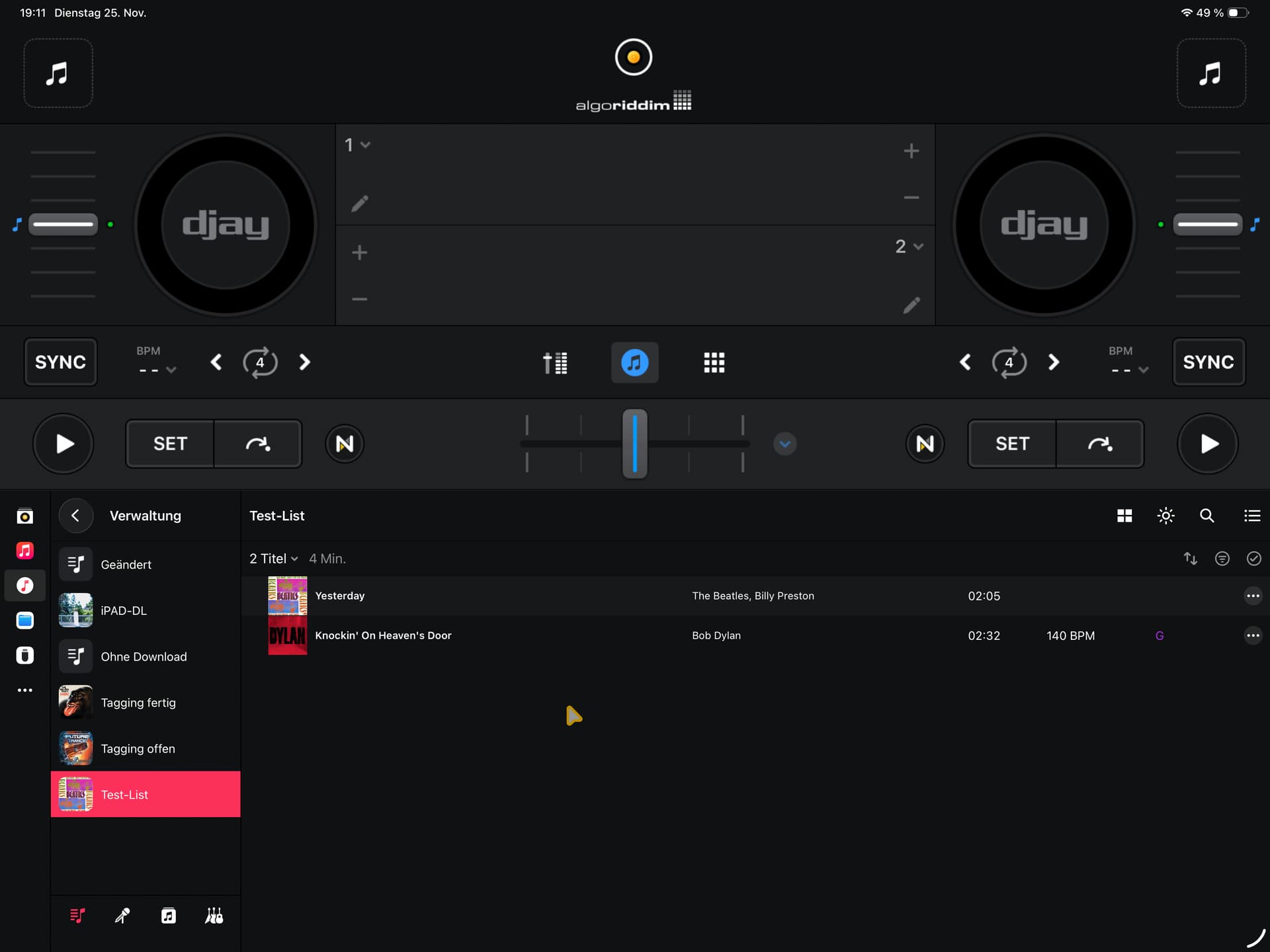
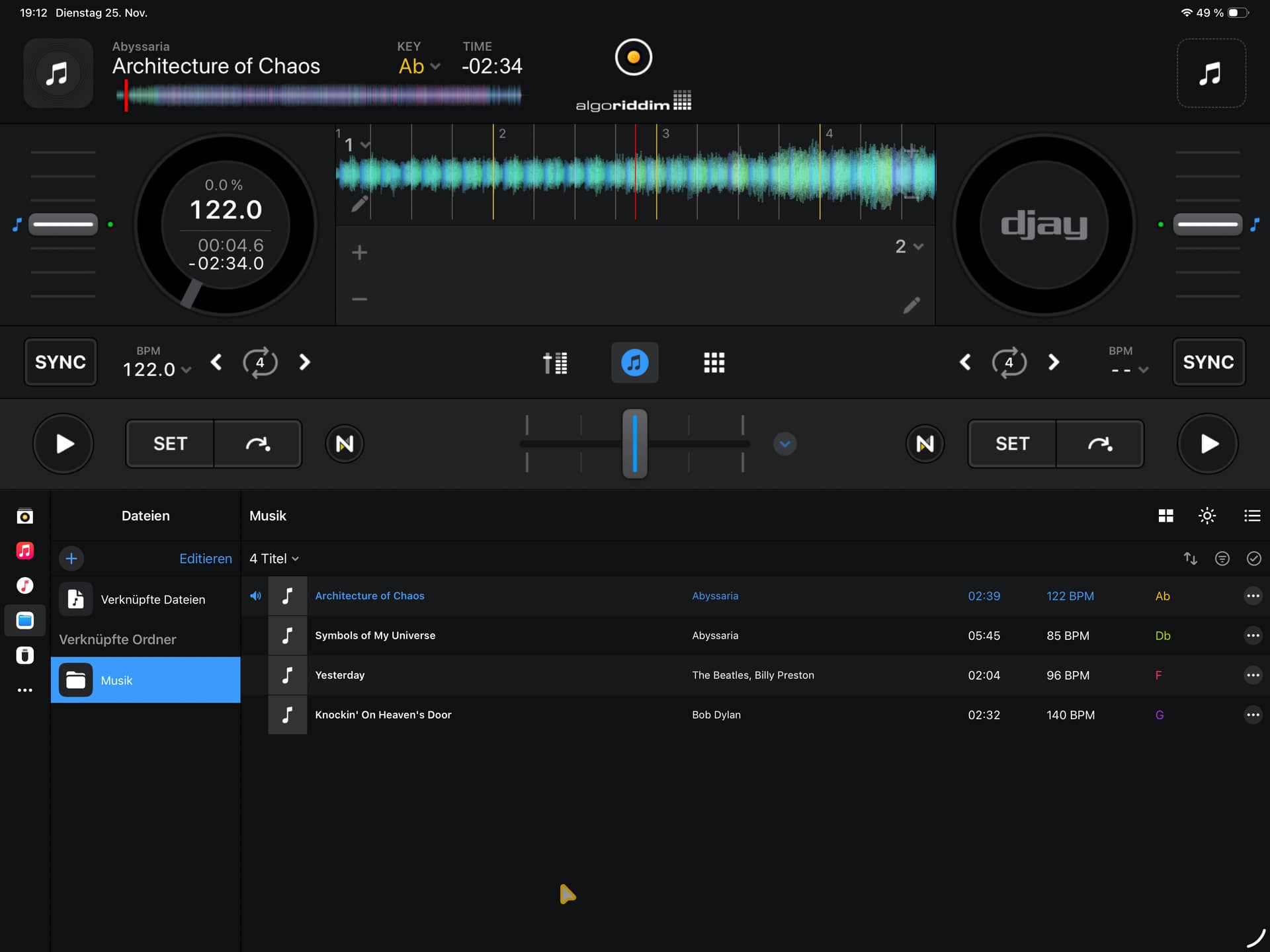
Attached 2 screenshots. “DL files from Apple Music” show the playlist with 4 files, offline available on my iPad…but only 2 files recognized in Djay. “DL files via finder” shows the same playlist but exported on my my and synced via iCloud. Then copied to the internal storage of my iPad. Result: All 4 track work fine… but not in case of sync via Apple Music.
1 Like
Thanks for the additional info and screenshots @WIng2005. I’ll share this with engineering.
Hi again @WIng2005, I spoke with engineering. The Local Music source shows what the system tells us is in those playlists/albums, so it would also be good to know if other apps that access Local Music (ex. the song picker in GarageBand or other music apps like Marvis) show the same behavior / same missing tracks. Thanks!
Hi @Slak_Jaw ,
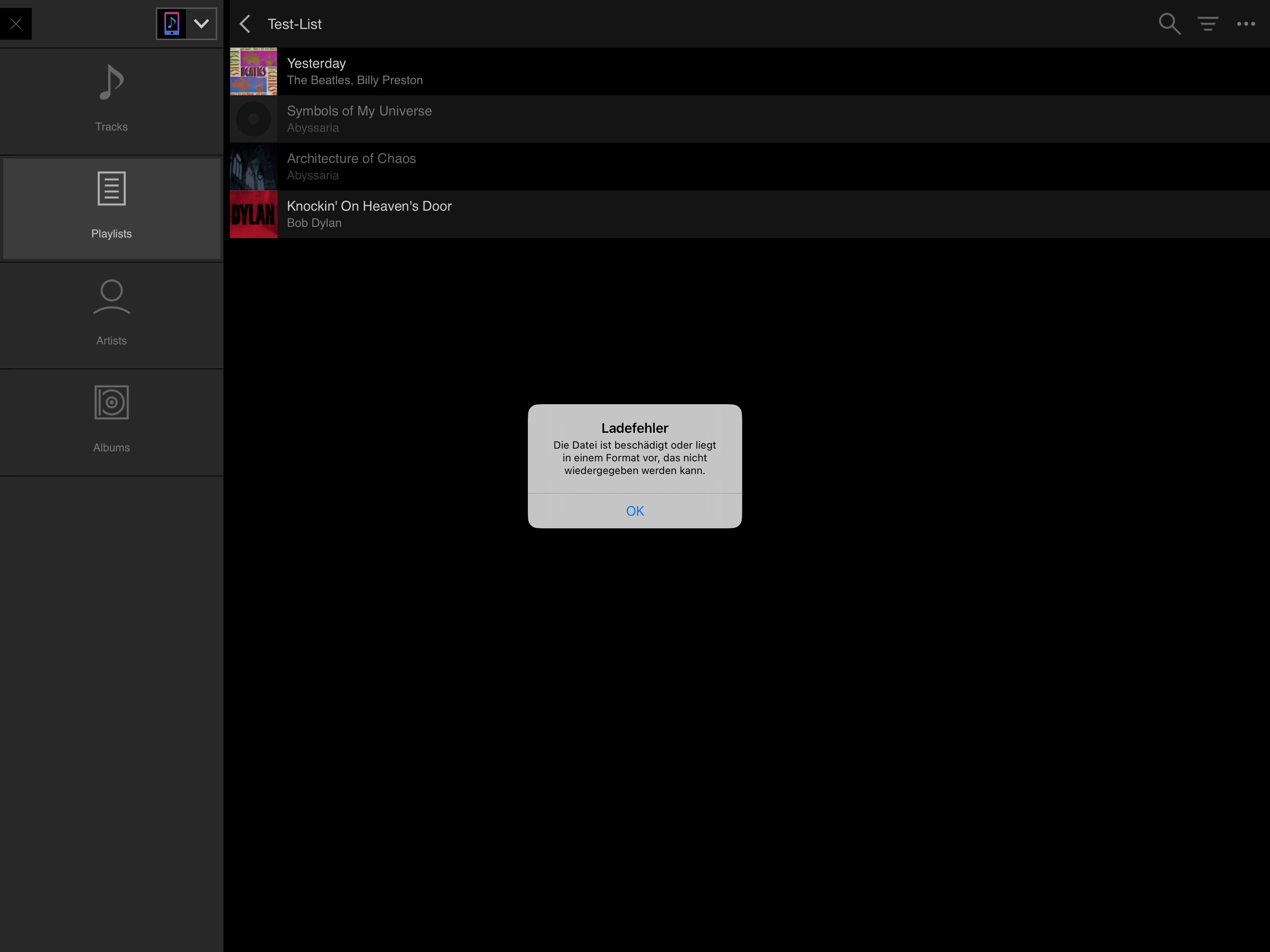
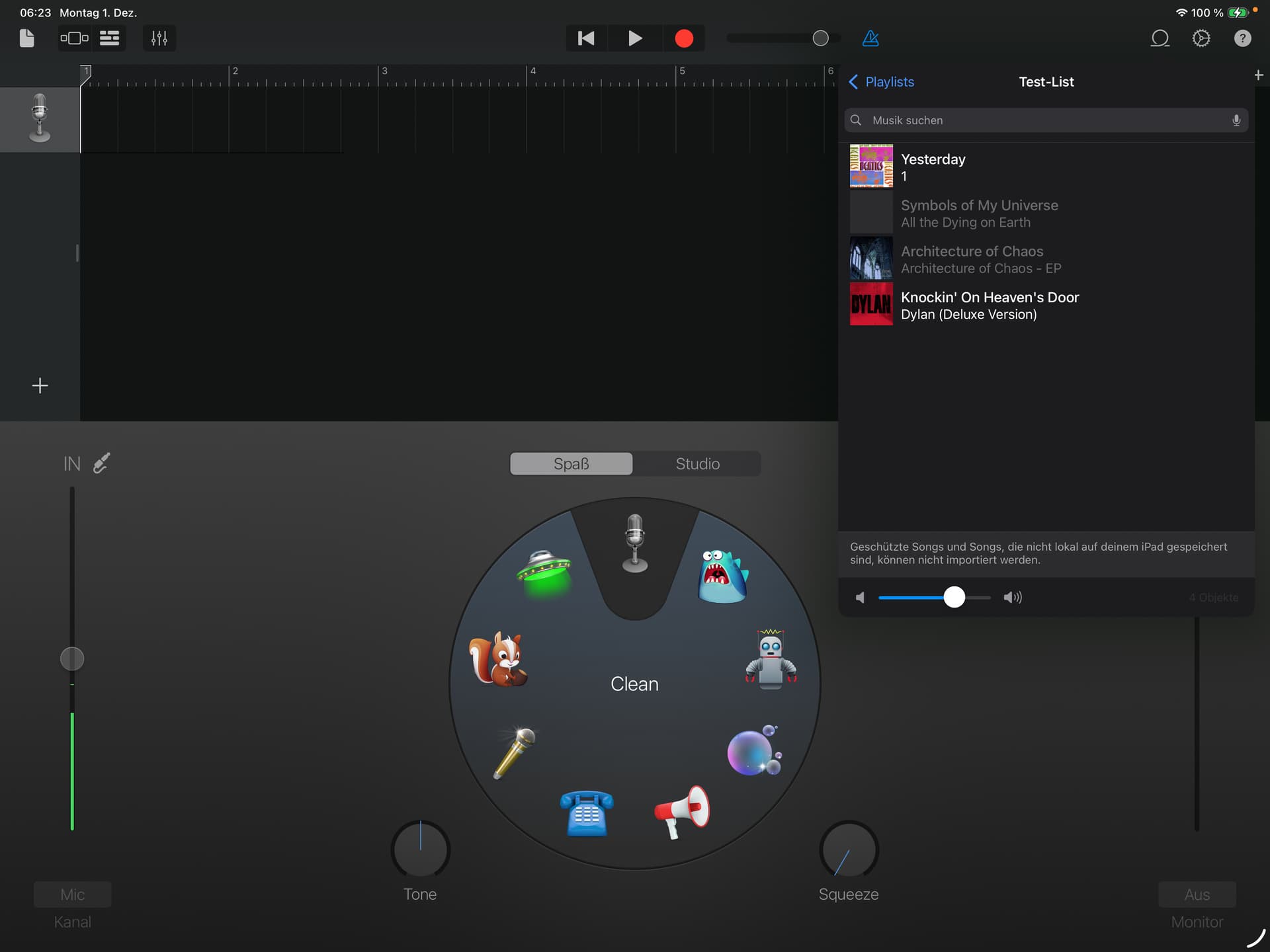
I checked with garageband and recordbox. Both show all 4 tracks…BUT 2 are not working and they tell that the files may be corrupted or in an invalid file format. That’s interesting as all 4 songs are purchased via music and downloaded the same way.
Best regards,
Steffen
1 Like
Something additional, what might help:
4 Tracks, here is what my MAC says:
1 purchased AAC → working offline on iPad
2 purchased m4a → working offline on my iPad in music, not working offline on iPad in Djay, recordbox, garageband
3 purchased m4a → -> working offline on my iPad in music, not working offline on iPad in Djay, recordbox, garageband
4 matched AAC (purchased via iPhone)-> working on my iPad
2 Likes
Interesting. Thanks for the additional info @WIng2005. I’ve passed this onto engineering.
Hi again @WIng2005, I spoke with engineering. You could try removing your entire music library from the iPad and syncing it again from your Mac to see if that clears up the issue. It would also be interesting to see the exact error message you received from Garageband as this may provide some clues. Thanks!
Hi @Slak_Jaw ,
I already did several times. Currently I see 23222 Tracks in Apple Music app, all downloaded. Djay shows 23081 tracks, so there is a gap of 141 tracks. My test playlist contains 2 tracks which are not available. I checked this list in garageband and recordbox. Both allow accessing 2 oo 4 tracks as well. The other 2 tracks are greyed out (garageband) and cannot be clicked. Recordbox allow accessing but show a failure message (corrupted or wrong file format):
The other 139 tracks are hard to identify…
Thanks again a lot for your support.
You’re welcome @WIng2005. Thanks for the additional info and screenshots. I’ll share this with engineering.
Hi again @WIng2005, something is wrong with these tracks given that other apps show an error. So, this is not a djay issue. Unfortunately, we don’t have any more suggestions here. We recommend that you contact Apple support to see if they can help determine what is wrong with those tracks. Sorry we couldn’t be of more help on this one.
Hi @Slak_Jaw ,
OK, I’ll try. Worst case is to switch back to my MacBook. Thank you for your patience and support.
You’re welcome @WIng2005. Sounds good.


