


Thank you Tony! You really saved this wonderful gear! I just tried out V2 of your mapping. Is there a newer version already available? 
1 Like
Welcome to the group @KidCologne
1 Like
Hi Tony,
Have you released the V3 mapping? Would love to get access!
2 Likes
After seeing screens updated on Pioneer controllers, I came here specifically to add my vote for the Kontroller S5/S8/D2 (I assume they’d all work the same).
1 Like
will the link stay the same? I just downloaded and the file says it’s still v2.
working on a new one now. I mapped an Akai APC mini to the loops. and a bunch of more items now that I have the hang of it. its going to be a big update from my last version. Some things I noticed didnt roll over are the LED colors on the pads.
2 Likes
I’ve been playing around with the S8 mappings and seems like they don’t work out of the box with the S5 as the MIDI CC’s are different. But, if you put it out I’d like to check it out.’
1 Like
I loaded the latest version of @Anthony_Ramirez mapping (V2), but trying to find a way to resolve a few things:
- How do you set the other pad banks? e.g. Loop, Stem, Sampler, etc..
- How do you change the colours on the pads and buttons?
- can the display screen CC’s be renamed?
Any help would be ace, as this device is perfect for DJay Pro as a DJ performance device, such a shame it was discontinued, and wasn’t class compliant.
1 Like
@Anthony_Ramirez I’d love to try your D2 mapping but I don’t see a link to it here.
1 Like
Hi @Mandrake, welcome to the Community!
You might want to check out the DJ TechTools MIDI Mapping page:
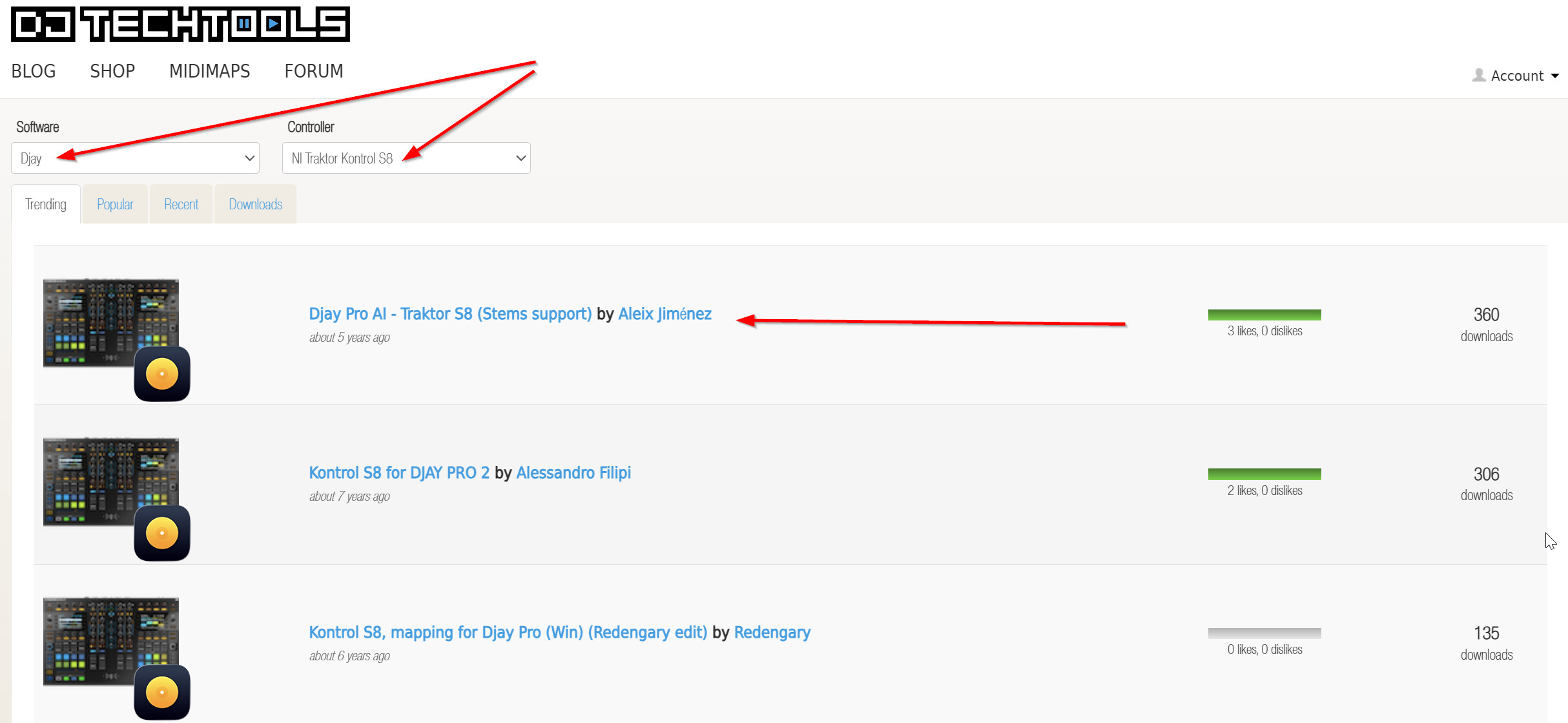
1 Like
Hey @Slak_Jaw thanks for the welcome!
Unfortunately I don’t see a mapping on DJ TechTools for the Traktor D2 controller for DJAY. I guess I can reverse engineer the S8 mapping as it’s basically 2 D2s with a mixer in the middle but I suspect the MIDI assignments aren’t 1 to 1.
I’m planning on using 2 D2s (I have 4) and a Z1 Mk2. Already picked up a mapping from the forums for the Z1 that works perfectly after a couple of minor changes.
You’re welcome @Mandrake
Should I start a new thread for the D2?
1 Like
Yes, that’s a good idea. I ran a search and didn’t find any existing D2 topics.
1 Like
You’re in luck
I just finished a crap ton of redoing a lot of the mapping and I labeled my controller. Also mated F1s to each controller and along with my S8 and a Akai MPC mini. I’m going to post the update shortly. It’s a lot. So I’m going to do some tutorial vids and post them too. It won’t be right away. All I can say is it sick AF and super fun!! Way better than some new school controller.
3 Likes
Can’t wait. Thanks @Anthony_Ramirez
you will need to download native instruments Controller Editor and give each controller a unique name. Or the system will think they are twins. and each time you restart your program, they will all be under one deck.
1 Like
Ah, I was wondering how that would work! That makes sense.
Thanks for sharing this important detail @Anthony_Ramirez
Is there anyway of making the screens work like they do for VDJ or Traktor?
2 Likes


