


Interesting @giu_gi  I’ll look into this and see if anyone at NI can steer us in the right direction
3 Likes
sounds good! it would be useful to know the right midi channel of the vumeters to be able to correctly edit the text of the file. I tried with NI controller editor, but it doesn’t recognize the z1 mk2. anyway thanks for your support
Thank you! 

Did you get Djay run in “hardware mode” after you mapped the Z1 on the iPad? I want to buy the Z1 but I will only buy it if Djay can run in “hardware mode” as I’m using an iPhone and the screen is small compared to an ipad
Apologies for the late reply @GP_NS , I can confirm that Djay can run in Hardware Mode with the Kontrol Z1 MK2 - I had the same concern when testing it with an iPhone 13 Mini 
2 Likes
Didn’t understand still. Will it work on my MacOS?
It’s class compliant so it works 100% on a Mac
@Slak_Jaw still not giving up on Traktor controllers… waiting since X1MK3 came out…
2 Likes
Thanks for the follow up @hardbea7
1 Like
I am getting jealous when I see that you succeeded in midi mapping the Z1 mk2 and the X1 mk3. I have them both but even if they are recognized by my MacBook and by Algoriddim Djay Pro, nothing happens when I’m turning the nobs in the midi mapping menu. The controller is mentioned on top of the midi mapping popup and I have an active PRO Subscription. I must be doing something wrong but can’t figure out what. Any ideas?
Did you put the controllers in MIDI mode? (Hold down SHIFT and press MODE)
2 Likes
I knew it should be something stupid. My other devices don’t need the midi mode. Thanks Michael, I had a lot of fun playing with the Z1 and X1.
2 Likes
Thanks for the help @Michael_Wisniewski.
1 Like
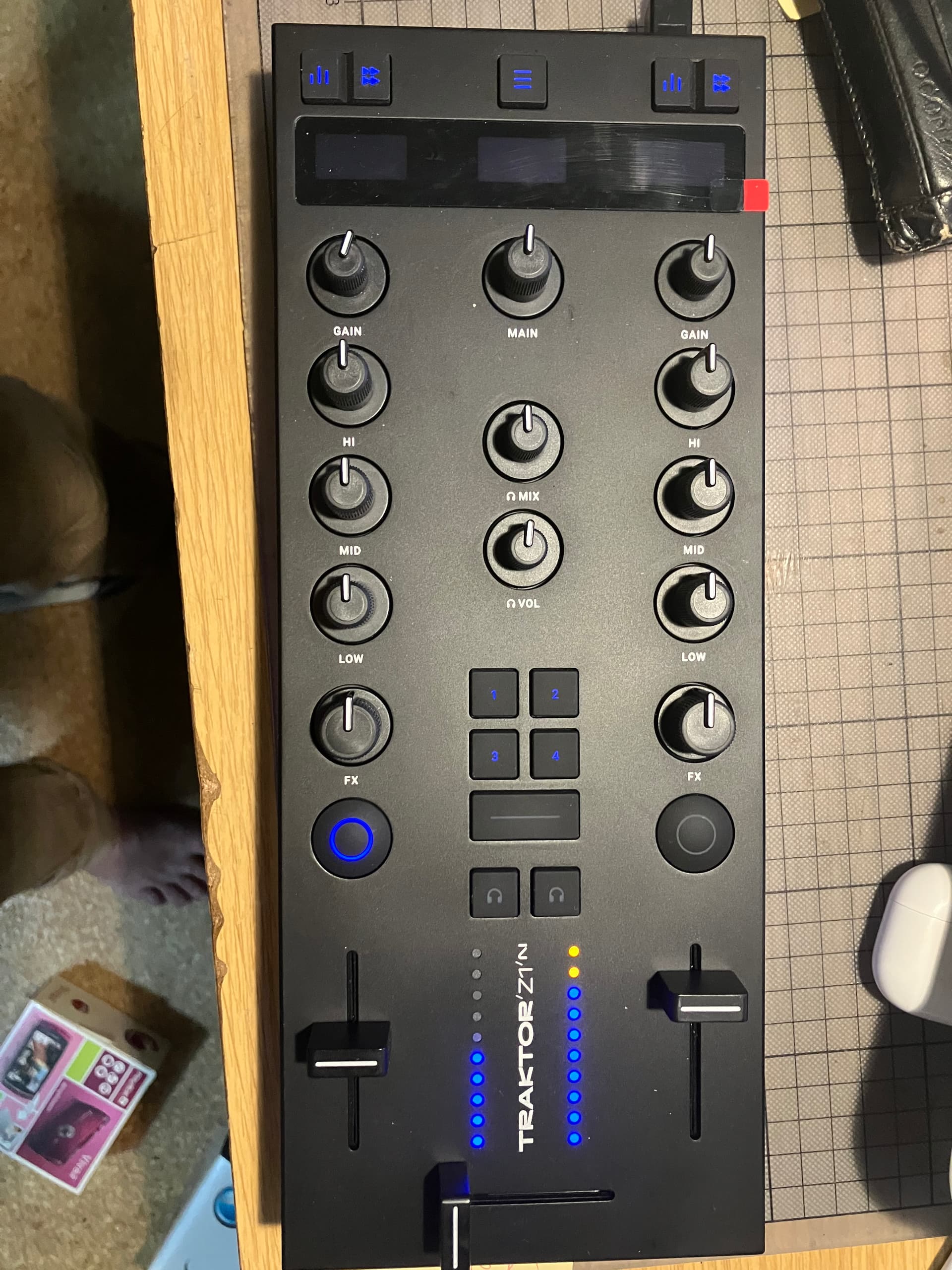
3 Likes
Nice! Thanks for sharing @marsu
2 Likes
This is great!! Well done.
1 Like
Just a check by the way: does this mapping enable the headphones output to work for pre cueing ?
Happy new year!
Hi all,
I have installed the mapping provided above but I have 2 small issues: vu meters don’t work and the headphone cue buttons work but they are always lit. Is it possible to make this work ? I am keen to learn advanced mapping (through modifications in the xml file), is there a guide for this ?
I was happy to see that the pre cueing output works perfectly.
I am using my z1 mk2 with a x1 mk3 on an iPad Pro 2018, both controllers are in midi mode. It’s perfectly usable as is but having the vu meters and the headphone button light working would make it perfect 
Thanks again and happy new year!
So what does “usable” actually mean in this case?
Even if we create a solid MIDI mapping and put the Z1 MK2 into MIDI mode, would it still be unusable for playing out?
If you connect speakers via the RCA outputs, there would be no audio, right — because the internal sound card isn’t being used in MIDI mode?
So you’d still need an external audio interface to play outside, or am I missing something?
there is a method, that i use to output the levels on most midi controllers…
it requires the audio from Djay to be routed out through the external mixer into the Reaper DAW and with the use of Helgoboss’s realearn plugin there is a peaks option which basically outputs the peak levels to any midi controlled LED’s
one can output an LED level to a single button LED(which will blink fast or remain solid if a audio signal is passing through)
theres alot of advantages of passing Djay pro audio into Reaper with Realearn
as a result even my traktor z1 LED’s works with audio levels, but as im using a pair of maschine Jam’s i can have any 4 decks outputting the LED levels from Djay pro via Reaper&Realearn
1 Like


