


Hello everyone! We have a new tutorial video available on our YouTube channel.
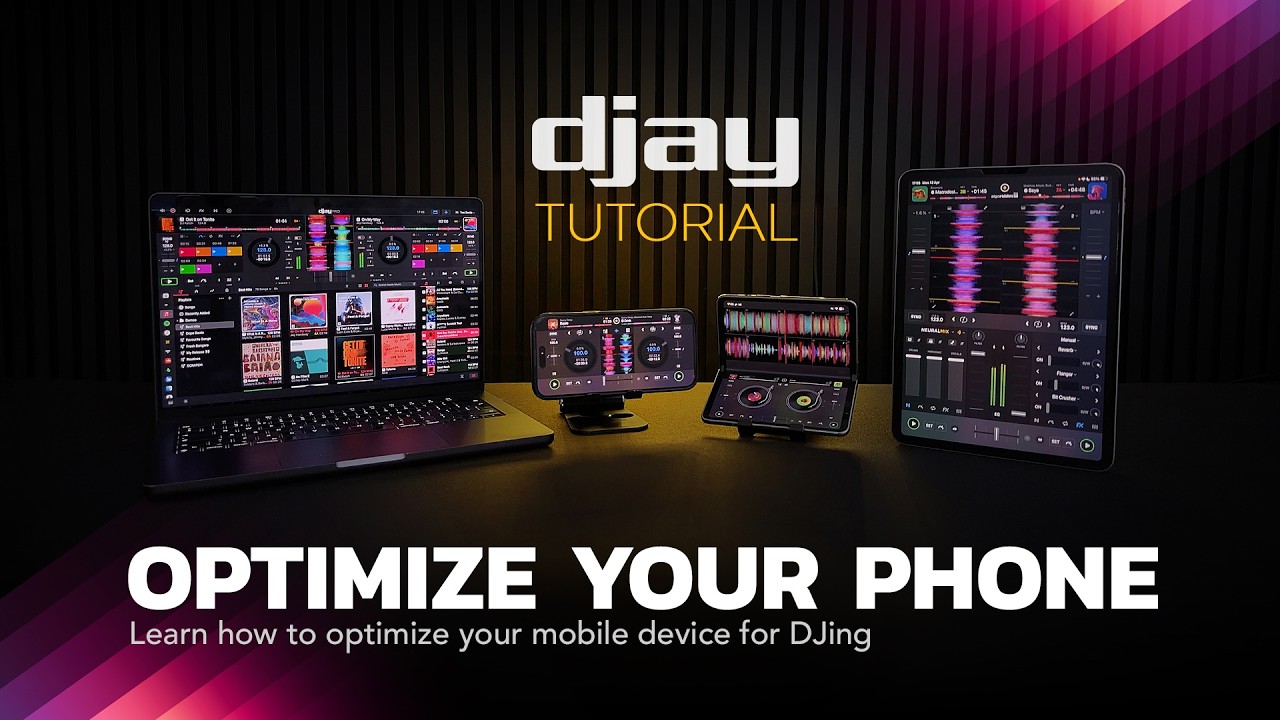
Hello everyone! We have a new tutorial video available on our YouTube channel.
Nothing that everyone shouldn’t already know (and use) when using Djay with their iPhone or iPad, but it’s still worth noting. After all, the ability to work with an iPhone or iPad is what sets Djay apart from other products.
Thanks for the additional feedback @Chris_R
So going off the fact that when you’re born you know literally nothing, how do you think people/humans learn things?
There is a time in your life when you don’t know something, then you learn and after that you do know something.
Videos like this are a good way of teaching people.
Love it, need more of this
Thanks @LaidbackFred
I’ve never really used Focus modes…but I think I’m going to look into making one called “Show” for when I’m working…
I’ve been using the automated focus mode with djay for years. Super helpful so you don’t have to remember to disable notifications every time you’re DJing.
I feel the same way, but I’m still a fan of using the main device (smartphone) only as a backup or maybe for spontaneous activities. You might want to take a photo or a short video, but then you can’t. So I mainly use an iPad, but I always have “Do Not Disturb” turned on there too, because otherwise messages and calls from my iPhone would show up there as well. 
Thanks for sharing @Chris_R
iOS also gives the option of auto-enabling it just for that device, or across all your devices.
I have mine set to auto focus just on the iPad itself, so my phone etc will still get all its regular notifications.
Great tip @TheSouthernDJ. Thanks for sharing!


