NOTE: Please use the search function above before posting to avoid creating duplicate topics.
Device model (e.g. 2020 iPad Air 4th Gen): Laptop Clevo NB50TH
Version of operating system (e.g. macOS 14.4.1): Windows 11 Pro 25H2
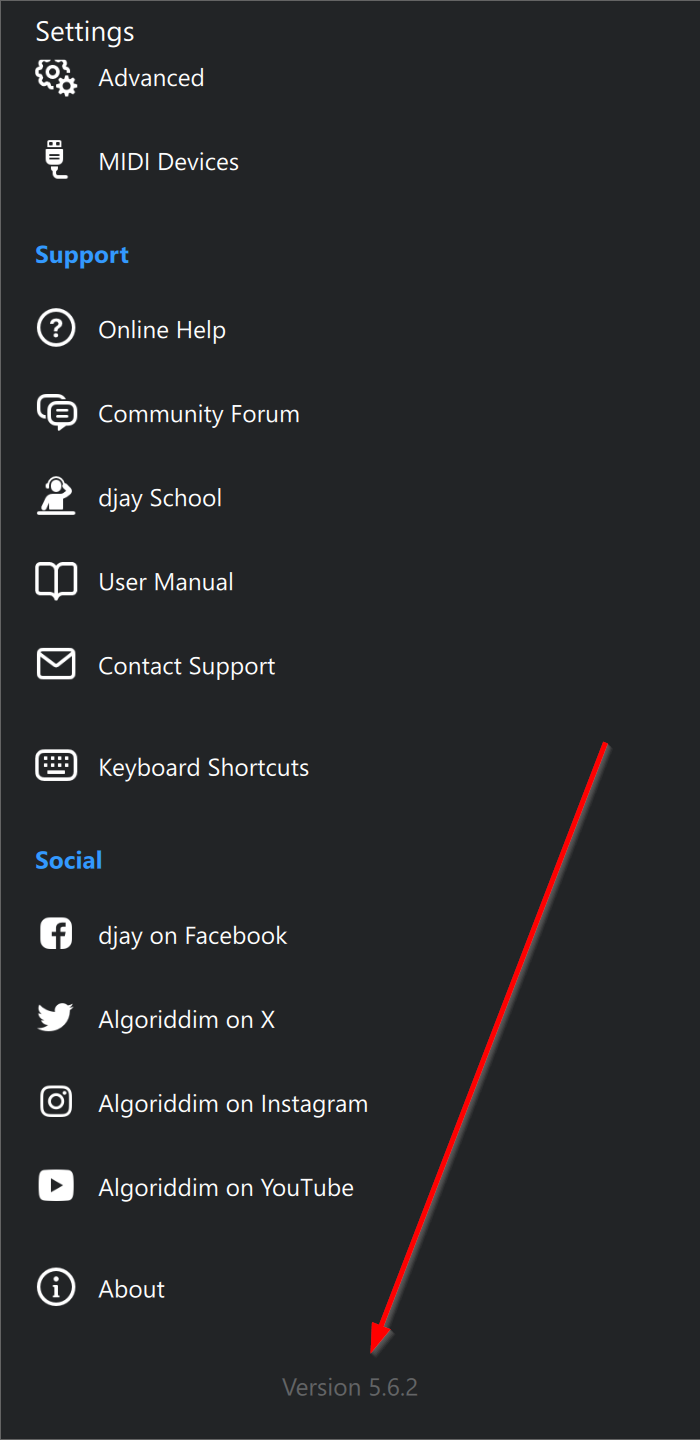
Version of djay (e.g. 5.1.2): 5.6.2
Hardware/controllers used (e.g. Reloop Mixon 8 Pro):
Hardware firmware version (e.g. 1.0.1):
Please consider sharing a short video or screenshots to help clarify your issue
A) SUMMARY OF ISSUE:
Can’t restore my purchase.
B) DETAILED STEPS TO REPRODUCE:
Open Djay Pro
Prompt to sign or restore purchase
Try to restore
C) EXPECTED RESULTS:
Purchase restored to anual plan
D) ACTUAL RESULTS:
Another prompt saying “Unauthorized”
I recently purchased an annual subscription, and initially, everything worked fine. However, every time I launched the program, I was prompted to subscribe or restore my purchase. I attempted a clean reinstallation of the system to resolve this, but now I am unable to restore my purchase at all. Clicking ‘Restore’ results in an immediate ‘Unauthorized’ error. I subscribed less than three days ago and can no longer access the premium features.
NOTE: Please use the search function above before posting to avoid creating duplicate topics.
Hello friends, I need your help. I have been having problems with Djay Pro for a few hours. Is this problem the same for you? The equipment is working. I currently have a DDj FLX4 Pioneer annual license, but when I perform the *Restore Purchases operation, I get an unauthorized message. If anyone knows the reason,
Hi @Orkhan_Abbasov, welcome to the Community! I’ve merged your topic with this existing one. Please see above.
Please also share your full setup details.
Device Model (ex. 2020 iPad Air 4th Gen):
Version of operating system (ex. iOS 17.3.1):
Version of djay (ex. 5.1.3):
Hardware/controllers used (ex. Reloop Ready):
Hardware Firmware Version:
Im having the exact same problem all im getting is unauthorised im also using windows 11 pro on my lenovo laptop im signed into the account where i purchased the subscription when i click restore purchase im just getting the massage over and over agin
Device model ASUS TUF gaming A15 Laptop
Operating system version Windows 10 Home 22H2
DJay version 5.6.2
Hardware/Controllers Used (Pioneer DDJ FLX4)
Firmware version 22602.213.1.0
Thank you @DJpeace. Unfortunately, I am unable to reproduce this on my Windows device. It’s possible there is an issue with the Microsoft Store. I need to follow up with our engineering team on Monday. I’ll share more news here when I have it. Thanks!
Thankyou ive already spoken to microsoft and here is there summary
Hi ,
This email provides a complete summary of the support session regarding your issue with accessing your djay Pro – Full Access to PRO subscription on your new Windows device.
During our conversation, you explained that you previously purchased the djay Pro Full Access subscription on your old Windows laptop. After performing a factory reset on that device and setting up a new laptop, the djay Pro app displayed an “unauthorized” message when attempting to use your subscription. You confirmed that the app had been downloaded directly from the Microsoft Store and that you had already attempted uninstalling and reinstalling the application.
After verifying your Microsoft account and confirming your purchase history, we completed all available troubleshooting steps together. These included validating that you were signed in with the correct Microsoft account, confirming the subscription associated with your purchase, reviewing your devices, and ensuring no conflicting accounts were affecting authorization. You also confirmed that the subscription previously worked on your old laptop before it was reset.
To further assist you, we initiated a secure remote support session through Microsoft Quick Assist. During the session, we validated system settings, account sign‑in, and subscription details. Despite completing all Microsoft‑side troubleshooting including methods recommended by the Microsoft Store and the application’s licensing process the issue persisted and remained unresolved.
Based on the results of our investigation, the subscription authorization issue appears to be on the developer’s side. Because djay Pro is developed and managed by Algoriddim, they are the only team able to review subscription verification, licensing, and authorization on their service.
For this reason, you were advised to contact Algoriddim directly. This recap email can be used as supporting documentation to show that Microsoft has completed all possible checks and that no issues were found on your Microsoft account or device configuration.