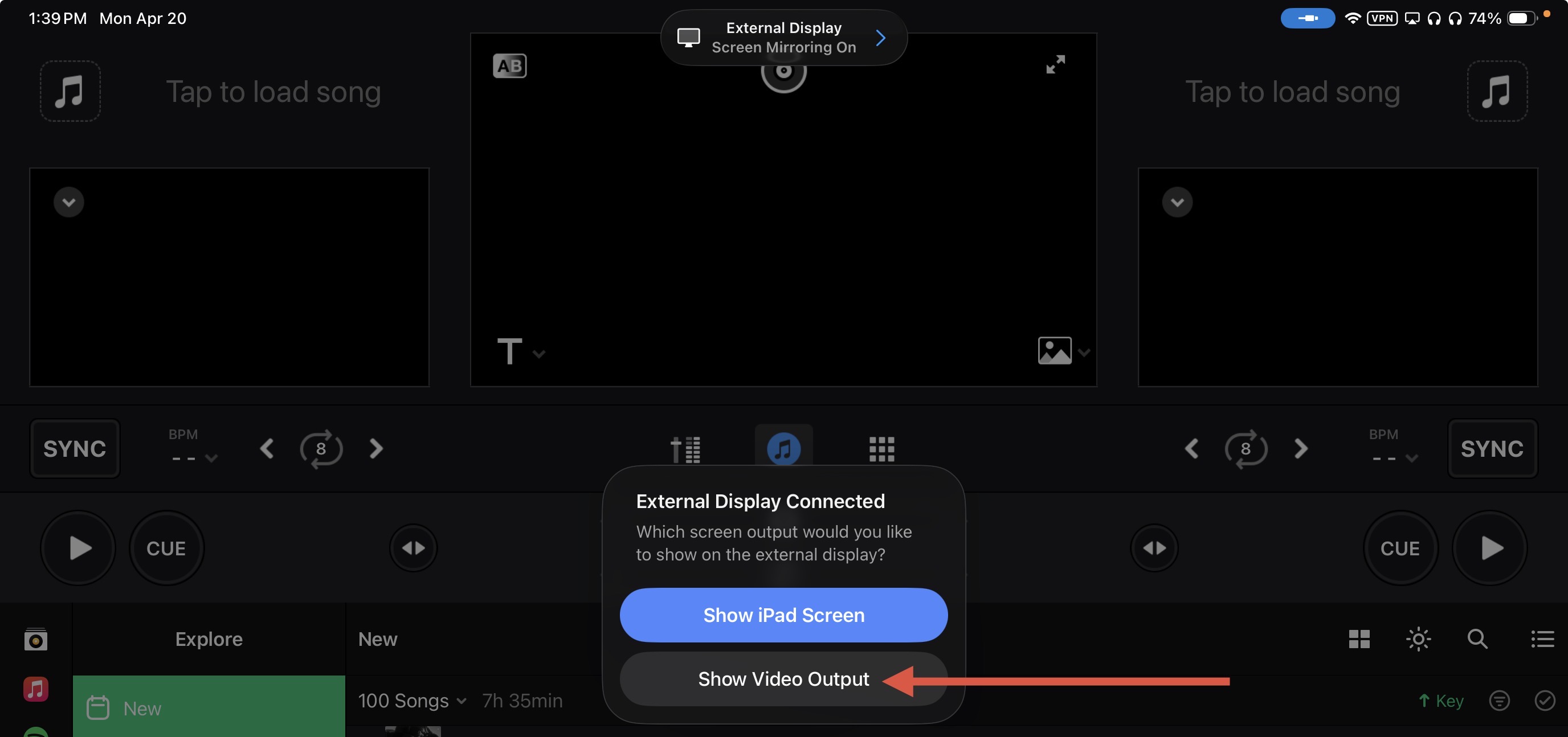
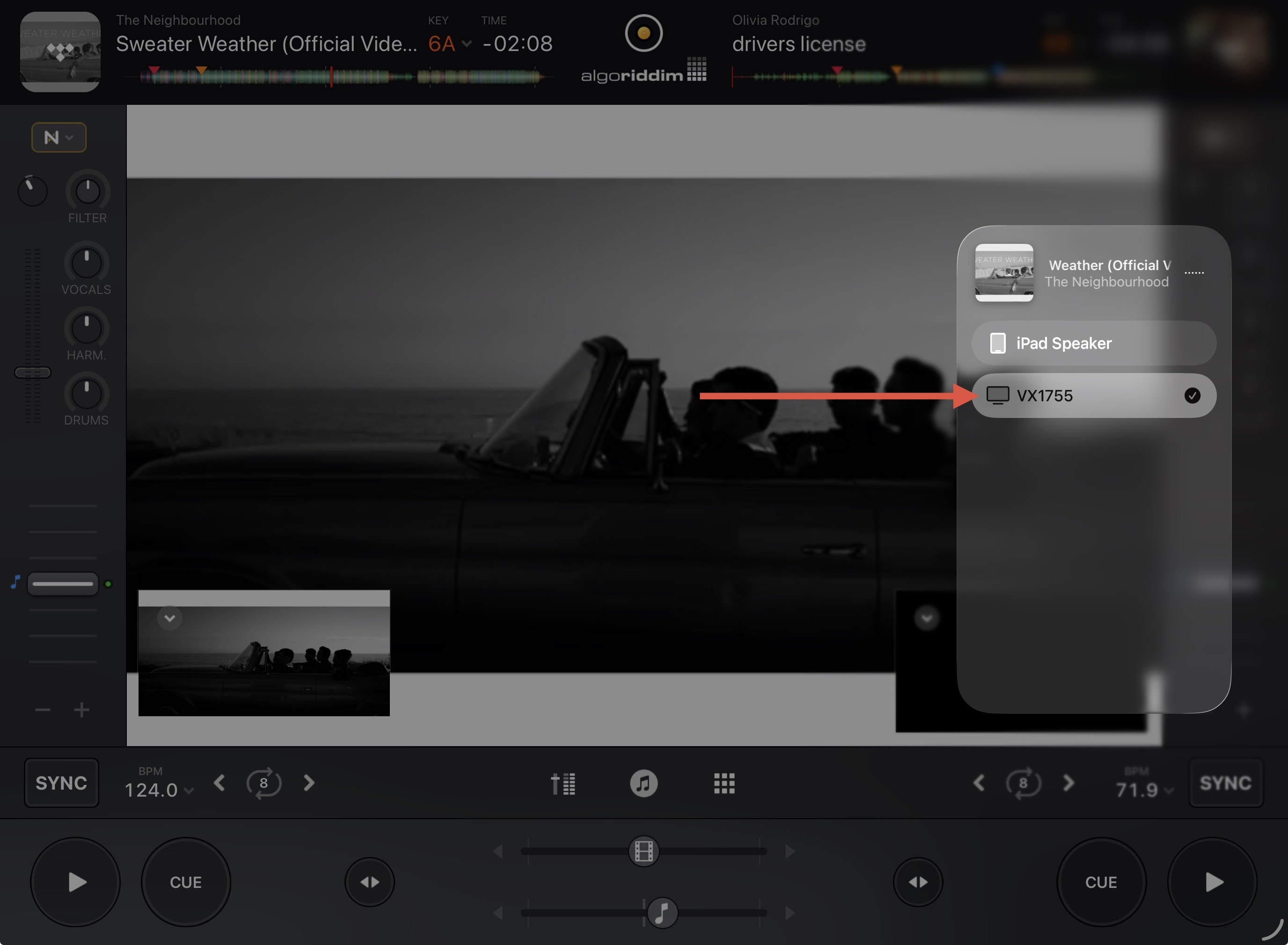
Hi again @GO_JA_GERN, if you disconnect, then reconnect your video cable while in Video Mode, you will be prompted to select Show Video Output instead of “Show iPad Screen”.
Sadly, despite following your protocol, it still does not work. No “full screen” video mix on my TV.
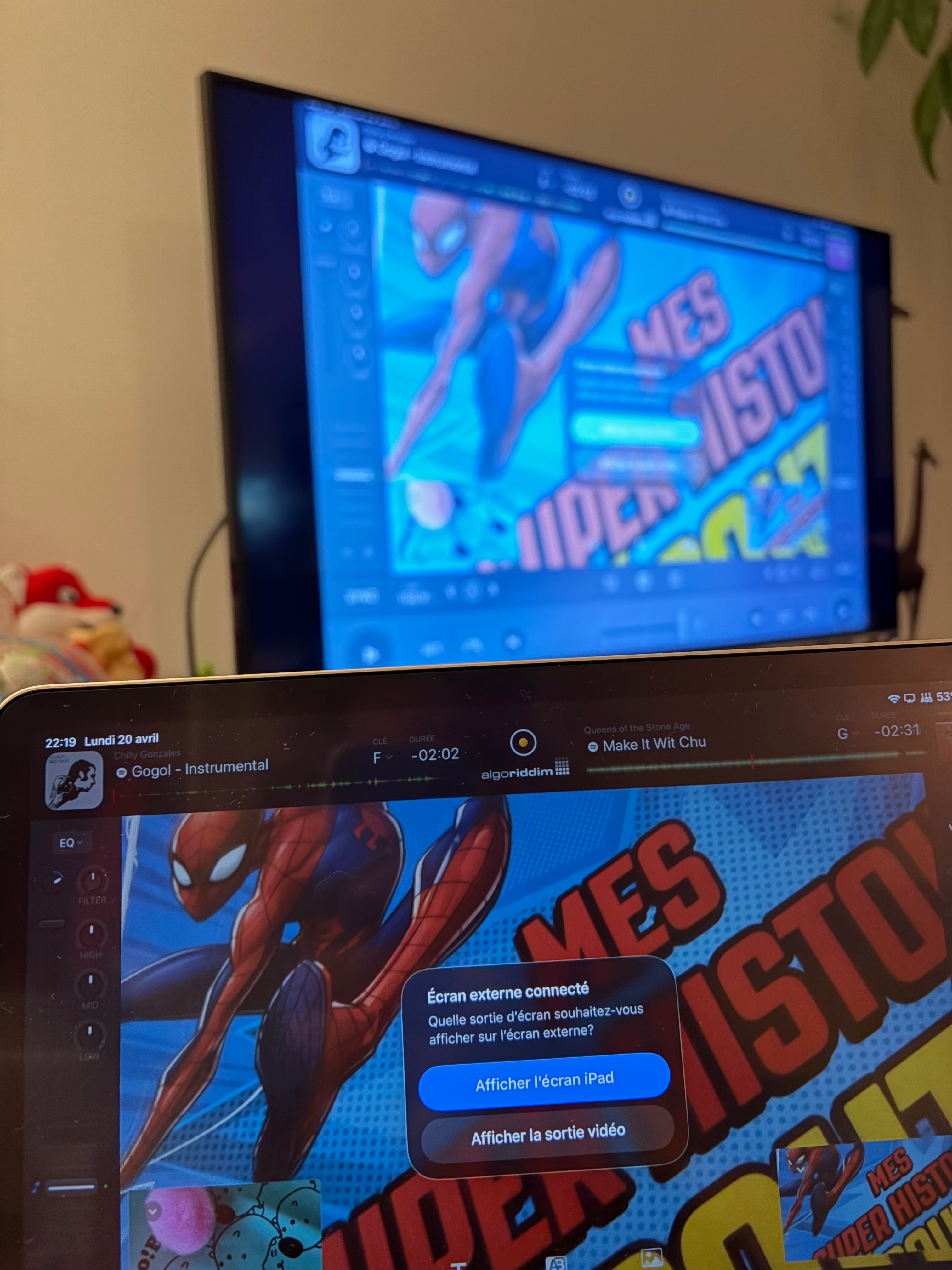
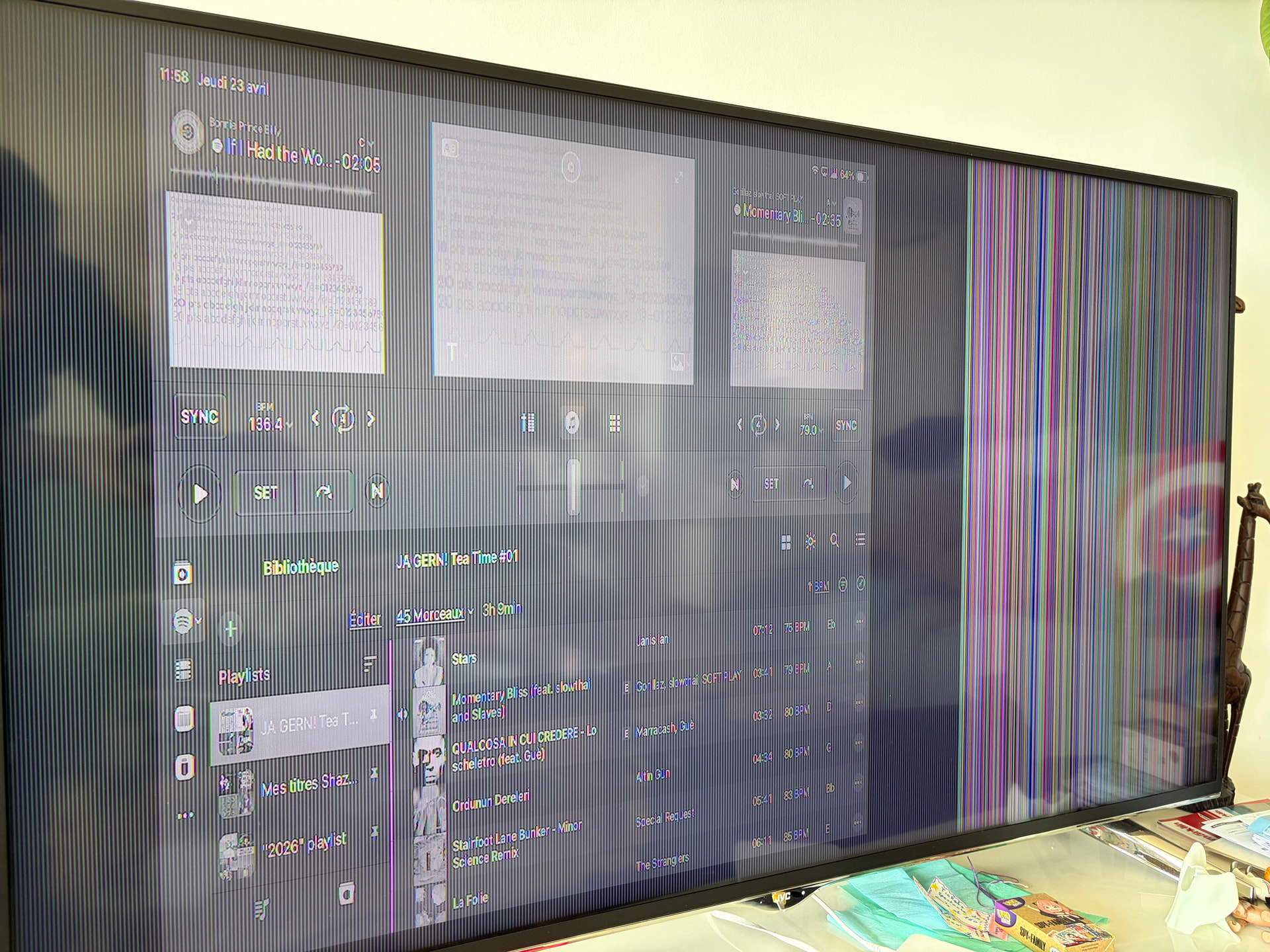
Here is a shot illustrating the situation:
Picture showing (not uploaded as new user can only upload on pic) my iPad’s screen (deck 1 video output + deck 2 video output videos + the main video output, two tracks and two live images loaded) + TV exactly mirroring iPad’s screen in the back of the picture. Connexion between the two devices works.
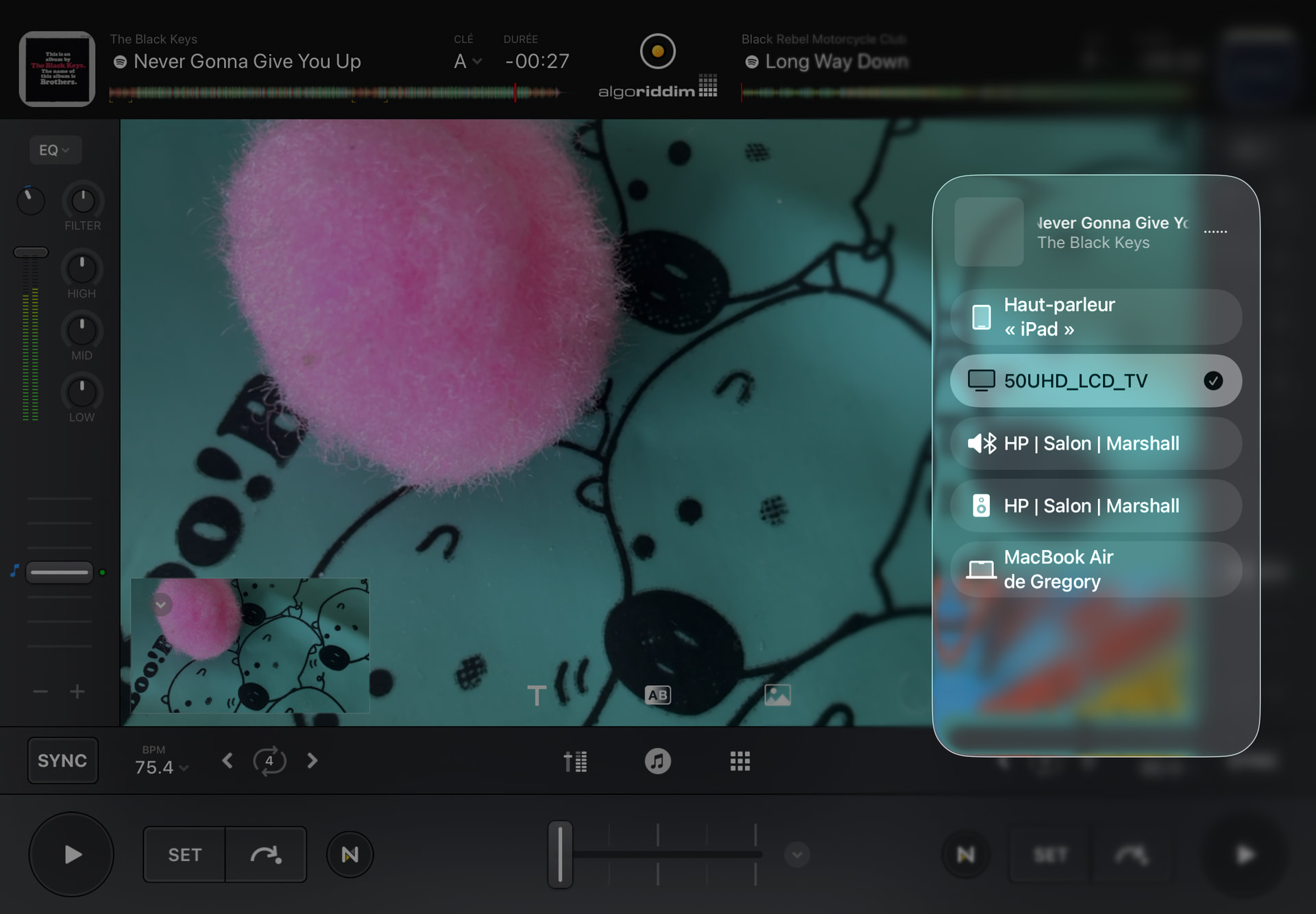
Picture showing iPad’s screen after disconnecting/reconnecting my HDMI video cable. It does indeed show “Show Video Output” and “Show iPad Screen”. When I select “Show Video Output” my TV screen becomes black + mentions “No Signal”.
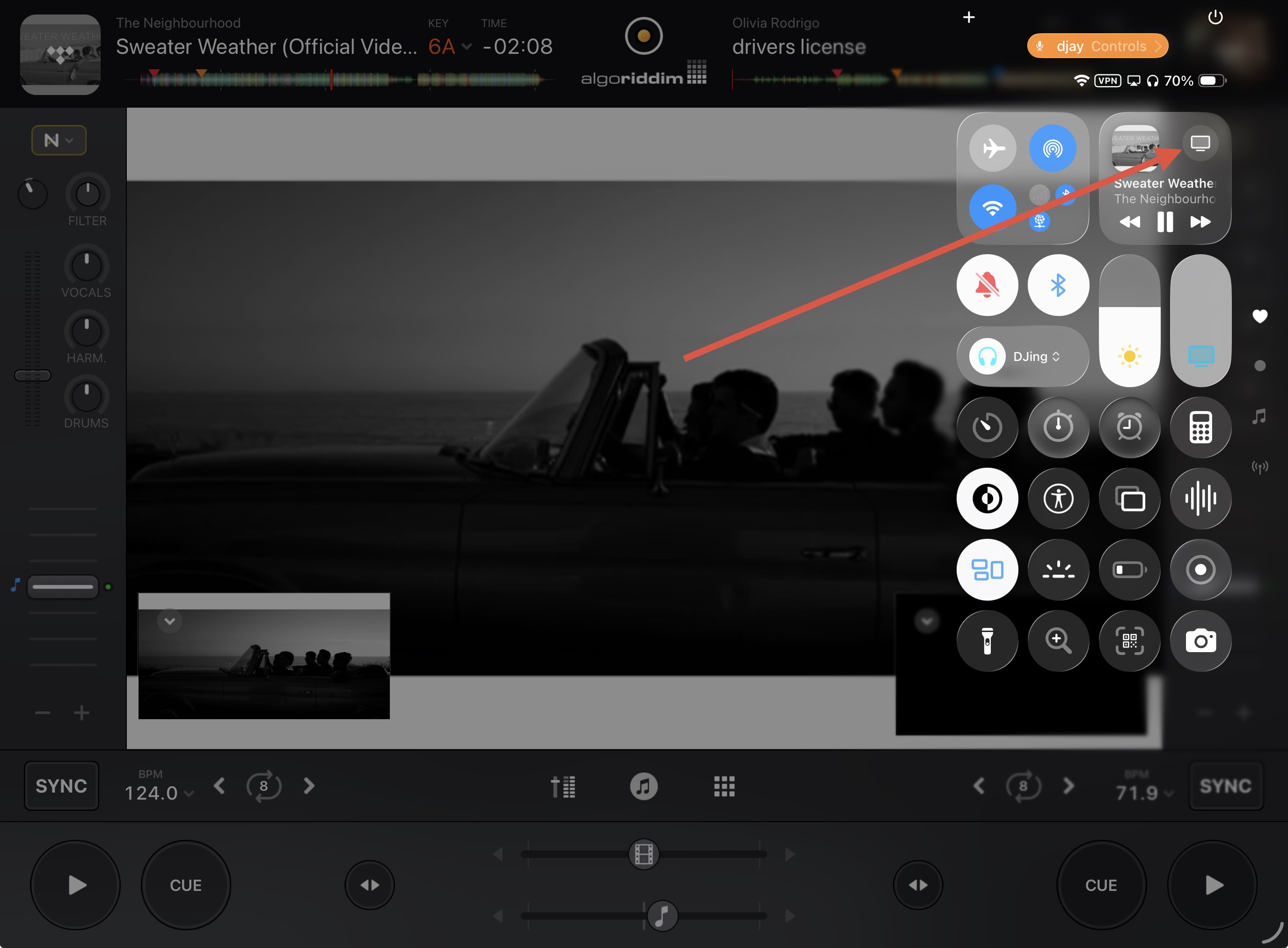
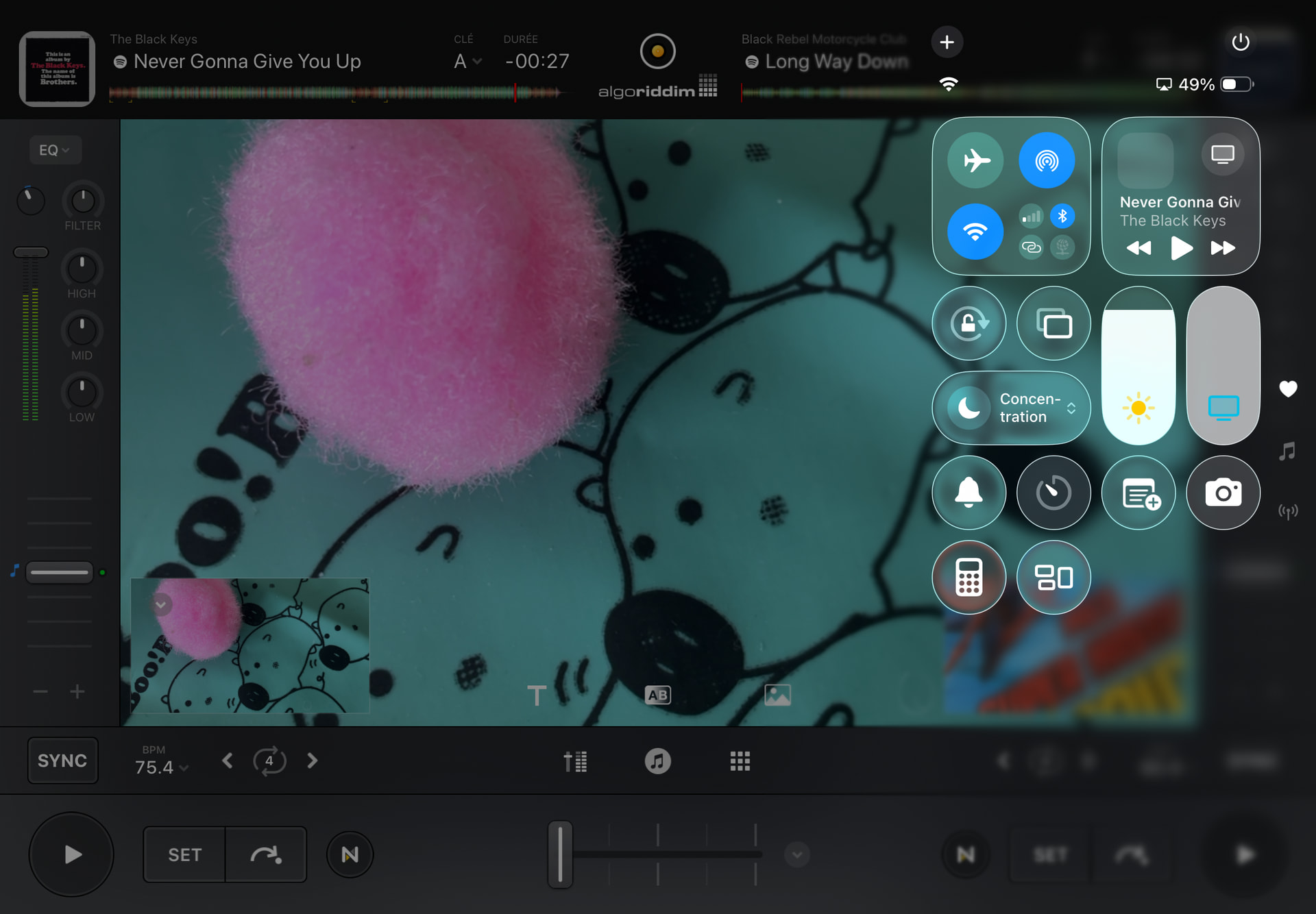
Please swipe down from the top right of your iPad screen to reveal Control Panel, then select the monitor/output icon and share a screenshot of the options.
What’s the make/model of your TV (Was it repaired recently?). We had one of our Hisense TVs repaired and it would throw off video signal for all other TVs when in the splitter chain, unless we disconnect it off the splitter.
Is there a resolution setting on it? If so, can you set it to either 720P (SD), or 1080P (HD)?
What is the total connections between your ipad and the TV (Is it via an HDMi splitter? Is your HDMI cable a branded type or just generic? Can you try one graded as HDMI “high speed”?
In djay “advanced setting”, set video “Size to Fit” as “Auto” or “Fit” and retry.
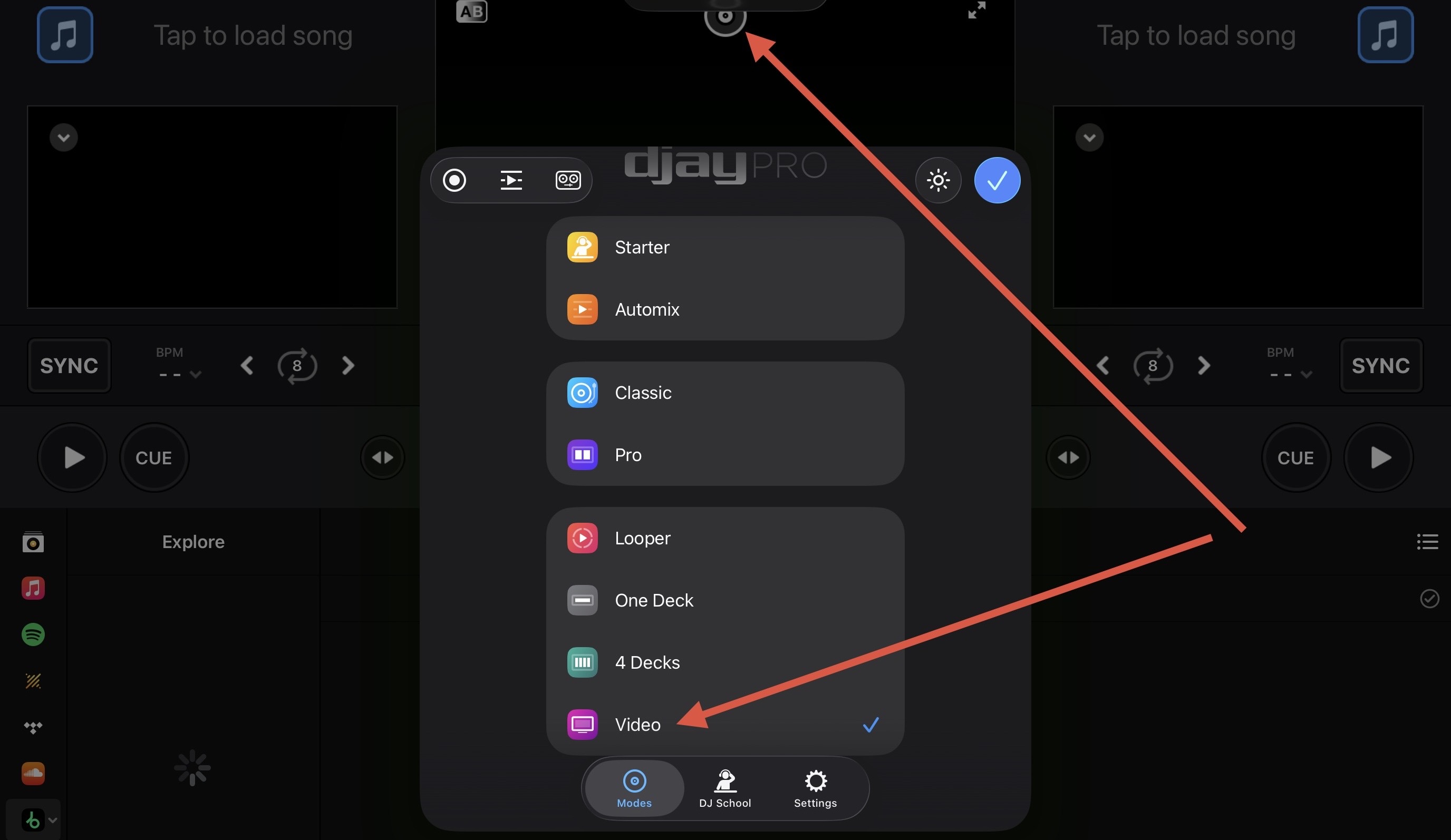
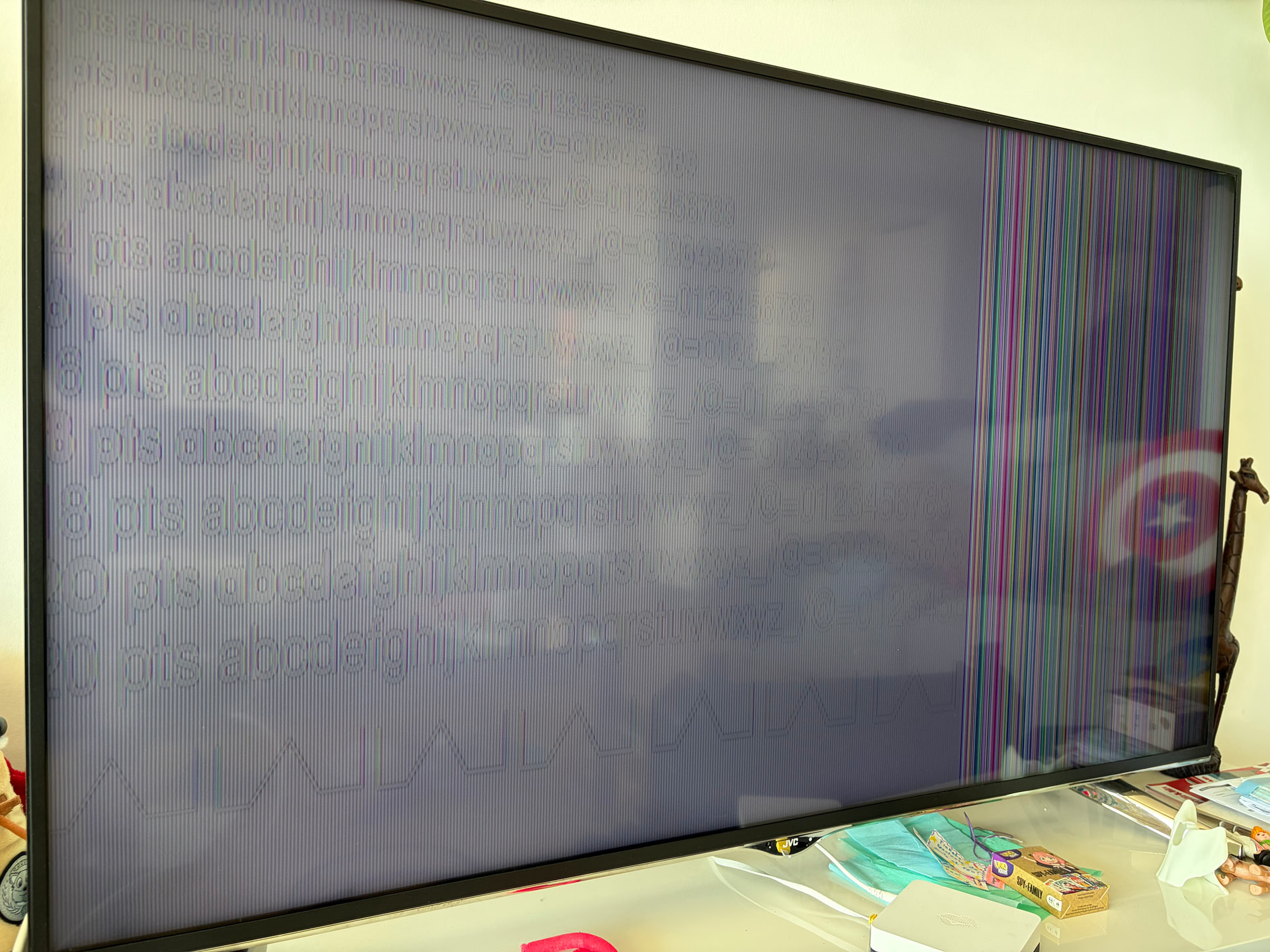
Funnily enough, when I took the provided screenshots, iPad was sawing two static pictures. I guess the second picture shows/unveils what might be the main Video output (but as a pic). Here is the second picture:
Thanks for your message and help. Here are the answers to your points:
TV = JVC 500UHD_LCD_TV. It has no problem and has never been repaired.
I search to change the resolution, nowhere in the menu I found the possibility.
iPad / usbc output / usbc 10Gb/s hub’s original cable / CalDigit usbc SoHo Dock / High speed hdmi Typ A cable with Ethernet, 5 meters / JVC TV.
I tried three setting (Size to Fit, Auto, Fit) always with deconnect/reconnect hdmi cable. Result = black screen on my TV/projector.
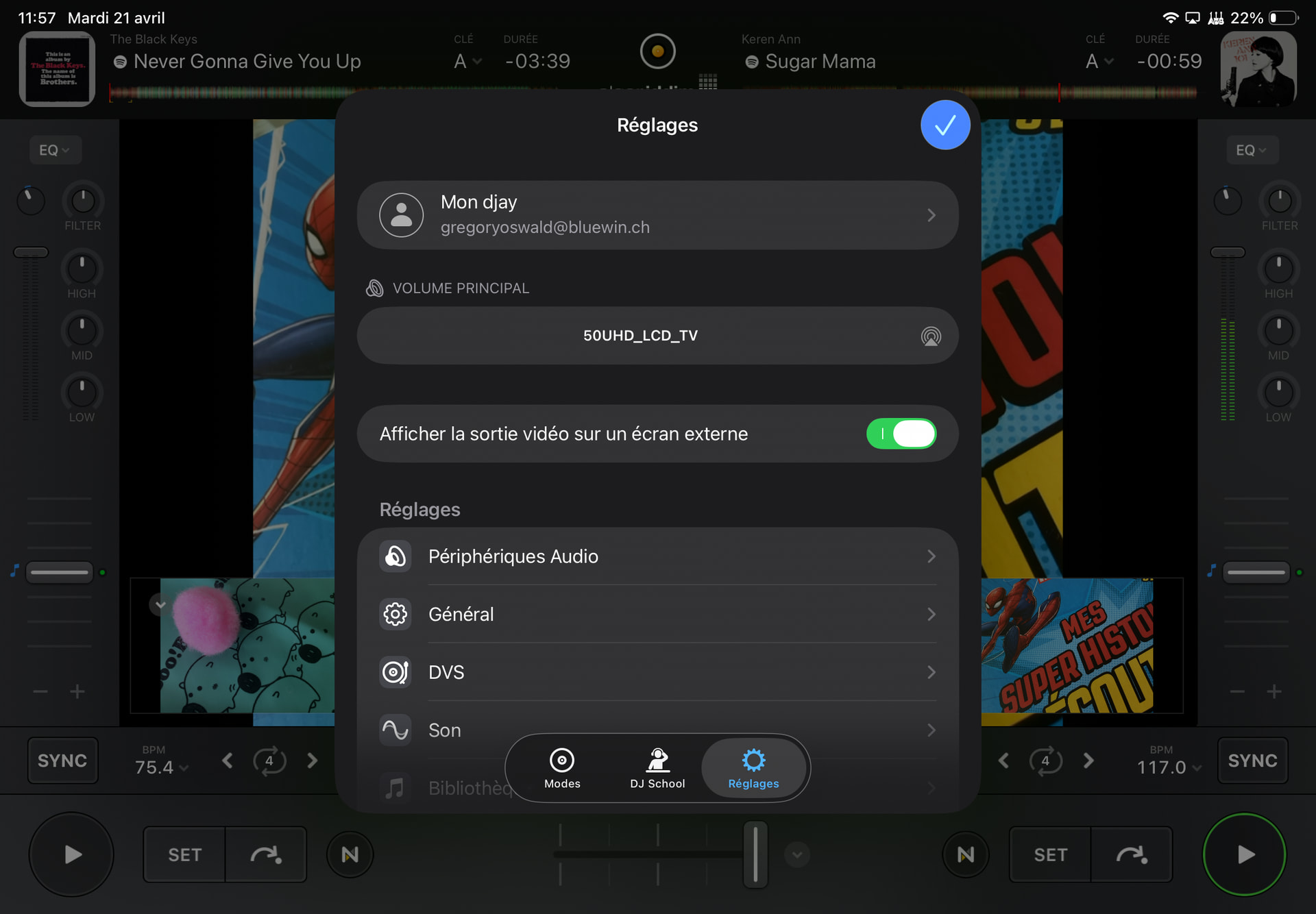
Nota bene: in the advanced settings, setting the button « Set video output as an external screen » on « green » results in a black TV screen (no full screen video on TV + no more mirrored iPad screen on TV). See picture below:
Sorry that hasn’t helped @GO_JA_GERN. I agree with @Armigo, try different cables, hubs and monitor.
If that doesn’t work. The only other thing I can suggest is a fresh djay installation to see if that clears up the issue. I suggest that you backup your djay Media Library database and any custom MIDI mappings, then uninstall djay, reboot your device, and reinstall the latest version of djay from the official App Store. You can find the files above in the following location: using the Files App, navigate to Locations->On My iPhone/iPad->djay->User Data
Copy the files to a new location or external drive before uninstalling djay. After reinstallation, you can simply copy these files back to their original locations to maintain your Hot Cues, Saved Loops, My Collection Playlists, History and Queue.
glad i haven’t yet come across a bad dock (baseus, lention, u-green and dell have done me good so far). my dell docking station is actually a thunderbolt dock


 (even if “video output” is selected on in djay app)